Choosing Venue Management Software for Multi-Space Facilities in 2026: 5 Options Compared
Compare 5 best venue management software for Multi-Space facilities, with prices, free plans and who each fits. Short verdicts, no fluff. Budget notes included.
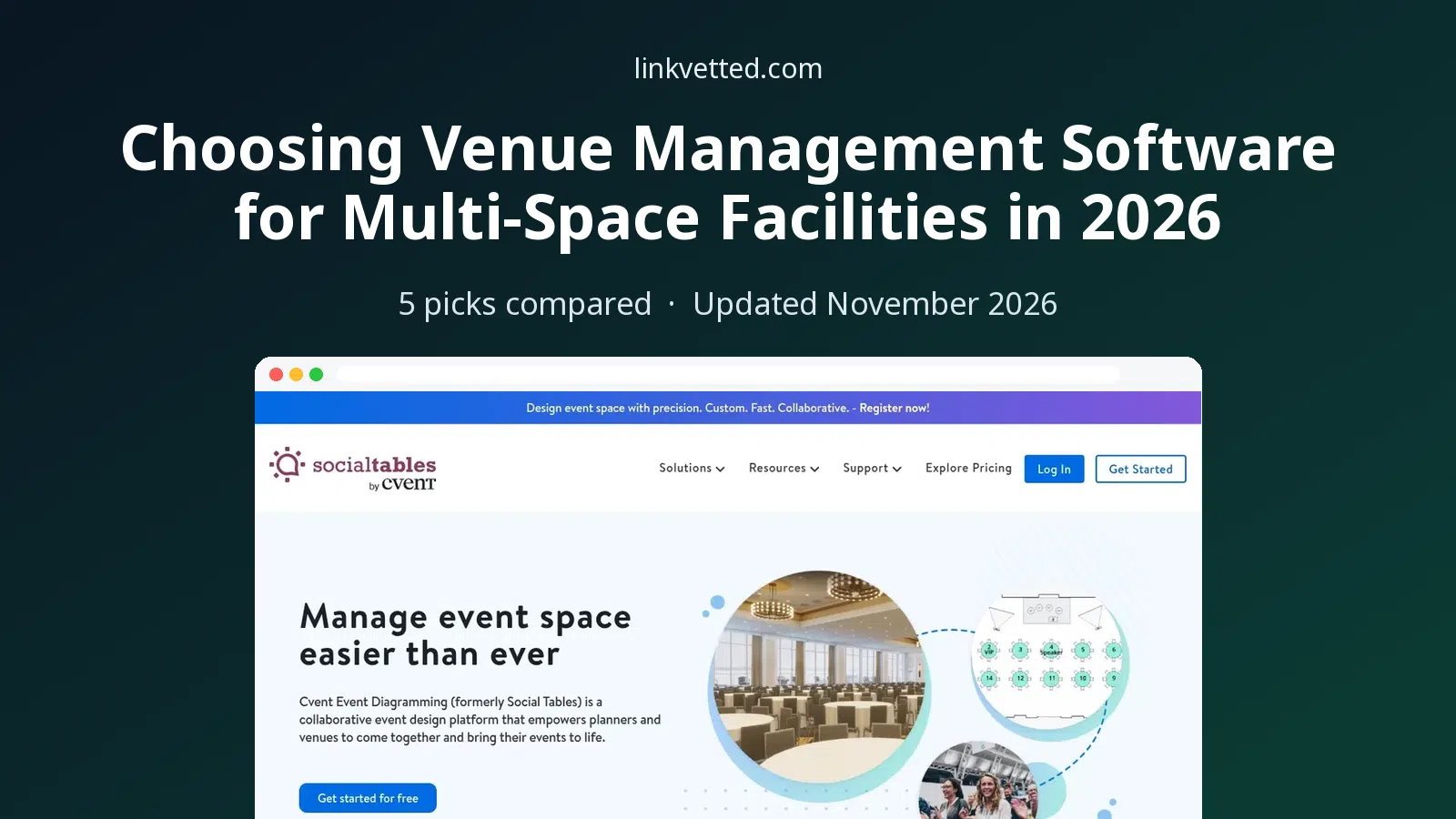
- Editor's choiceSocial Tables
Collaborative event diagramming and layouts
Starts at$49 a monthVisit socialtables.comFull review - Great alternativeSkift Meetings
Meetings industry news and insights
Starts atSee websiteVisit meetings.skift.comFull review - Also consider
 Planning Pod
All-in-one venue operations product
Starts atSee websiteVisit planningpod.comFull review
Direct answer
If you need collaborative event diagramming and layouts, Social Tables is the first tool to look at here. Listed starting prices: Social Tables from $49 a month and Aventri from $1,995 per registration. Skift Meetings is the stronger choice for Meetings industry news and insights, while Planning Pod suits all-in-one venue operations product. All 5 tools are compared below on price, free plan and limits.
TL;DR:
- The list opens with Social Tables, aimed at collaborative event diagramming and layouts.
- A fair warning about Skift Meetings: not venue management software.
- Starting prices begin at $49 per month with Social Tables.
- Social Tables stands alone as the one tool in this list with a free plan.
- Aventri fits event management for in-person and virtual.
Last checked November 2026. Prices and plan details were read from the vendors' own pages in November 2026; vendors change plans often, so confirm the current price on the vendor site before you buy.
Quick comparison
| Tool | Best for | Starts at | Free plan? | |
|---|---|---|---|---|
| Social Tables | Collaborative event diagramming and layouts | $49 a month | Yes | Visit |
| Skift Meetings | Meetings industry news and insights | See website | Not stated | Visit |
| Planning Pod | All-in-one venue operations product | See website | Not stated | Visit |
| Momentus Technologies | Large multi-space venue operations | See website | Not stated | Visit |
| Aventri | Event management for in-person and virtual | $1,995 per registration | No | Visit |
Every option for venue management software for Multi-Space facilities explained
LinkVetted put together this guide to venue management software for Multi-Space facilities for readers who want a clear shortlist without reading every vendor page. It compares 5 tools on starting price, free plans, who each one suits and where each one falls short.
Skift Meetings
Best for: Meetings industry news and insights
Skift Meetings works best for Meetings industry news and insights. Skift Meetings is a source of content for professionals working in meetings and events, including industry news, trends and insights.
Where it falls short: Content resource rather than operations tool.
As for the details, Skift Meetings is not a venue management product, so it cannot manage bookings, diagrams or payments. Facilities should treat it as a research resource and choose a dedicated operations tool for managing their spaces. Check the vendor site for Skift Meetings pricing; none is listed in this comparison. Free options: Not stated.
- Handles trends and insights
- Handy for market awareness
- Not venue management software
Planning Pod was built for all-in-one venue operations product. Check reporting and payment workflows against your internal processes before adopting. Planning Pod presents itself as venue management software venues actually run on, replacing patchwork apps with venue-built tools for leads, BEOs, floor plans, payments and reporting.
In daily use, since it spans plenty of workflows, teams should confirm that each module matches how their spaces operate. Venues needing only diagramming may find a focused tool more straightforward. Planning Pod shows no starting price here, so confirm the cost on the vendor site. Trial and free access: Not stated.
Downsides: May need onboarding time.
What users get: BEOs and payments.
- Includes leads
- Contains floor plans and reporting
- Feature depth varies by workflow
Momentus Technologies
Best for: Large multi-space venue operations
Pick Momentus Technologies if this describes you: large multi-space venue operations. Momentus Technologies is a venue and event management system geared toward organizations running several spaces and complicated operations.
Momentus Technologies shows no starting price here, so confirm the cost on the vendor site. Trial and free access: Not stated.
Points against: Needs setup planning.
- Fits complicated multi-space facilities
- Wide venue operations coverage
- May be more than small venues need
Aventri
Best for: Event management for in-person and virtual
Pick Aventri if this describes you: event management for in-person and virtual. Aventri, presented on its site as Stova, supplies event management software to organize successful events from virtual to in-person, simplifying planning.
Honest limits: May need mapping to venue workflows.
Teams may have to combine it with other tools for full venue coverage. Also, Aventri is oriented toward event management instead of venue-only operations, so facilities should confirm how it manages space-specific tasks for example room scheduling and layout planning. Entry price for Aventri: $1,995 per registration. Aventri has no free plan.
- Supports virtual and in-person events
- Simplifies event planning
- Wide event focus
Selection criteria
Selection started from tools commonly considered for venue management software for Multi-Space facilities, then narrowed to 5 that have clear pricing information or a clear quote process. Treat prices as a snapshot: vendors change plans often, so check the vendor site for the figure that applies today. The order reflects how well each tool fits the most common buying scenario for venue management software for Multi-Space facilities, then price clarity, then free plan access. It is a starting point, not a verdict.
Pre-purchase checklist
- Get a written quote from Skift Meetings, Planning Pod and Momentus Technologies; the list shows no starting price for them.
- Look at the free plan from Social Tables closely: its caps decide whether it is usable for real work.
- Read the limits listed for Social Tables first: less suited to full back-office operations.
- Pick one real project and run it in Planning Pod first; a small pilot shows fit faster than a checklist.
- Test how quickly Skift Meetings answers a pre-sales question; it hints at how support will feel later.
FAQ
Is diagramming enough for a multi-space venue?
Diagramming helps teams visualize layouts, but most multi-space facilities also need bookings, BEOs, payments and reporting. Confirm which workflows you need covered before choosing.
Is Social Tables the right pick for everyone comparing venue management software for Multi-Space facilities?
No single tool suits every team. Social Tables comes first because it fits collaborative event diagramming and layouts, while Skift Meetings suits Meetings industry news and insights and Planning Pod suits all-in-one venue operations platform. Match the tool to your own size, budget and workflow before deciding.
Which options for venue management software for Multi-Space facilities have a free plan?
Social Tables is the only tool in this list with a free plan. Free plans usually cap users, projects or features, so check the limits on the vendor page. Prices, free plan details and limits for all 5 tools in this Venue management software for Multi-Space facilities roundup sit on the individual cards above.
Where does Skift Meetings fit in a venue software search?
Skift Meetings is a content resource for meetings industry news, trends and insights, not a venue management system. It can inform your research and market awareness, but you still need a dedicated system for bookings, diagrams and operations.
What is the cheapest option for venue management software for Multi-Space facilities in this list?
On published monthly entry prices, Social Tables is the lowest here at $49 per month. Entry price is only part of the cost, because seats, add-ons and billing terms can change the total. Each of the 5 options in this Venue management software for Multi-Space facilities guide has its own card above with the price, free plan and limits.
How are the tools for venue management software for Multi-Space facilities ordered?
The order follows typical fit for venue management software for Multi-Space facilities, with Social Tables first and Aventri last, then price clarity and free access. It is editorial judgement, not a score, so another team could rank the tools differently.
Sources
- https://www.socialtables.com
- https://meetings.skift.com
- https://www.planningpod.com
- https://www.momentus.tech
- https://www.aventri.com
Social Tables
Best for: Collaborative event diagramming and layouts
Choose Social Tables for collaborative event diagramming and layouts. Its strength is diagramming instead of running every operational task, so venues needing bookings, BEOs and payments in one place may pair it with other systems.
The main drawbacks: Diagramming-centric scope.
In daily use, confirm how it links with your existing booking and operations tools before committing. On cost, Social Tables starts like this: $49 per month. You can start on Social Tables without paying.