6 Best UX Analytics Tools for 2026, Vetted and Compared
6 best UX analytics tools, with entry costs, free tiers and the buyer each one serves. Clear notes on pricing gaps and limits. Quick comparison inside.
- Editor's choice
 Adobe Analytics
Enterprise digital experience analytics
Starts atSee websiteVisit business.adobe.comFull review - Great alternative
 Heap
Capturing unknown user behaviors
Starts atSee websiteVisit heap.ioFull review - Also consider
 Amplitude
AI-driven product analytics and feedback
Starts atSee websiteVisit amplitude.comFull review
Direct answer
Adobe Analytics comes first here, mainly for enterprise digital experience analytics. Listed starting prices: Contentsquare from $39 per month, Mixpanel from $100 a month and Hotjar from $39 a month. Heap is the stronger choice for capturing unknown user behaviors, while Amplitude suits AI-driven product analytics and feedback. Prices, free plans and limits for all 6 tools follow.
TL;DR:
- Adobe Analytics is the opening pick, best for enterprise digital experience analytics.
- Before buying Amplitude, weigh this: complex for small teams.
- Only 4 of the 6 tools have a free plan (Heap, Contentsquare, Mixpanel, Hotjar), so check the caps.
- The lowest published monthly entry price here is $39 per month, from Contentsquare.
- For visual behavior insights for UX teams, Hotjar is worth a look.
Last checked November 2026. Prices and plan details were read from the vendors' own pages in November 2026; vendors change plans often, so confirm the current price on the vendor site before you buy.
Quick comparison
| Tool | Best for | Starts at | Free plan? | |
|---|---|---|---|---|
| Adobe Analytics | Enterprise digital experience analytics | See website | Not stated | Visit |
| Heap | Capturing unknown user behaviors | See website | Yes | Visit |
| Amplitude | AI-driven product analytics and feedback | See website | Not stated | Visit |
 Contentsquare | AI-first experience intelligence at scale | $39 per month | Yes | Visit |
 Mixpanel | Product teams tracking user behavior | $100 a month | Yes | Visit |
 Hotjar | Visual behavior insights for UX teams | $39 a month | Yes | Visit |
Our 6 UX analytics tools
Choosing UX analytics tools usually comes down to price, fit and limits. This LinkVetted guide sets 6 tools side by side on those three points, with the facts kept short and checkable.
Pick Adobe Analytics if this describes you: enterprise digital experience analytics. Adobe Analytics is complicated to implement and generally needs dedicated resources and training. It may be excessive for small teams or those seeking straightforward UX analytics.
Also, the product is part of Adobe's ecosystem, making it right for firms already using Adobe tools. On top of that, Adobe Analytics is an enterprise digital experience analytics system that brings together customer data, measures digital marketing performance, and optimizes journeys with AI-powered insights. For everyday use, choose Adobe Analytics when you need enterprise-grade data unification and are prepared for a significant setup effort. Pricing for Adobe Analytics is not stated here, so ask the vendor for current figures. Free options: Not stated.
Points against: Complicated implementation. Reasons to shortlist it: Measures marketing performance.
- Brings together customer data
- AI-powered insights
- Enterprise pricing and resources
Heap is a good fit for capturing unknown user behaviors. The system is meant to capture all interactions so teams can retroactively analyze user journeys. In practice, consider Heap when you need wide behavioral insights and are prepared to explore the data.
More specifically, Heap's thorough data capture can result in a large dataset that needs careful analysis and training to use effectively. It may not offer the same depth of visual UX features like heatmaps as dedicated tools. Heap by Contentsquare is a digital insights product that shows everything users do on your site, revealing the unknown unknowns that stay invisible with other tools. No starting price is listed for Heap here; confirm pricing on the vendor site. Heap includes a free tier.
Where it is weaker: May need training to use effectively.
- Presents everything users do
- Part of Contentsquare
- Less focus on visual UX tools
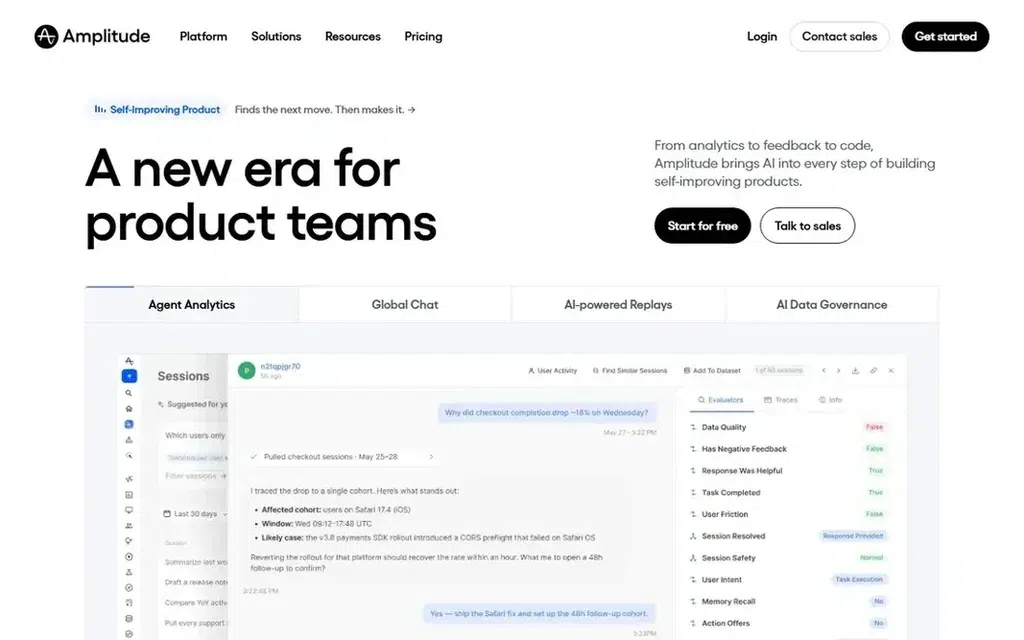
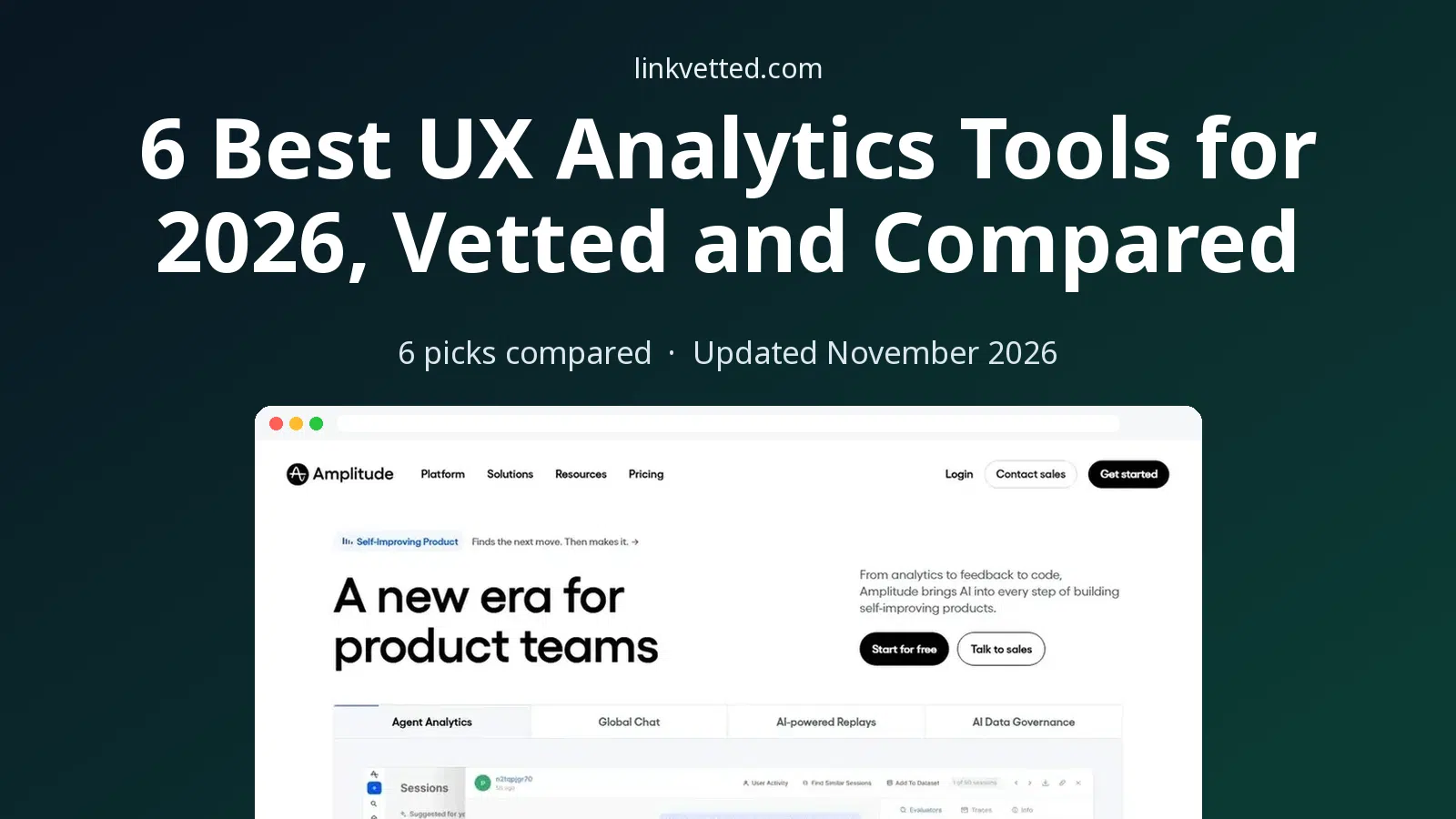
Amplitude targets AI-driven product analytics and feedback. Amplitude is a product analytics product that brings AI into every step of building self-improving products, from analytics to feedback to code.
In daily use, the product is made for organizations that treat product data as a core asset for growth and optimization. Consider Amplitude when you need deep product analytics with AI support and are ready to invest in data instrumentation. No starting price is listed for Amplitude here; confirm pricing on the vendor site. On free options: Not stated.
What to check first: Focus on product data over visual UX.
- Supports self-improving products
- Analytics with AI throughout
- Complex for small teams
Contentsquare targets AI-first experience intelligence at scale. Worth adding: Contentsquare's enterprise orientation means it can be complicated and resource-intensive to implement.
Choose Contentsquare when you need a wide experience intelligence product and have the infrastructure to support it. Beyond that, the product is aimed at those who want to unify behavioral, journey, and experience data to optimize digital experiences. On cost, Contentsquare starts like this: $39 per month. Contentsquare includes a free tier.
What to check first: May need dedicated resources.
- Turns signals into better experiences
- Understands human and agent journeys
- Enterprise-focused complexity

Mixpanel makes the most sense for product teams tracking user behavior. Mixpanel is a product intelligence product that brings together analytics, session replay, experiments, and feature flags, with AI-powered insights. On top of that, for purely visual UX research like heatmaps, a dedicated behavior tool might be more straightforward.
Downsides: Steeper ramp-up time for beginners.
Mixpanel's depth means it can take time to set up and learn, notably for teams without analytics experience. More specifically, the system is built for teams building digital products that require behavioral data to inform decisions. Choose Mixpanel when you need integrated product analytics and experimentation instead of standalone UX visualization. On cost, Mixpanel starts like this: $100 per month. Free access exists with Mixpanel. Best features of Mixpanel: AI-powered insights.
- Merges analytics with session replay
- Experiments and feature flags
- May be overkill for straightforward UX research
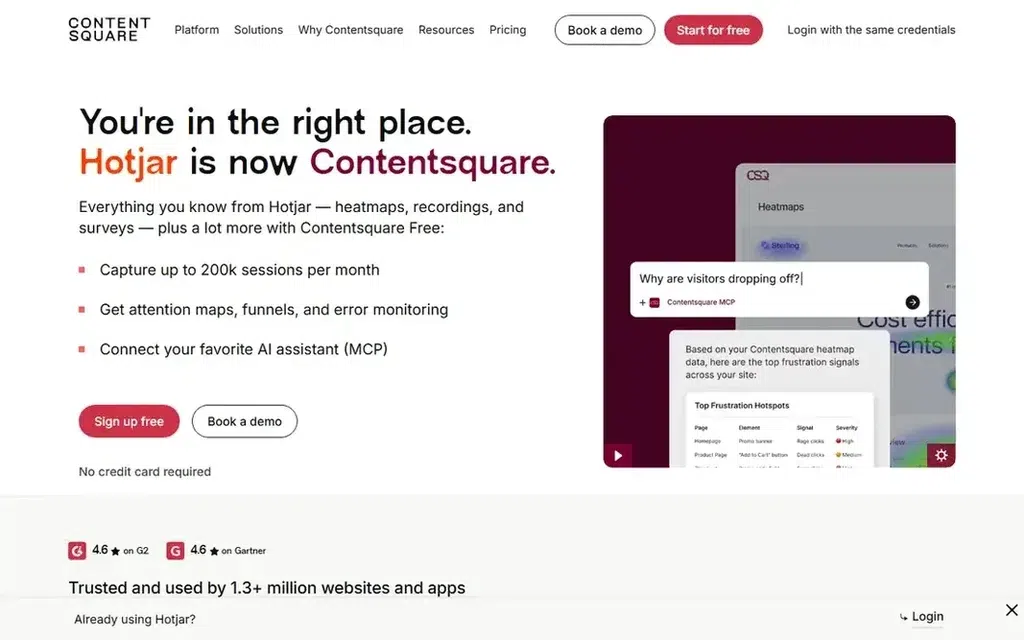
In short, Hotjar is for visual behavior insights for UX teams. Hotjar is a behavior insights system known for heatmaps, session recordings, and feedback polls that help teams see how visitors interact with pages.
What to check first: Restricted advanced product analytics.
Beyond that, the product is positioned for midsize and small to medium firms, making it accessible for teams starting with behavior analytics. Hotjar starts at: $39 per month. Hotjar includes a free tier.
- Midsize and SMB focus
- Heatmaps and session replay
- May need integration for deeper data
Our selection method
Selection started from tools commonly considered for UX analytics tools, then narrowed to 6 that have clear pricing information or a clear quote process. Where a price is missing, the vendor does not list one publicly or ties it to a quote. Always confirm before budgeting. The ranking is editorial: typical fit first, then clear pricing, then free access. If your needs are unusual, read the profiles rather than relying on position.
A buyer's checklist
- Get a written quote from Adobe Analytics, Heap and Amplitude; the list shows no starting price for them.
- Look at free plan limits closely: Heap, Contentsquare, Mixpanel and Hotjar have one, and the caps decide whether it is usable for real work.
- Read the limits listed for Adobe Analytics first: complicated implementation.
- Involve the people who will use Hotjar daily; a short pilot beats a long feature checklist.
- Check whether the features you need in Adobe Analytics sit on the entry plan or only on higher tiers.
FAQ
How do I choose between Hotjar and Mixpanel?
Hotjar is a strong match for visual behavior insights like heatmaps and session replay, whereas Mixpanel supplies deeper product analytics with experiments and feature flags. Choose Hotjar for fast UX research and Mixpanel for full product data analysis.
How are the tools for UX analytics tools ordered?
The order follows typical fit for UX analytics tools, with Adobe Analytics first and Hotjar last, then price clarity and free access. It is editorial judgement, not a score, so another team could rank the tools differently.
Which options for UX analytics tools have a free plan?
Heap, Contentsquare, Mixpanel and Hotjar offer a free plan in this list. Free plans usually cap users, projects or features, so check the limits on the vendor page.
What is the cheapest option for UX analytics tools in this list?
On published monthly entry prices, Contentsquare is the lowest here at $39 per month. Entry price is only part of the cost, because seats, add-ons and billing terms can change the total. All 6 picks in this UX analytics tools comparison list a starting price, free plan details and the main limits on their cards above.
Can I try these options before paying?
Often, yes. Heap, Contentsquare, Mixpanel and Hotjar have a free plan. Use your own data and a real task during the test, and check what the free tier or trial limits before you rely on it.
Sources
- https://business.adobe.com/products/analytics/adobe-analytics.html
- https://www.heap.io
- https://amplitude.com
- https://contentsquare.com
- https://mixpanel.com
- https://www.hotjar.com