5 Session Replay Analytics Software for UX Teams Worth Shortlisting in 2026
Best session replay analytics software for UX teams: 5 tools compared on price, free plans and fit. Every profile names its biggest catch. Refreshed for 2026.

- Editor's choice
 Mouseflow
Focused replay, heatmaps and feedback
Starts atSee websiteVisit mouseflow.comFull review - Great alternative
 Mixpanel
Replay inside a product intelligence suite
Starts at$100 per monthVisit mixpanel.comFull review - Also consider
 Hotjar
Everyday behavior insights for smaller teams
Starts at$39 per monthVisit hotjar.comFull review
Direct answer
Mouseflow leads the list, best for focused replay, heatmaps and feedback. Listed starting prices: Mixpanel from $100 per month, Hotjar from $39 per month and Contentsquare from $39 per month. Mixpanel is the stronger choice for replay inside a product intelligence suite, while Hotjar suits everyday behavior insights for smaller teams. The full list of 5 tools follows, with prices and free plan facts.
TL;DR:
- The list opens with Mouseflow, aimed at focused replay, heatmaps and feedback.
- 3 of 5 tools offer a free plan: Mixpanel, Hotjar, Contentsquare.
- Pendo fits product context and in-app adoption.
- Hotjar is the lowest-priced starter here at $39 per month.
Last checked November 2026. Prices and plan details were read from the vendors' own pages in November 2026; vendors change plans often, so confirm the current price on the vendor site before you buy.
Quick comparison
| Tool | Best for | Starts at | Free plan? | |
|---|---|---|---|---|
| Mouseflow | Focused replay, heatmaps and feedback | See website | Free trial | Visit |
| Mixpanel | Replay inside a product intelligence suite | $100 per month | Yes | Visit |
| Hotjar | Everyday behavior insights for smaller teams | $39 per month | Yes | Visit |
 Contentsquare | AI-driven journey intelligence at scale | $39 per month | Yes | Visit |
 Pendo | Product context and in-app adoption | See website | Not stated | Visit |
Session Replay Analytics Software for UX Teams, one by one
Choosing session replay analytics software for UX teams usually comes down to price, fit and limits. This LinkVetted guide sets 5 tools side by side on those three points, with the facts kept short and checkable.

Mouseflow is a good fit for focused replay, heatmaps and feedback. Website-focused teams that do not need a sprawling analytics suite will find the scope simple to adopt.
What users get: Positioned around website UX improvement.
Where it is weaker: Not built around AI journey intelligence. On top of that, choose it when replay, heatmaps and feedback are the core needs, and look elsewhere when replay must sit inside a wider product intelligence stack. No starting price is listed for Mouseflow here; confirm pricing on the vendor site. On free options: Free trial.
- Heatmaps and feedback together
- Session replay
- Narrower scope than full product analytics suites
Mixpanel was built for replay inside a product intelligence suite. Mixpanel is a product intelligence system that merges analytics, session replay, experiments, feature flags and AI-powered insights.
Honest limits: Needs analytics maturity to use well.
Worth adding: if your work is chiefly website UX review, a focused replay tool is more straightforward, whereas Mixpanel makes sense when replay must link to experiments and feature decisions. On top of that, for UX teams, the appeal is watching sessions next to the metrics and experiments that explain them, so replay findings can be validated instead of anecdotal. Price to start with Mixpanel: $100 per month. Mixpanel has a free plan.
- Replay and experiments together
- Analytics
- Wide suite may be heavy for straightforward replay needs
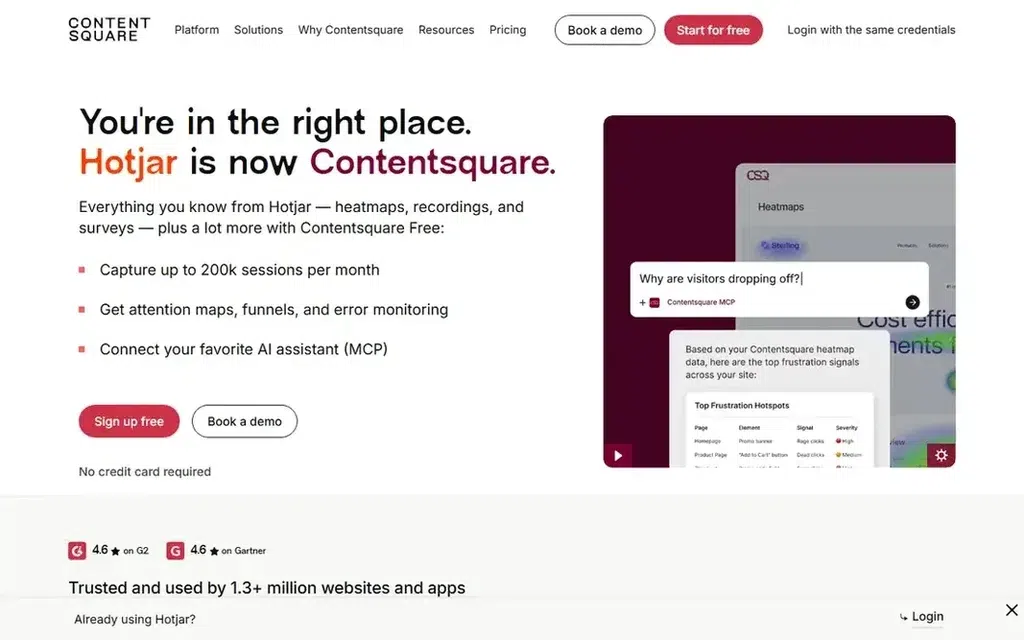
Hotjar is built with everyday behavior insights for smaller teams in mind. For UX teams, it is a practical starting point when you want to watch sessions and understand how visitors move through pages without assembling a complicated analytics stack. Since Hotjar is targeted at midsize and smaller organizations, very large experience programs may outgrow it and look to Contentsquare for broader journey intelligence.
From a buyer's view, Hotjar is a behavior insights product positioned for the midsize and SMB market. It now operates alongside Contentsquare after the two joined forces. Pick Hotjar when your priority is accessible replay and behavior insight for a focused team, and consider a heavier product only when cross-channel journey analysis becomes central. On cost, Hotjar starts like this: $39 per month. Hotjar includes a free tier.
Where it falls short: Deeper journey intelligence lives in Contentsquare.
- Pitched at midsize and SMB teams
- Backed by Contentsquare experience intelligence
- Less suited to large enterprise programs alone
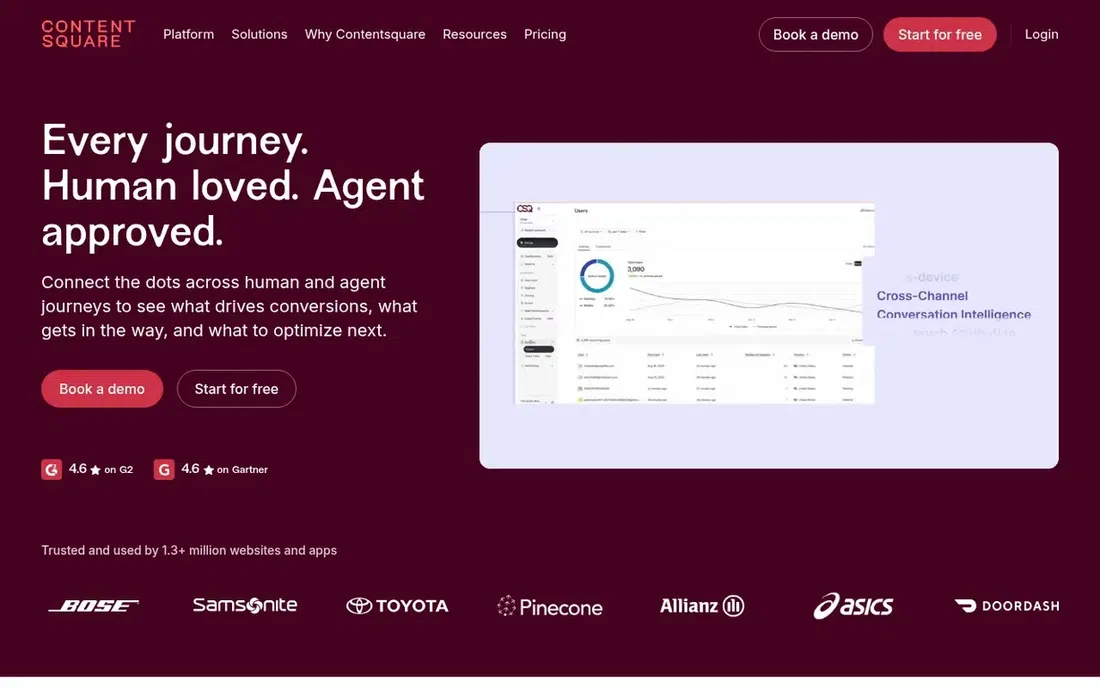
Contentsquare is designed for AI-driven journey intelligence at scale. Teams that mainly want fast replay review should start with a more straightforward tool, and move to Contentsquare when cross-journey intelligence becomes the core requirement.
Contentsquare cost at the entry level: $39 per month. Contentsquare offers a free plan.
Where it is weaker: Wide product may be more than small teams need.
- Focus on understanding every journey
- AI-first experience product positioning
- Needs commitment to journey-level analysis
Pendo serves product context and in-app adoption. Pendo positions itself around product context for the apps and AI agents you build or buy, helping teams understand users, act where it counts and drive adoption and revenue. More specifically, choose it when in-app understanding and adoption are central, and pair it with a dedicated replay tool if deep session inspection is a daily need.
Beyond that, Pendo is oriented toward product context and adoption instead of replay-first website analysis. So teams wanting pure session review may find it indirect. This comparison lists no price for Pendo; ask the vendor. Free plan details: Not stated.
Where it is weaker: Not a replay-first website tool.
- Feeds product context to apps and AI agents
- Act where it counts inside the product
- Oriented toward product adoption and revenue
How the list was put together
Before you commit
- Ask Mouseflow and Pendo for a written quote, since no starting price is shown.
- Check what the free option really includes: Mixpanel, Hotjar and Contentsquare offer a free plan, and usage caps differ.
- Run a trial of Mouseflow with real work before paying for a year; your own workflow is the best test.
- Before choosing Mouseflow, weigh its main limit: narrower scope than full product analytics suites.
- Map your must-have features to a specific Mixpanel plan before you compare prices.
- The entry price of Mouseflow is only the starting point; model the full cost with seats and extras.
FAQ
How are the tools for session replay analytics software for UX teams ordered?
The order follows typical fit for session replay analytics software for UX teams, with Mouseflow first and Pendo last, then price clarity and free access. It is editorial judgement, not a score, so another team could rank the tools differently.
Can I try these tools before paying?
Often, yes. Mixpanel, Hotjar and Contentsquare have a free plan and Mouseflow offers a free trial. Use your own data and a real task during the test, and check what the free tier or trial limits before you rely on it.
What is the cheapest option for session replay analytics software for UX teams in this list?
On published monthly entry prices, Hotjar is the lowest here at $39 per month. Entry price is only part of the cost, because seats, add-ons and billing terms can change the total. Each of the 5 options in this session Replay analytics software for UX teams guide has its own card above with the price, free plan and limits.
Is session replay enough on its own for UX research?
Replay displays what happened in a session but not why, so it fits best alongside feedback, surveys or interviews. In daily use, tools for example Mouseflow bundle feedback with replay, whereas others expect you to pair replay with separate research methods.
Do these tools publish their prices?
Not all of them. Mouseflow and Pendo publish no starting price, so expect a quote request for those. The rest, Mixpanel included, show a starting price, though seats and billing terms still change the final cost.
Sources
- https://mouseflow.com
- https://mixpanel.com
- https://www.hotjar.com
- https://contentsquare.com
- https://www.pendo.io