Best User Journey Mapping Software (2026): 5 Picks Checked on Vendor Pages
Searching for the best user journey mapping software? Here are 5 options with prices and free plans. Details on cost, catches and fit. Updated November 2026.
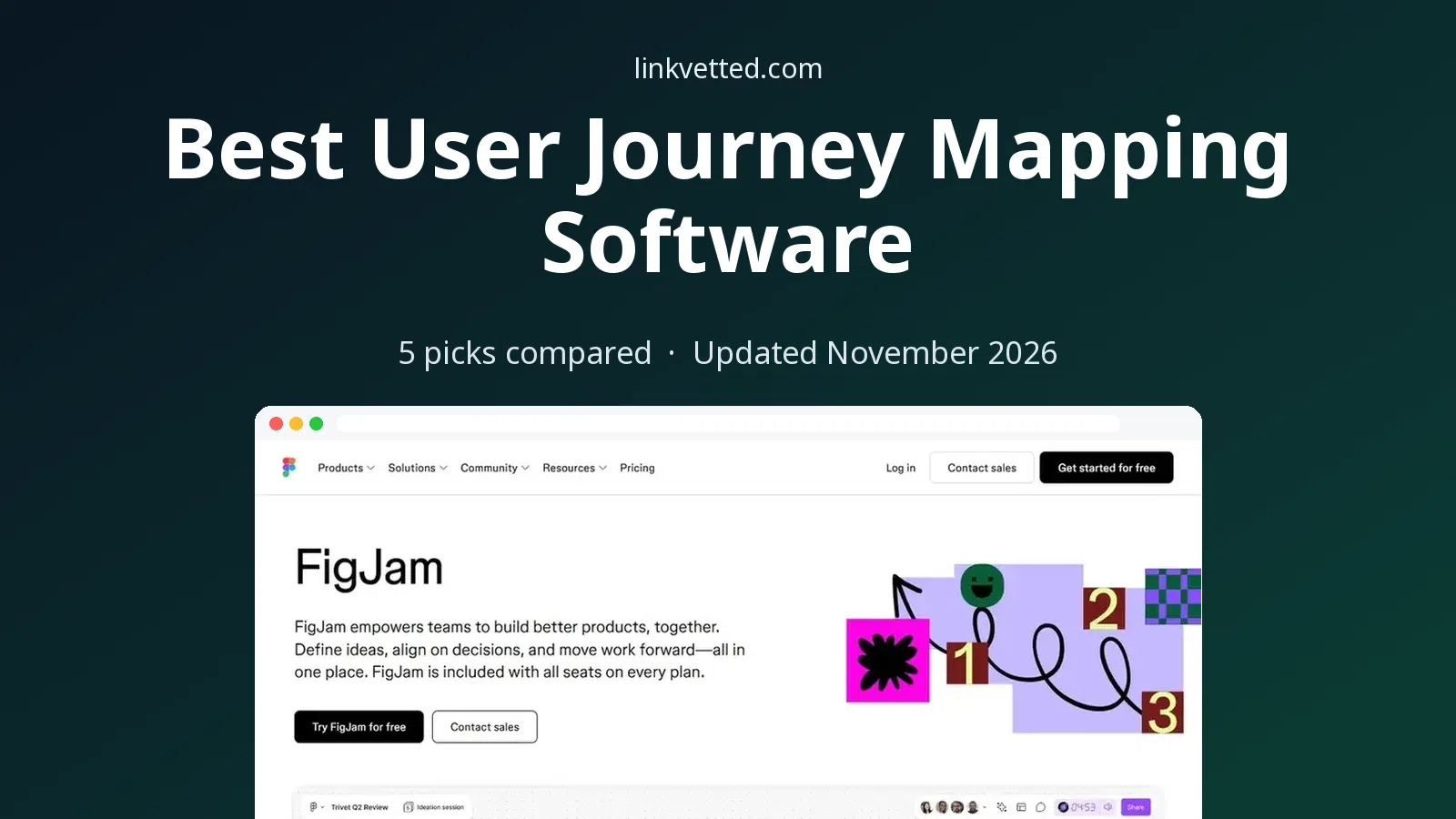
- Editor's choice
 FigJam
Collaborative brainstorming and early journey drafts
Starts atSee websiteVisit figma.comFull review - Great alternativeSmaply
Dedicated journey management and alignment
Starts at$38 per editor per monthVisit smaply.comFull review - Also consider
 Miro
Adaptable visual collaboration across teams
Starts at$8 per member a monthVisit miro.comFull review
Direct answer
FigJam leads the list, best for collaborative brainstorming and early journey drafts. Listed starting prices: Smaply from $38 per editor per month, Miro from $8 per member a month and UXPressia from $36 per user. Look at Smaply for dedicated journey management and alignment, and at Miro for adaptable visual collaboration across teams. The full list of 5 tools follows, with prices and free plan facts.
TL;DR:
- FigJam takes the first slot, best suited to collaborative brainstorming and early journey drafts.
- Check the limits for Miro before you commit: journey mapping is one use among numerous.
- Only 4 of the 5 tools have a free plan (Smaply, Miro, UXPressia, Creately), so check the caps.
- The cheapest monthly starting price in the list is $8 per member per month, offered by Miro.
- Creately fits Org, process and system planning with AI.
Last checked November 2026. Prices and plan details were read from the vendors' own pages in November 2026; vendors change plans often, so confirm the current price on the vendor site before you buy.
Quick comparison
| Tool | Best for | Starts at | Free plan? | |
|---|---|---|---|---|
| FigJam | Collaborative brainstorming and early journey drafts | See website | Not stated | Visit |
| Smaply | Dedicated journey management and alignment | $38 per editor per month | Yes | Visit |
| Miro | Adaptable visual collaboration across teams | $8 per member a month | Yes | Visit |
| UXPressia | Professional journey maps in a CX system | $36 per user | Yes | Visit |
 Creately | Org, process and system planning with AI | See website | Yes | Visit |
User Journey Mapping Software profiles
LinkVetted put together this guide to user journey mapping software for readers who want a clear shortlist without reading every vendor page. It compares 5 tools on starting price, free plans, who each one suits and where each one falls short.
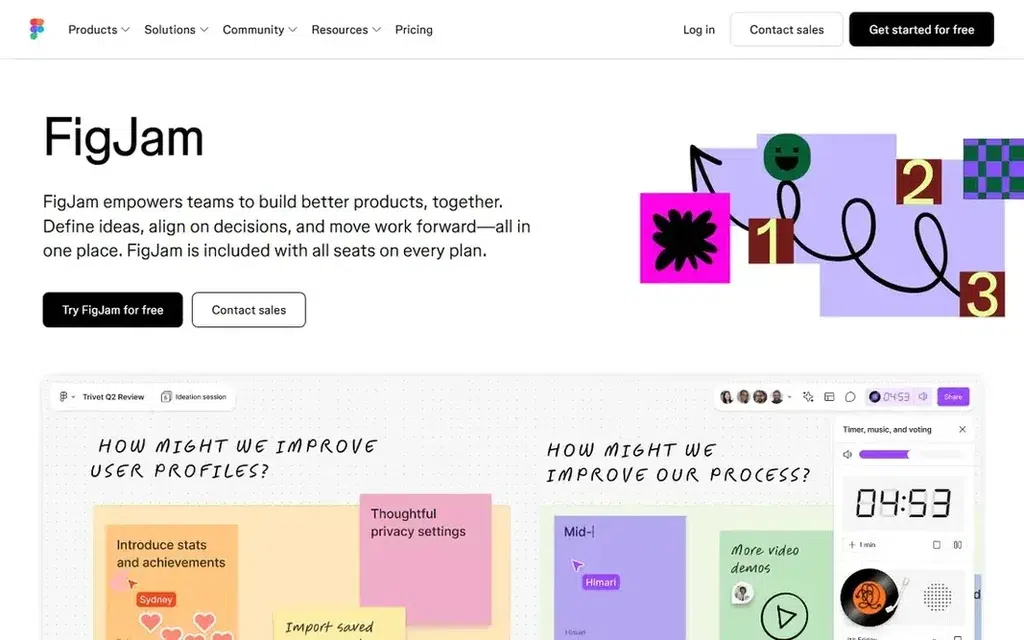
In short, FigJam is for collaborative brainstorming and early journey drafts. FigJam is a visual collaborative whiteboard where teams can diagram, brainstorm and organize ideas together. It is a natural fit for early journey mapping workshops, where teams gather notes, sketch stages and align on a shared picture.
Choose it when speed of collaboration matters more than formal journey governance. On top of that, since it lives alongside design work, it fits product and design teams that want mapping to stay close to their creative process. Check the vendor site for FigJam pricing; none is listed in this comparison. Free plan details: Not stated.
Drawbacks to consider: Most useful for early-stage mapping.
- Straightforward collaborative whiteboard
- Performs well with design workflows
- Restricted dedicated journey management features
Smaply
Best for: Dedicated journey management and alignment
Think of Smaply for dedicated journey management and alignment. Smaply is customer journey management software designed to align teams and boost customer experience.
It lets teams visualize, analyze and act on insights in one place, which makes it a good fit for organizations that treat journey mapping as a continuing management practice instead of a one-off workshop. Its scope is journey management instead of general collaboration. Smaply starts at: $38 per editor per month. Smaply includes a free tier.
Where it falls short: Focused feature set beyond mapping. Best features of Smaply: Made for journey management.
- Visualize
- Analyze and act on insights
- Narrower than all-purpose visual workspaces

Miro targets adaptable visual collaboration across teams. Miro is an AI-powered visual workspace built to accelerate product development from ideation to launch. For journey mapping, its strength is adaptability: you can sketch a journey, add sticky notes, and bring product, design and business groups into the same canvas.
Honest limits: Journey mapping is one use among plenty of.
Since Miro is a wide workspace, teams that require structured journey management, reusable templates tied to customer data, or built-in analysis may find it less specialized. It rewards teams that already work visually and can define their own mapping conventions. On cost, Miro starts like this: $8 per member per month. Miro offers a free plan.
- Helps break down tool silos
- Supports ideation through launch
- Dedicated journey features may need setup
UXPressia
Best for: Professional journey maps in a CX system
UXPressia is a good fit for professional journey maps in a CX product. UXPressia is a customer experience management and journey mapping product for creating professional journey maps in a product made for teams. It is built to accelerate work, keep journeys consistent and run mapping initiatives in one place.
Highlights: Pitched at team collaboration; Journey mapping within a CX system.
What to check first: Concentrated on customer experience use cases.
Worth adding: organizations already standardized on a wide collaboration system may see overlap. In daily use, UXPressia is centered on customer experience work. So teams seeking a general-purpose visual workspace for numerous activities may find it narrower. Pick it when professional journey maps and managed mapping initiatives are the core need. UXPressia starts at: $36 per user. Free access exists with UXPressia.
- Supports consistent
- Managed mapping initiatives
- May overlap with broader workspace tools
Creately is a good fit for Org, process and system planning with AI. Creately is planning software for org structures, processes and systems, built so you and AI work on diagrams together. Creately's focus is organizational and process planning, so dedicated customer journey features are restricted compared to specialist systems.
Consider it when journey mapping is part of a broader planning and process effort. More specifically, for journey mapping, it is handy when the customer journey needs to link to organizational roles and processes. Creately does not show a starting price in this comparison, so check the vendor site for current pricing. Creately includes a free tier.
Honest limits: Journey mapping is not the primary focus.
- AI-assisted planning and mapping
- Process and cloud architecture
- Wide scope may feel less specialized
How these tools were picked
The comparison looks at four things: starting price, free access, how well the feature set matches user journey mapping software, and the main limit of each tool. Seat minimums, billing terms and add-ons can move the real cost, so the starting prices here are a guide and not a quote. Tools are placed by general fit for user journey mapping software, with price clarity and free access as tie-breakers. A different team can reasonably rank them differently.
Questions to settle before buying
- Ask FigJam and Creately for a written quote, since no starting price is shown.
- Look at free plan limits closely: Smaply, Miro, UXPressia and Creately have one, and the caps decide whether it is usable for real work.
- Read the limits listed for FigJam first: restricted dedicated journey management features.
- Involve the people who will use UXPressia daily; a short pilot beats a long feature checklist.
- Confirm you can export your data from Creately, so leaving later does not mean losing records.
FAQ
Can I try these options before paying?
Often, yes. Smaply, Miro, UXPressia and Creately have a free plan. Use your own data and a real task during the test, and check what the free tier or trial limits before you rely on it.
What should I look for in user journey mapping software?
Look for support for the map formats your team uses, simple collaboration for workshops and reviews. A way to keep maps updated over time.
Which options for user journey mapping software have a free plan?
On this list, Smaply, Miro, UXPressia and Creately include a free plan. Caps on seats, usage or features are common, so test the free plan against your real workload.
Do these tools publish their prices?
Not all of them. FigJam and Creately publish no starting price, so expect a quote request for those. The rest, Smaply included, show a starting price, though seats and billing terms still change the final cost.
When does a dedicated journey management tool make sense?
A dedicated tool makes sense when journey mapping is a continuing practice across teams and you need consistent, managed maps. As for the details, Smaply and UXPressia are built around customer experience and journey management.
What is the cheapest option for user journey mapping software in this list?
On published monthly entry prices, Miro is the lowest here at $8 per member per month. Entry price is only part of the cost, because seats, add-ons and billing terms can change the total. All 5 picks in this user journey mapping software comparison list a starting price, free plan details and the main limits on their cards above.
Sources
- https://www.figma.com/figjam
- https://www.smaply.com
- https://miro.com
- https://uxpressia.com
- https://creately.com