Top 5 Tools for Multilingual Live Chat for 2026 (Prices and Free Plans)
5 products for the best tools for multilingual live chat, ranked by fit, with starting costs and free tiers. Plain-spoken summaries throughout. See which fits.
- Editor's choice
 Olark
Marketer-friendly AI chat
Starts at$29 per agent a monthVisit olark.comFull review - Great alternative
 LiveChat
Sales-focused live chat with AI
Starts at$19 per user a monthVisit livechat.comFull review - Also consider
 Crisp
All-in-one multichannel messaging
Starts at$45 per month per workspaceVisit crisp.chatFull review
Direct answer
Our first pick is Olark, best for Marketer-friendly AI chat. Listed starting prices: Olark from $29 per agent a month, LiveChat from $19 per user a month and Crisp from $45 per month per workspace. If your case is different, LiveChat suits sales-focused live chat with AI and Crisp suits all-in-one multichannel messaging. Details, prices and limits for the rest of the 5 tools are below.
TL;DR:
- Olark takes the first slot, best suited to Marketer-friendly AI chat.
- The main caution on Zendesk: can be complicated for small teams.
- Tidio fits revenue-focused AI chat.
- Tidio is the only tool of the 5 with a free plan.
- LiveChat has the lowest monthly starting price in this list: $19 per user per month.
Last checked November 2026. Prices and plan details were read from the vendors' own pages in November 2026; vendors change plans often, so confirm the current price on the vendor site before you buy.
Quick comparison
| Tool | Best for | Starts at | Free plan? | |
|---|---|---|---|---|
| Olark | Marketer-friendly AI chat | $29 per agent a month | Free trial | Visit |
| LiveChat | Sales-focused live chat with AI | $19 per user a month | Free trial | Visit |
| Crisp | All-in-one multichannel messaging | $45 per month per workspace | Free trial | Visit |
 Zendesk | Enterprise-grade multilingual support | $19 agent/month premium yearly | Free trial | Visit |
 Tidio | Revenue-focused AI chat | $24.17 a month | Yes | Visit |
5 options for tools for multilingual live chat in detail
LinkVetted compared 5 tools for tools for multilingual live chat. The goal is a practical shortlist: published prices, free plan facts, best-fit use cases and honest limits for every entry.
Think of Olark for Marketer-friendly AI chat. Aimed at the marketer doing five jobs at once, Olark's AI agent answers questions, qualifies visitors, and knows exactly when to bring in a human.
Starting cost for Olark: $29 per agent per month. On free options: Free trial.
Where it is weaker: Less focus on multilingual support.
- Qualifies visitors
- AI agent works 24/7
- May lack advanced language routing
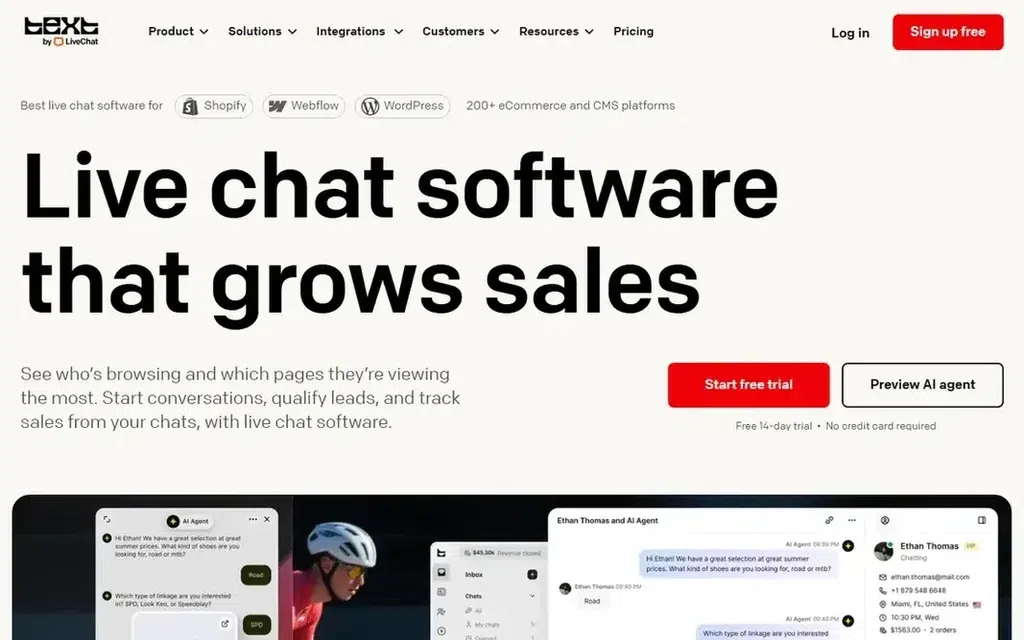
LiveChat is built with sales-focused live chat with AI in mind. LiveChat is live chat software with an AI Agent that answers 24/7, helping you qualify leads and track sales from chats. Teams needing deep localization or complex language routing might have to look elsewhere.
Downsides: Restricted advanced multilingual features.
It is a solid choice for small to midsize firms prioritizing sales. The system is recognised for its approachable interface and live engagement. The starting price for LiveChat: $19 per user per month. Free plan details: Free trial.
- Multilingual chat support
- Qualify leads and track sales
- May need extras for full language coverage
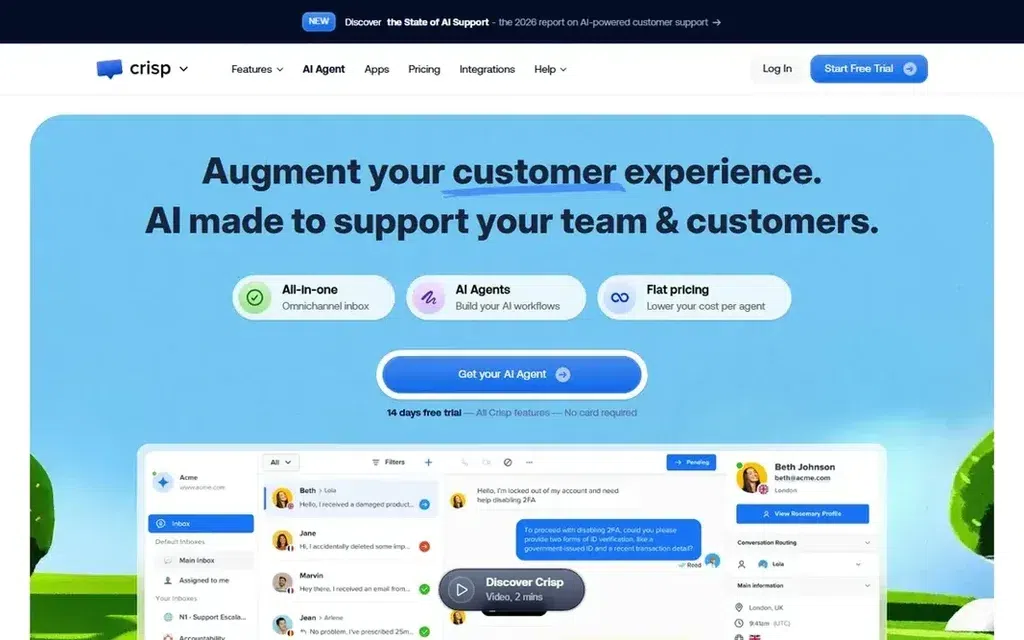
For all-in-one multichannel messaging, Crisp is a natural candidate. Crisp is an all-in-one AI-powered multichannel messaging product that helps companies link immediately with customers or leads waiting for support. It is especially widely used among small to midsize businesses.
Downsides: Can be overwhelming with plenty of channels.
For very complicated language requirements, you might need extra tools. Crisp's multilingual capabilities are solid but may not match the depth of dedicated translation integrations. Entry price for Crisp: $45 per month per workspace. Free plan details: Free trial.
- Evolving toolset
- AI-powered multichannel product
- May lack some advanced language features
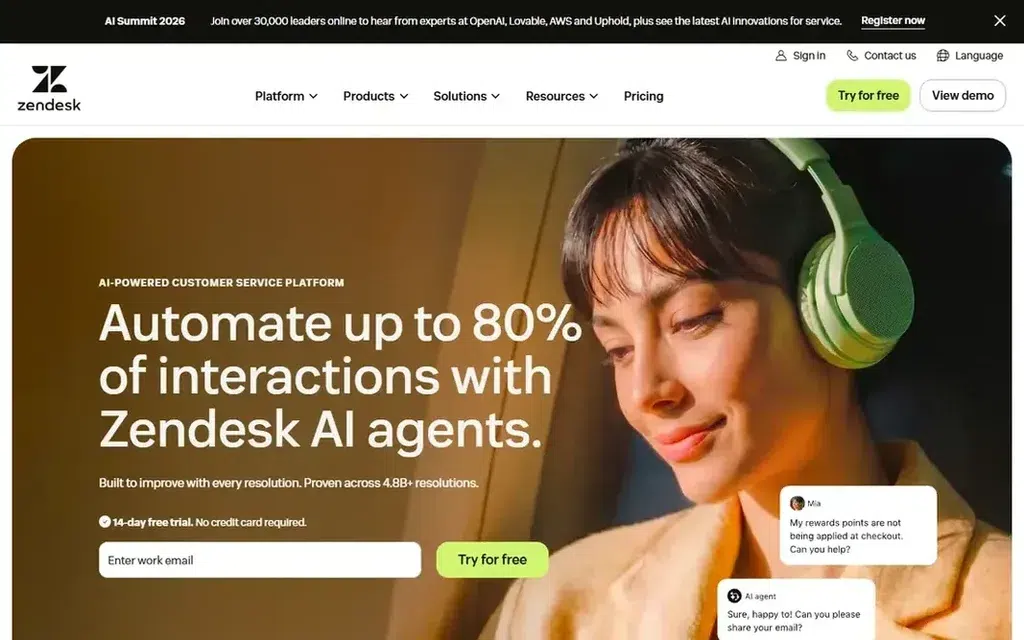
Pick Zendesk if this describes you: enterprise-grade multilingual support. It aims to boost service quality, speed, and scale, making it a fit for organizations that require solid multilingual support across channels.
Drawbacks to consider: Can be complicated for small teams.
- Scales service quality and speed
- AI agents resolve issues end-to-end
- May need setup for multilingual workflows
Tidio works best for revenue-focused AI chat. Companies with highly specialized language needs might have to supplement with human agents or other tools. It is a solid choice for those prioritizing revenue generation from chat.
Tidio is well-suited for small to midsize ecommerce firms that require multilingual support to serve international customers without adding staff. Tidio is an AI customer service system that turns chats into revenue. Its AI, Lyro, resolves questions immediately and turns the rest into sales, leads, and bookings you can attribute. Tidio's multilingual support is driven by its AI and may not include every language or nuance. Tidio starts at: $24.17 per month. Tidio includes a free tier.
What to check first: Restricted customization for complicated workflows.
- Turns chats into sales and leads
- Multilingual AI support
- May need upgrades for advanced features
Selection criteria
Pricing pages, product documentation and feature lists were the main sources, and every entry carries at least one honest drawback. Plan names, prices and limits change often. Treat the figures here as a starting point and verify them with the vendor. Tools are placed by general fit for tools for multilingual live chat, with price clarity and free access as tie-breakers. A different team can reasonably rank them differently.
What to confirm before you sign up
- Check the vendor page for the current price: LiveChat starts at $19 per user per month here, and seats or billing terms can move it.
- Look at the free plan from Tidio closely: its caps decide whether it is usable for real work.
- Run a trial of Olark, LiveChat, Crisp and Zendesk with real work before paying for a year; your own workflow is the best test.
- Read the limits listed for Olark first: less focus on multilingual support.
- Check how data leaves Olark: formats, limits and whether exports are available on every plan.
- Price Tidio for your actual team size; headline prices rarely include add-ons or overage.
FAQ
Is Olark the right pick for everyone comparing tools for multilingual live chat?
No single tool suits every team. Olark comes first because it fits Marketer-friendly AI chat, while LiveChat suits sales-focused live chat with AI and Crisp suits all-in-one multichannel messaging. Match the tool to your own size, budget and workflow before deciding.
What should I look for in a multilingual live chat tool?
Look for tools that offer AI-driven language detection and translation, support for multiple languages in chat routing, and integration with your existing systems.
Can I try these tools before paying?
Often, yes. Tidio has a free plan and Olark, LiveChat, Crisp and Zendesk offer a free trial. Use your own data and a real task during the test, and check what the free tier or trial limits before you rely on it.
Do these tools publish their prices?
Yes. Every tool from Olark to Tidio shows a starting price, though seats, add-ons and billing terms still change the final cost.
How are the tools for tools for multilingual live chat ordered?
The order follows typical fit for tools for multilingual live chat, with Olark first and Tidio last, then price clarity and free access. It is editorial judgement, not a score, so another team could rank the tools differently.
Sources
- https://www.olark.com
- https://www.livechat.com
- https://crisp.chat
- https://www.zendesk.com
- https://www.tidio.com