Best Tools for Automating CRM Record Updates (2026): 6 Picks Checked on Vendor Pages
Best tools for automating CRM record updates in 2026: 6 contenders with entry costs and free tiers. Each profile ends with a plain caveat. Quick to scan.
- Editor's choice
 MuleSoft Anypoint Platform
Cross-platform AI and integration control
Starts at$2,000 a monthVisit mulesoft.comFull review - Great alternative
 Boomi
Unified data and application integration
Starts at$99 a monthVisit boomi.comFull review - Also consider
 n8n
Technical teams wanting code adaptability
Starts at€20 a month, billed annuallyVisit n8n.ioFull review
Direct answer
Start with MuleSoft Anypoint Platform if you need cross-platform AI and integration control. Listed starting prices: MuleSoft Anypoint Platform from $2,000 a month, Boomi from $99 a month and n8n from €20 a month, billed annually. If your case is different, Boomi suits unified data and application integration and n8n suits technical teams wanting code adaptability. The remaining 3 options are covered below with prices and limits.
TL;DR:
- MuleSoft Anypoint Platform sits first on this list: cross-platform AI and integration control.
- Free plans exist at 3 of 6 tools (MuleSoft Anypoint Platform, Make, Workato).
- For enterprise CRM automation with governance, Workato is worth a look.
- The lowest published monthly entry price here is $50 per month, from Tray.ai.
Last checked November 2026. Prices and plan details were read from the vendors' own pages in November 2026; vendors change plans often, so confirm the current price on the vendor site before you buy.
Quick comparison
| Tool | Best for | Starts at | Free plan? | |
|---|---|---|---|---|
| MuleSoft Anypoint Platform | Cross-platform AI and integration control | $2,000 a month | Yes | Visit |
| Boomi | Unified data and application integration | $99 a month | Free trial | Visit |
| n8n | Technical teams wanting code adaptability | €20 a month, billed annually | Free trial | Visit |
 Tray.ai | AI-native integration and orchestration | $50 per month | Free trial | Visit |
 Make | No-code visual CRM automation | See website | Yes | Visit |
 Workato | Enterprise CRM automation with governance | $100 per month | Yes | Visit |
Our 6 tools for automating CRM record updates
LinkVetted put together this guide to tools for automating CRM record updates for readers who want a clear shortlist without reading every vendor page. It compares 6 tools on starting price, free plans, who each one suits and where each one falls short.
MuleSoft Anypoint Platform is aimed squarely at cross-platform AI and integration control. MuleSoft Anypoint Platform offers a single cross-platform AI control plane with one registry to find, govern, orchestrate, and control AI agents and costs across the enterprise. In daily use, for CRM record updates, it fits large organizations that require centralized oversight of integrations and AI-driven processes.
In daily use, choose MuleSoft when centralized governance of AI agents and integrations is a core requirement. Smaller teams or those with straightforward needs should look at lighter tools. Entry price for MuleSoft Anypoint Platform: $2,000 per month. Free access exists with MuleSoft Anypoint Platform.
Drawbacks to consider: Heavy for straightforward CRM updates.
- Single control plane for AI agents
- Enterprise-scale orchestration
- Needs significant expertise
Boomi is a good fit for unified data and application integration. Boomi is a product that integrates applications, APIs, data, and AI agents. Small teams with narrow CRM update needs might find a more straightforward tool more efficient.
Points against: Can be complicated to set up.
Boomi's breadth can introduce complexity, and teams may need specialized skills to configure and maintain integrations. For CRM record updates, it offers a unified approach to connecting systems and activating data across the organization. Entry price for Boomi: $99 per month. As for free access: Free trial.
Where Boomi stands out: AI agents.
- Single product for several integration needs
- Suited to complicated environments
- May need specialized skills
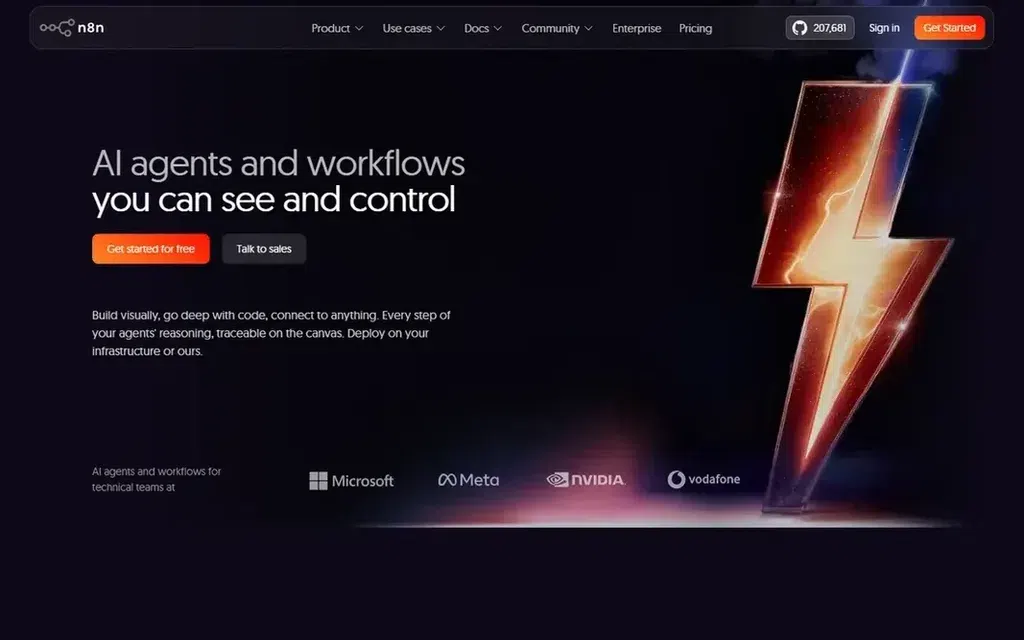
Choose n8n for technical teams wanting code flexibility. Teams without development resources should consider a no-code product instead. n8n's adaptability includes a steeper ramp-up time, and non-technical users may find it less approachable than purely visual tools. In daily use, for CRM record updates, it fits developers and technical operators who require custom logic, like transforming data before writing it to the CRM.
Points against: Steeper ramp-up time for non-technical users.
Worth adding: n8n is a workflow automation product that merges AI capabilities with business process automation, giving technical teams the adaptability of code with the speed of no-code. Choose n8n when you need fine-grained control over CRM update logic. On cost, n8n starts like this: €20 per month, billed annually. As for free access: Free trial.
- AI capabilities built in
- Merges code and no-code adaptability
- Needs some development experience
Tray.ai is built with AI-native integration and orchestration in mind. For CRM record updates, it makes it possible for teams to build AI agents and automate data flows with governance over MCP.
Also, smaller teams may find a more straightforward tool more appropriate. Tray.ai is an AI-native integration product that links to a large ecosystem of apps, databases, APIs, and services. What you pay to start with Tray.ai: $50 per month. Free options: Free trial.
Watch-outs: Advanced features may overwhelm beginners.
- Orchestration and automation on one product
- Links to a large ecosystem of apps and APIs
- Best value for teams with complicated needs

For no-code visual CRM automation, Make is a natural candidate. For CRM record updates, teams can design scenarios that trigger on events and push changes to the CRM without writing code.
Trade-offs to know: Less suited to strict enterprise governance.
Make's visual approach can become harder to run for highly complicated or heavily governed processes. Check the vendor site for Make pricing; none is listed in this comparison. Make has a free plan.
- Visual drag-and-drop workflow builder
- Supports AI and agentic workflows
- Complicated logic may need workarounds

Pick Workato if this describes you: enterprise CRM automation with governance. Consider a lighter no-code tool if your needs are straightforward and governance requirements are minimal. For CRM record updates, it offers secure orchestration and governance across systems, making it a good match for large organizations that require control over who changes what data.
Points against: May need dedicated admin resources.
Upsides: Links apps, data, workflows; AI agents.
In daily use, setup and continuing management may demand dedicated resources. For everyday use, Workato's enterprise focus can make it heavier than necessary for small teams or straightforward CRM update tasks. Workato cost at the entry level: $100 per month. Workato has a free plan.
- Capable governance and security focus
- Enterprise-grade orchestration
- Can be complicated for straightforward use cases
How we chose
We compared the tools on published pricing, free plan or trial availability, feature coverage for tools for automating CRM record updates, and the limits each vendor documents. Figures are shown as the vendors publish them. Billing terms, seat minimums and add-ons can change the real cost. We ordered the tools by general fit, then by how clearly pricing is shown, then by free access. A buyer with unusual needs may reorder them.
Questions to settle before buying
- Ask Make for a written quote, since no starting price is shown.
- Read the fine print on the free plans from MuleSoft Anypoint Platform, Make and Workato; seat, project and feature caps differ.
- Take the trial from Boomi, n8n and Tray.ai and push a live task through it before you pay.
- Before choosing MuleSoft Anypoint Platform, weigh its main limit: heavy for straightforward CRM updates.
- Check whether the features you need in Tray.ai sit on the entry plan or only on higher tiers.
- Test the integrations you rely on with Boomi before committing; some connectors sit on upper tiers.
FAQ
Do these tools publish their prices?
Not all of them. Make publishes no starting price, so expect a quote request for it. The rest, MuleSoft Anypoint Platform included, show a starting price, though seats and billing terms still change the final cost.
Which options for tools for automating CRM record updates have a free plan?
MuleSoft Anypoint Platform, Make and Workato offer a free plan in this list. Free plans usually cap users, projects or features, so check the limits on the vendor page. Several others offer a trial instead.
What should I look for in a CRM update automation tool?
Focus on native connectivity to your CRM, steady error handling, and governance features that match your compliance needs. Also consider the technical skill required to build and maintain workflows, since some systems are more approachable for non-technical users.
Can I try these tools before paying?
Often, yes. MuleSoft Anypoint Platform, Make and Workato have a free plan and Boomi, n8n and Tray.ai offer a free trial. Use your own data and a real task during the test, and check what the free tier or trial limits before you rely on it.
How are the tools for tools for automating CRM record updates ordered?
MuleSoft Anypoint Platform sits first and Workato last because the order follows typical fit for tools for automating CRM record updates, then price clarity and free access. It is a judgement call, so read each profile for fit and limits.
Sources
- https://www.mulesoft.com
- https://boomi.com
- https://n8n.io
- https://tray.ai
- https://www.make.com
- https://www.workato.com