Time-Tracking Software in London in 2026: The 5 Best Options Side by Side
Compare 5 picks for the best Time-Tracking software in london, with prices, free plans and who each fits. Weak spots flagged for every entry. Clear verdicts.
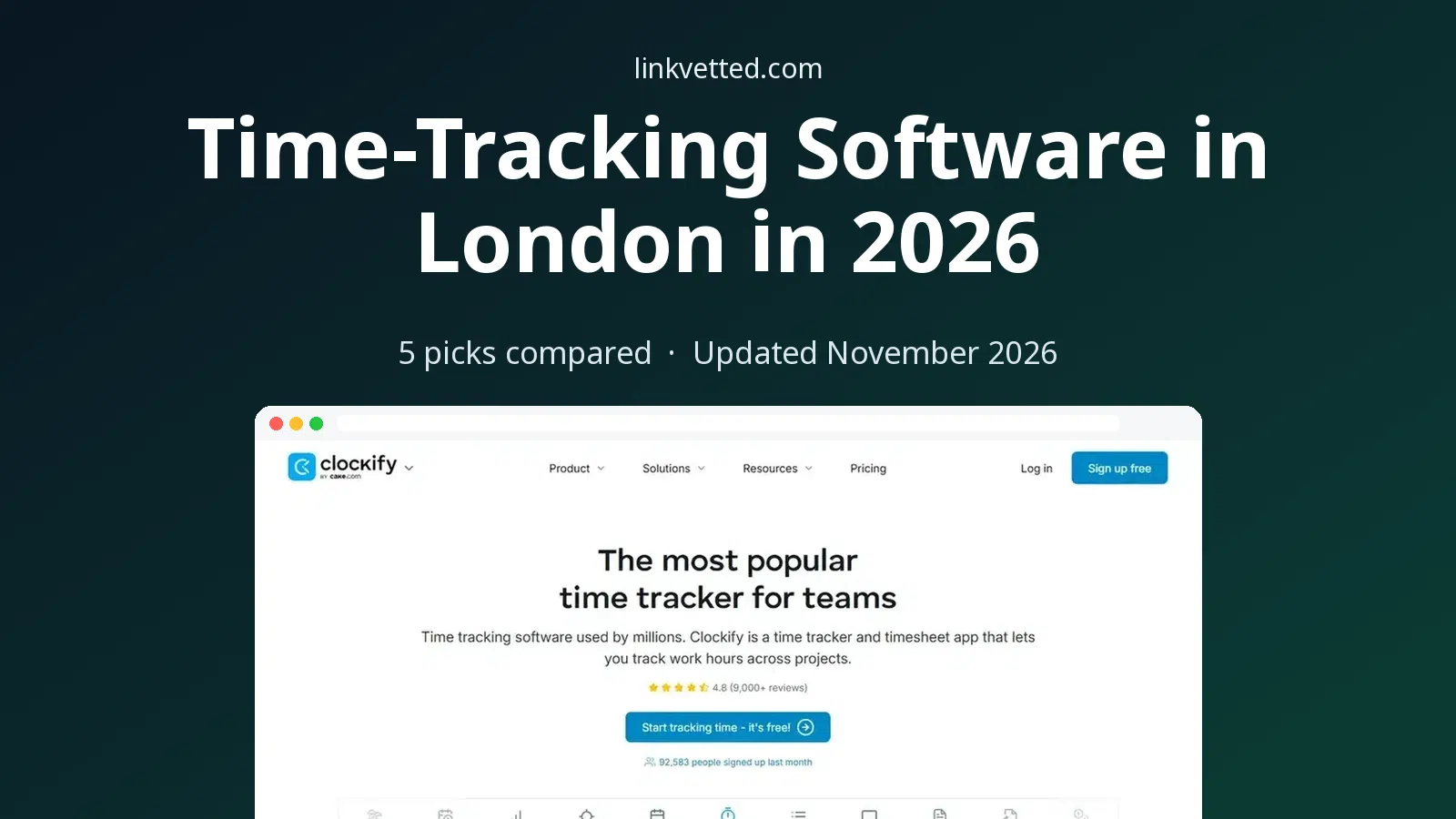
- Editor's choice
 Clockify
Straightforward timesheets across projects
Starts atSee websiteVisit clockify.meFull review - Great alternative
 Hubstaff
Productivity monitoring and payments
Starts at$10 per seat per monthVisit hubstaff.comFull review - Also consider
 Harvest
Client billing and invoicing
Starts at$9 per seat a monthVisit getharvest.comFull review
Direct answer
Clockify is the first pick on this list for straightforward timesheets across projects. Listed starting prices: Hubstaff from $10 per seat per month, Harvest from $9 per seat a month and RescueTime from $7 per month. Alternatives: Hubstaff for productivity monitoring and payments, and Harvest for client billing and invoicing. All 5 tools are compared below on price, free plan and limits.
TL;DR:
- Clockify sits first on this list: straightforward timesheets across projects.
- Time Doctor suits workforce visibility for distributed teams.
- For the cheapest start, look at Time Doctor: $6.67 per user per month.
- A free plan is available from 2 of the 5 tools: Clockify, Harvest.
Last checked November 2026. Prices and plan details were read from the vendors' own pages in November 2026; vendors change plans often, so confirm the current price on the vendor site before you buy.
Quick comparison
| Tool | Best for | Starts at | Free plan? | |
|---|---|---|---|---|
| Clockify | Straightforward timesheets across projects | See website | Yes | Visit |
| Hubstaff | Productivity monitoring and payments | $10 per seat per month | Free trial | Visit |
| Harvest | Client billing and invoicing | $9 per seat a month | Yes | Visit |
 RescueTime | Automatic background time tracking | $7 per month | Free trial | Visit |
 Time Doctor | Workforce visibility for distributed teams | $6.67 per user per month | Free trial | Visit |
Our 5 picks for Time-Tracking software in london
Short on time? The summary and table above give the quick view of 5 tools for Time-Tracking software in london, and the profiles that follow give the detail behind each entry.
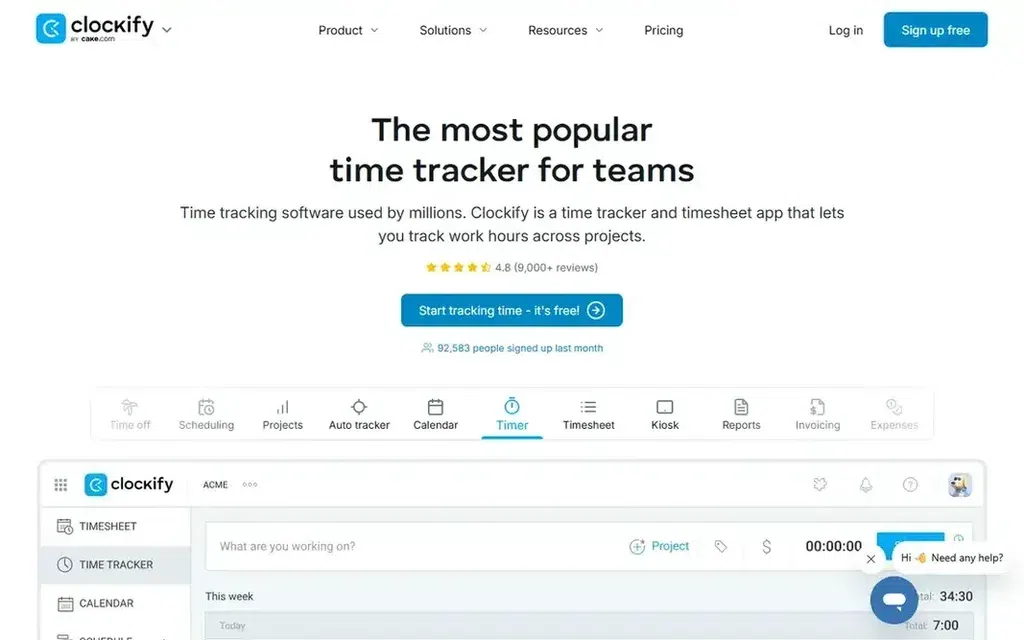
Clockify is designed for straightforward timesheets across projects. Consider Harvest for invoicing or RescueTime for automatic tracking if those features are important.
For everyday use, Clockify is a straightforward time tracker and timesheet app that lets you track work hours across projects. Pricing for Clockify is not stated here, so ask the vendor for current figures. You can start on Clockify without paying.
Where it is weaker: Restricted advanced features.
- Straightforward time tracker
- Tracks work hours
- No built-in invoicing
Where Hubstaff fits: productivity monitoring and payments. The system merges time tracking with performance monitoring, making it right for firms that want to understand how work gets done. From a buyer's view, choose Hubstaff if productivity insights and payment integration are priorities.
Where it falls short: Complicated setup.
In practice, Hubstaff's monitoring features may feel intrusive to some teams, and setup can be more involved than more straightforward trackers. It also may be overkill for freelancers or small teams without remote monitoring needs. Hubstaff cost at the entry level: $10 per seat per month. Trial and free access: Free trial.
- Time tracking with monitoring
- Productivity insights
- May feel intrusive
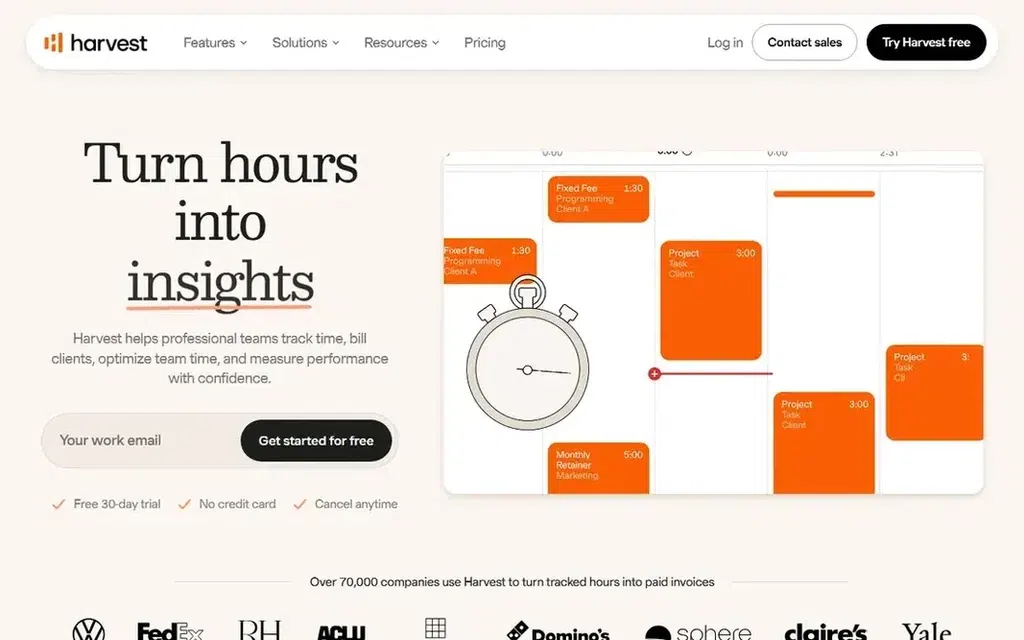
Where Harvest fits: client billing and invoicing. The product centres on simplicity and clear reporting, making it a solid fit for small to midsize teams that require to track project time and handle budgets.
It suits London agencies and consultancies that bill clients by the hour and want to turn tracked time into invoices without additional tools. Harvest cost at the entry level: $9 per seat per month. You can start on Harvest without paying.
Drawbacks to consider: No built-in payroll.
- Simplified invoicing
- Time tracking with management
- Restricted productivity monitoring
RescueTime is a good fit for automatic background time tracking. RescueTime gives you automatic time tracking software and a timesheet app for freelancers, small companies, project management, and employees. It lets you produce goals, track projects, and run time with engaging features.
In daily use, pick RescueTime if automatic, low-effort tracking is your main requirement. RescueTime centres on individual productivity and lacks solid team management or invoicing features. RescueTime starts at: $7 per month. As for free access: Free trial.
Trade-offs to know: Restricted team features.
- Automatic tracking
- Timesheet app
- No invoicing
Where Time Doctor fits: workforce visibility for distributed teams. Time Doctor helps leaders see what distributed teams are working on, validate the process behind every hour, and get AI answers grounded in real data.
It also has a steeper ramp-up time than entry-level trackers. Time Doctor starts at: $6.67 per user per month. Free options: Free trial.
Limits to weigh: Needs employee buy-in.
- Distributed team focus
- Process validation
- Can be complex
How these tools were picked
Questions to settle before buying
- Confirm the entry price on the vendor page. For Clockify that means a quote rather than a fixed price.
- Look at free plan limits closely: Clockify and Harvest have one, and the caps decide whether it is usable for real work.
- Run a trial of Hubstaff, RescueTime and Time Doctor with real work before paying for a year; your own workflow is the best test.
- Read the limits listed for Clockify first: restricted advanced features.
- Check the support hours and onboarding help RescueTime offers; smaller vendors vary a lot here.
- Compare total cost, not headline price: for Hubstaff, add extra seats, add-ons and any usage-based charges.
FAQ
Do these tools publish their prices?
Not all of them. Clockify publishes no starting price, so expect a quote request for it. The rest, Hubstaff included, show a starting price, though seats and billing terms still change the final cost. Prices, free plan details and limits for all 5 tools in this Time-Tracking software in London roundup sit on the individual cards above.
How are the tools for Time-Tracking software in london ordered?
The order follows typical fit for Time-Tracking software in london, with Clockify first and Time Doctor last, then price clarity and free access. It is editorial judgement, not a score, so another team could rank the tools differently.
Which time tracker is a good match for remote teams in London?
This list starts with Clockify, which fits straightforward timesheets across projects. For other needs, Hubstaff is aimed at productivity monitoring and payments, and Harvest at client billing and invoicing. Check each tool's price and main limit first.
What is the cheapest option for Time-Tracking software in london in this list?
On published monthly entry prices, Time Doctor is the lowest here at $6.67 per user per month. Entry price is only part of the cost, because seats, add-ons and billing terms can change the total. Each of the 5 options in this Time-Tracking software in London guide has its own card above with the price, free plan and limits.
Which options for Time-Tracking software in london have a free plan?
On this list, Clockify and Harvest include a free plan. Caps on seats, usage or features are common, so test the free plan against your real workload. Several others offer a trial instead. All 5 picks in this Time-Tracking software in London comparison list a starting price, free plan details and the main limits on their cards above.
Sources
- https://clockify.me
- https://hubstaff.com
- https://www.getharvest.com
- https://www.rescuetime.com
- https://www.timedoctor.com