Time Tracking Software for Pharmacies in 2026: The 5 Best Options Side by Side
Weighing the best time tracking software for pharmacies? We lined up 5 products by cost, free access and fit. With pricing notes and limits. Refreshed for 2026.
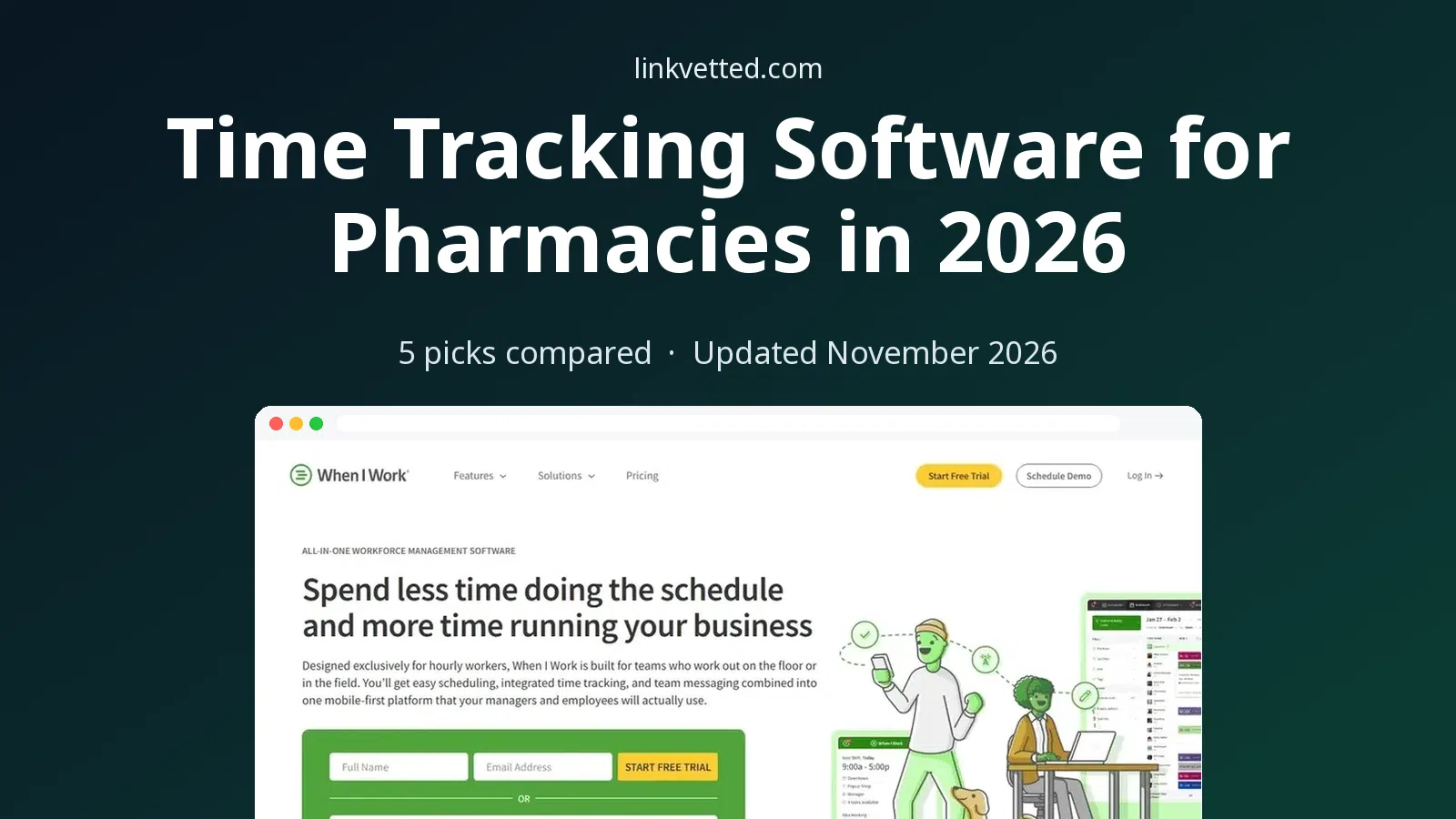
- Editor's choice
 When I Work
Shift scheduling with team messaging
Starts at$2.50 per user per monthVisit wheniwork.comFull review - Great alternative
 Harvest
Time tracking with client invoicing
Starts at$9 per seat per monthVisit getharvest.comFull review - Also consider
 QuickBooks Time
Payroll-linked time tracking with GPS
Starts atSee websiteVisit quickbooks.intuit.comFull review
Direct answer
When I Work comes first here, mainly for shift scheduling with team messaging. Listed starting prices: When I Work from $2.50 per user per month, Harvest from $9 per seat per month and Homebase from $30 per location a month. Look at Harvest for Time tracking with client invoicing, and at QuickBooks Time for payroll-linked time tracking with GPS. The other 2 tools in the list cover narrower or pricier cases.
TL;DR:
- When I Work is the opening pick, best for shift scheduling with team messaging.
- Deputy is the one to check for AI labor forecasting for pharmacies.
- One limit worth knowing about QuickBooks Time: payroll focus may exceed straightforward needs.
- Starting prices begin at $2.50 per user per month with When I Work.
Last checked November 2026. Prices and plan details were read from the vendors' own pages in November 2026; vendors change plans often, so confirm the current price on the vendor site before you buy.
Quick comparison
| Tool | Best for | Starts at | Free plan? | |
|---|---|---|---|---|
| When I Work | Shift scheduling with team messaging | $2.50 per user per month | Free trial | Visit |
| Harvest | Time tracking with client invoicing | $9 per seat per month | Yes | Visit |
| QuickBooks Time | Payroll-linked time tracking with GPS | See website | Not stated | Visit |
 Homebase | Hourly pharmacy teams needing scheduling | $30 per location a month | Yes | Visit |
 Deputy | AI labor forecasting for pharmacies | $5 per user a month | Free trial | Visit |
The full time tracking software for pharmacies list
This LinkVetted guide covers 5 time tracking software for pharmacies. Each profile lists a starting price, free plan details, strengths and drawbacks, so you can drop poor fits quickly.
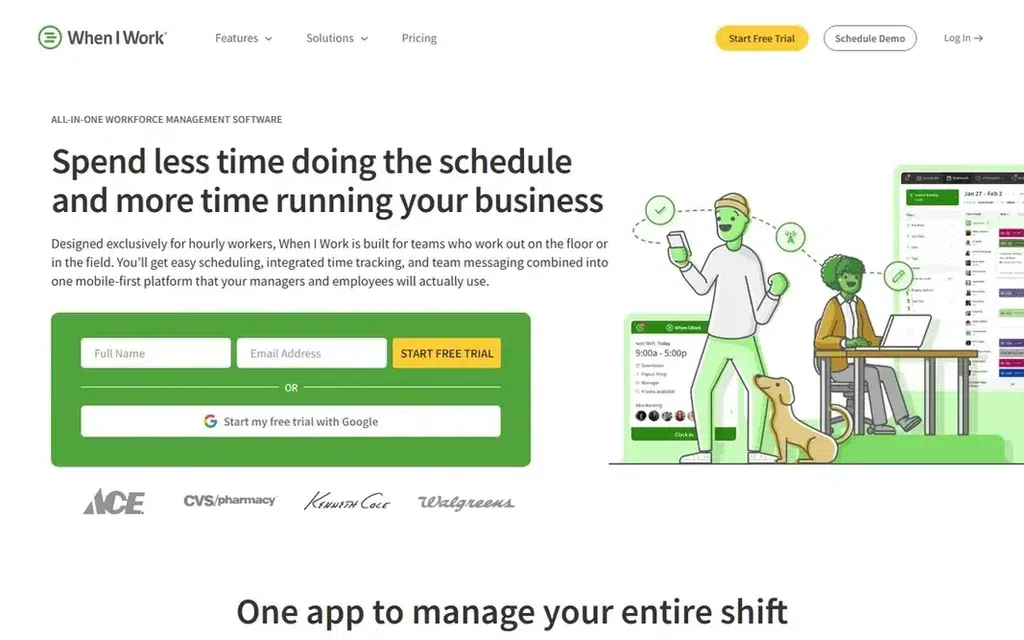
When I Work targets shift scheduling with team messaging. For pharmacies that run several shifts and need fast communication about coverage changes, that combination is practical. In practice, staff can see schedules and swap details, which supports hourly teams with varying availability.
Where it is weaker: Payroll depth varies by setup.
It centers on shift scheduling, so pharmacies wanting deep payroll or project billing may need another tool. From a buyer's view, Harvest is a better fit for invoicing-focused work. The starting price for When I Work: $2.50 per user per month. Free plan details: Free trial.
- Mobile-friendly for staff
- Built-in team messaging
- Focused chiefly on shift-based work
Harvest works best for Time tracking with client invoicing. Scheduling features are restricted. Confirm whether its reporting meets your needs on the vendor site.
In daily use, Harvest combines time tracking and management with reporting and online invoicing. More specifically, pharmacies that supply billable services, like consulting or specialized programs, can track hours and turn them into invoices. Its invoicing orientation is less relevant for a retail pharmacy tracking staff shifts, where Homebase or When I Work fit better. Harvest starts at: $9 per seat per month. Harvest has a free plan.
Downsides: Invoicing focus may not suit retail pharmacies.
Reasons to shortlist it: Time tracking with simple reporting.
- A decent match for billable work
- Simplified online invoicing
- Restricted shift scheduling
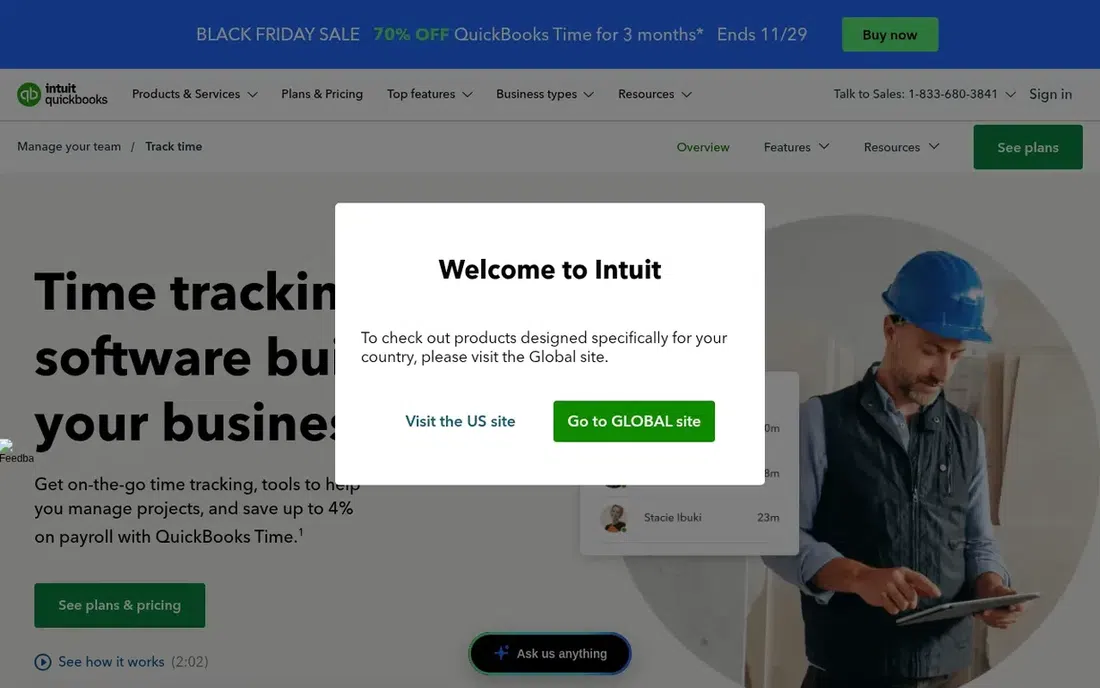
QuickBooks Time targets payroll-linked time tracking with GPS. Since time data flows into payroll, it suits pharmacies that want fewer manual steps between clocking in and paying staff.
Highlights: jobs and GPS.
In practice, confirm feature fit on the vendor site before committing. The product leans toward payroll and job costing, which can feel heavier than a pharmacy that only needs a straightforward clock-in tool. Pricing for QuickBooks Time is not stated here, so ask the vendor for current figures. Free plan details: Not stated.
Drawbacks to consider: Payroll focus may exceed straightforward needs.
- AI-powered all-in-one system
- Tracks employee time
- Setup needs configuration
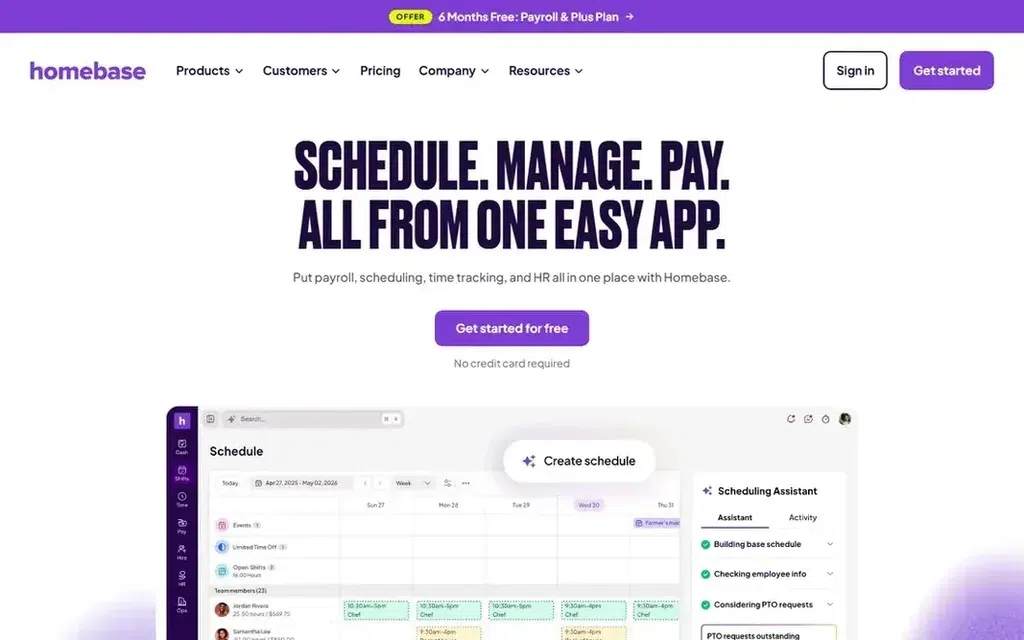
Choose Homebase for hourly pharmacy teams needing scheduling. The all-in-one scope can be more than a small pharmacy needs, and teams with largely salaried staff may find it less relevant.
On cost, Homebase starts like this: $30 per location per month. Free access exists with Homebase.
Limits to weigh: Best value for shift-based staffing.
- Designed for hourly teams
- Payroll and hiring tools included
- Wide feature set may overwhelm small teams
Pick Deputy if this describes you: AI labor forecasting for pharmacies. Pharmacies with fluctuating demand, for example busy vaccination periods or seasonal rushes, can use forecasting to plan staffing.
Reasons to shortlist it: Scheduling.
Limits to weigh: Forecasting fits bigger staffing needs.
More specifically, confirm the modules you need on the vendor site before deciding. Entry price for Deputy: $5 per user per month. On free options: Free trial.
- Easy-to-use interface
- HR and payroll in one
- Feature breadth takes time to learn
What went into this list
Selection started from tools commonly considered for time tracking software for pharmacies, then narrowed to 5 that have clear pricing information or a clear quote process. Treat prices as a snapshot: vendors change plans often, so check the vendor site for the figure that applies today. Tools are placed by general fit for time tracking software for pharmacies, with price clarity and free access as tie-breakers. A different team can reasonably rank them differently.
Questions to settle before buying
- Get a written quote from QuickBooks Time; the list shows no starting price for them.
- Look at free plan limits closely: Harvest and Homebase have one, and the caps decide whether it is usable for real work.
- Take the trial from When I Work and Deputy and push a live task through it before you pay.
- Before choosing When I Work, weigh its main limit: payroll depth varies by setup.
- Find out whether the entry plan of Deputy covers your must-haves or only a trimmed-down version.
- Ask the daily users to test Homebase on a live task before you roll it out to everyone.
FAQ
Do these tools publish their prices?
Not all of them. QuickBooks Time publishes no starting price, so expect a quote request for it. The rest, When I Work included, show a starting price, though seats and billing terms still change the final cost.
Which options for time tracking software for pharmacies have a free plan?
Harvest and Homebase offer a free plan in this list. Free plans usually cap users, projects or features, so check the limits on the vendor page. Several others offer a trial instead.
Can I try these tools before paying?
Often, yes. Harvest and Homebase have a free plan and When I Work and Deputy offer a free trial. Use your own data and a real task during the test, and check what the free tier or trial limits before you rely on it.
Which tool suits hourly pharmacy technicians?
QuickBooks Time also suits when payroll linkage matters. Match the tool to how your technicians clock in and get scheduled.
Is When I Work the right pick for everyone comparing time tracking software for pharmacies?
No single tool suits every team. When I Work comes first because it fits shift scheduling with team messaging, while Harvest suits Time tracking with client invoicing and QuickBooks Time suits payroll-linked time tracking with GPS. Match the tool to your own size, budget and workflow before deciding.
Sources
- https://wheniwork.com
- https://www.getharvest.com
- https://quickbooks.intuit.com/time-tracking
- https://joinhomebase.com
- https://www.deputy.com