Top 6 Time Management Tools for ADHD for 2026 (Prices and Free Plans)
Shortlisting the best time management tools for ADHD? 6 products compared on cost, free access and ideal buyer. Short verdicts, no fluff. Checked this month.
- Editor's choice
 RescueTime
Seeing where time goes
Starts at$7 per monthVisit rescuetime.comFull review - Great alternativeFocus@Will
Music for focus sessions
Starts atSee websiteVisit focusatwill.comFull review - Also consider
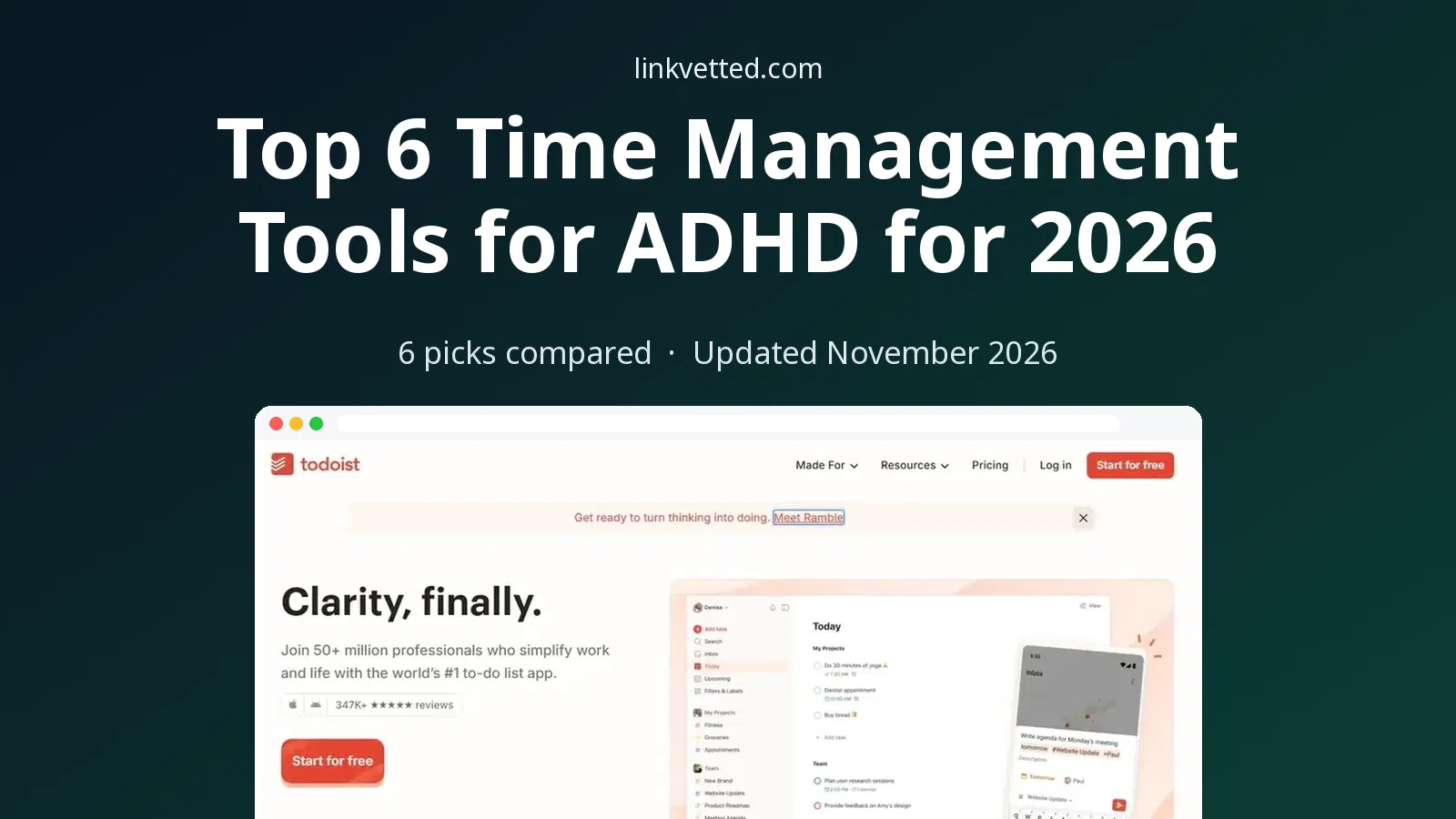
 Todoist
Straightforward, quick task capture
Starts at$5 a monthVisit todoist.comFull review
Direct answer
RescueTime comes first here, mainly for seeing where time goes. Listed starting prices: RescueTime from $7 per month, Todoist from $5 a month and Notion from $10 per member a month. Focus@Will is better for music for focus sessions, and Todoist is better for straightforward, quick task capture. The remaining 3 options are covered below with prices and limits.
TL;DR:
- Number one here is RescueTime, a fit for seeing where time goes.
- One limit worth knowing about Focus@Will: not a task manager.
- TickTick is the one to check for tasks, calendar, and habits together.
- Starting prices begin at $5 per month with Todoist.
- Only 3 of the 6 tools have a free plan (Todoist, Notion, TickTick), so check the caps.
Last checked November 2026. Prices and plan details were read from the vendors' own pages in November 2026; vendors change plans often, so confirm the current price on the vendor site before you buy.
Quick comparison
| Tool | Best for | Starts at | Free plan? | |
|---|---|---|---|---|
| RescueTime | Seeing where time goes | $7 per month | Free trial | Visit |
| Focus@Will | Music for focus sessions | See website | Not stated | Visit |
| Todoist | Straightforward, quick task capture | $5 a month | Yes | Visit |
| Sunrise | Checking sunrise and sunset times | See website | Not stated | Visit |
 Notion | Custom, adaptable workspaces | $10 per member a month | Yes | Visit |
 TickTick | Tasks, calendar, and habits together | $49.99 a year | Yes | Visit |
Time Management Tools for ADHD, one by one
LinkVetted compared 6 tools for time management tools for ADHD. The goal is a practical shortlist: published prices, free plan facts, best-fit use cases and honest limits for every entry.
RescueTime is aimed squarely at seeing where time goes. RescueTime is automatic time tracking software that records how you spend time on devices and helps you set goals. On top of that, choose RescueTime when awareness of time use is the main goal.
Worth adding: the automatic tracking may feel intrusive, and the data can be uncomfortable to review at first. It does not handle tasks, so pair it with a to-do list. On top of that, for ADHD, seeing actual time use can build awareness and support better planning. RescueTime pricing: $7 per month. Trial and free access: Free trial.
Reasons to shortlist it: Goal setting for focus. Watch-outs: Can highlight uncomfortable patterns.
- Automatic time tracking
- Works in the background
- Needs installation
Focus@Will
Best for: Music for focus sessions
Focus@Will was built for music for focus sessions. Focus@Will is a music service built to help with concentration during work or study.
Watch-outs: Not a task manager.
For ADHD, a consistent audio backdrop can support focus sessions and cut distractions. It does not organize tasks or track time, so it performs best alongside a planner or timer. Focus@Will shows no starting price here, so confirm the cost on the vendor site. As for free access: Not stated.
- Straightforward to start
- Can be used during work blocks
- Effectiveness varies by person
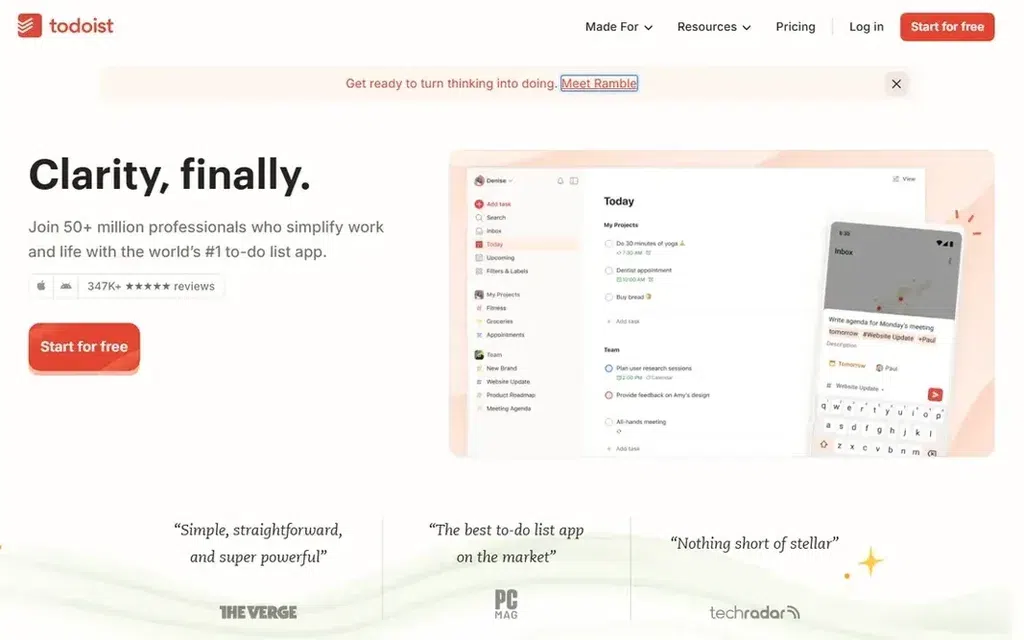
Todoist targets straightforward, quick task capture. For ADHD, the low-friction entry and clear lists help cut the mental load of remembering what to do next.
Downsides: Restricted built-in calendar view.
Worth adding: Todoist performs best when you keep your setup straightforward. Price to start with Todoist: $5 per month. You can start on Todoist without paying.
- Fast task entry
- Clean
- Advanced features take time to learn
Sunrise
Best for: Checking sunrise and sunset times
Think of Sunrise for checking sunrise and sunset times. It does not handle tasks, habits, or focus sessions, so it cannot replace a planner or timer.
Use it alongside a task app if daylight timing matters to your routine. This comparison lists no price for Sunrise; ask the vendor. Free options: Not stated.
Downsides: Limited to solar times.
- Straightforward solar time lookup
- Spans locations worldwide
- Not a task or focus tool
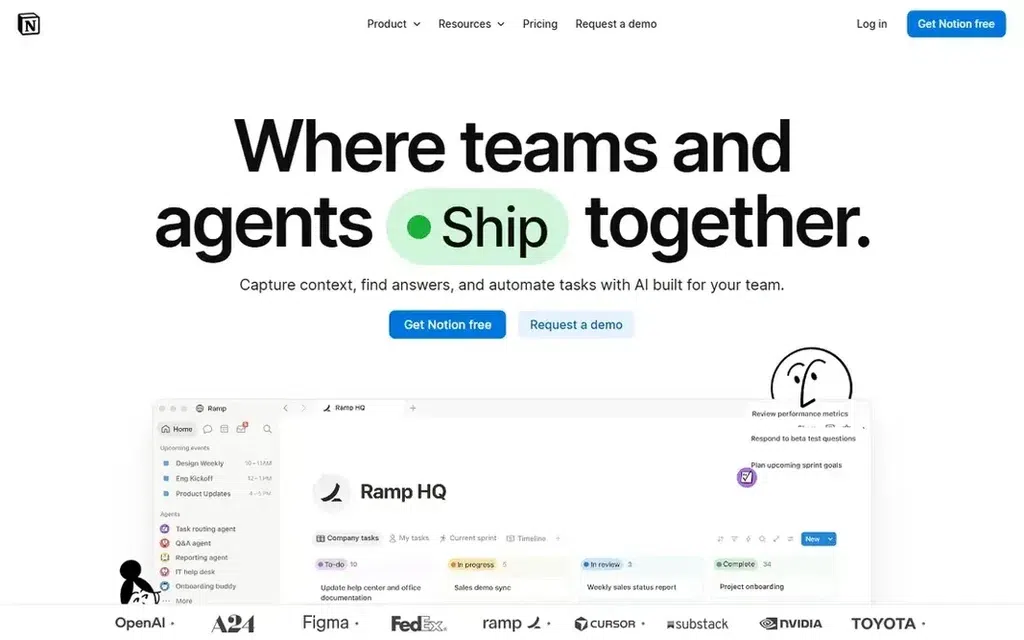
Notion is built with custom, adaptable workspaces in mind. The adaptability can become a trap: endless customization may distract instead of help, and the ramp-up time is real. In practice, pick Notion when you want to build and maintain your own workflow.
What to check first: Can be complicated to set up.
If you need something that works from day one, a more straightforward tool like Todoist is frequently better. In daily use, for ADHD, it can be feature-rich if you like designing a system that matches how you think. Its search and automation features can cut busywork. Starting cost for Notion: $10 per member per month. Free access exists with Notion.
- Highly configurable
- Merges notes and tasks
- Simple to overbuild and abandon
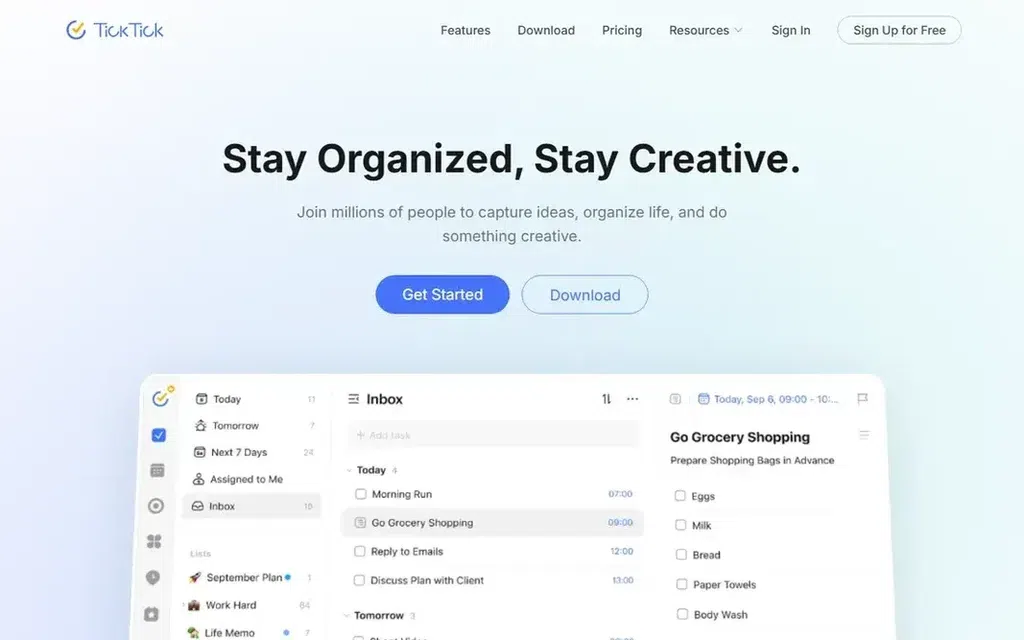
Pick TickTick if this describes you: tasks, calendar, and habits together. TickTick is an all-in-one productivity app that runs tasks, calendars, and habits in one place. The range of features can be overwhelming if you prefer minimal tools, and setup takes some effort.
Points against: More features than some need.
Choose TickTick when you need calendar and habit views alongside tasks. More specifically, for people with ADHD, having tasks and schedule together can cut the number of apps to check and make time blocks simpler to see. On cost, TickTick starts like this: $49.99 per year. TickTick offers a free plan.
- Merges tasks and calendar
- Bundles habit tracking
- Can feel busy at first
How we compared the tools
The comparison looks at four things: starting price, free access, how well the feature set matches time management tools for ADHD, and the main limit of each tool. Where a vendor does not publish a price, the entry says quote. Where a price depends on seats or billing term, the entry says so. We ordered the tools by general fit, then by how clearly pricing is shown, then by free access. A buyer with unusual needs may reorder them.
Questions to settle before buying
- Confirm the entry price on the vendor page. For Focus@Will and Sunrise that means a quote rather than a fixed price.
- Check what the free option really includes: Todoist, Notion and TickTick offer a free plan, and usage caps differ.
- Run a trial of RescueTime with real work before paying for a year; your own workflow is the best test.
- Before choosing RescueTime, weigh its main limit: needs installation.
- Test the integrations you rely on with Todoist before committing; some connectors sit on upper tiers.
- Find out what support Notion includes on your plan, and whether onboarding help costs extra.
FAQ
Do these tools publish their prices?
Not all of them. Focus@Will and Sunrise publish no starting price, so expect a quote request for those. The rest, RescueTime included, show a starting price, though seats and billing terms still change the final cost.
What makes a time management tool a decent match for ADHD?
Decent tools for ADHD cut friction: quick task capture, clear visuals, and straightforward focus aids. They should not add complexity that becomes another distraction.
Is RescueTime the right pick for everyone comparing time management tools for ADHD?
No single tool suits every team. RescueTime comes first because it fits seeing where time goes, while Focus@Will suits music for focus sessions and Todoist suits simple, fast task capture. Match the tool to your own size, budget and workflow before deciding.
What is the cheapest option for time management tools for ADHD in this list?
On published monthly entry prices, Todoist is the lowest here at $5 per month. Entry price is only part of the cost, because seats, add-ons and billing terms can change the total. For the full picture, the cards above cover all 6 entries of this time management tools for ADHD list, including price, free plan and limits.
Which options for time management tools for ADHD have a free plan?
Todoist, Notion and TickTick offer a free plan in this list. Free plans usually cap users, projects or features, so check the limits on the vendor page. One other tool offers a trial instead.
Sources
- https://www.rescuetime.com
- https://www.focusatwill.com
- https://todoist.com
- https://www.sunrise.am
- https://www.notion.so
- https://ticktick.com