The 6 Best Project Management Software with Time Tracking Integration in 2026, Ranked
Best project management software with time tracking integration in 2026: 6 tools with starting prices, free plans and limits. Verdicts stay brief and factual.
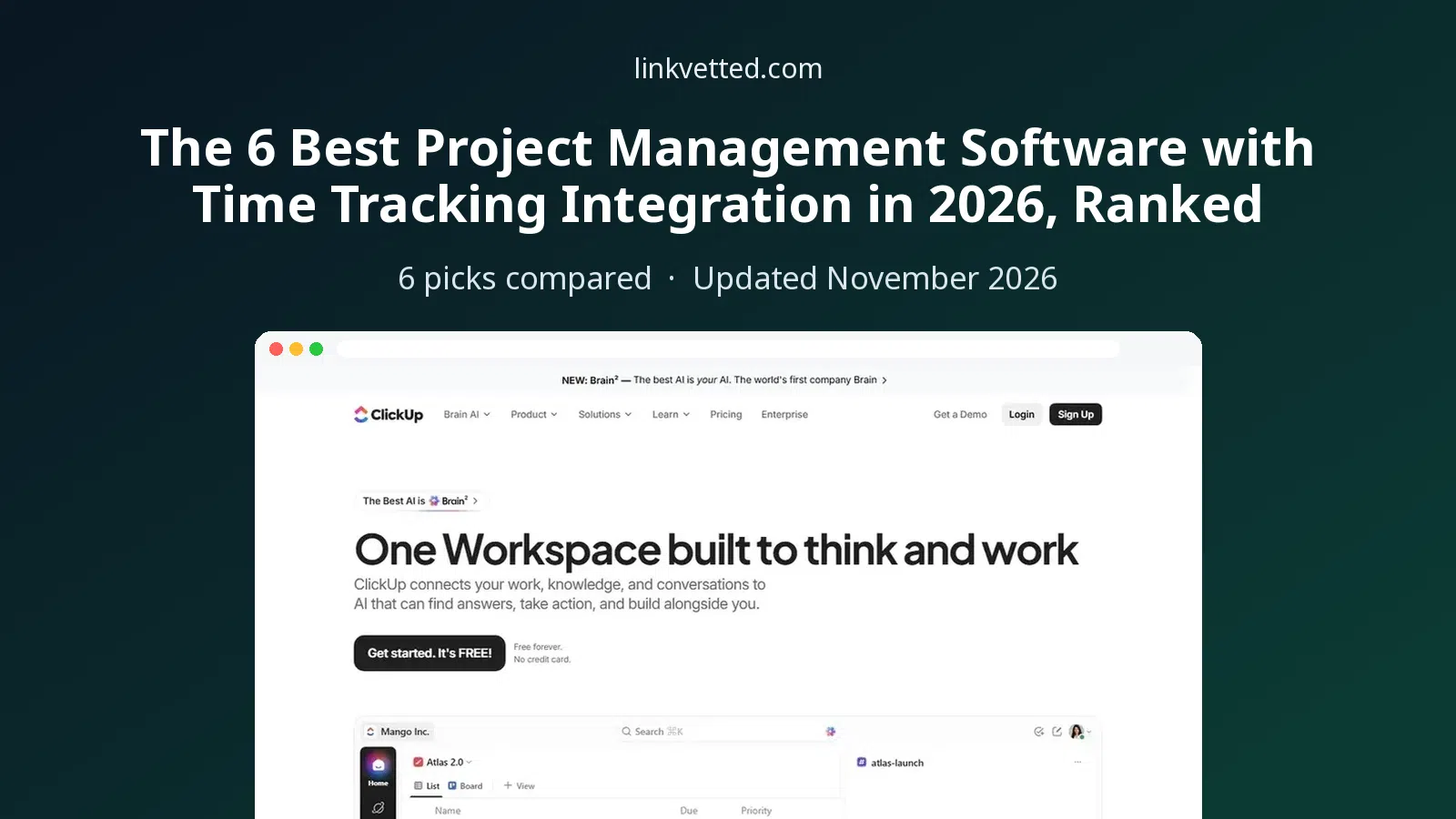
- Editor's choice
 ClickUp
All-in-one productivity app
Starts at$9 per user per monthVisit clickup.comFull review - Great alternative
 Monday.com
AI workspace for people and agents
Starts at$9 per seat a monthVisit monday.comFull review - Also consider
 Zoho Projects
Cloud-based project planning and tracking
Starts atSee websiteVisit zoho.comFull review
Direct answer
ClickUp is the first pick on this list for all-in-one productivity app. Listed starting prices: ClickUp from $9 per user per month, Monday.com from $9 per seat a month and Asana from $10.99 per user a month. Alternatives: Monday.com for AI workspace for people and agents, and Zoho Projects for cloud-based project planning and tracking. The remaining 3 options are covered below with prices and limits.
TL;DR:
- ClickUp is the opening pick, best for all-in-one productivity app.
- What to know about ClickUp first: feature breadth can overwhelm.
- Free plans exist at 3 of 6 tools (ClickUp, Monday.com, Asana).
- The cheapest monthly starting price in the list is $9 per user per month, offered by ClickUp.
Last checked November 2026. Prices and plan details were read from the vendors' own pages in November 2026; vendors change plans often, so confirm the current price on the vendor site before you buy.
Quick comparison
| Tool | Best for | Starts at | Free plan? | |
|---|---|---|---|---|
| ClickUp | All-in-one productivity app | $9 per user per month | Yes | Visit |
| Monday.com | AI workspace for people and agents | $9 per seat a month | Yes | Visit |
| Zoho Projects | Cloud-based project planning and tracking | See website | Not stated | Visit |
 Asana | Human-agent team work management | $10.99 per user a month | Yes | Visit |
 Smartsheet | Enterprise execution with governance | $12 per Member/month | Not stated | Visit |
 Wrike | Enterprise work delivery with AI | See website | Not stated | Visit |
The full project management software with time tracking integration list
This LinkVetted guide covers 6 options for project management software with time tracking integration. Each profile lists a starting price, free plan details, strengths and drawbacks, so you can drop poor fits quickly.
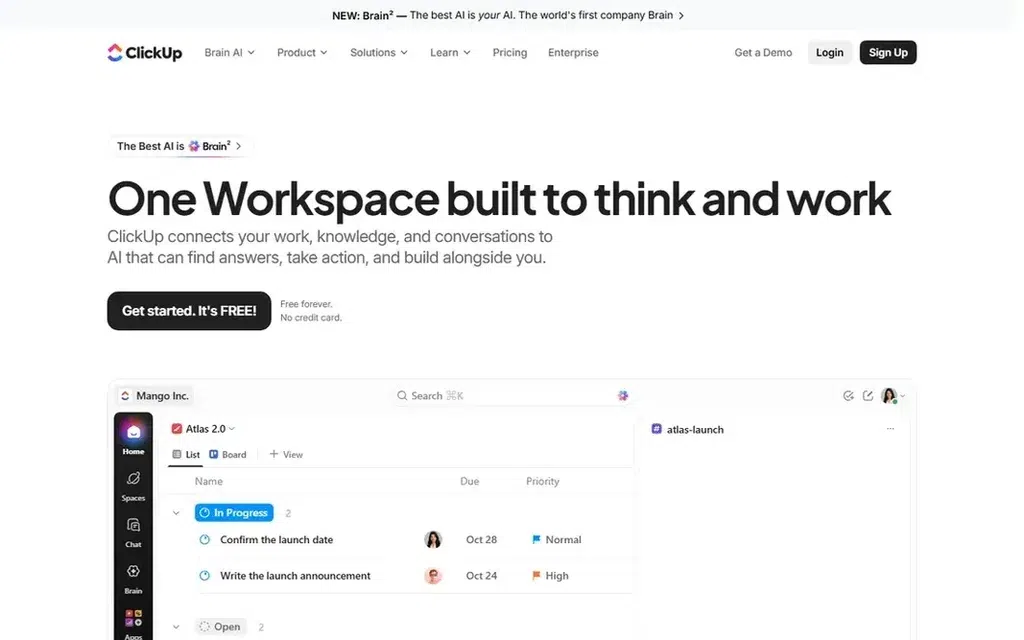
ClickUp serves all-in-one productivity app. Its mission is to make the world more productive.
Beyond that, pick ClickUp when consolidation and adaptability matter more than a narrow, prescriptive workflow. In practice, if you prefer a more guided work management experience, Asana or Monday.com could be more straightforward. ClickUp cost at the entry level: $9 per user per month. Free access exists with ClickUp.
Downsides: May need configuration.
- Everything app for work
- Productivity-focused mission
- Feature breadth can overwhelm
In short, Monday.com is for AI workspace for people and agents. Monday.com is an AI workspace for people and agents, where teams execute, run, and operate together to drive business results. Its homepage flags AI agents working side by side with people.
Worth adding: pick Monday.com when a customizable AI workspace is the priority. From a buyer's view, the adaptability that makes Monday.com adaptable can also mean more configuration to tailor it to your time tracking needs. What you pay to start with Monday.com: $9 per seat per month. Monday.com offers a free plan.
Points against: May need setup for time tracking.
- Execute and handle together
- AI agents work alongside people
- Customization can add complexity
Zoho Projects is designed for cloud-based project planning and tracking. Zoho Projects is a cloud-based project management tool that helps teams plan, track, collaborate, and achieve project goals. Its homepage presents it as online project management software.
More specifically, choose Zoho Projects for accessible cloud project management. Teams looking for a straightforward cloud project management product with time tracking integration as part of planning and tracking will find it worth considering. Zoho Projects shows no starting price here, so confirm the cost on the vendor site. As for free access: Not stated.
Drawbacks to consider: May be less known for deep time tracking.
- Cloud-based project management
- Aims at project goal achievement
- Feature depth varies by setup
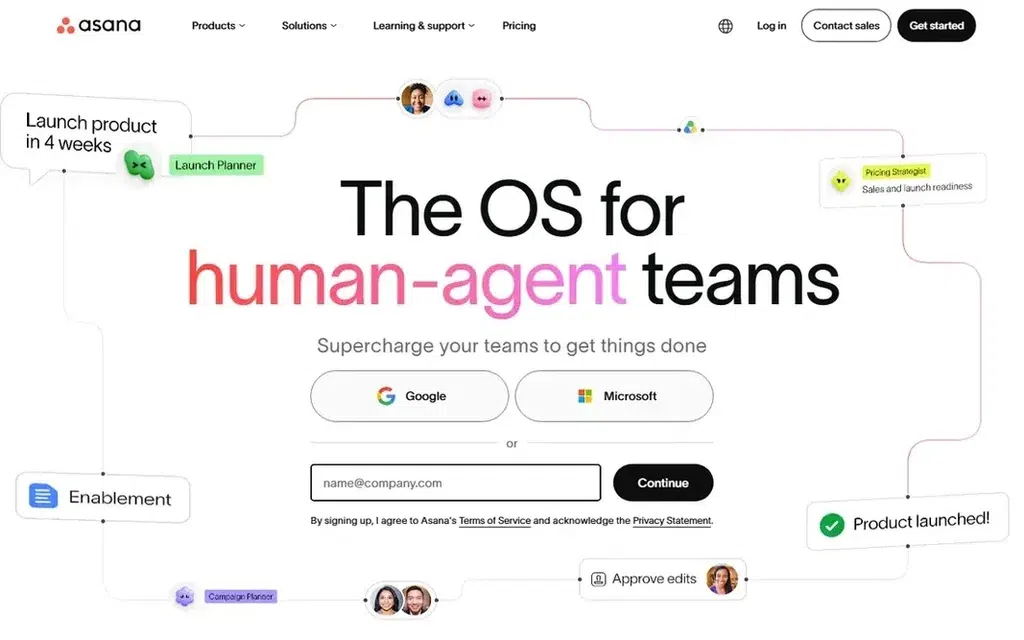
Asana is a good fit for human-agent team work management. Asana is work management software for teams and AI agents, built to plan, automate, and execute critical workflows together.
Drawbacks to consider: Time tracking may need integration.
Its homepage emphasizes collaboration between human and agent teams. Entry price for Asana: $10.99 per user per month. Asana offers a free plan.
- Plan and automate workflows
- Work management for teams and AI agents
- Advanced needs may need extras
In short, Smartsheet is for enterprise execution with governance. Choose Smartsheet when governance and execution visibility are essential. Smartsheet is the Execution Hub for enterprise work, where people and AI get work done together with the governance and visibility enterprises need.
For everyday use, the spreadsheet-style interface is not for everyone, and enterprise governance features may be more than small teams need. In practice, if you want a more visual task board experience, Monday.com or ClickUp may be preferable. Teams that prefer a spreadsheet-like approach to project management, with time tracking integration and enterprise controls, will find Smartsheet a practical choice. What you pay to start with Smartsheet: $12 per Member/month. Trial and free access: Not stated.
Drawbacks to consider: Spreadsheet-style may not suit all.
- Execution hub for enterprise work
- People and AI work together
- Enterprise focus can feel complicated
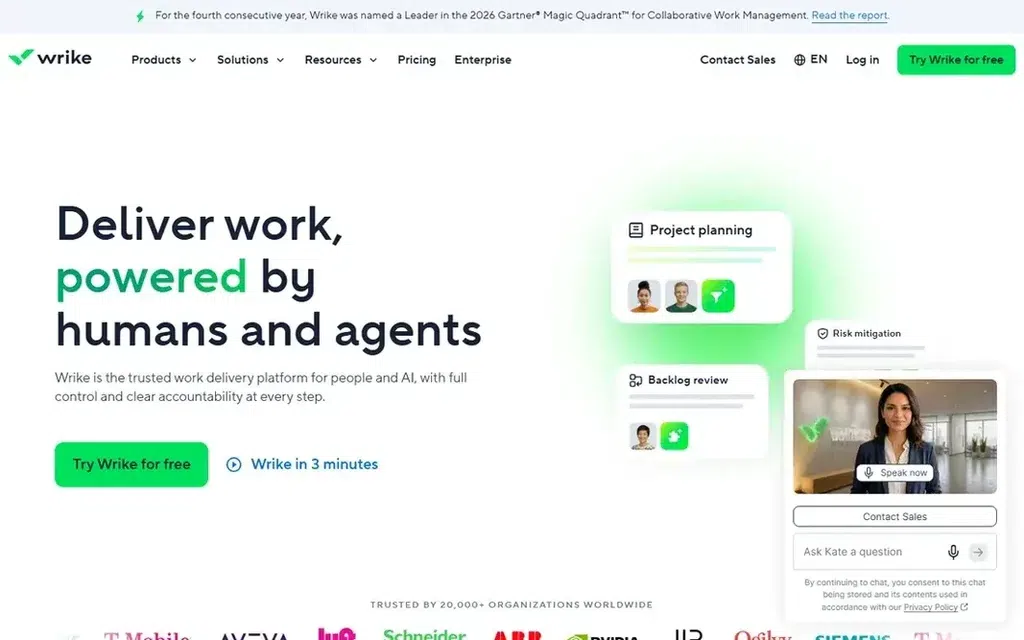
In short, Wrike is for enterprise work delivery with AI. The enterprise orientation means smaller teams may find the setup and feature depth more than they need.
Teams that require structured project execution, governance, and time tracking integration in a single system will find it a good fit, notably in bigger organizations. Pricing for Wrike is not stated here, so ask the vendor for current figures. On free options: Not stated.
Watch-outs: Enterprise focus can feel heavy.
- Enterprise control and visibility
- AI-powered work management
- May be complicated for small teams
How we compared the tools
LinkVetted looked at what each vendor publishes: pricing, plan limits, feature coverage for project management software with time tracking integration and stated drawbacks. No hands-on testing is claimed. Seat minimums, billing terms and add-ons can move the real cost, so the starting prices here are a guide and not a quote. The sequence is a judgement call: typical use case first, then pricing transparency, then free access. Use the profiles to check fit.
What to confirm before you sign up
- Get a written quote from Zoho Projects and Wrike; the list shows no starting price for them.
- Read the fine print on the free plans from ClickUp, Monday.com and Asana; seat, project and feature caps differ.
- Read the limits listed for ClickUp first: feature breadth can overwhelm.
- Confirm you can export your data from Wrike, so leaving later does not mean losing records.
- List the apps you already depend on and check that Zoho Projects supports each one on the plan you would buy.
FAQ
Do these tools publish their prices?
Not all of them. Zoho Projects and Wrike publish no starting price, so expect a quote request for those. The rest, ClickUp included, show a starting price, though seats and billing terms still change the final cost.
How are the tools for project management software with time tracking integration ordered?
The order follows typical fit for project management software with time tracking integration, with ClickUp first and Wrike last, then price clarity and free access. It is editorial judgement, not a score, so another team could rank the tools differently.
Can I use these tools for both project management and time tracking?
The best choice relies on your team size, workflow complexity, and whether you need enterprise governance or service profitability features. Also, review each tool's documented capabilities against your needs.
Which options for project management software with time tracking integration have a free plan?
ClickUp, Monday.com and Asana offer a free plan in this list. Free plans usually cap users, projects or features, so check the limits on the vendor page. For the full picture, the cards above cover all 6 entries of this project management software with time tracking integration list, including price, free plan and limits.
Is ClickUp the right pick for everyone comparing project management software with time tracking integration?
No single tool suits every team. ClickUp comes first because it fits all-in-one productivity app, while Monday.com suits AI workspace for people and agents and Zoho Projects suits cloud-based project planning and tracking. Match the tool to your own size, budget and workflow before deciding.
Sources
- https://clickup.com
- https://monday.com
- https://www.zoho.com/projects
- https://asana.com
- https://www.smartsheet.com
- https://www.wrike.com