Best Identity Platform With HR Integration in 2026: 9 Tools Compared
Find the best identity platform with hr integration in 2026, with 9 tools that sync HR data, automate joiner and leaver access and support SSO and MFA.
- Editor's choice
 Okta
Mixed app estates and lifecycle
Starts at$6 per user per monthVisit okta.comFull review - Great alternative
 Microsoft Entra ID
Microsoft 365 teams
Starts atFreeVisit microsoft.comFull review - Also consider
 JumpCloud
Identity plus devices
Starts atSee websiteVisit jumpcloud.comFull review
TL;DR:
- The best HR integration is one where a hire, move or exit in HR automatically creates, changes or removes app access, without manual tickets.
- Okta and Microsoft Entra ID lead for most firms, with Okta stronger for mixed app estates and Entra ID stronger inside Microsoft 365.
- JumpCloud and Rippling suit smaller teams that want identity, devices and HR in fewer systems.
- Check SCIM, HRIS connectors and lifecycle automation on the tier you plan to buy, because those features often sit above the entry plan.
- Test the leaver flow first, because fast, complete deprovisioning is the highest value HR integration of all.
Quick comparison
| Tool | Best for | Starts at | Free plan? | |
|---|---|---|---|---|
| Okta | Mixed app estates and lifecycle | $6 per user per month | Free trial | Visit |
| Microsoft Entra ID | Microsoft 365 teams | Free | Yes | Visit |
| JumpCloud | Identity plus devices | See website | Yes | Visit |
 Ping Identity | Large complex estates | See website | Free trial | Visit |
 OneLogin | Mid market simplicity | See website | Free trial | Visit |
 Rippling | HR plus identity in one system | See website | Free trial | Visit |
 Cisco Duo | MFA first rollout | $3 per user per month | Yes | Visit |
 CyberArk Workforce Identity | Workforce plus privileged access | $2 per user per month | Free trial | Visit |
 SailPoint | Identity governance at scale | See website | No | Visit |
The best identity platform with hr integration
HR integration turns identity from a login tool into a lifecycle tool. When HR is the source of truth, a new hire gets the right apps on day one, a role change updates group access, and a leaver loses access promptly across systems. The platforms below differ in how deep that HR link goes, and in how much admin work it still needs.
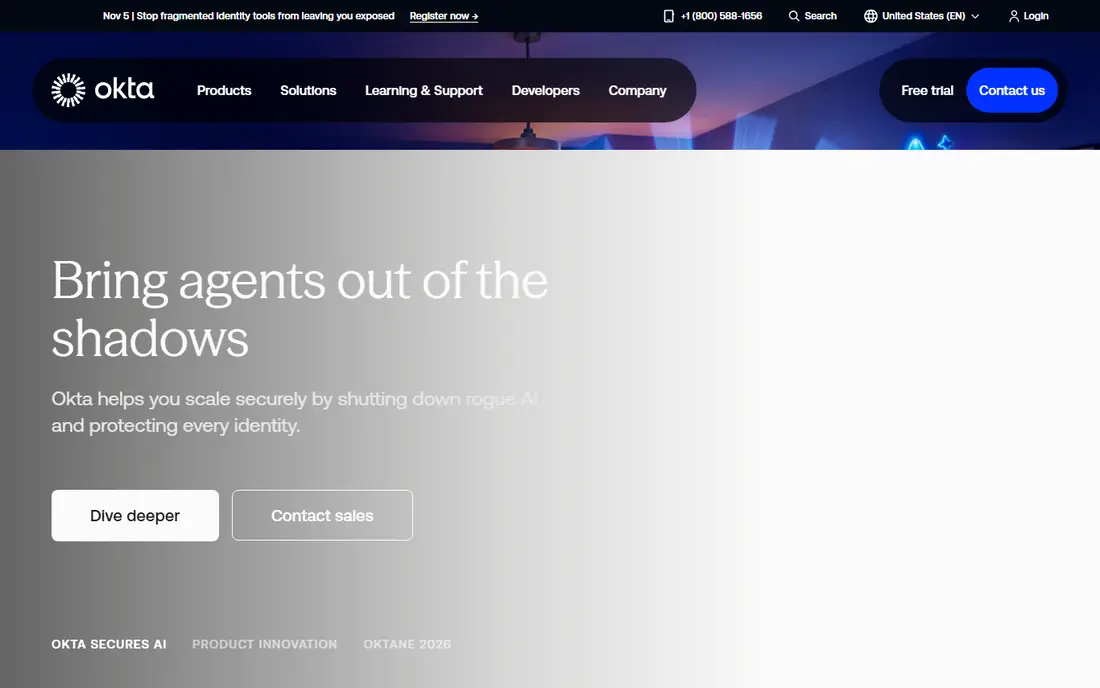
Okta is our pick for firms with a mixed set of apps and a clear HR system to connect. Its Integration Network covers thousands of apps, and its lifecycle tools can use HR data from Workday, BambooHR and similar systems to create accounts, assign groups and remove access when employment ends. That HR driven flow cuts the manual tickets that pile up around joiners and leavers.
The entry Starter suite, at $6 per user per month billed annually, covers SSO, MFA and directory basics, but full lifecycle automation sits higher. Confirm which HR connector and lifecycle tier your plan includes, and test a leaver flow in a trial before you sign. For a vendor neutral identity layer, Okta remains the benchmark.
- Large app catalogue
- HR driven lifecycle automation
- Strong SSO and adaptive MFA
- Lifecycle features need higher tiers
- $1,500 annual minimum contract
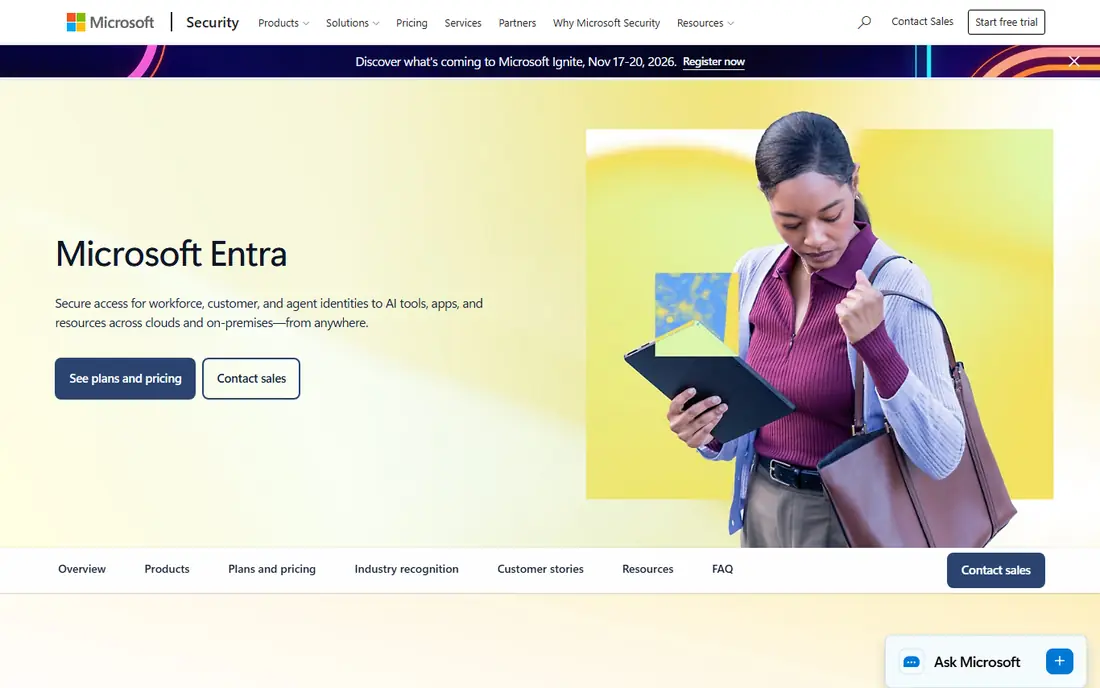
For teams already on Microsoft 365, Entra ID is the natural identity anchor. The free tier covers basic SSO and MFA with eligible subscriptions, while P1 adds Conditional Access and HR driven provisioning, and P2 adds identity protection and privileged identity management. HR driven provisioning from Workday and SAP SuccessFactors can create and update accounts as HR records change.
The catch is that Entra ID shines brightest when your apps, email and devices already live in Microsoft services. Mixed estates can still use it, but you may need extra work for non Microsoft apps. If Microsoft is your core, Entra ID gives you strong HR integration without a separate identity bill for basic use.
- Free tier with Microsoft 365
- P1 at $7 and P2 at $10 per user per month
- HR driven provisioning from Workday and SAP
- Fullest value inside Microsoft licensing
- Some governance features need P2 or add-ons
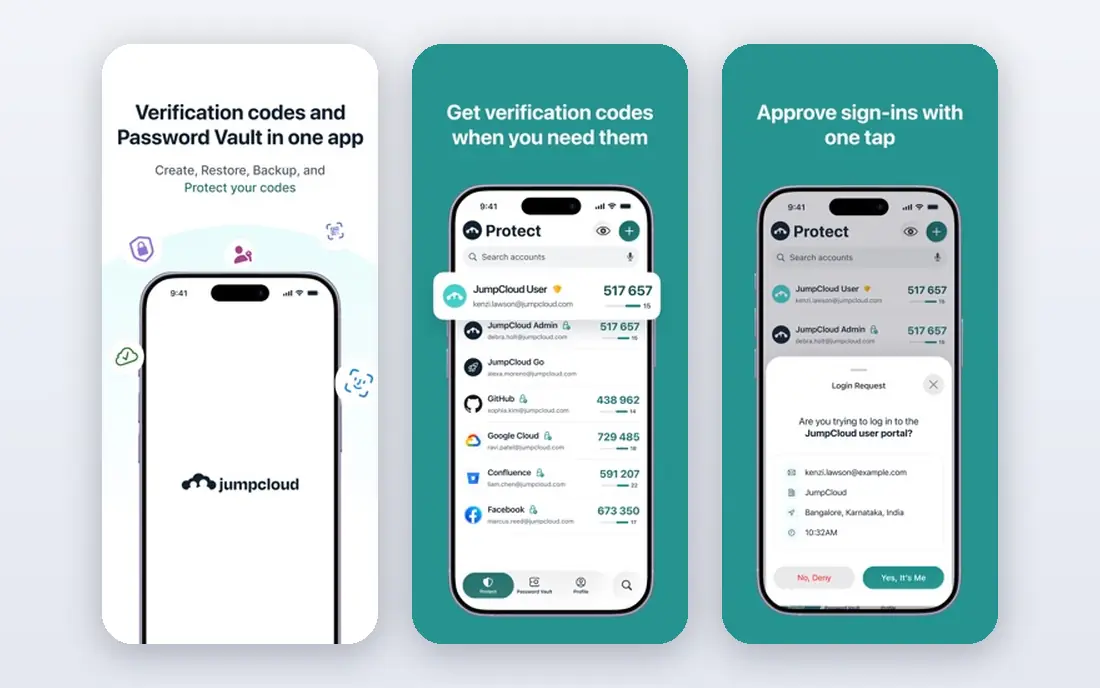
JumpCloud suits small and mid sized teams that want to replace on premises Active Directory and manage devices from the same console. Its free plan for up to 10 users and 10 devices lets a tiny team start without cost, and paid packages add SSO, MFA and device policies. HR sync helps keep user records aligned, though the depth depends on your HR system and package.
Larger firms with complex governance, access reviews and federation needs will likely need Okta, Entra ID or SailPoint instead. For a growing team that wants identity and devices in one place, with a gentle start, JumpCloud is a practical choice that avoids a heavy enterprise project.
- Cloud directory plus device management
- Free plan for up to 10 users and 10 devices
- HR and directory sync options
- Pricing varies by package
- Enterprise governance is thinner than Okta or Entra ID
Ping Identity fits large or hybrid estates where federation, legacy directories and complex login flows are the norm. It supports SAML, OIDC and SCIM, and its workforce platform can connect HR sources to provisioning flows across cloud and on premises apps. That breadth helps when a simple cloud directory cannot cover every system.
Ping is not a casual purchase. Enterprise pricing is negotiated, and implementation benefits from staff who understand federation and identity governance. If your estate is large, regulated or spread across old and new systems, Ping depth is worth the effort. If your estate is simple, a lighter platform will be faster.
- Strong federation and hybrid support
- Workforce plans from $3 per user per month in some reports
- Broad protocol support
- Quote based enterprise deals
- Needs skilled identity staff
OneLogin, part of One Identity, appeals to mid market teams that want SSO, MFA and HR linked provisioning without Okta scale complexity. Its admin console is approachable, its directory integrations cover common HR and directory sources, and its pricing, while quote based, is often positioned for mid sized firms rather than only large enterprises.
The trade-off is catalogue depth and advanced governance, where Okta and SailPoint go further. Check that OneLogin covers your specific HR system and your must have apps before you commit, and test the provisioning flow for role changes, not just new hires. For a straightforward mid market rollout, it is a calm and capable choice.
- Simple SSO and MFA setup
- HR directory integrations
- Mid market friendly admin
- Pricing is quote based
- Catalogue is smaller than Okta
Rippling takes a different approach: instead of connecting HR to identity, it makes HR the identity system. Because payroll, HR and IT share one employee record, a hire in Rippling can trigger app accounts, device setup and payroll in one flow, and a leaver flow can close those items together. That single record removes a whole class of sync errors.
The value is strongest when you use Rippling for HR, not just for identity alone. Firms with an established HR system they will not replace may prefer Okta or Entra ID as a separate identity layer. Firms open to consolidating HR and IT will find Rippling one of the fastest ways to get HR driven access right.
- HR, payroll, IT and identity share one employee record
- Automated app provisioning
- Device management options
- Quote based pricing
- Best value when you adopt Rippling HR as well
Duo is the MFA first pick, and it earns its place when the urgent problem is secure login rather than full lifecycle automation. Its free tier for up to 10 users lets a small team add strong MFA quickly, and paid plans add SSO, device trust and access policies. Duo integrates with directories and identity providers, so it can sit alongside Okta, Entra ID or an HR system.
Do not mistake Duo for a full HR lifecycle platform. It does not replace HR driven provisioning on its own, so pair it with a directory or identity tool that owns joiner and leaver flows. For a fast security win, or for a small team that needs MFA before anything else, Duo is an excellent start.
- Free for up to 10 users
- Paid plans from $3 per user per month
- Strong MFA and device trust checks
- Not a full lifecycle platform on its own
- HR provisioning needs another directory or identity tool
CyberArk Workforce Identity suits firms that need both everyday workforce login and stronger control over privileged accounts. Its workforce SSO pricing starts low in published comparisons, and it can sit alongside CyberArk privileged access tools for admins and sensitive systems. HR integration and lifecycle flows help keep workforce access aligned as roles change.
Smaller teams that only need SSO and MFA may find Duo or JumpCloud simpler, while firms that need deep identity governance may also look at SailPoint. Choose CyberArk when privileged access is part of the same security programme as workforce identity, so one vendor covers both sides of access risk.
- Workforce SSO from $2 per user per month in published comparisons
- Privileged access strengths
- MFA and lifecycle options
- Full platform pricing is quote based
- Best fit needs a broader CyberArk view
SailPoint is the governance pick for large firms where proving who has access, and why, matters as much as granting access. Its access certifications, approval workflows and lifecycle automation connect HR data to a wide set of apps, and it helps compliance teams show a clear audit trail. For regulated industries, that governance depth is often the deciding factor.
The cost is enterprise scale effort and pricing, which makes SailPoint a poor fit for a 20 person team. It also works best alongside an SSO provider, rather than replacing one entirely in every case. If your firm faces regular audits and manages thousands of accounts, SailPoint gives HR integration a governance layer that simpler tools cannot match.
- Deep access reviews and certifications
- Lifecycle and governance at enterprise scale
- Broad HR and app connectors
- Enterprise pricing and implementation
- Overkill for small teams
How we picked these
We compared official pricing pages, HR connector documentation and lifecycle features for identity platforms in October 2026. We required a real HR link, such as HRIS provisioning, SCIM, or a shared HR and IT record, not just a generic directory import. We included a mix of enterprise, mid market and small team options, and we noted where lifecycle or governance features sit above the entry tier.
How to judge an HR integration
Ask for a live demo of three flows: a new hire, a role change, and a leaver. The new hire flow should create accounts and assign groups without manual tickets. The role change flow should add new access and remove old access in the same step. The leaver flow should disable accounts across all connected apps promptly, and produce a log you can audit.
Check the data and the timing
Confirm which HR fields drive access, such as department, location, manager and employment status, and how often the sync runs. A daily batch sync may be too slow for leavers, while an event driven sync from HR is better. Also check what happens when HR data is incomplete or delayed, because a good platform queues the change and alerts an admin instead of silently skipping it.
Plan for exceptions
Not every worker fits the standard HR flow. Contractors, interns and partners often sit outside the HR system, so your platform needs a manual or sponsored account process with an expiry date. Set a review cycle for those accounts, and make sure leaver handling covers contractors too. A platform that only handles full time staff leaves a gap that attackers and auditors both notice.
FAQ
What is the best identity platform with HR integration?
Okta is the best vendor neutral choice for mixed estates, while Microsoft Entra ID is best inside Microsoft 365. Rippling is best if you want HR and identity in one system, and SailPoint is best for governance at scale. The right pick depends on your HR system and estate size.
How does HR integration work in practice?
HR remains the source of truth for employment status and role. The identity platform reads that data, either by direct HRIS connector or by SCIM, and creates, updates or removes accounts and group memberships in connected apps. Good integrations also log every change for audit.
Which HR systems do these platforms connect to?
Common connections include Workday, SAP SuccessFactors, BambooHR, Rippling and Oracle HCM, though the exact list varies by platform and tier. Confirm your HR system is supported on the plan you will buy, not just on the enterprise plan, before you sign.
Is HR integration enough for leaver security?
It helps a lot, but it is not enough on its own. You still need prompt sync timing, coverage for contractors and non HR accounts, and a manual check for apps that are not connected. Test the leaver flow end to end, including apps outside the main catalogue.
Do I still need SSO if I have HR integration?
Yes, in most cases. HR integration controls who gets an account and what groups they join, while SSO and MFA control how they sign in securely. The two work together: HR decides access, SSO and MFA protect the login.
What does HR integration cost?
Pricing varies widely. Okta starts at $6 per user per month, Entra ID P1 at $7, Duo at $3, and CyberArk Workforce SSO from $2 in published comparisons, while Ping, Rippling and SailPoint are quote based. Lifecycle and governance features often need a higher tier, so price the tier that includes them.