Best Test Results Software in 2026: Prices, Free Plans and 5 Picks
Comparing the best test results software? 5 contenders, each with entry cost, free tier and best-fit buyer. We note where every tool falls short. Choose faster.

- Editor's choiceTestLink
Open-source test management on a budget
Starts atSee websiteVisit testlink.orgFull review - Great alternativeTestMonitor
Straightforward and easy-to-learn test management
Starts at$11 per user a monthVisit testmonitor.comFull review - Also consider
 PractiTest
Adaptable test management for agile teams
Starts atSee websiteVisit practitest.comFull review
Direct answer
For open-source test management on a budget, TestLink is where this list starts. Listed starting prices: TestMonitor from $11 per user a month. TestMonitor is better for straightforward and easy-to-learn test management, and PractiTest is better for flexible test management for agile teams. The remaining 2 options are covered below with prices and limits.
TL;DR:
- This list starts with TestLink, which is built for open-source test management on a budget.
- Azure Test Plans fits manual and exploratory testing in Azure DevOps.
- None of the 5 tools, from TestLink to Azure Test Plans, has a free plan, so budget for a subscription or use a trial.
- The lowest published monthly entry price here is $11 per user per month, from TestMonitor.
Last checked November 2026. Prices and plan details were read from the vendors' own pages in November 2026; vendors change plans often, so confirm the current price on the vendor site before you buy.
Quick comparison
| Tool | Best for | Starts at | Free plan? | |
|---|---|---|---|---|
| TestLink | Open-source test management on a budget | See website | Not stated | Visit |
| TestMonitor | Straightforward and easy-to-learn test management | $11 per user a month | Free trial | Visit |
| PractiTest | Adaptable test management for agile teams | See website | Not stated | Visit |
 TestRail | Thorough test management and reporting | See website | Not stated | Visit |
| Azure Test Plans | Manual and exploratory testing in Azure DevOps | See website | Free trial | Visit |
5 options for test results software in detail
Short on time? The summary and table above give the quick view of 5 tools for test results software, and the profiles that follow give the detail behind each entry.
TestLink
Best for: Open-source test management on a budget
Where TestLink fits: open-source test management on a budget. TestLink is an open-source test management tool that offers core functionalities for example test case creation, test execution, and reporting. It is a widely used choice for teams seeking a no-cost option with essential test management capabilities.
Watch-outs: Dated user interface.
TestLink lacks the refined integrations and modern user experience of commercial tools, and its interface may feel outdated. It also needs self-hosting and maintenance, which can be a burden for teams without technical resources. Pricing for TestLink is not stated here, so ask the vendor for current figures. On free options: Not stated.
- Community support
- Entry-level test management features
- Restricted integrations
TestMonitor
Best for: Straightforward and easy-to-learn test management
TestMonitor serves simple and intuitive test management. TestMonitor is a test management software known for its simplicity and easy-to-learn design. It is built for enterprise software and quality app development, offering core test management features without unnecessary complexity.
More specifically, if you need deep configurability or in-depth analytics, consider other choices. That said, for teams prioritizing simplicity, TestMonitor is a solid choice. Teams looking for a straightforward, easy-to-adopt option will appreciate TestMonitor's clean interface and fast setup. TestMonitor cost at the entry level: $11 per user per month. Free plan details: Free trial.
Limits to weigh: Less configurable than some competitors.
- User-friendly interface
- Well suited to small to midsize teams
- Restricted advanced reporting
Choose PractiTest for adaptable test management for agile teams. PractiTest is a test management product meant to be adaptable and configurable for agile and waterfall teams. It provides thorough test case management, requirements traceability, and reporting features.
Limits to weigh: Steeper ramp-up time.
PractiTest's adaptability includes a ramp-up time, and smaller teams might find its deep features overwhelming. Teams that require a tailored option to fit their specific processes and need solid reporting will find PractiTest a capable contender. PractiTest shows no starting price here, so confirm the cost on the vendor site. On free options: Not stated.
- Solid reporting capabilities
- Highly configurable
- Can be overwhelming for small teams
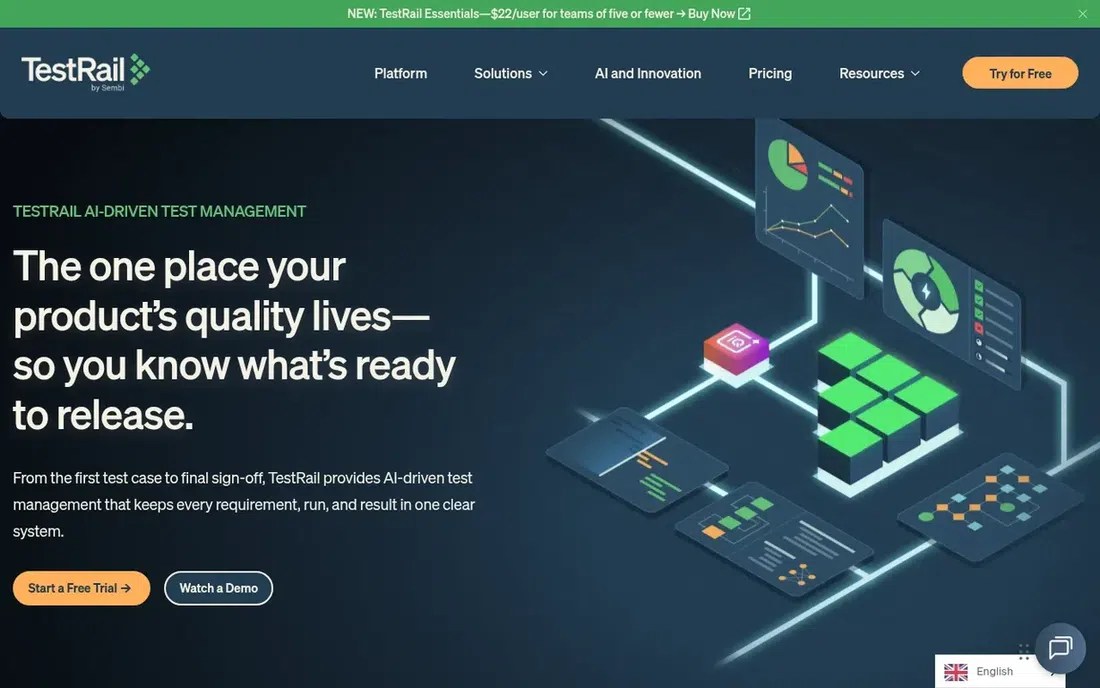
In short, TestRail is for thorough test management and reporting. TestRail is a widely used test management tool that helps QA teams organize test cases, plan test runs, and track results.
Where it is weaker: Restricted built-in test automation.
It needs setup and configuration to align with your workflow, and whereas it plugs into plenty of tools, it is not natively embedded in development products like Jira. This comparison lists no price for TestRail; ask the vendor. Trial and free access: Not stated.
- In-depth reporting and metrics
- Centralized test case repository
- Can be complicated for small teams
Azure Test Plans
Best for: Manual and exploratory testing in Azure DevOps
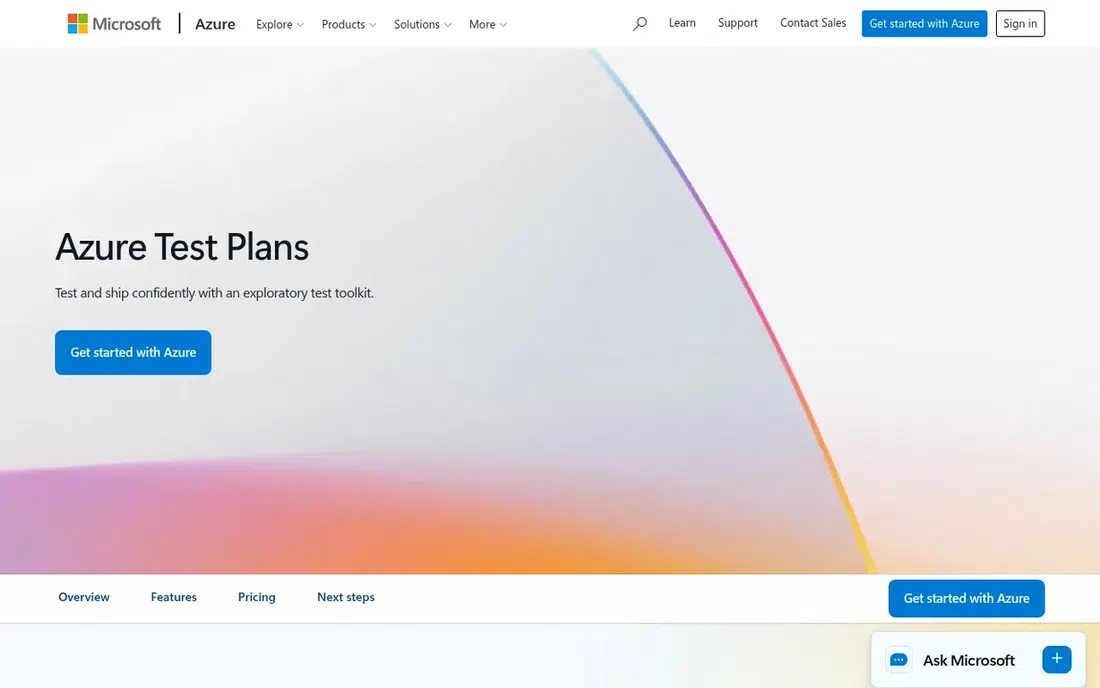
Where Azure Test Plans fits: manual and exploratory testing in Azure DevOps. It makes it possible for teams to plan, execute, and track test efforts, with tight integration into the broader Azure DevOps suite for continuous integration and delivery.
What to check first: Can be complicated to set up.
If you are not using Azure DevOps, a more platform-agnostic tool might be preferable. Check the vendor site for Azure Test Plans pricing; none is listed in this comparison. Free access: Free trial.
- Integrated with Azure DevOps
- Rich traceability
- Restricted to Azure DevOps ecosystem
How these tools were picked
Before you commit
- Confirm the entry price on the vendor page. For TestLink, PractiTest, TestRail and Azure Test Plans that means a quote rather than a fixed price.
- Run a trial of TestMonitor and Azure Test Plans with real work before paying for a year; your own workflow is the best test.
- Read the limits listed for TestLink first: restricted integrations.
- List the apps you already depend on and check that TestMonitor supports each one on the plan you would buy.
- Total up the real monthly cost of Azure Test Plans, including add-ons, extra users and usage-based fees.
FAQ
What is the cheapest option for test results software in this list?
On published monthly entry prices, TestMonitor is the lowest here at $11 per user per month. Entry price is only part of the cost, because seats, add-ons and billing terms can change the total.
Is open-source test results software sufficient for professional teams?
Open-source tools like TestLink can be sufficient for entry-level test management needs, particularly for budget-conscious teams. That said, they may lack advanced features, integrations, and support compared with commercial choices, so assess your requirements carefully.
Can I try these options before paying?
Often, yes. TestMonitor and Azure Test Plans offer a free trial. Use your own data and a real task during the test, and check what the free tier or trial limits before you rely on it.
Is TestLink the right pick for everyone comparing test results software?
No single tool suits every team. TestLink comes first because it fits open-source test management on a budget, while TestMonitor suits simple and intuitive test management and PractiTest suits flexible test management for agile teams. Match the tool to your own size, budget and workflow before deciding.
Do these tools publish their prices?
Not all of them. TestLink, PractiTest, TestRail and Azure Test Plans publish no starting price, so expect a quote request for those. The rest, TestMonitor included, show a starting price, though seats and billing terms still change the final cost.
Sources
- https://testlink.org
- https://www.testmonitor.com
- https://www.practitest.com
- https://www.testrail.com
- https://azure.microsoft.com/en-us/products/devops/test-plans