5 Tech Learning Platforms Worth Shortlisting in 2026
Weighing the best tech learning platforms? We lined up 5 products by cost, free access and fit. Includes honest limits for each tool. Refreshed for 2026.

- Editor's choice
 Udacity
Career-focused technical programs
Starts atSee websiteVisit udacity.comFull review - Great alternative
 DataCamp
Browser-based data science practice
Starts at$5 a month billed yearlyVisit datacamp.comFull review - Also considerO'Reilly
Wide technology and business training
Starts at$49 per monthVisit oreilly.comFull review
Direct answer
This list puts Udacity first for Career-focused technical programs. Listed starting prices: DataCamp from $5 a month billed yearly, O'Reilly from $49 per month and Pluralsight from $399 per month per user. DataCamp is the stronger choice for browser-based data science practice, while O'Reilly suits wide technology and business training. All 5 tools are compared below on price, free plan and limits.
TL;DR:
- Udacity is the opening pick, best for Career-focused technical programs.
- What to know about Pluralsight first: less suited to absolute beginners.
- DataCamp stands alone as the one tool in this list with a free plan.
- For the cheapest start, look at DataCamp: $5 per month billed annually.
- For courses, certificates and degrees, Coursera is worth a look.
Last checked November 2026. Prices and plan details were read from the vendors' own pages in November 2026; vendors change plans often, so confirm the current price on the vendor site before you buy.
Quick comparison
| Tool | Best for | Starts at | Free plan? | |
|---|---|---|---|---|
| Udacity | Career-focused technical programs | See website | Not stated | Visit |
| DataCamp | Browser-based data science practice | $5 a month billed yearly | Yes | Visit |
| O'Reilly | Wide technology and business training | $49 per month | Free trial | Visit |
| Pluralsight | Team skill building in cloud and security | $399 per month per user | Free trial | Visit |
 Coursera | Courses, certificates and degrees | See website | Not stated | Visit |
Tech Learning Platforms compared in detail
This LinkVetted guide covers 5 tech learning platforms. Each profile lists a starting price, free plan details, strengths and drawbacks, so you can drop poor fits quickly.
For Career-focused technical programs, Udacity is a natural candidate. Its catalog is narrower than large marketplaces like Coursera, and programs need sustained effort over time.
Highlights: Includes digital marketing as well.
Also, learners who want to sample numerous subjects or earn academic credentials may find other platforms more adaptable. This comparison lists no price for Udacity; ask the vendor. Free options: Not stated.
Watch-outs: Programs demand sustained time commitment.
- Programs in programming
- Career-oriented structure
- Narrower catalog than marketplaces
DataCamp is aimed squarely at browser-based data science practice. DataCamp teaches data science and AI straight in the browser, combining video tutorials with coding challenges in R, Python, statistics and related topics.
Drawbacks to consider: Restricted coverage outside data and AI.
Upsides: Coding challenges in the browser. Those wanting a wider catalog or formal credentials should compare Coursera or Pluralsight instead. Price to start with DataCamp: $5 per month billed annually. DataCamp includes a free tier.
- Self-paced video tutorials
- Spans R
- Narrower than general tech catalogs
O'Reilly
Best for: Wide technology and business training
Choose O'Reilly for wide technology and business training. The breadth of material can be hard to navigate for someone starting from zero, and it is less structured than beginner-oriented products.
O'Reilly gives you technology and business training, drawing on its long history as a technical publisher. What you pay to start with O'Reilly: $49 per month. Free plan details: Free trial.
What to check first: Less structured for absolute beginners.
- Long-standing technical publisher
- Broad technology and business coverage
- Catalog breadth can overwhelm newcomers
Pluralsight
Best for: Team skill building in cloud and security
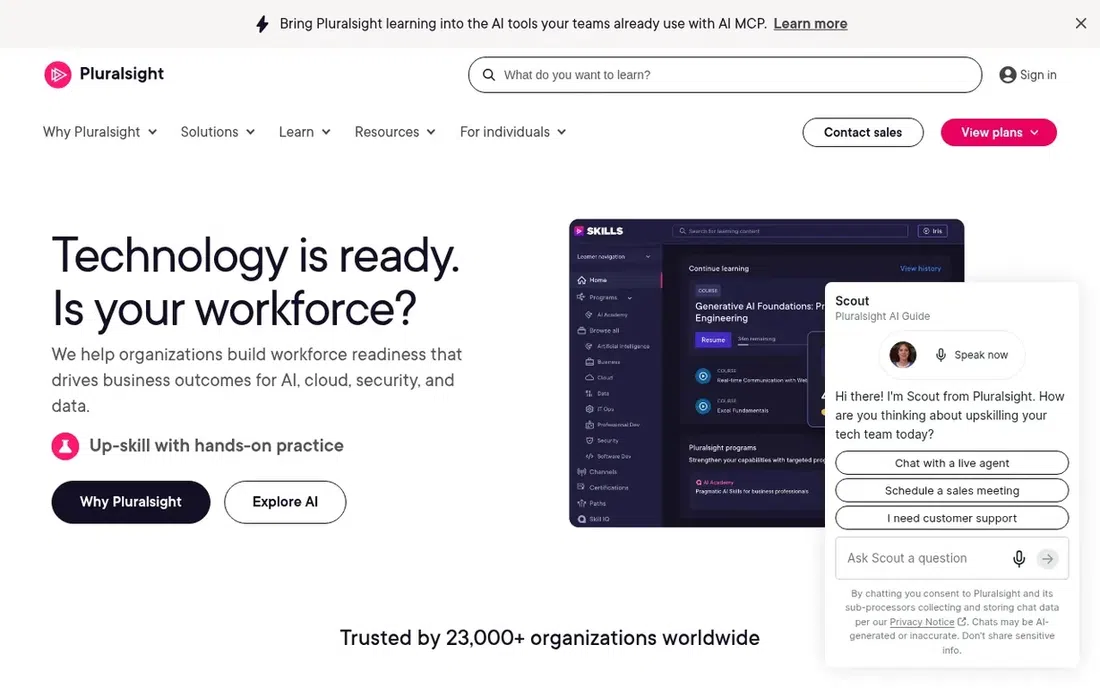
Pluralsight targets team skill building in cloud and security. Pluralsight is an online tech learning system geared toward building AI, cloud, data and security skills through courses and labs. It is positioned for teams and working professionals who require to keep technical skills current, with structured paths that support organization-wide upskilling instead of individual hobby learning.
Where it shines: Focus on AI, cloud; Courses plus practical labs.
Downsides: Career-change credentials are restricted. Its emphasis on professional and team training means newcomers may find it less gentle than beginner-oriented coding sites. It is not the place to look for academic degrees. From a buyer's view, individual learners wanting wide, credentialed course catalogs may prefer Coursera. Pluralsight pricing: $399 per month per user. As for free access: Free trial.
- Designed for organization-wide learning
- Data and security
- Less suited to absolute beginners
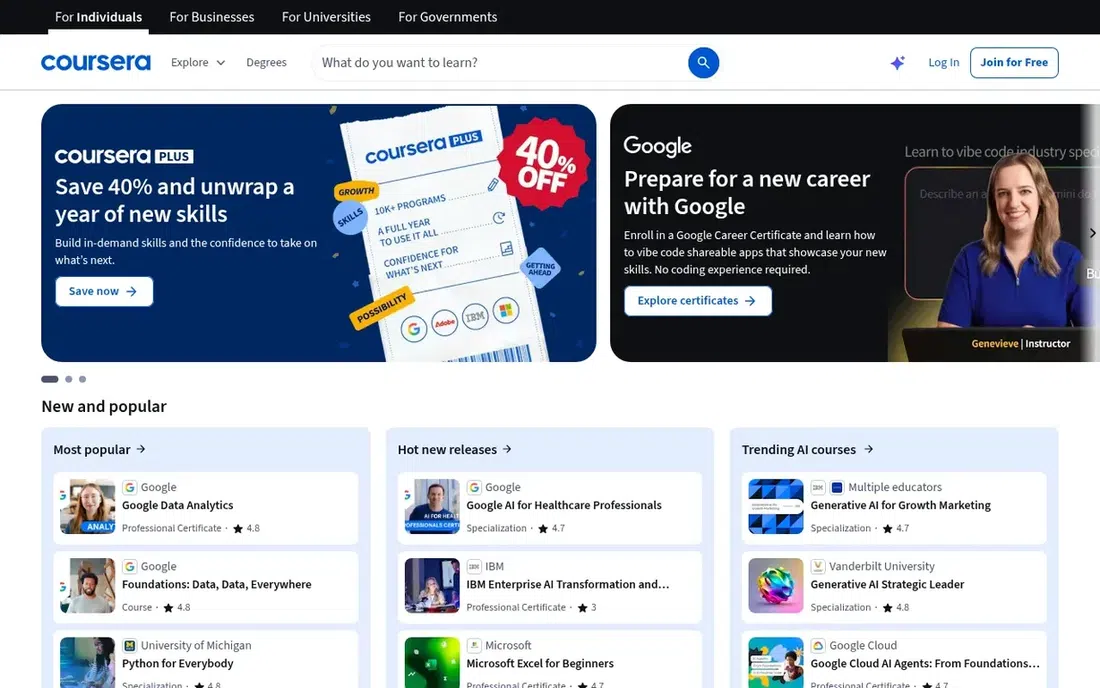
Coursera serves courses, certificates and degrees. Since content comes from numerous providers, depth and teaching style vary between courses, and degree programs are a serious commitment.
The main drawbacks: Quality varies by provider.
In practice, Coursera is an online learning marketplace offering courses, Professional Certificates, Specializations and degrees from universities and businesses for example Google, Meta, Anthropic, DeepLearning.AI and Stanford. Pricing for Coursera is not stated here, so ask the vendor for current figures. Trial and free access: Not stated.
- Professional Certificates and Specializations
- Degree pathways alongside short courses
- Degree choices cost far more than courses
How we chose
Things to verify first
- Get a written quote from Udacity and Coursera; the list shows no starting price for them.
- Look at the free plan from DataCamp closely: its caps decide whether it is usable for real work.
- Take the trial from O'Reilly and Pluralsight and push a live task through it before you pay.
- Read the limits listed for Udacity first: narrower catalog than marketplaces.
- List the apps you already depend on and check that O'Reilly supports each one on the plan you would buy.
- Confirm you can export your data from Udacity, so leaving later does not mean losing records.
FAQ
Do these tools publish their prices?
Not all of them. Udacity and Coursera publish no starting price, so expect a quote request for those. The rest, DataCamp included, show a starting price, though seats and billing terms still change the final cost.
Where should I go for data science and AI skills?
DataCamp focuses specifically on data science and AI with browser-based coding in R, Python and statistics. Pick based on whether you want a narrow specialist or a wider system.
Which options for tech learning platforms have a free plan?
DataCamp is the only tool in this list with a free plan. Free plans usually cap users, projects or features, so check the limits on the vendor page. Several others offer a trial instead. Prices, free plan details and limits for all 5 tools in this tech learning platforms roundup sit on the individual cards above.
Can I try these options before paying?
Often, yes. DataCamp has a free plan and O'Reilly and Pluralsight offer a free trial. Use your own data and a real task during the test, and check what the free tier or trial limits before you rely on it.
Which system is a good match for learning to code from scratch?
The first pick on this list is Udacity, because it suits Career-focused technical programs. DataCamp is better for browser-based data science practice, and O'Reilly for wide technology and business training. Check price and limits against your own needs before choosing.
Is Udacity the right pick for everyone comparing tech learning platforms?
No single tool suits every team. Udacity comes first because it fits Career-focused technical programs, while DataCamp suits browser-based data science practice and O'Reilly suits broad technology and business training. Match the tool to your own size, budget and workflow before deciding.
Sources
- https://www.udacity.com
- https://www.datacamp.com
- https://www.oreilly.com
- https://www.pluralsight.com
- https://www.coursera.org