The 6 Best Table Management for High Volume Restaurants in 2026, Ranked
6 best table management for high volume restaurants, with entry costs, free tiers and the buyer each one serves. Verdicts stay brief and factual. Choose faster.
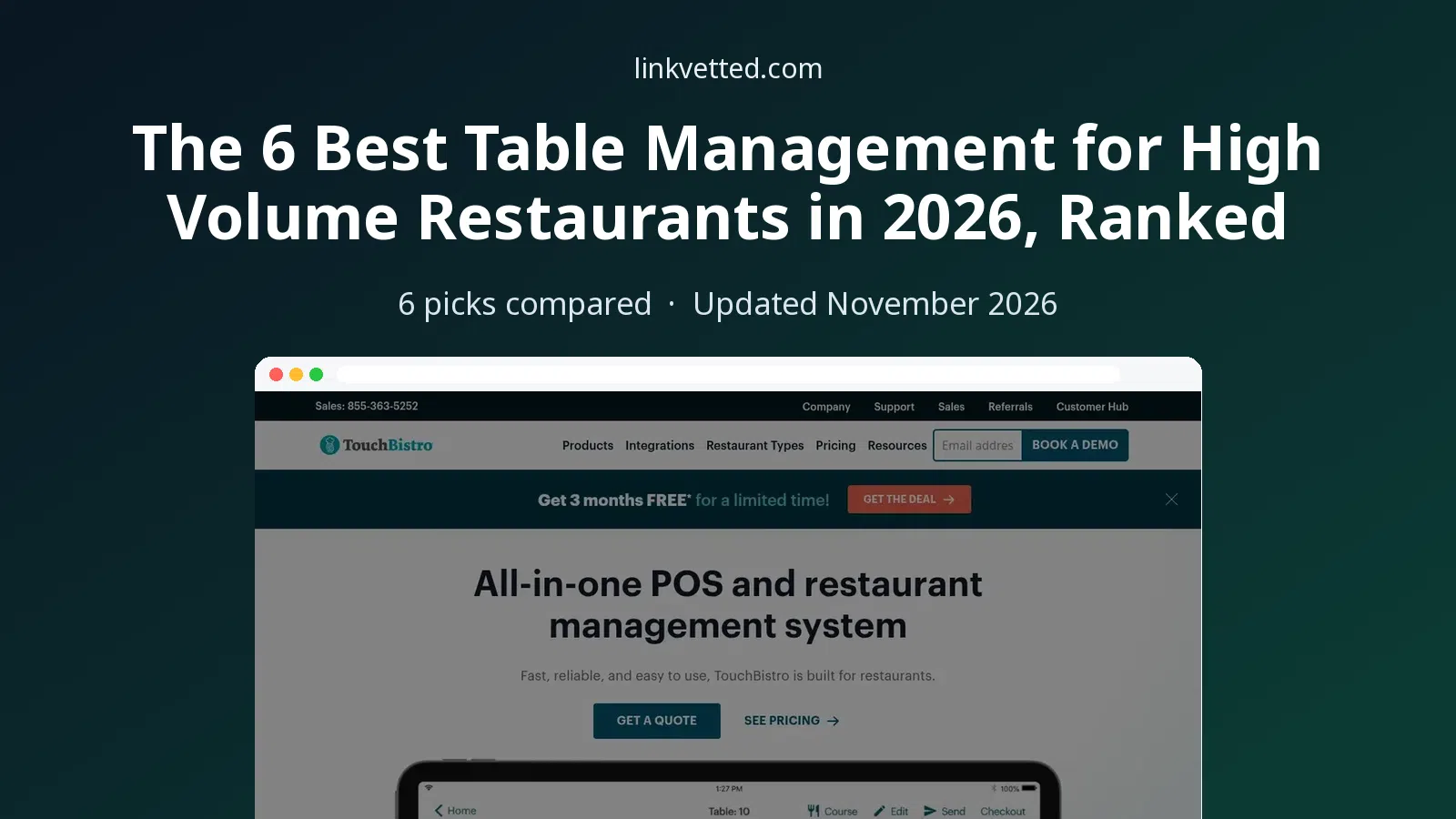
- Editor's choice
 TouchBistro
Full-service dining rooms wanting all-in-one
Starts at$69 per monthVisit touchbistro.comFull review - Great alternative
 Eat App
Reservations and front-of-house optimization
Starts at$69 per monthVisit eatapp.coFull review - Also consider
 Clover
Adaptable POS with card readers
Starts atSee websiteVisit clover.comFull review
Direct answer
For full-service dining rooms wanting all-in-one, TouchBistro is where this list starts. Listed starting prices: TouchBistro from $69 per month and Eat App from $69 per month. If your case is different, Eat App suits reservations and front-of-house optimization and Clover suits flexible POS with card readers. The remaining 3 options are covered below with prices and limits.
TL;DR:
- Number one here is TouchBistro, a fit for full-service dining rooms wanting all-in-one.
- Eat App is the only tool of the 6 with a free plan.
- The lowest published monthly entry price here is $69 per month, from TouchBistro.
- A fair warning about Clover: not restaurant-only in focus.
- Toast suits Restaurants wanting POS and floor tools together.
Last checked November 2026. Prices and plan details were read from the vendors' own pages in November 2026; vendors change plans often, so confirm the current price on the vendor site before you buy.
Quick comparison
| Tool | Best for | Starts at | Free plan? | |
|---|---|---|---|---|
| TouchBistro | Full-service dining rooms wanting all-in-one | $69 per month | Not stated | Visit |
| Eat App | Reservations and front-of-house optimization | $69 per month | Yes | Visit |
| Clover | Adaptable POS with card readers | See website | Not stated | Visit |
 Square for Restaurants | Order, payment and team management | See website | Not stated | Visit |
| Lavu | Restaurant POS with management features | See website | Not stated | Visit |
 Toast | Restaurants wanting POS and floor tools together | See website | Not stated | Visit |
Table Management for High Volume Restaurants profiles
Choosing table management for high volume restaurants usually comes down to price, fit and limits. This LinkVetted guide sets 6 tools side by side on those three points, with the facts kept short and checkable.
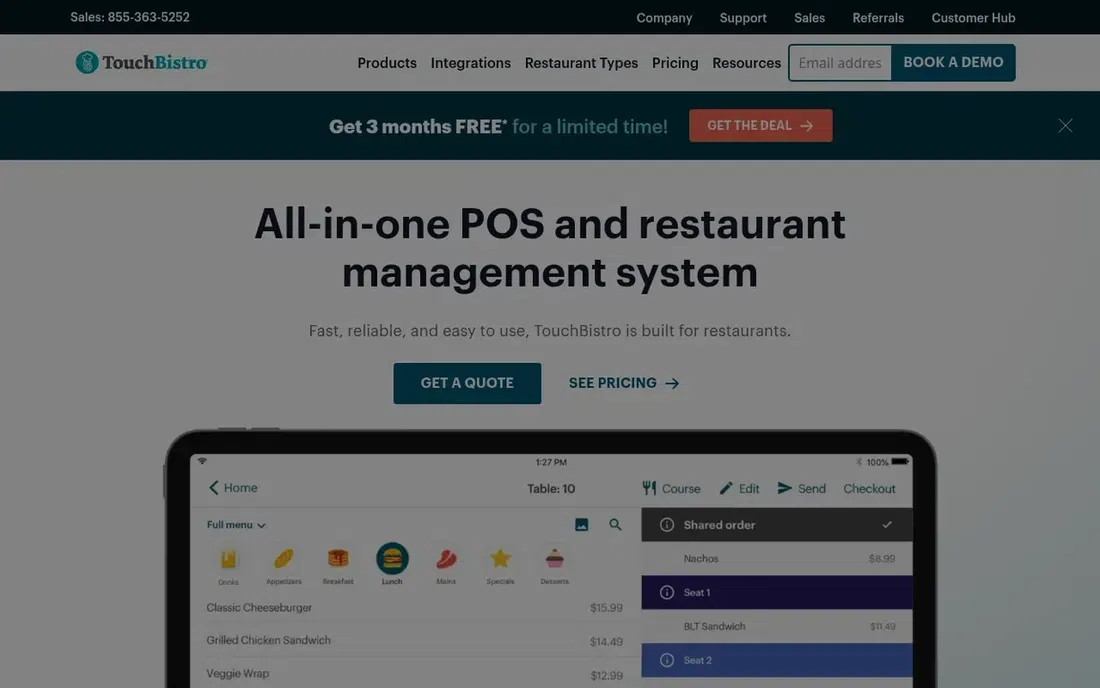
TouchBistro makes the most sense for full-service dining rooms wanting all-in-one. Very large or highly customized operations may want to confirm scalability and integrations before committing.
Table management suits naturally into a full-service workflow where servers take orders at the table and the floor plan drives service. On cost, TouchBistro starts like this: $69 per month. Free access: Not stated.
Points against: Add-on services may be needed.
- Made for restaurant operations
- All-in-one POS and management
- Best fit is restaurant-specific use
For reservations and front-of-house optimization, Eat App is a natural candidate. Eat App is an all-in-one reservation system and front-of-house optimization tool that helps venues deliver solid guest experiences.
Drawbacks to consider: Best paired with a POS system.
In practice, for high volume restaurants, it centres on reservations, seating and the guest journey instead of payments. Eat App does not replace a restaurant POS, so it fits best alongside a system like Toast, TouchBistro or Square for Restaurants. Starting cost for Eat App: $69 per month. Eat App has a free plan.
Main advantages: All-in-one reservation system.
- Front-of-house optimization focus
- Aims at guest experience
- Not a full POS replacement
Clover is a good fit for adaptable POS with card readers. Restaurants that want native, restaurant-specific table tools may prefer a system designed first for food service.
Its adaptability means you can build a setup around payments and add restaurant-oriented tools when needed. For high volume venues, it can serve as the payment and ordering backbone whereas table management comes from compatible applications in its ecosystem. This comparison lists no price for Clover; ask the vendor. As for free access: Not stated.
Drawbacks to consider: Table features rely on apps.
- Point of sale with card readers
- Wide hardware choices
- Not restaurant-only in focus
For order, payment and team management, Square for Restaurants is a natural candidate. It suits operators who want a connected system for orders, payments and staff in one place.
Table management features can rely on the specific Square products and extras you enable, so confirm floor plan and seating tools match your service model. No starting price is listed for Square for Restaurants here; confirm pricing on the vendor site. Free options: Not stated.
Where it falls short: Feature depth varies by setup.
- Team management tools
- Order and payment tracking
- Advanced table tools may need add-ons
Lavu
Best for: Restaurant POS with management features
Where Lavu fits: Restaurant POS with management features. Busy venues can use it to link servers, tables and the kitchen in one workflow.
The exact table management features rely on the plan and configuration you choose, so verify floor plan and seating tools with the vendor. This comparison lists no price for Lavu; ask the vendor. As for free access: Not stated.
Points against: Feature details vary by plan.
- Restaurant-oriented POS
- Handles front and back of house
- Setup needs configuration
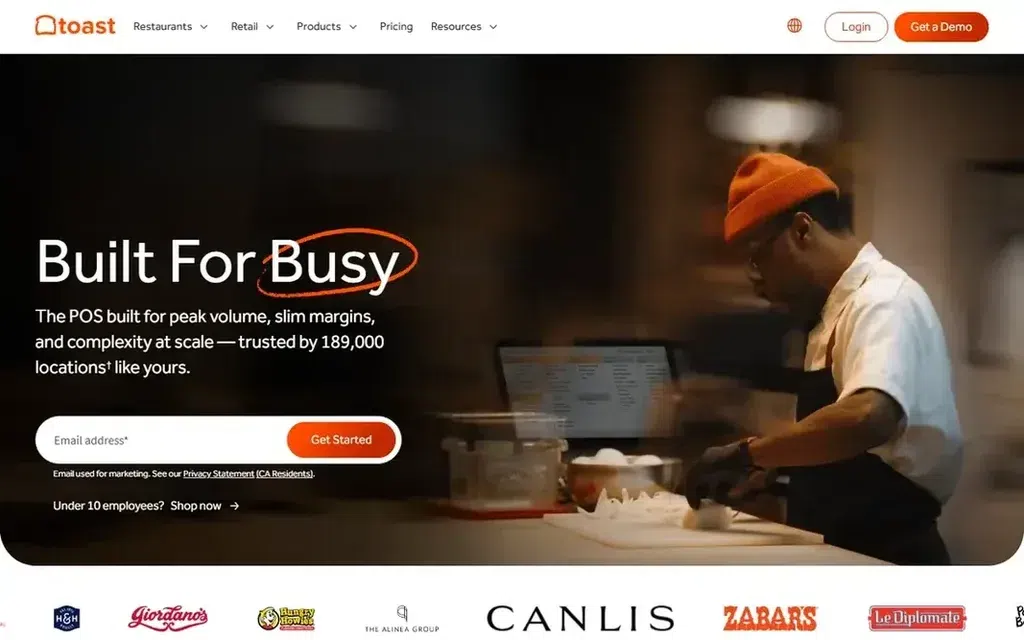
Pick Toast if this describes you: Restaurants wanting POS and floor tools together. Toast is a restaurant-focused point of sale product that also spans operational tasks around the dining room, including table and floor management. It tends to fit full-service restaurants and multi-unit operators that want a single restaurant-specific system instead of general retail software.
Because Toast is a wide system, the exact table management capabilities depend on the configuration and services you choose, so confirm the floor plan and seating features you need straight with the vendor. More specifically, Restaurants that already run a separate reservation system may prefer a lighter POS and a dedicated front-of-house tool instead. Check the vendor site for Toast pricing; none is listed in this comparison. Free plan details: Not stated.
Points against: Hardware and setup requirements apply.
- Supports front-of-house workflows
- Designed for food service
- Details vary by market and setup
How the list was put together
LinkVetted used vendor pricing pages and product documentation as the base, then compared plans, free access and documented limits for 6 tools. Plan names, prices and limits change often. Treat the figures here as a starting point and verify them with the vendor. The order reflects how well each tool fits the most common buying scenario for table management for high volume restaurants, then price clarity, then free plan access. It is a starting point, not a verdict.
What to check before you buy
- Confirm the entry price on the vendor page. For Clover, Square for Restaurants, Lavu and Toast that means a quote rather than a fixed price.
- Test the free plan from Eat App against your real workload before relying on it.
- Read the limits listed for TouchBistro first: add-on services may be needed.
- Ask whether Lavu integrates with your current software, and whether that comes standard or as an add-on.
- Ask Eat App how an export works before you move any records in; an easy exit lowers the risk.
FAQ
What is the cheapest option for table management for high volume restaurants in this list?
On published monthly entry prices, TouchBistro is the lowest here at $69 per month. Entry price is only part of the cost, because seats, add-ons and billing terms can change the total. For the full picture, the cards above cover all 6 entries of this table management for high volume restaurants list, including price, free plan and limits.
What should a high volume restaurant look for in table management?
Confirm the system links seating with orders and payments so servers avoid double entry. Reporting on turn times and includes helps you plan staffing.
How are the tools for table management for high volume restaurants ordered?
TouchBistro sits first and Toast last because the order follows typical fit for table management for high volume restaurants, then price clarity and free access. It is a judgement call, so read each profile for fit and limits.
Do these tools publish their prices?
Not all of them. Clover, Square for Restaurants, Lavu and Toast publish no starting price, so expect a quote request for those. The rest, TouchBistro included, show a starting price, though seats and billing terms still change the final cost.
Is TouchBistro the right pick for everyone comparing table management for high volume restaurants?
No single tool suits every team. TouchBistro comes first because it fits full-service dining rooms wanting all-in-one, while Eat App suits reservations and front-of-house optimization and Clover suits flexible POS with card readers. Match the tool to your own size, budget and workflow before deciding.
Sources
- https://www.touchbistro.com
- https://www.eatapp.co
- https://www.clover.com
- https://squareup.com/us/en/restaurants
- https://www.lavu.com
- https://pos.toasttab.com