The 6 Best Vendor Management Software for Nonprofits in 2026, Ranked
Best vendor management software for nonprofits in 2026: 6 tools with starting prices, free plans and limits. The catches are listed up front. Decide faster.
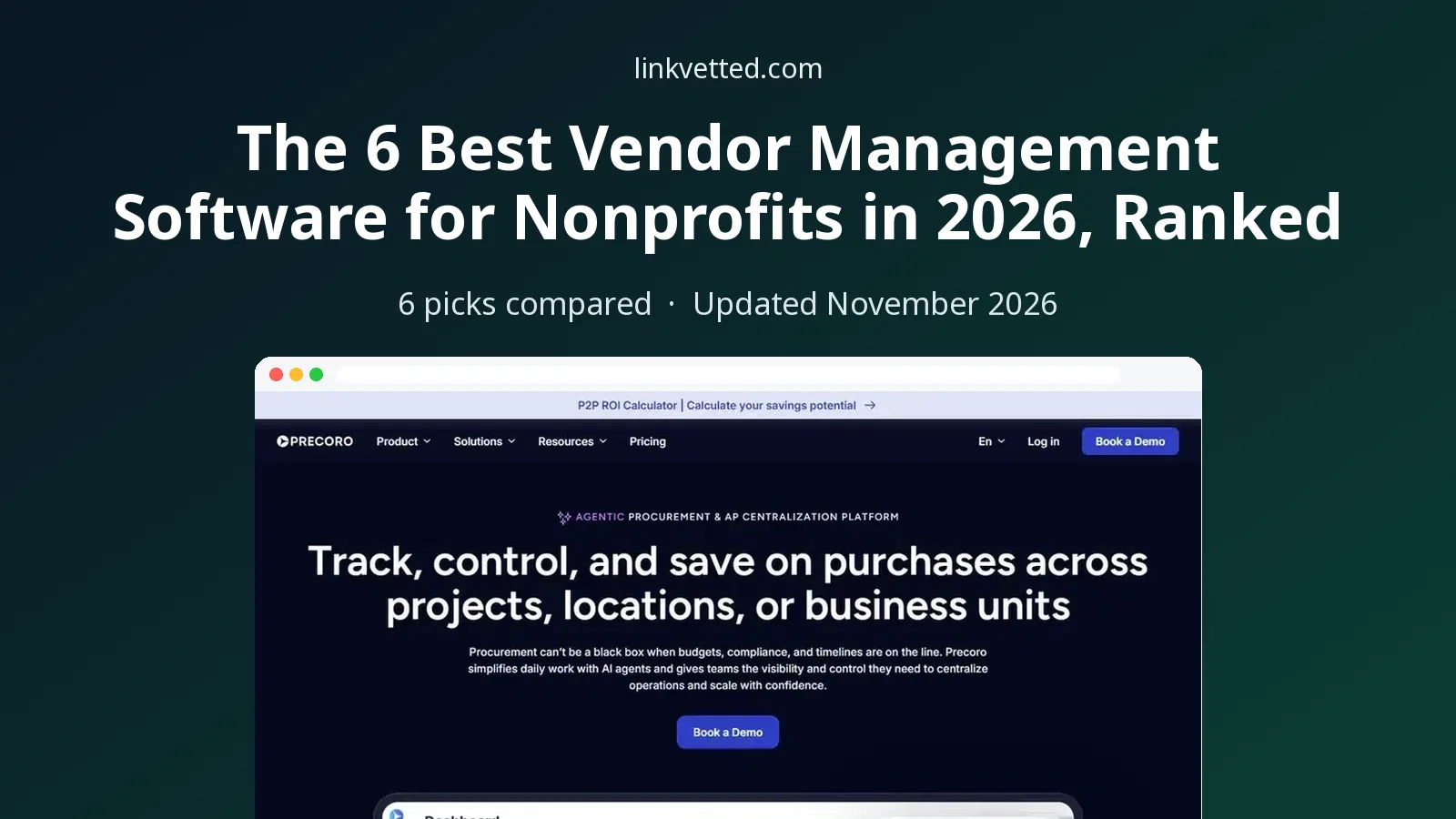
- Editor's choice
 Precoro
Fast-launch centralized purchasing control
Starts at$499 per month billed yearlyVisit precoro.comFull review - Great alternative
 Blackbaud
Nonprofit-focused software suites
Starts atSee websiteVisit blackbaud.comFull review - Also consider
 Tipalti
Accounts payable and mass payments
Starts at$99 per monthVisit tipalti.comFull review
Direct answer
If you need fast-launch centralized purchasing control, Precoro is the first tool to look at here. Listed starting prices: Precoro from $499 per month billed yearly, Tipalti from $99 per month and Bill.com from $49 per user a month. Blackbaud fits nonprofit-focused software suites; Tipalti fits accounts payable and mass payments. Prices, free plans and limits for all 6 tools follow.
TL;DR:
- The list opens with Precoro, aimed at fast-launch centralized purchasing control.
- Check the limits for Blackbaud before you commit: vendor management is not the headline focus.
- Bill.com is the only tool of the 6 with a free plan.
- SAP Ariba fits large-scale enterprise spend management.
Last checked November 2026. Prices and plan details were read from the vendors' own pages in November 2026; vendors change plans often, so confirm the current price on the vendor site before you buy.
Quick comparison
| Tool | Best for | Starts at | Free plan? | |
|---|---|---|---|---|
| Precoro | Fast-launch centralized purchasing control | $499 per month billed yearly | No | Visit |
| Blackbaud | Nonprofit-focused software suites | See website | Not stated | Visit |
| Tipalti | Accounts payable and mass payments | $99 per month | No | Visit |
| Bill.com | AP, AR and spend management | $49 per user a month | Yes | Visit |
 Procurify | Intake-to-payment spend visibility | See website | Not stated | Visit |
 SAP Ariba | Large-scale enterprise spend management | See website | Not stated | Visit |
Our 6 vendor management software for nonprofits
If you are comparing vendor management software for nonprofits, this page covers 6 tools in one place: what each is best for, what it costs to start, whether it has a free plan, and the main limit to know about.
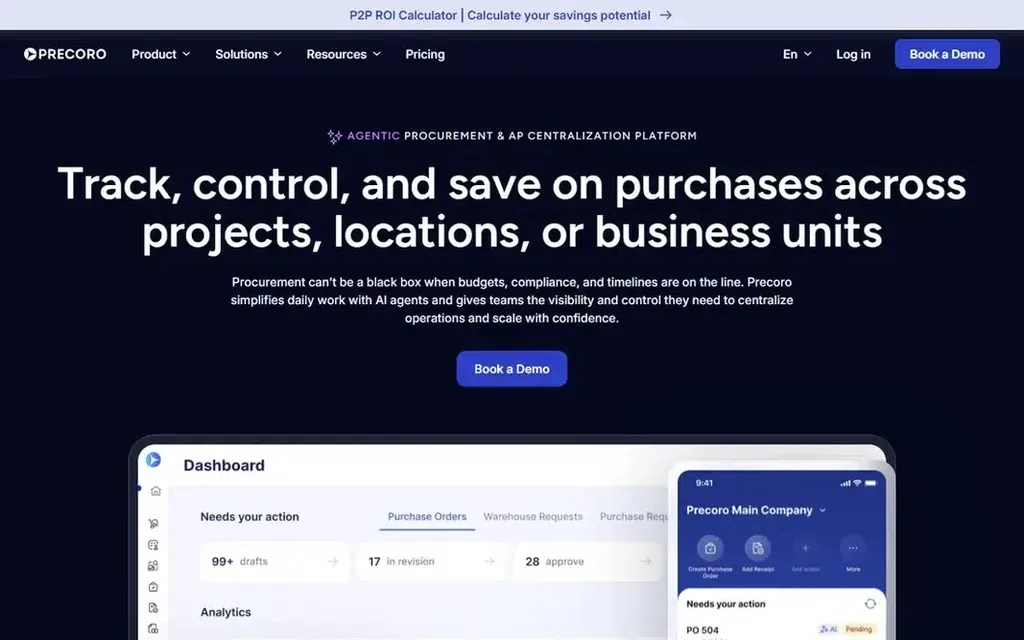
Precoro makes the most sense for fast-launch centralized purchasing control. Precoro is procurement software positioned around centralized purchasing and accounts payable, with a message of quick launch and everyday usability. Its homepage stresses centralized control paired with local adaptability, which fits nonprofits where program staff request purchases but finance needs oversight.
Points against: May need extras for broader accounting.
It is a reasonable first pick for organizations that want purchasing structure without a long implementation. More specifically, Precoro centers on procurement and AP instead of the full range of finance automation, so organizations wanting payments, expenses and treasury in one place may look at broader products. Worth adding: very small nonprofits with minimal purchasing volume may find it more structure than needed. Entry price for Precoro: $499 per month billed annually. Precoro has no free tier.
- Straightforward to use for purchasing teams
- Centralized control with local adaptability
- Centred on procurement instead of full finance
Blackbaud serves nonprofit-focused software suites. Blackbaud gives you software for nonprofits, education, foundations and businesses, targeted at helping organizations drive social impact.
Points against: May duplicate tools already in place.
Its portfolio is shaped around nonprofit operations instead of general business finance, which matters when purchasing sits close to fundraising, grants and program delivery. Pricing for Blackbaud is not stated here, so ask the vendor for current figures. Free plan details: Not stated.
- Aimed at nonprofits and education
- Handles foundations and social impact work
- Vendor management is not the headline focus
For accounts payable and mass payments, Tipalti is a natural candidate. It suits nonprofits paying numerous vendors or grantees, where payment operations and vendor records have to stay aligned.
Choose Tipalti when payment volume and vendor onboarding are the pressing problems. On cost, Tipalti starts like this: $99 per month. No free plan comes with Tipalti.
Honest limits: Not nonprofit-specific.
- Connected finance automation system
- Merges AP with mass payments
- Broad product may need configuration
Bill.com
Best for: AP, AR and spend management
Pick Bill.com if this describes you: AP, AR and spend management. BILL presents itself as a financial operations product including accounts payable, accounts receivable, and spend and expense management, including creating and paying bills, managing expenses and controlling budgets. BILL is designed for general businesses and businesses instead of nonprofits specifically, so grant and fund accounting needs may call for separate systems.
Vendor management is one part of a broader finance system instead of the entire focus. Pick BILL when bill payment and spend control are the core requirement. Bill.com starts at: $49 per user per month. Bill.com includes a free tier.
Limits to weigh: Vendor management is one part of a wider tool.
- Bundles spend and expense controls
- Budget control features
- General business focus
Procurify was built for intake-to-payment spend visibility. Very small teams may find the intake and approval structure heavier than their volume warrants.
Trade-offs to know: Procurement-centric scope.
Procurify is oriented toward procurement workflow, so groups needing deep grant management or fund accounting may pair it with dedicated nonprofit finance systems. This comparison lists no price for Procurify; ask the vendor. Trial and free access: Not stated.
- Approvals and purchase orders included
- Spend visibility before money moves
- May overlap with existing accounting tools

SAP Ariba is aimed squarely at large-scale enterprise spend management. The system is aimed at enterprise scale, which can mean more configuration and administrative effort than a lean nonprofit team can absorb.
Pricing for SAP Ariba is not stated here, so ask the vendor for current figures. As for free access: Not stated.
Watch-outs: Can be heavy for small teams.
- AI-assisted spend optimization
- Fits complicated procurement structures
- Setup may need specialist support
How the list was put together
For each of the 6 tools we noted price, free plan or trial, fit for vendor management software for nonprofits and the main limit, using vendor pages and documentation. Where a vendor does not publish a price, the entry says quote. Where a price depends on seats or billing term, the entry says so. The ranking is editorial: typical fit first, then clear pricing, then free access. If your needs are unusual, read the profiles rather than relying on position.
What to confirm before you sign up
- Confirm the entry price on the vendor page. For Blackbaud, Procurify and SAP Ariba that means a quote rather than a fixed price.
- Test the free plan from Bill.com against your real workload before relying on it.
- Before choosing Precoro, weigh its main limit: centred on procurement instead of full finance.
- Ask Tipalti how an export works before you move any records in; an easy exit lowers the risk.
- Map your must-have features to a specific Bill.com plan before you compare prices.
FAQ
Which options for vendor management software for nonprofits have a free plan?
Bill.com is the only tool in this list with a free plan. Free plans usually cap users, projects or features, so check the limits on the vendor page. For the full picture, the cards above cover all 6 entries of this vendor management software for nonprofits list, including price, free plan and limits.
Do nonprofits need procurement software or full finance automation?
It relies on where the friction sits. If bill payment, vendor onboarding and expense control dominate, a finance automation system for example Tipalti or BILL may be more handy.
How are the tools for vendor management software for nonprofits ordered?
Precoro sits first and SAP Ariba last because the order follows typical fit for vendor management software for nonprofits, then price clarity and free access. It is a judgement call, so read each profile for fit and limits.
What is the cheapest option for vendor management software for nonprofits in this list?
On published monthly entry prices, Bill.com is the lowest here at $49 per user per month. Entry price is only part of the cost, because seats, add-ons and billing terms can change the total. Prices, free plan details and limits for all 6 tools in this vendor management software for nonprofits roundup sit on the individual cards above.
Is Precoro the right pick for everyone comparing vendor management software for nonprofits?
No single tool suits every team. Precoro comes first because it fits fast-launch centralized purchasing control, while Blackbaud suits nonprofit-focused software suites and Tipalti suits accounts payable and mass payments. Match the tool to your own size, budget and workflow before deciding.
What should we check before choosing a system?
Confirm approval workflows, vendor record handling, reporting across programs and integration with your accounting system. Verifying these details with each vendor stops surprises after selection.
Sources
- https://precoro.com
- https://www.blackbaud.com
- https://tipalti.com
- https://www.bill.com
- https://www.procurify.com
- https://www.sap.com/products/spend-management.html