Best Survey Software for Plumbers in 2026: Prices, Free Plans and 5 Picks
Best survey software for plumbers: 5 contenders ranked by fit, with entry costs and free tiers. The catches are listed up front. Pick with confidence.
- Editor's choice
 Formstack
Secure forms with documents and eSignatures
Starts at$83 per monthVisit formstack.comFull review - Great alternative
 SurveyMonkey
Customer and employee feedback surveys
Starts at$25 per user per monthVisit surveymonkey.comFull review - Also consider
 Jotform
Ready-made forms and surveys
Starts at$34 a monthVisit jotform.comFull review
Direct answer
For secure forms with documents and eSignatures, Formstack is where this list starts. Listed starting prices: Formstack from $83 per month, SurveyMonkey from $25 per user per month and Jotform from $34 a month. For a different need, SurveyMonkey covers customer and employee feedback surveys and Jotform covers ready-made forms and surveys. The other 2 tools in the list cover narrower or pricier cases.
TL;DR:
- Formstack is the opening pick, best for secure forms with documents and eSignatures.
- 2 of 5 tools offer a free plan: SurveyMonkey, Jotform.
- For simple surveys in Google Workspace, Google Forms is worth a look.
- Before buying SurveyMonkey, weigh this: form workflows are secondary to surveys.
Last checked November 2026. Prices and plan details were read from the vendors' own pages in November 2026; vendors change plans often, so confirm the current price on the vendor site before you buy.
Quick comparison
| Tool | Best for | Starts at | Free plan? | |
|---|---|---|---|---|
| Formstack | Secure forms with documents and eSignatures | $83 per month | Free trial | Visit |
| SurveyMonkey | Customer and employee feedback surveys | $25 per user per month | Yes | Visit |
| Jotform | Ready-made forms and surveys | $34 a month | Yes | Visit |
 Microsoft Forms | Fast surveys, polls, and quizzes | See website | Not stated | Visit |
 Google Forms | Straightforward surveys in Google Workspace | See website | Not stated | Visit |
Every option for survey software for plumbers explained
If you are comparing survey software for plumbers, this page covers 5 tools in one place: what each is best for, what it costs to start, whether it has a free plan, and the main limit to know about.
Formstack is designed for secure forms with documents and eSignatures. Formstack gives you online forms along with document generation and eSignature tools. In practice, choose Formstack when document and signature steps are part of the form process.
Points against: Broader product than a survey tool.
For plumbers, this combination can support job intake forms that result in signed agreements or service documents. If your primary need is customer feedback surveys, a survey-first product may be quicker to deploy. On cost, Formstack starts like this: $83 per month. Free options: Free trial.
- Secure form handling
- Workflow simplifying focus
- May need setup for document workflows
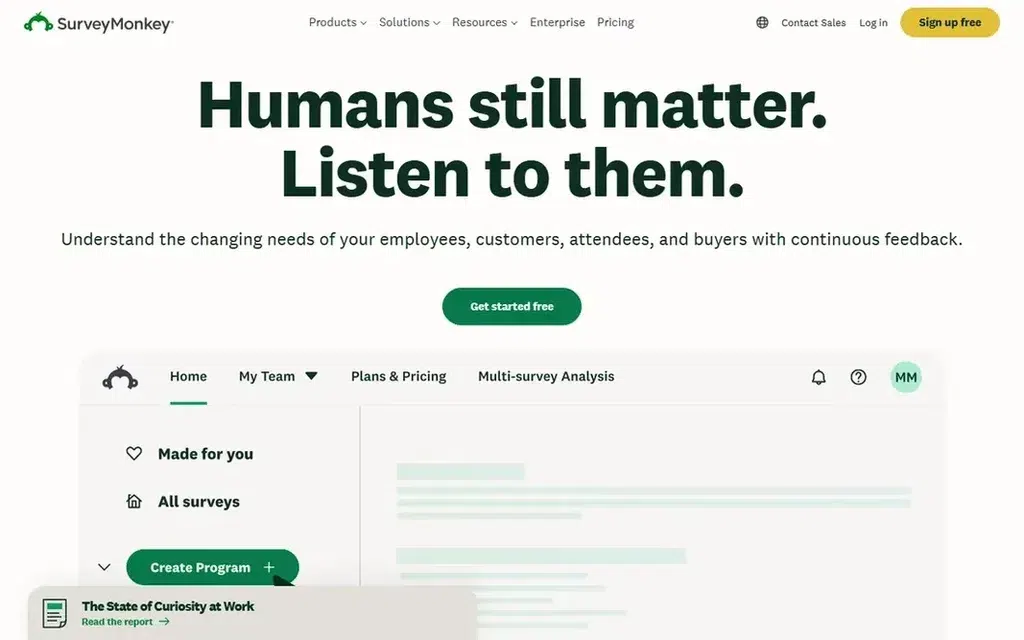
For customer and employee feedback surveys, SurveyMonkey is a natural candidate. SurveyMonkey is a survey product for building questionnaires and collecting feedback.
SurveyMonkey is less suited to operational forms like work orders or intake checklists. In practice, a plumbing company can use it for post-job satisfaction surveys, employee feedback, or market research on service offerings. SurveyMonkey pricing: $25 per user per month. SurveyMonkey has a free plan.
Downsides: May be more than needed for entry-level intake.
- Survey-focused design
- AI and template assistance
- Form workflows are secondary to surveys
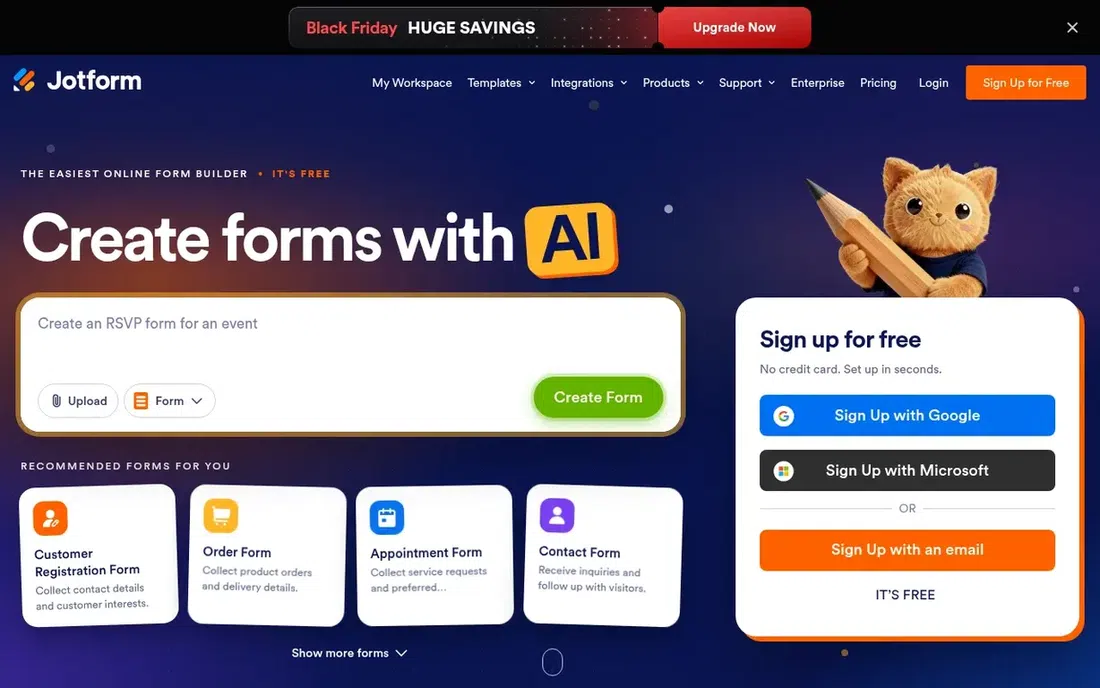
Jotform serves ready-made forms and surveys. Jotform is an online form builder for creating forms and surveys rapidly. Also, for plumbers, it can support service request intake, job site checklists, and customer follow-up questionnaires.
Its survey analysis features are less specialized than dedicated research systems. On top of that, choose something else if your priority is advanced feedback reporting instead of form variety. Jotform pricing: $34 per month. Jotform has a free plan.
Trade-offs to know: Advanced features can add complexity.
- Drag-and-drop builder
- Survey and form creation in one tool
- Less centred on deep survey analytics
Microsoft Forms is aimed squarely at fast surveys, polls, and quizzes. Plumbers can use it for fast customer feedback, team polls, or straightforward training quizzes.
Downsides: Restricted advanced workflow features.
It is made for easy feedback collection and suits organizations that already depend on Microsoft productivity tools for daily operations. This comparison lists no price for Microsoft Forms; ask the vendor. Free access: Not stated.
- Straightforward survey and poll creation
- Suits Microsoft productivity environments
- Entry-level compared to dedicated survey systems
For straightforward surveys in Google Workspace, Google Forms is a natural candidate. Google Forms is an online form and survey builder included with Google Workspace. It lets plumbing teams build surveys and collect responses from anywhere, which fits quick customer feedback polls or simple intake forms.
If you need richer question types or workflow triggers, another system may be more appropriate. For everyday use, since it lives in the Google ecosystem, teams already using Workspace may find it simple to adopt and share with staff. It performs best for entry-level data collection instead of sophisticated survey programs. Google Forms shows no starting price here, so confirm the cost on the vendor site. Free plan details: Not stated.
Trade-offs to know: Restricted advanced survey logic.
- Straightforward builder
- Simple sharing and data collection
- Fewer workflow automation choices
Selection criteria
Questions to settle before buying
- Confirm the entry price on the vendor page. For Microsoft Forms and Google Forms that means a quote rather than a fixed price.
- Check what the free option really includes: SurveyMonkey and Jotform offer a free plan, and usage caps differ.
- Use real work to test the free trial from Formstack, rather than a demo project.
- Read the limits listed for Formstack first: broader product than a survey tool.
- A short pilot of Microsoft Forms with your real workflow tells you more than a feature table.
- Price Google Forms for your actual team size; headline prices rarely include add-ons or overage.
FAQ
Can survey software help collect plumbing customer reviews?
Some products support automatic follow-up workflows that make this simpler. The tool itself does not post reviews, so pair it with your review request process.
Is Formstack the right pick for everyone comparing survey software for plumbers?
No single tool suits every team. Formstack comes first because it fits secure forms with documents and eSignatures, while SurveyMonkey suits customer and employee feedback surveys and Jotform suits ready-made forms and surveys. Match the tool to your own size, budget and workflow before deciding.
What is the cheapest option for survey software for plumbers in this list?
On published monthly entry prices, SurveyMonkey is the lowest here at $25 per user per month. Entry price is only part of the cost, because seats, add-ons and billing terms can change the total. For the full picture, the cards above cover all 5 entries of this Survey software for Plumbers list, including price, free plan and limits.
Which options for survey software for plumbers have a free plan?
On this list, SurveyMonkey and Jotform include a free plan. Caps on seats, usage or features are common, so test the free plan against your real workload. One other tool offers a trial instead. Prices, free plan details and limits for all 5 tools in this Survey software for Plumbers roundup sit on the individual cards above.
Can I try these tools before paying?
Often, yes. SurveyMonkey and Jotform have a free plan and Formstack offers a free trial. Use your own data and a real task during the test, and check what the free tier or trial limits before you rely on it. Each of the 5 options in this Survey software for Plumbers guide has its own card above with the price, free plan and limits.
Sources
- https://www.formstack.com
- https://www.surveymonkey.com
- https://www.jotform.com
- https://www.microsoft.com/en-us/microsoft-365/online-surveys-polls-quizzes
- https://workspace.google.com/products/forms