The 5 Best Static Site Hosting for Documentation Sites in 2026, Ranked
Best static site hosting for documentation sites: 5 tools compared on price, free plans and fit. Every pick includes one clear drawback. Updated November 2026.
- Editor's choiceAWS Amplify Hosting
Framework-based static and SSR sites
Starts atSee websiteVisit aws.amazon.comFull review - Great alternative
 Render
Scaling apps and docs together
Starts at$25 a monthVisit render.comFull review - Also consider
 Vercel
Agentic and app-oriented deployments
Starts at$20 per monthVisit vercel.comFull review
Direct answer
AWS Amplify Hosting is the first pick on this list for framework-based static and SSR sites. Listed starting prices: Render from $25 a month, Vercel from $20 per month and Netlify from $9 a month. For a different need, Render covers scaling apps and docs together and Vercel covers agentic and app-oriented deployments. The remaining 2 options are covered below with prices and limits.
TL;DR:
- The list opens with AWS Amplify Hosting, aimed at framework-based static and SSR sites.
- The lowest published monthly entry price here is $9 per month, from Netlify.
- Netlify is the one to check for full-featured documentation hosting.
- A fair warning about Vercel: documentation is not the core focus.
- AWS Amplify Hosting, Render, Vercel, Netlify: these are the 4 tools out of 5 that offer a free plan.
Last checked November 2026. Prices and plan details were read from the vendors' own pages in November 2026; vendors change plans often, so confirm the current price on the vendor site before you buy.
Quick comparison
| Tool | Best for | Starts at | Free plan? | |
|---|---|---|---|---|
| AWS Amplify Hosting | Framework-based static and SSR sites | See website | Yes | Visit |
| Render | Scaling apps and docs together | $25 a month | Yes | Visit |
| Vercel | Agentic and app-oriented deployments | $20 per month | Yes | Visit |
 GitHub Pages | Straightforward repository-hosted documentation | See website | Not stated | Visit |
 Netlify | Full-featured documentation hosting | $9 a month | Yes | Visit |
Every option for static site hosting for documentation sites explained
LinkVetted compared 5 static site hosting for documentation sites. The goal is a practical shortlist: published prices, free plan facts, best-fit use cases and honest limits for every entry.
AWS Amplify Hosting
Best for: Framework-based static and SSR sites
AWS Amplify Hosting serves framework-based static and SSR sites. AWS Amplify Hosting offers quick and steady deployments for Next.js, Nuxt, Angular and React web applications, including static sites. In daily use, choose Amplify Hosting when your documentation is built on a supported framework and belongs in an existing AWS environment.
In practice, documentation built with those frameworks can deploy through it. From a buyer's view, working within AWS brings account and service context that a small docs project may not need, and teams outside AWS may prefer a more straightforward host. AWS Amplify Hosting shows no starting price here, so confirm the cost on the vendor site. Free access exists with AWS Amplify Hosting.
What to check first: Broader than static docs alone.
- Part of the AWS ecosystem
- Supports widely used frameworks
- AWS context brings complexity
Render was built for scaling apps and docs together. Render describes itself as the cloud for builders, letting teams deploy and scale any app or agent from first user onward on easy-to-learn cloud infrastructure for the modern web.
Watch-outs: May be more than a docs site needs.
On top of that, Render's positioning is broader than static documentation hosting, so a docs-only project may not use much of the system. Also, documentation sites can sit alongside other services in that environment. On cost, Render starts like this: $25 per month. Render includes a free tier.
- Easy-to-learn cloud infrastructure
- Supports modern web projects
- Broader cloud focus than docs alone
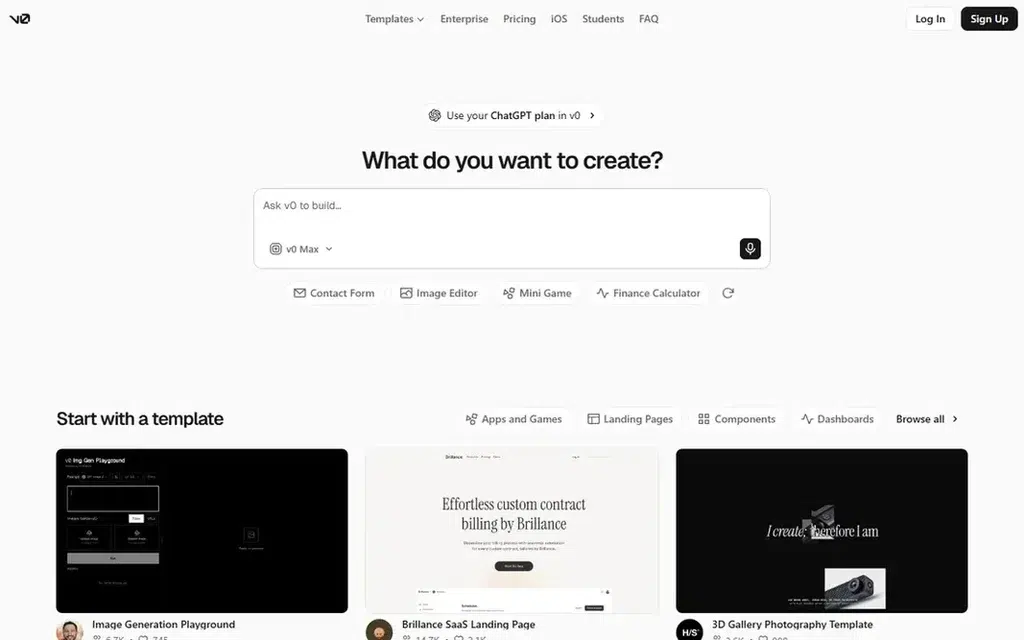
Pick Vercel if this describes you: agentic and app-oriented deployments. Vercel presents itself as agentic infrastructure and an autonomous stack for every app and agent. From a buyer's view, Vercel's messaging centers on apps and agents instead of documentation specifically.
Points against: Documentation is not the core focus.
So a docs-only team may find a simpler host more direct. Beyond that, documentation sites built with modern frontend frameworks can fit its deployment model, notably when the docs live beside an application. The starting price for Vercel: $20 per month. Vercel includes a free tier. What works well: Solid fit for frontend teams.
- Autonomous stack positioning
- Centred on modern app stacks
- May suit app teams more than docs-only teams
Choose GitHub Pages for straightforward repository-hosted documentation. The service is centered on static publishing from repositories, so teams needing broader system features or serverless additions will look elsewhere.
Best features of GitHub Pages: Sites hosted from a GitHub repository.
Choose GitHub Pages when your documentation is repository-based and you want the most direct path from commit to live site. No starting price is listed for GitHub Pages here; confirm pricing on the vendor site. Free plan details: Not stated.
Watch-outs: Restricted beyond static publishing.
- Push and changes go live
- Minimal workflow for docs
- Tied closely to GitHub workflows
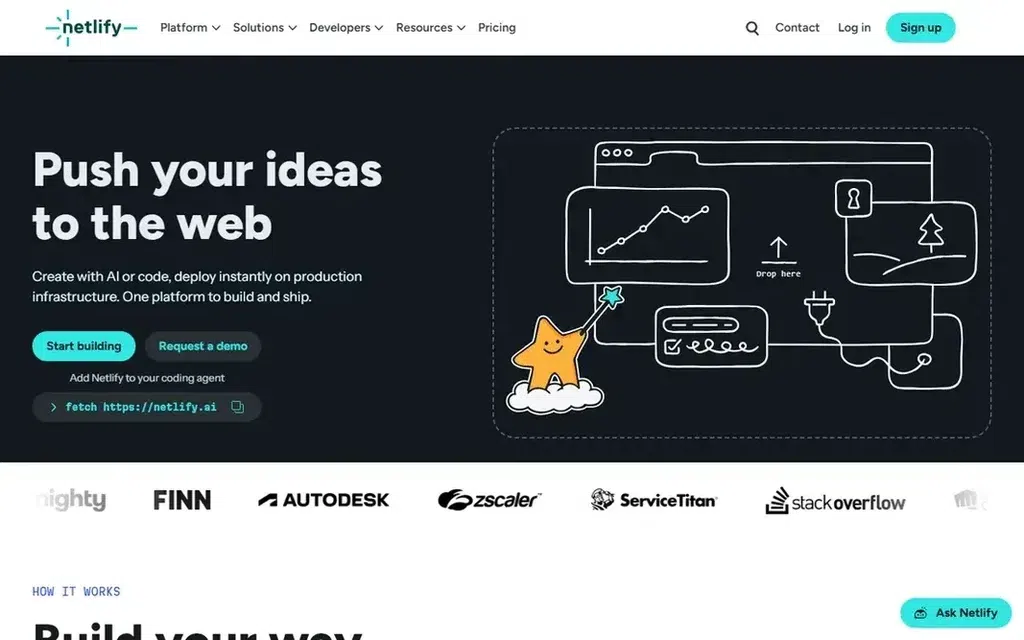
Netlify is designed for full-featured documentation hosting. Netlify describes itself as a place where apps come to life, offering everything needed to produce, share and run an app at any scale.
Downsides: Feature breadth can overwhelm.
In daily use, choose Netlify when you value a wide managed system and want room to expand beyond static pages. Netlify pricing: $9 per month. You can start on Netlify without paying.
- Scales with app needs
- Git-based deploy workflow
- Less minimal than repo-only hosts
Our selection method
Questions to settle before buying
- Ask AWS Amplify Hosting and GitHub Pages for a written quote, since no starting price is shown.
- Look at free plan limits closely: AWS Amplify Hosting, Render, Vercel and Netlify have one, and the caps decide whether it is usable for real work.
- Read the limits listed for AWS Amplify Hosting first: AWS context brings complexity.
- Add up seats, add-ons and usage charges for Netlify before comparing it with cheaper entries.
- Ask the daily users to test Vercel on a live task before you roll it out to everyone.
FAQ
What is the cheapest option for static site hosting for documentation sites in this list?
On published monthly entry prices, Netlify is the lowest here at $9 per month. Entry price is only part of the cost, because seats, add-ons and billing terms can change the total. Each of the 5 options in this static site hosting for documentation sites guide has its own card above with the price, free plan and limits.
How are the tools for static site hosting for documentation sites ordered?
The order follows typical fit for static site hosting for documentation sites, with AWS Amplify Hosting first and Netlify last, then price clarity and free access. It is editorial judgement, not a score, so another team could rank the tools differently.
Which host is a good match for a straightforward documentation site?
Start with AWS Amplify Hosting if you need framework-based static and SSR sites. Render is the better match for scaling apps and docs together, and Vercel for agentic and app-oriented deployments. The best choice depends on budget, team size and workflow.
Do these tools publish their prices?
Not all of them. AWS Amplify Hosting and GitHub Pages publish no starting price, so expect a quote request for those. The rest, Render included, show a starting price, though seats and billing terms still change the final cost.
Is AWS Amplify Hosting the right pick for everyone comparing static site hosting for documentation sites?
No single tool suits every team. AWS Amplify Hosting comes first because it fits framework-based static and SSR sites, while Render suits scaling apps and docs together and Vercel suits agentic and app-oriented deployments. Match the tool to your own size, budget and workflow before deciding.
Sources
- https://aws.amazon.com/amplify/hosting
- https://render.com
- https://vercel.com
- https://pages.github.com
- https://www.netlify.com