Best Software for Remote Management for 2026: Our 5 Vetted Picks
Best software for remote management, compared. 5 tools with published prices, free plans and limits. Honest caveats for every entry. Refreshed for 2026.
- Editor's choiceLogMeIn Pro
Remote access with AI-driven support
Starts atSee websiteVisit logmein.comFull review - Great alternative
 GoTo Resolve
IT support alongside business communications
Starts atSee websiteVisit goto.comFull review - Also considerTeamViewer Remote
General remote access and support
Starts atSee websiteVisit teamviewer.comFull review
Direct answer
LogMeIn Pro is the first pick on this list for Remote access with AI-driven support. Listed starting prices: NinjaOne from $1.50 per device per month and Splashtop Business Access from $6 a month. Look at GoTo Resolve for IT support alongside business communications, and at TeamViewer Remote for general remote access and support. All 5 tools are compared below on price, free plan and limits.
TL;DR:
- LogMeIn Pro sits first on this list: Remote access with AI-driven support.
- A permanent free plan is missing from all 5 tools, LogMeIn Pro and Splashtop Business Access included; plan for a trial or a premium start.
- Splashtop Business Access suits quick, secure remote work access.
- Check the limits for NinjaOne before you commit: broader scope than pure remote access tools.
Last checked November 2026. Prices and plan details were read from the vendors' own pages in November 2026; vendors change plans often, so confirm the current price on the vendor site before you buy.
Quick comparison
| Tool | Best for | Starts at | Free plan? | |
|---|---|---|---|---|
| LogMeIn Pro | Remote access with AI-driven support | See website | Not stated | Visit |
| GoTo Resolve | IT support alongside business communications | See website | Not stated | Visit |
| TeamViewer Remote | General remote access and support | See website | Free trial | Visit |
 NinjaOne | Unified endpoint management with remote access | $1.50 per device per month | Free trial | Visit |
| Splashtop Business Access | Quick, secure remote work access | $6 a month | Free trial | Visit |
Tool-by-tool breakdown
Choosing software for remote management usually comes down to price, fit and limits. This LinkVetted guide sets 5 tools side by side on those three points, with the facts kept short and checkable.
LogMeIn Pro
Best for: Remote access with AI-driven support
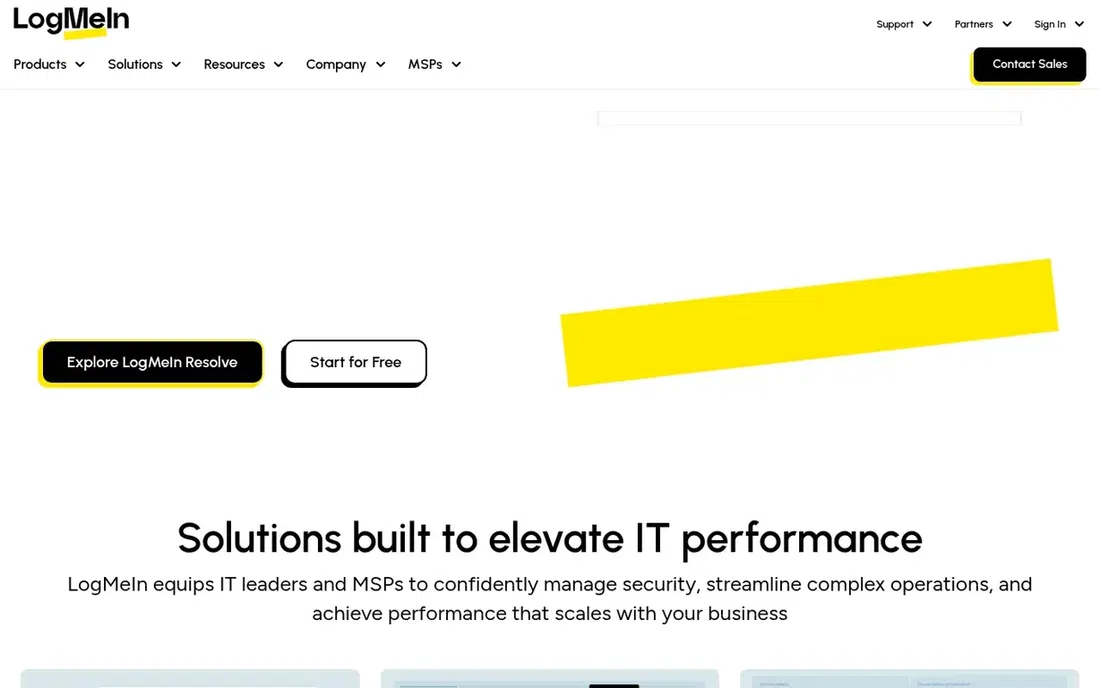
LogMeIn Pro serves Remote access with AI-driven support. The vendor frames it around reducing complexity, improving productivity and meeting security demands, which suits firms that want straightforward remote access with support capabilities attached. It is not a complete endpoint management system, so tasks like automatic patching and asset inventory sit outside its core.
Watch-outs: Feature set varies across offerings.
From a buyer's view, consider it when access and support are the central need, and look elsewhere if you need deep IT operations tooling. LogMeIn Pro is presented as AI-powered remote access and support software. LogMeIn Pro does not show a starting price in this comparison, so check the vendor site for current pricing. As for free access: Not stated.
- Remote access and support in one product
- Targeted at reducing complexity
- Management depth is narrower than full suites
Choose GoTo Resolve for IT support alongside business communications. Since GoTo spans phone systems, contact center and IT support, the remote management scope is one piece of a bigger catalog.
Points against: Remote management is one part of a wider catalog.
Worth adding: teams wanting a single dedicated management system may prefer a specialist tool, whereas existing GoTo users gain from consolidation. GoTo Resolve shows no starting price here, so confirm the cost on the vendor site. As for free access: Not stated.
- Suited to companies of all sizes
- IT support product within a broader business suite
- Best value when already using GoTo products
TeamViewer Remote
Best for: General remote access and support
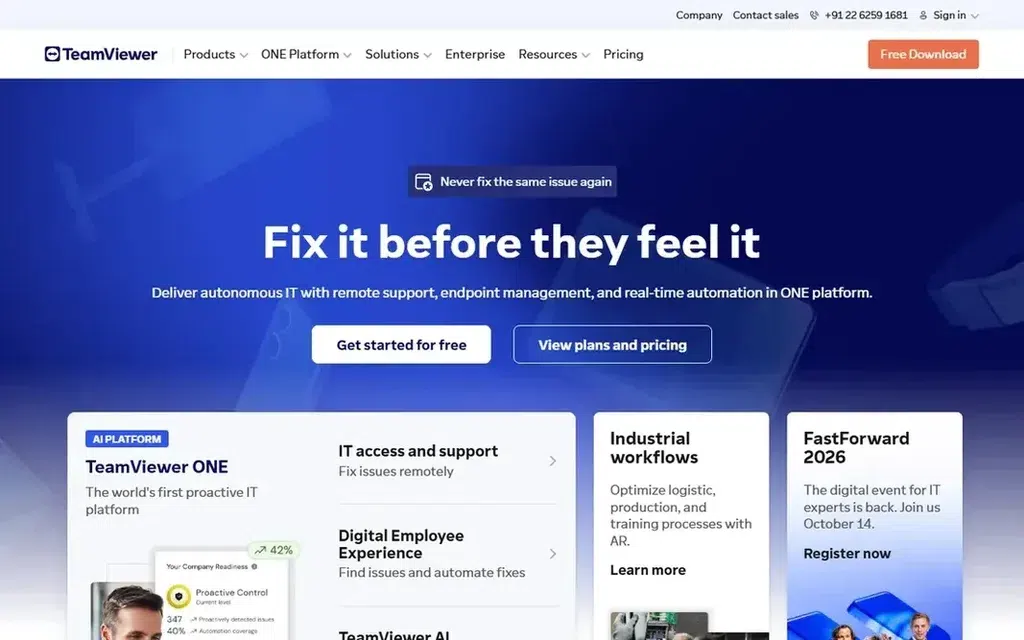
Pick TeamViewer Remote if this describes you: general remote access and support. TeamViewer Remote is a digital workplace product built around remote desktop access. It lets you link to remote computers, offer remote support and collaborate online, which makes it a natural fit for individuals and small teams that require dependable screen sharing and unattended access without a heavy management layer.
In practice, since it centers on access and support, it is less of a full endpoint management suite. Teams that require patching, inventory or policy enforcement across plenty of devices should look at a product designed for IT operations, or pair TeamViewer with a separate management tool. Check the vendor site for TeamViewer Remote pricing; none is listed in this comparison. Trial and free access: Free trial.
Watch-outs: Advanced management needs may need more.
- Online collaboration features
- Works across typical desktop products
- Feature depth varies by edition
In short, NinjaOne is for unified endpoint management with remote access. NinjaOne describes itself as a unified IT operations system including endpoint management, autonomous patching, backup and remote access. It is geared toward IT teams and managed service providers who want device control and remote connectivity managed from one place instead of stitched together.
Its strength is breadth, which can be more than a small business needs if the goal is just reaching a handful of computers. Organizations focused only on remote desktop sessions may prefer a lighter access product, whereas expanding IT teams benefit from consolidation. NinjaOne starts at: $1.50 per device per month. Free access: Free trial.
Points against: Broader scope than pure remote access tools.
- Designed for IT teams and MSPs
- Endpoint management and remote access together
- Setup reflects full IT operations use
Splashtop Business Access
Best for: Quick, secure remote work access
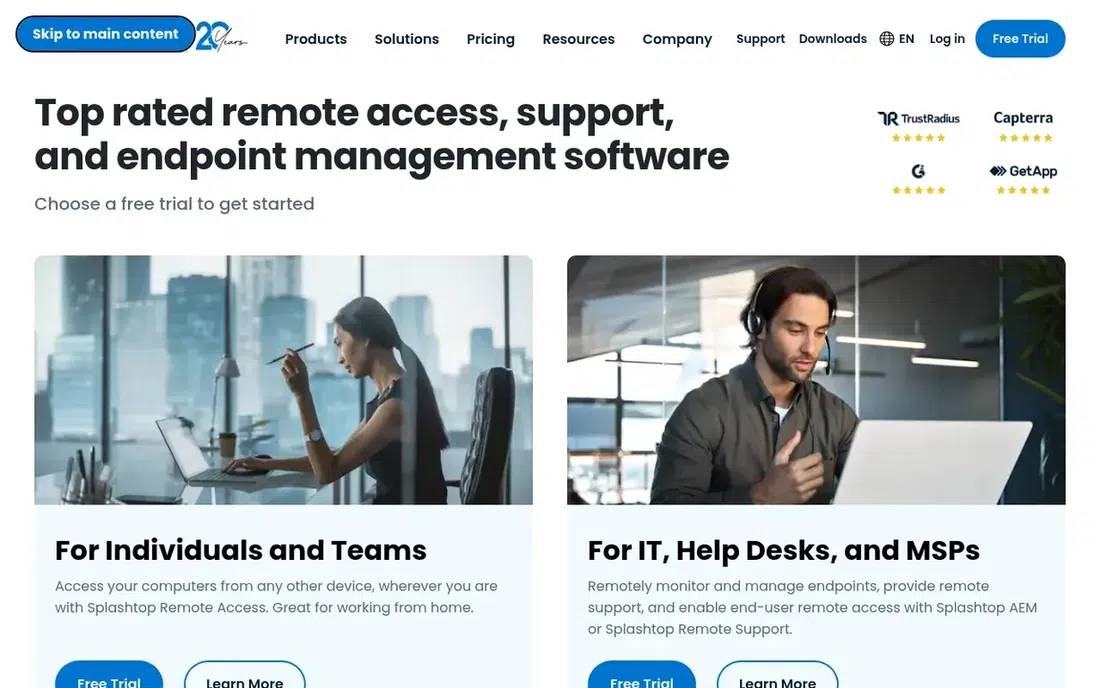
Splashtop Business Access was built for quick, secure remote work access. Splashtop Business Access is positioned as secure remote access software for remote work, remote support and remote learning.
Points against: Advanced admin features rely on the product line.
Its focus is access instead of full IT operations, so device inventory, patching and policy management are not the core strength. Splashtop Business Access pricing: $6 per month. As for free access: Free trial.
- Aimed at remote work and remote support
- Performance-focused access model
- Broader IT management is restricted
Selection criteria
LinkVetted looked at what each vendor publishes: pricing, plan limits, feature coverage for software for remote management and stated drawbacks. No hands-on testing is claimed. Treat prices as a snapshot: vendors change plans often, so check the vendor site for the figure that applies today. We ordered the tools by general fit, then by how clearly pricing is shown, then by free access. A buyer with unusual needs may reorder them.
What to confirm before you sign up
- Ask LogMeIn Pro, GoTo Resolve and TeamViewer Remote for a written quote, since no starting price is shown.
- Take the trial from TeamViewer Remote, NinjaOne and Splashtop Business Access and push a live task through it before you pay.
- Read the limits listed for LogMeIn Pro first: management depth is narrower than full suites.
- Look at the help docs and support options for TeamViewer Remote before you commit.
- Make sure GoTo Resolve lets you export your data in a format another tool can read.
FAQ
Can I try these tools before paying?
Often, yes. TeamViewer Remote, NinjaOne and Splashtop Business Access offer a free trial. Use your own data and a real task during the test, and check what the free tier or trial limits before you rely on it.
How are the tools for software for remote management ordered?
LogMeIn Pro sits first and Splashtop Business Access last because the order follows typical fit for software for remote management, then price clarity and free access. It is a judgement call, so read each profile for fit and limits.
Is LogMeIn Pro the right pick for everyone comparing software for remote management?
No single tool suits every team. LogMeIn Pro comes first because it fits Remote access with AI-driven support, while GoTo Resolve suits IT support alongside business communications and TeamViewer Remote suits general remote access and support. Match the tool to your own size, budget and workflow before deciding.
What is the cheapest option for software for remote management in this list?
On published monthly entry prices, NinjaOne is the lowest here at $1.50 per device per month. Entry price is only part of the cost, because seats, add-ons and billing terms can change the total. For the full picture, the cards above cover all 5 entries of this software for remote management list, including price, free plan and limits.
What is the difference between remote access and remote management software?
Remote access software centres on connecting to and controlling another computer, frequently for support or working from elsewhere. Some products, like NinjaOne, combine both in one place.
Sources
- https://www.logmein.com
- https://www.goto.com
- https://www.teamviewer.com
- https://www.ninjaone.com
- https://www.splashtop.com