Best Software for Hiring Contractors for 2026: Our 5 Vetted Picks
5 best software for hiring contractors, with entry costs, free tiers and the buyer each one serves. Includes honest limits for each tool. Numbers first.
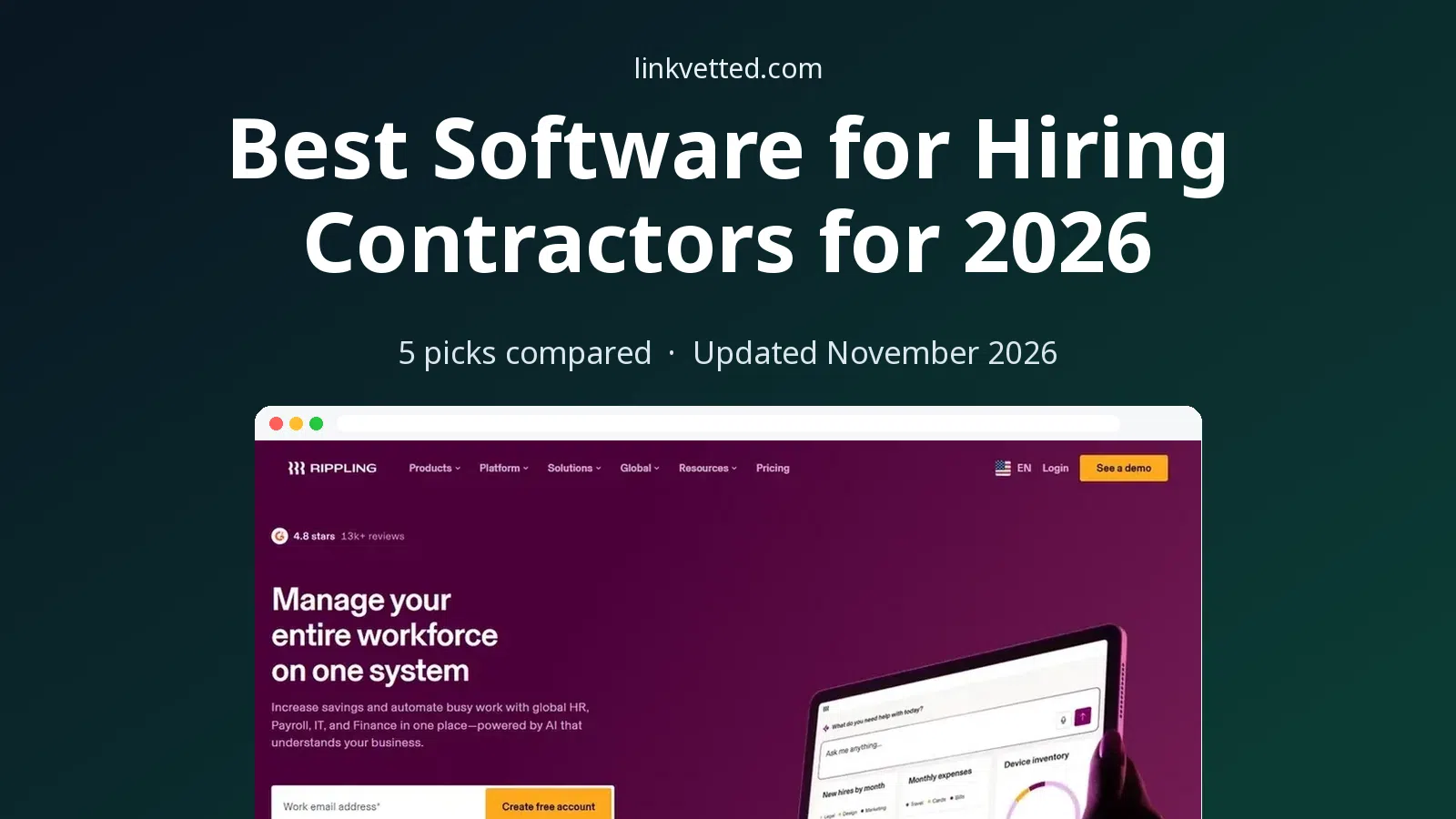
- Editor's choice
 Rippling
Unified HR, IT, and finance operations
Starts at$8 per employee a monthVisit rippling.comFull review - Great alternative
 Justworks
Small firms wanting HR support
Starts atSee websiteVisit justworks.comFull review - Also consider
 Remote
Global contractor management and payments
Starts at$19 per employee per monthVisit remote.comFull review
Direct answer
Rippling leads the list, best for unified HR, IT, and finance operations. Listed starting prices: Rippling from $8 per employee a month, Remote from $19 per employee per month and QuickBooks Online from $11.40 a month. Alternatives: Justworks for small companies wanting HR support, and Remote for global contractor management and payments. The other 2 tools in the list cover narrower or pricier cases.
TL;DR:
- Top of the list is Rippling, which targets unified HR, IT, and finance operations.
- None of the 5 tools, from Rippling to BambooHR, has a free plan, so budget for a subscription or use a trial.
- The cheapest monthly starting price in the list is $8 per employee per month, offered by Rippling.
- BambooHR suits core HR with contractor records.
Last checked November 2026. Prices and plan details were read from the vendors' own pages in November 2026; vendors change plans often, so confirm the current price on the vendor site before you buy.
Quick comparison
| Tool | Best for | Starts at | Free plan? | |
|---|---|---|---|---|
| Rippling | Unified HR, IT, and finance operations | $8 per employee a month | Not stated | Visit |
| Justworks | Small firms wanting HR support | See website | Not stated | Visit |
| Remote | Global contractor management and payments | $19 per employee per month | Not stated | Visit |
 QuickBooks Online | Small firms paying contractors locally | $11.40 a month | Free trial | Visit |
 BambooHR | Core HR with contractor records | $10 per employee per month | No | Visit |
Every option for software for hiring contractors explained
If you are comparing software for hiring contractors, this page covers 5 tools in one place: what each is best for, what it costs to start, whether it has a free plan, and the main limit to know about.
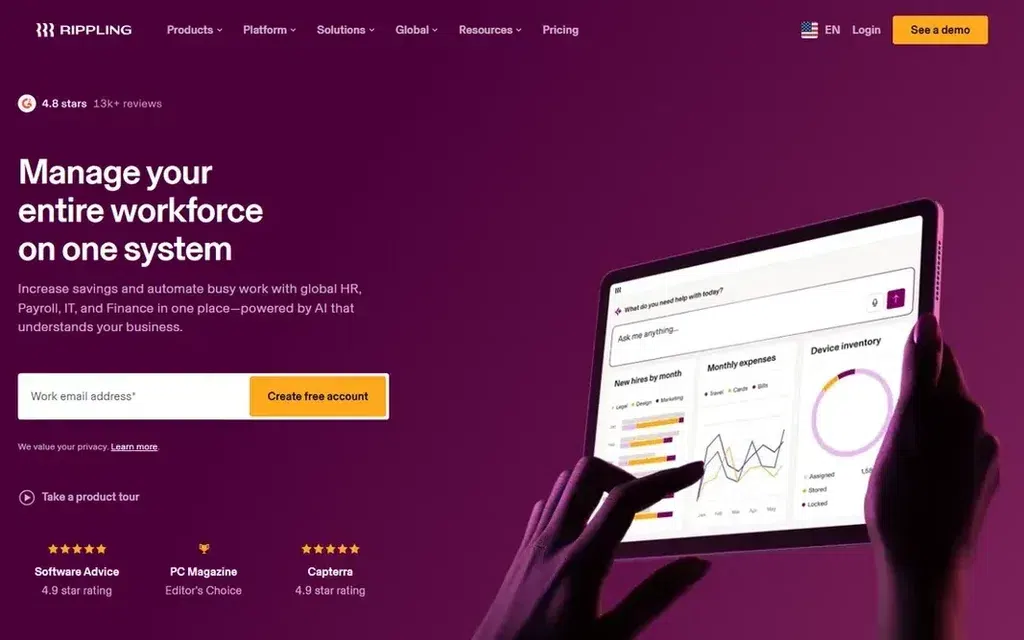
Rippling was built for unified HR, IT, and finance operations. Rippling presents itself as a workforce management system that merges HR, IT, and finance apps on a single data product.
Worth adding: setup and administration take more effort than a straightforward payroll tool. The breadth that makes Rippling handy can also make it heavy for a small business that only needs to pay a handful of contractors. Rippling cost at the entry level: $8 per employee per month. Trial and free access: Not stated.
What to check first: Wide scope can be complicated to set up.
- Unified data product across modules
- Finance apps
- Overkill for very small teams
Justworks was built for small firms wanting HR support. Firms that want payroll handled with access to support staff may find the model handy, notably when they are adding workers and want guidance.
Justworks merges HR software with real human support, offering PEO and payroll options pitched at small firms. For everyday use, if your priority is compliant international contractor payments, a global product is a better match. This comparison lists no price for Justworks; ask the vendor. Free options: Not stated.
Honest limits: PEO model may not suit pure contractor hiring.
- HR software with human support
- Targeted at small businesses
- Less centred on global contractors
Remote is a good fit for global contractor management and payments. It suits businesses that hire contractors in multiple countries and want agreements, payments, and compliance managed together.
In practice, Remote is aimed at cross-border work, so a business hiring only locally may not need its global capabilities. The starting price for Remote: $19 per employee per month. Trial and free access: Not stated.
Points against: Needs setup for each country.
- EOR and global payroll included
- Single system of record worldwide
- Global scope may exceed local needs

Where QuickBooks Online fits: small businesses paying contractors locally. If your contractors are local and your central need is clean records at tax time, it is a sensible starting point. Its contractor tools are narrower than dedicated hiring systems, so onboarding paperwork, agreements, and global compliance are not its focus.
More specifically, QuickBooks Online is a small business accounting system that also manages paying contractors and keeping those payments organized with the rest of your books. Worth adding: QuickBooks Online performs best as the financial backbone beside a hiring tool. For everyday use, pick something else if you hire across borders or need structured contractor lifecycle management. The starting price for QuickBooks Online: $11.40 per month. Free plan details: Free trial.
Best features of QuickBooks Online: Contractor payments sit alongside bookkeeping.
Where it is weaker: Not aimed at international compliance.
- Manages invoicing and expense tracking
- Simple setup for small teams
- Contractor management is entry-level
BambooHR was built for core HR with contractor records. Firms that mix employees and contractors can keep records and HR workflows in one place, which helps when contractors are part of a broader team. In practice, BambooHR is built around employee HR, so dedicated contractor compliance and international payments are not its core strength.
In daily use, teams hiring contractors across borders should look at a global employment product instead. More specifically, for domestic HR recordkeeping with some contractor administration, it remains a reasonable fit. On cost, BambooHR starts like this: $10 per employee per month. BambooHR has no free tier.
What works well: Hire-to-retire HR coverage.
Where it falls short: Contractor support is secondary to employee HR.
- People, payroll
- Straightforward HR workflows
- Global hiring is not the focus
Our selection method
LinkVetted used vendor pricing pages and product documentation as the base, then compared plans, free access and documented limits for 5 tools. Where a price is missing, the vendor does not list one publicly or ties it to a quote. Always confirm before budgeting. The order reflects how well each tool fits the most common buying scenario for software for hiring contractors, then price clarity, then free plan access. It is a starting point, not a verdict.
What to confirm before you sign up
- Ask Justworks for a written quote, since no starting price is shown.
- Take the trial from QuickBooks Online and push a live task through it before you pay.
- Read the limits listed for Rippling first: wide scope can be complicated to set up.
- Ask the daily users to test Rippling on a live task before you roll it out to everyone.
- Map your must-have features to a specific Remote plan before you compare prices.
FAQ
Can I try these tools before paying?
Often, yes. QuickBooks Online offers a free trial. Use your own data and a real task during the test, and check what the free tier or trial limits before you rely on it.
How are the tools for software for hiring contractors ordered?
The order follows typical fit for software for hiring contractors, with Rippling first and BambooHR last, then price clarity and free access. It is editorial judgement, not a score, so another team could rank the tools differently.
How should I evaluate contractor compliance features?
Ask how the vendor deals with worker classification, local requirements, and tax documentation for each country you operate in. Confirm that compliance support is included in the areas you need instead of assumed.
What is the cheapest option for software for hiring contractors in this list?
On published monthly entry prices, Rippling is the lowest here at $8 per employee per month. Entry price is only part of the cost, because seats, add-ons and billing terms can change the total. Each of the 5 options in this software for hiring contractors guide has its own card above with the price, free plan and limits.
Do small firms need dedicated contractor software?
Not always. If you pay a handful of local contractors, an accounting platform like QuickBooks Online may include your needs. Dedicated software becomes more valuable when you hire across borders, run plenty of contractors, or need compliance support.
What is the difference between a contractor tool and a payroll product?
Numerous vendors now blend both, so check which side of the mix matches your hiring. A business paying only contractors may not need full employee payroll features.
Sources
- https://www.rippling.com
- https://www.justworks.com
- https://remote.com
- https://quickbooks.intuit.com
- https://www.bamboohr.com