The 5 Best Software for Healthcare Staff Scheduling in 2026, Ranked
Searching for the best software for healthcare staff scheduling? Here are 5 options with prices and free plans. Where a tool struggles is spelled out.
- Editor's choiceShiftWizard
Hospitals aligning schedules with patient demand
Starts atSee websiteVisit shiftwizard.comFull review - Great alternative
 Homebase
Small healthcare teams managing hourly staff
Starts at$30 per location a monthVisit joinhomebase.comFull review - Also considerQGenda
Clinical workforce management and staffing optimization
Starts atSee websiteVisit qgenda.comFull review
Direct answer
ShiftWizard leads the list, best for Hospitals aligning schedules with patient demand. Listed starting prices: Homebase from $30 per location a month, Deputy from $5 per user a month and When I Work from $2.50 per user per month. Look at Homebase for small healthcare teams managing hourly staff, and at QGenda for clinical workforce management and staffing optimization. The full list of 5 tools follows, with prices and free plan facts.
TL;DR:
- Top of the list is ShiftWizard, which targets Hospitals aligning schedules with patient demand.
- Starting prices begin at $2.50 per user per month with When I Work.
- What to know about ShiftWizard first: positioned primarily for healthcare organizations.
- For shift scheduling with time tracking and messaging, When I Work is worth a look.
- Homebase stands alone as the one tool in this list with a free plan.
Last checked November 2026. Prices and plan details were read from the vendors' own pages in November 2026; vendors change plans often, so confirm the current price on the vendor site before you buy.
Quick comparison
| Tool | Best for | Starts at | Free plan? | |
|---|---|---|---|---|
| ShiftWizard | Hospitals aligning schedules with patient demand | See website | Not stated | Visit |
| Homebase | Small healthcare teams managing hourly staff | $30 per location a month | Yes | Visit |
| QGenda | Clinical workforce management and staffing optimization | See website | Not stated | Visit |
 Deputy | Mixed teams needing scheduling plus HR and payroll | $5 per user a month | Free trial | Visit |
 When I Work | Shift scheduling with time tracking and messaging | $2.50 per user per month | Free trial | Visit |
Our 5 picks for software for healthcare staff scheduling
If you are comparing software for healthcare staff scheduling, this page covers 5 tools in one place: what each is best for, what it costs to start, whether it has a free plan, and the main limit to know about.
ShiftWizard
Best for: Hospitals aligning schedules with patient demand
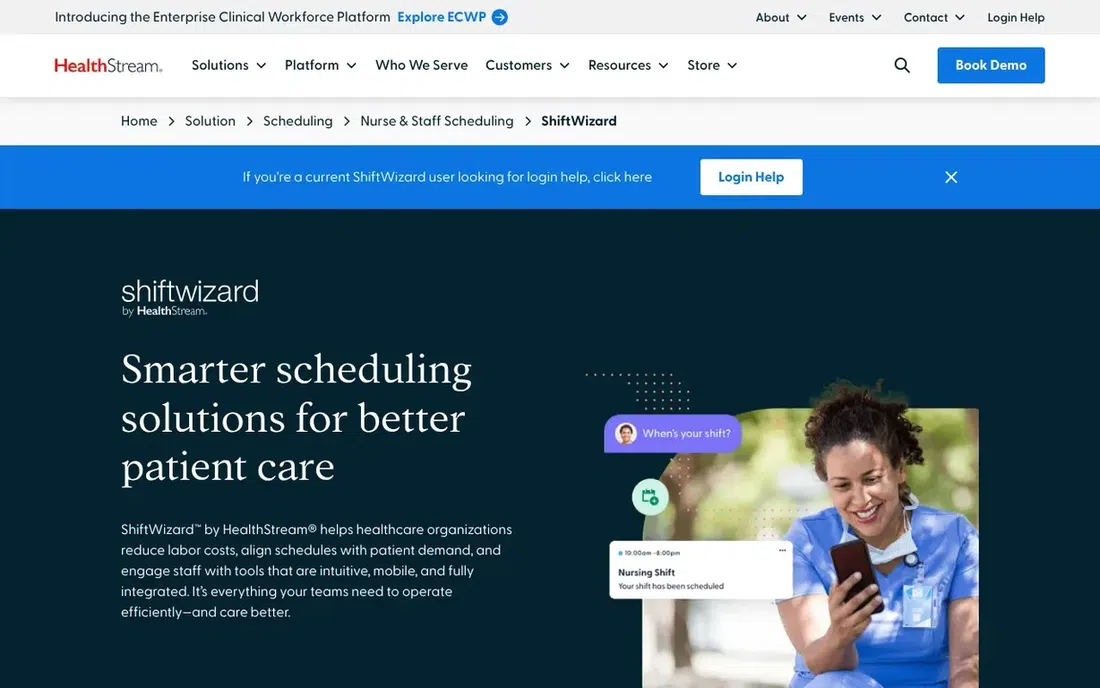
Where ShiftWizard fits: Hospitals aligning schedules with patient demand. It fits hospitals and health systems where nurse managers have to match coverage to fluctuating census and communicate changes rapidly.
Limits to weigh: Best value likely at bigger staff volumes.
Its healthcare orientation means non-clinical companies may not need its demand-alignment features. ShiftWizard does not show a starting price in this comparison, so check the vendor site for current pricing. Free options: Not stated.
- Scheduling tied to patient demand
- Mobile and integrated toolset
- Positioned primarily for healthcare organizations
Homebase was built for small healthcare teams managing hourly staff. Homebase targets small hourly teams instead of hospital staffing, so multi-department coverage rules and clinical credentialing are outside its core focus.
Downsides: May lack hospital-grade coverage rules.
What users get: Hiring tools included.
Bigger healthcare organizations should look at healthcare-specific products. The starting price for Homebase: $30 per location per month. You can start on Homebase without paying.
- Scheduling
- Pitched at small firms
- Not aimed at clinical scheduling
QGenda
Best for: Clinical workforce management and staffing optimization
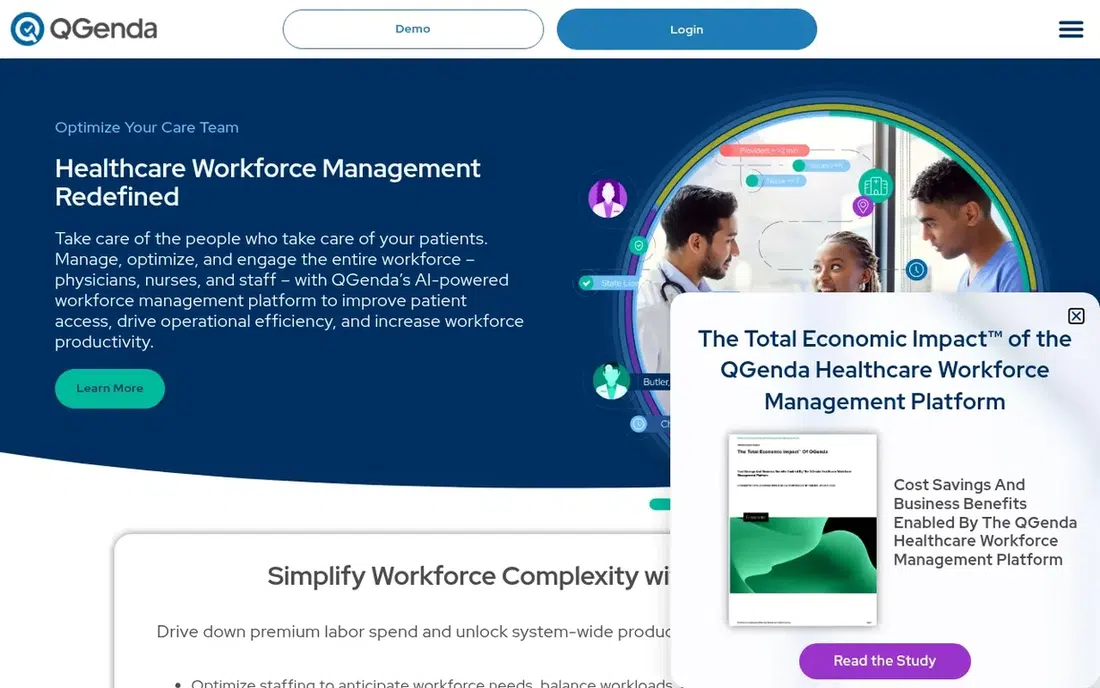
QGenda is a good fit for clinical workforce management and staffing optimization. Since it is designed around healthcare operations, smaller practices may find more capability than they need.
QGenda is a healthcare workforce management system positioned around boosting engagement and retention, optimizing staffing and reducing labor costs. In daily use, teams wanting a lightweight general scheduling app with payroll built in may prefer a broader workforce tool instead. This comparison lists no price for QGenda; ask the vendor. As for free access: Not stated.
Where it is weaker: Feature depth can mean a longer setup.
- Made for healthcare workforce management
- Aims to optimize staffing and cut labor costs
- Healthcare focus may be more than small clinics need
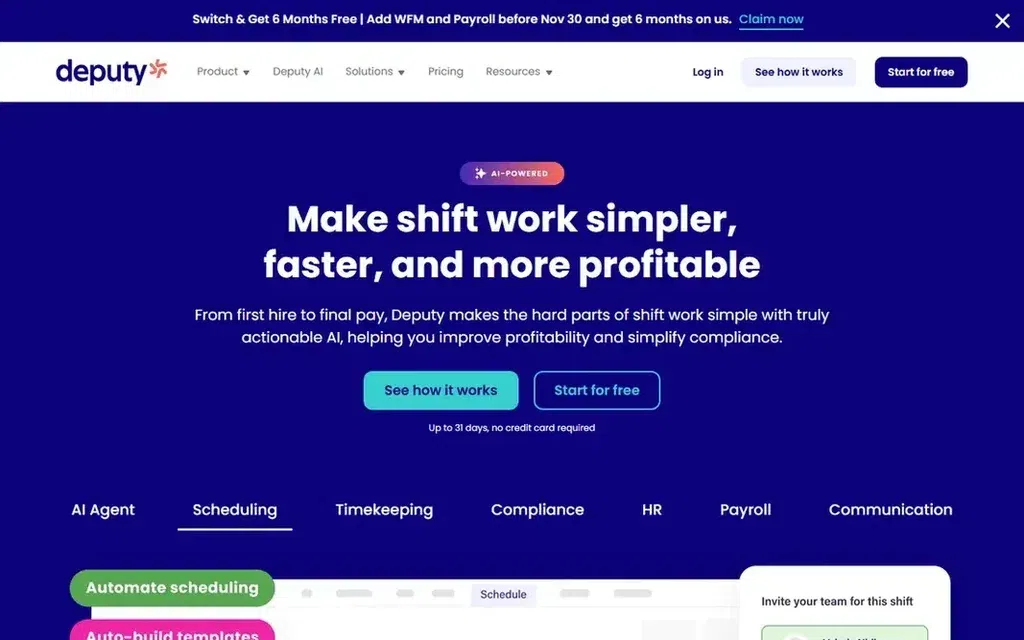
Choose Deputy for mixed teams needing scheduling plus HR and payroll. Deputy is easy-to-use employee scheduling, HR, AI labor forecasting and payroll software.
In daily use, Deputy is a general workforce product, so clinical coverage rules and credential-based scheduling may need workarounds. As for the details, organizations with complicated hospital scheduling requirements should weigh a healthcare-focused choice first. Starting cost for Deputy: $5 per user per month. As for free access: Free trial.
Drawbacks to consider: Wide feature set may overwhelm simple teams.
- AI labor forecasting
- Easy-to-use positioning
- Not healthcare-specific
When I Work makes the most sense for shift scheduling with time tracking and messaging. It suits smaller healthcare settings for example dental offices, urgent care sites and clinics that want a straightforward mobile experience for hourly staff.
Highlights: Straightforward employee-facing experience.
Where it is weaker: Advanced clinical rules may need manual handling. Larger hospitals should compare dedicated healthcare scheduling products. Entry price for When I Work: $2.50 per user per month. Trial and free access: Free trial.
- Schedule shifts
- Fits hourly teams
- Restricted healthcare-specific features
How the list was put together
Each tool was reviewed on what its vendor publishes: price, plan limits, core features and stated drawbacks. We did not run hands-on tests. Plan names, prices and limits change often. Treat the figures here as a starting point and verify them with the vendor. The order reflects how well each tool fits the most common buying scenario for software for healthcare staff scheduling, then price clarity, then free plan access. It is a starting point, not a verdict.
What to confirm before you sign up
- Confirm the entry price on the vendor page. For ShiftWizard and QGenda that means a quote rather than a fixed price.
- Look at the free plan from Homebase closely: its caps decide whether it is usable for real work.
- Take the trial from Deputy and When I Work and push a live task through it before you pay.
- Before choosing ShiftWizard, weigh its main limit: positioned primarily for healthcare organizations.
- Total up the real monthly cost of QGenda, including add-ons, extra users and usage-based fees.
- Look at which plan of ShiftWizard unlocks the features you need; entry tiers are often cut down.
FAQ
How do healthcare scheduling tools differ from general workforce apps?
Healthcare tools focus on clinical staffing needs for example patient demand alignment, role-based coverage and retention. General workforce apps emphasize hourly scheduling, time tracking, payroll and communication across numerous industries.
Is ShiftWizard the right pick for everyone comparing software for healthcare staff scheduling?
No single tool suits every team. ShiftWizard comes first because it fits Hospitals aligning schedules with patient demand, while Homebase suits small healthcare teams managing hourly staff and QGenda suits clinical workforce management and staffing optimization. Match the tool to your own size, budget and workflow before deciding.
What should buyers check before committing to a scheduling system?
Confirm current features, integrations, mobile support and onboarding straight with the vendor. Ask how the tool manages your specific shift patterns and whether support terms fit your organization, especially during vendor transitions.
Can I try these tools before paying?
Often, yes. Homebase has a free plan and Deputy and When I Work offer a free trial. Use your own data and a real task during the test, and check what the free tier or trial limits before you rely on it. Each of the 5 options in this software for healthcare staff scheduling guide has its own card above with the price, free plan and limits.
What is the cheapest option for software for healthcare staff scheduling in this list?
On published monthly entry prices, When I Work is the lowest here at $2.50 per user per month. Entry price is only part of the cost, because seats, add-ons and billing terms can change the total. All 5 picks in this software for healthcare staff scheduling comparison list a starting price, free plan details and the main limits on their cards above.
Which options for software for healthcare staff scheduling have a free plan?
Homebase is the only tool in this list with a free plan. Free plans usually cap users, projects or features, so check the limits on the vendor page. Several others offer a trial instead. For the full picture, the cards above cover all 5 entries of this software for healthcare staff scheduling list, including price, free plan and limits.
Sources
- https://www.shiftwizard.com
- https://www.joinhomebase.com
- https://www.qgenda.com
- https://www.deputy.com
- https://wheniwork.com