The 5 Best Medical Staff Scheduling Software for Remote Teams in 2026, Ranked
5 best medical staff scheduling software for remote teams, compared on pricing, free plans and best-fit use. Short verdicts, no fluff. See the full list.
- Editor's choice
 Sling
Simple shift planning and communication
Starts at$1.70 per user a monthVisit getsling.comFull review - Great alternative
 Deputy
Scheduling with HR and payroll
Starts at$5 per user a monthVisit deputy.comFull review - Also considerQGenda
Healthcare-specific workforce management
Starts atSee websiteVisit qgenda.comFull review
Direct answer
For simple shift planning and communication, Sling is where this list starts. Listed starting prices: Sling from $1.70 per user a month, Deputy from $5 per user a month and When I Work from $2.50 per user per month. For a different need, Deputy covers Scheduling with HR and payroll and QGenda covers Healthcare-specific workforce management. Prices, free plans and limits for all 5 tools follow.
TL;DR:
- Sling takes the first slot, best suited to simple shift planning and communication.
- When I Work is the one to check for straightforward shift scheduling and messaging.
- What to know about QGenda first: wide product may suit larger organizations.
- The lowest published monthly entry price here is $1.70 per user per month, from Sling.
- Sling stands alone as the one tool in this list with a free plan.
Last checked November 2026. Prices and plan details were read from the vendors' own pages in November 2026; vendors change plans often, so confirm the current price on the vendor site before you buy.
Quick comparison
| Tool | Best for | Starts at | Free plan? | |
|---|---|---|---|---|
| Sling | Simple shift planning and communication | $1.70 per user a month | Yes | Visit |
| Deputy | Scheduling with HR and payroll | $5 per user a month | Free trial | Visit |
| QGenda | Healthcare-specific workforce management | See website | Not stated | Visit |
| ShiftWizard | Hospitals aligning schedules with demand | See website | Not stated | Visit |
 When I Work | Straightforward shift scheduling and messaging | $2.50 per user per month | Free trial | Visit |
The best medical staff scheduling software for remote teams
LinkVetted put together this guide to medical staff scheduling software for remote teams for readers who want a clear shortlist without reading every vendor page. It compares 5 tools on starting price, free plans, who each one suits and where each one falls short.
Pick Sling if this describes you: simple shift planning and communication. It suits small medical practices and remote teams that want a straightforward way to publish schedules and keep staff informed without a heavy system.
What you pay to start with Sling: $1.70 per user per month. A free plan is available with Sling.
Drawbacks to consider: Fewer clinical features.
- Straightforward setup for small teams
- Team communication tools
- General-purpose scheduler
Deputy makes the most sense for Scheduling with HR and payroll. It suits medical offices and support teams that want scheduling, time and payroll-related functions in one place, with remote access for staff and managers coordinating shifts across sites.
What to check first: Not healthcare-specific.
More specifically, Deputy is a general workforce product instead of a clinical scheduling system, so complicated healthcare coverage rules may need workarounds. Deputy pricing: $5 per user per month. Free plan details: Free trial.
- AI labor forecasting
- HR and payroll features
- May need setup for clinical rules
QGenda
Best for: Healthcare-specific workforce management
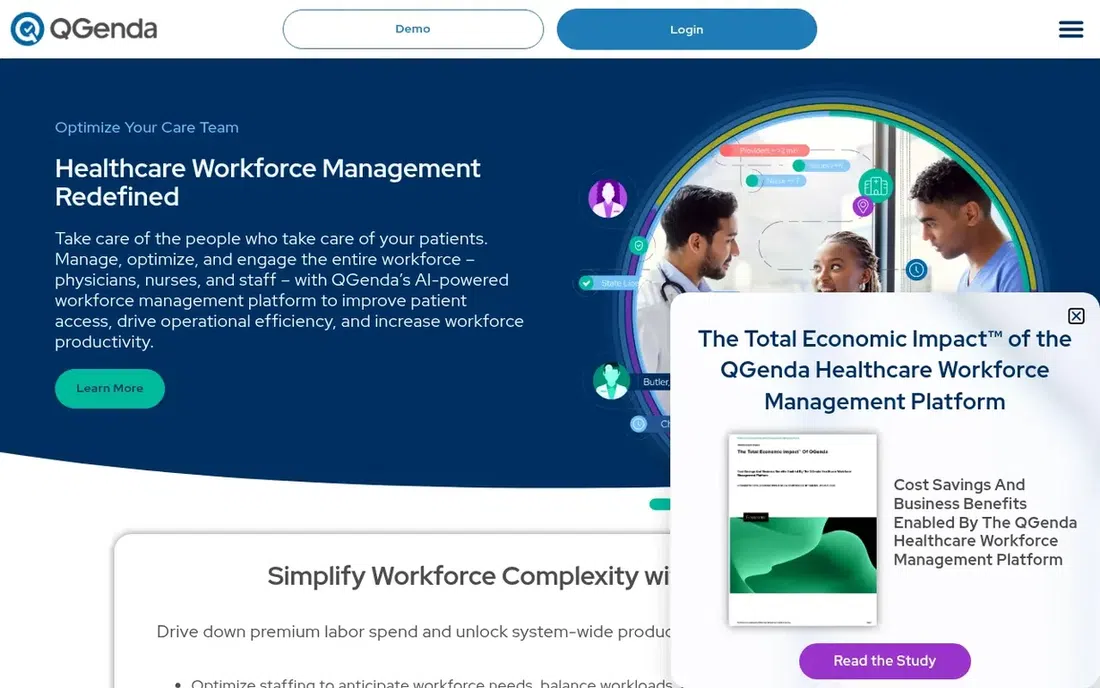
QGenda is designed for Healthcare-specific workforce management. QGenda is a healthcare workforce management system targeted at optimizing staffing, supporting staff engagement and retention, and helping control labor costs.
Limits to weigh: Not a general-purpose scheduler.
From a buyer's view, teams wanting light, general-purpose scheduling with payroll extras should compare more straightforward choices before committing. This comparison lists no price for QGenda; ask the vendor. Free access: Not stated.
- Aimed at healthcare staffing workflows
- Supports staffing optimization
- Wide system may suit bigger organizations
ShiftWizard
Best for: Hospitals aligning schedules with demand
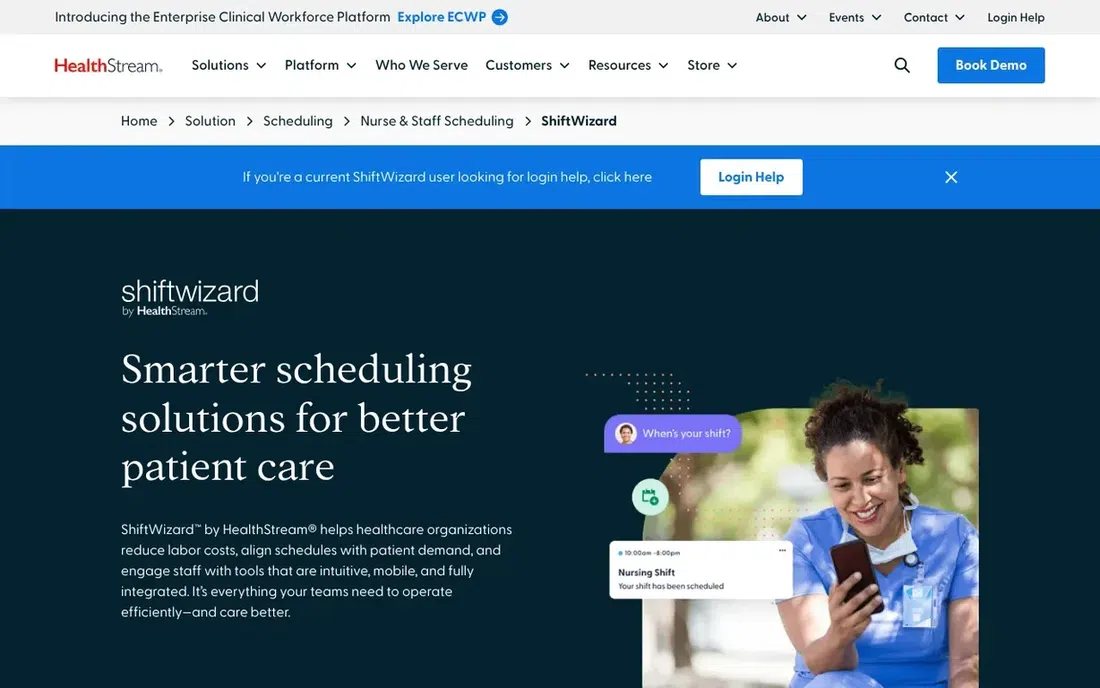
Pick ShiftWizard if this describes you: Hospitals aligning schedules with demand. Teams needing general shift scheduling with payroll features should weigh broader workforce systems instead.
On top of that, ShiftWizard by HealthStream is healthcare scheduling software that aims to cut labor costs, align schedules with patient demand and engage staff through easy-to-learn mobile and integrated tools. Its design centers on healthcare staffing patterns, so non-clinical businesses may find it specialized. Check the vendor site for ShiftWizard pricing; none is listed in this comparison. As for free access: Not stated.
Watch-outs: Healthcare-specific focus.
Main advantages: Aligns schedules with patient demand.
- Integrated scheduling tools
- Aims to cut labor costs
- Best fit for hospital-style staffing
When I Work serves straightforward shift scheduling and messaging. It fits smaller medical offices and remote support teams that want clear shift visibility and fast communication without a complicated clinical product.
Where it falls short: Restricted clinical specialization.
On top of that, bigger clinical organizations may need a dedicated medical scheduling system for complicated coverage. Price to start with When I Work: $2.50 per user per month. Free options: Free trial.
- Schedule shifts in one app
- Track time and message teams
- General-purpose feature set
How we built this list
For each of the 5 tools we noted price, free plan or trial, fit for medical staff scheduling software for remote teams and the main limit, using vendor pages and documentation. Prices and plan limits come from vendor pages and can change, so confirm them on the vendor site before you buy. Tools are placed by general fit for medical staff scheduling software for remote teams, with price clarity and free access as tie-breakers. A different team can reasonably rank them differently.
What to confirm before you sign up
- Get a written quote from QGenda and ShiftWizard; the list shows no starting price for them.
- Look at the free plan from Sling closely: its caps decide whether it is usable for real work.
- Run a trial of Deputy and When I Work with real work before paying for a year; your own workflow is the best test.
- Read the limits listed for Sling first: general-purpose scheduler.
- Check the support hours and onboarding help Sling offers; smaller vendors vary a lot here.
- Before rolling out QGenda, verify the integrations your workflow depends on.
FAQ
How are the tools for medical staff scheduling software for remote teams ordered?
The order follows typical fit for medical staff scheduling software for remote teams, with Sling first and When I Work last, then price clarity and free access. It is editorial judgement, not a score, so another team could rank the tools differently.
What should remote medical teams look for in scheduling software?
Prioritize mobile access, clear shift visibility, messaging and time tracking so remote staff stay informed. Healthcare-specific tools add demand alignment and staffing optimization that general schedulers may lack.
Which tool is a good match for hospital clinical scheduling?
The first pick on this list is Sling, because it suits simple shift planning and communication. Deputy is better for Scheduling with HR and payroll, and QGenda for Healthcare-specific workforce management. Check price and limits against your own needs before choosing.
Does AMN Healthcare offer scheduling software or staffing services?
AMN Healthcare is positioned around healthcare staffing and total talent solutions, with scheduling connected to that broader approach. Teams wanting only in-house shift planning should confirm how it suits their existing workflows.
Can I try these tools before paying?
Often, yes. Sling has a free plan and Deputy and When I Work offer a free trial. Use your own data and a real task during the test, and check what the free tier or trial limits before you rely on it. All 5 picks in this medical staff scheduling software for remote teams comparison list a starting price, free plan details and the main limits on their cards above.
Do these tools publish their prices?
Not all of them. QGenda and ShiftWizard publish no starting price, so expect a quote request for those. The rest, Sling included, show a starting price, though seats and billing terms still change the final cost. For the full picture, the cards above cover all 5 entries of this medical staff scheduling software for remote teams list, including price, free plan and limits.
Sources
- https://getsling.com
- https://www.deputy.com
- https://www.qgenda.com
- https://www.shiftwizard.com
- https://wheniwork.com