Best Software for Health Clinic Staff Scheduling (2026): 6 Picks Checked on Vendor Pages
Best software for health clinic staff scheduling in 2026: 6 tools with starting prices, free plans and limits. Compare costs and catches in one place. No hype.
- Editor's choice
 Sling
Simple shift planning and communication
Starts at$1.70 per user a monthVisit getsling.comFull review - Great alternativeShiftWizard
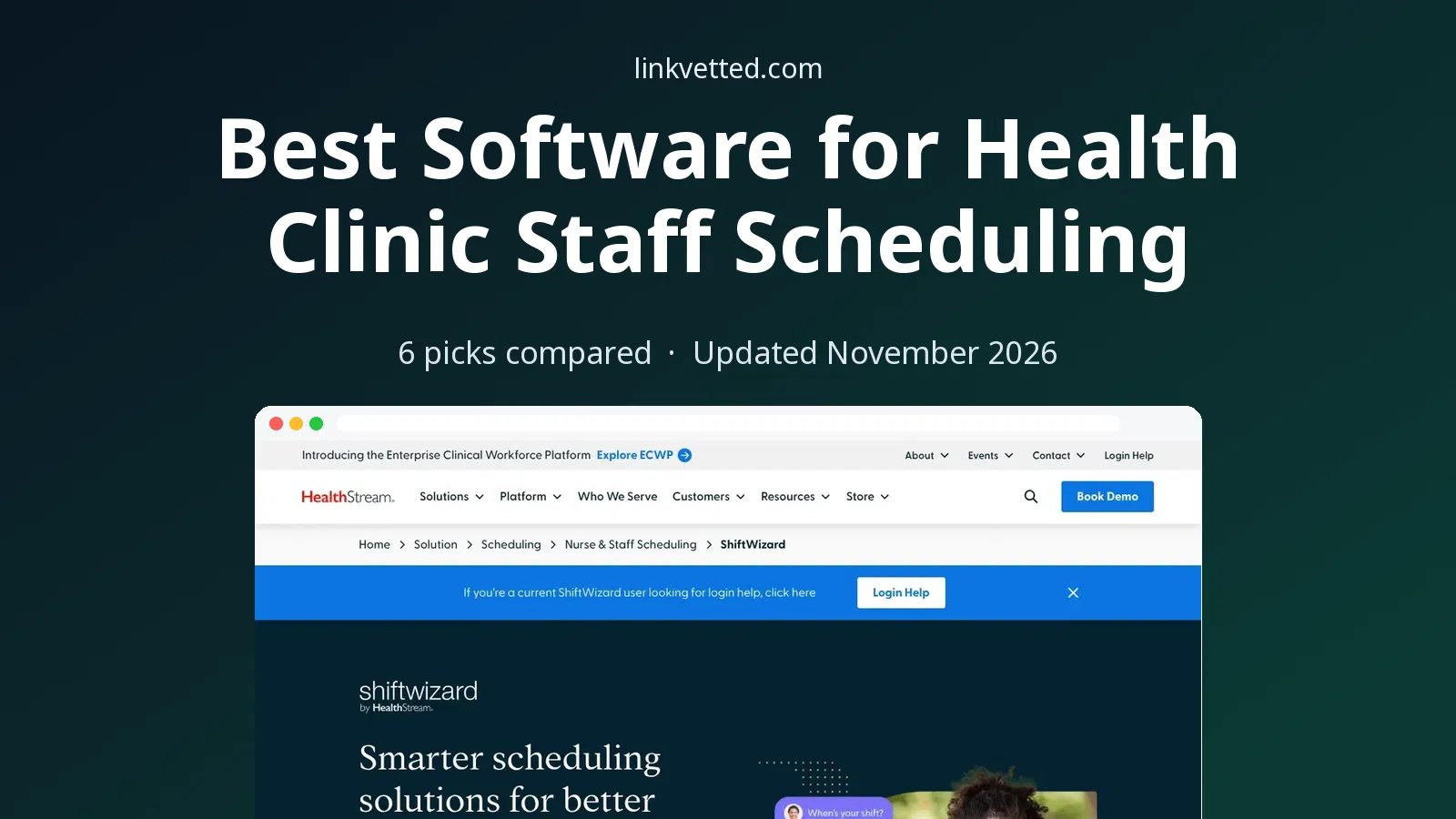
Aligning schedules with patient demand
Starts atSee websiteVisit shiftwizard.comFull review - Also consider
 When I Work
Straightforward shift scheduling and messaging
Starts at$2.50 per user a monthVisit wheniwork.comFull review
Direct answer
If you need simple shift planning and communication, Sling is the first tool to look at here. Listed starting prices: Sling from $1.70 per user a month, When I Work from $2.50 per user a month and Homebase from $30 per location a month. ShiftWizard is better for aligning schedules with patient demand, and When I Work is better for straightforward shift scheduling and messaging. The remaining 3 options are covered below with prices and limits.
TL;DR:
- Top of the list is Sling, which targets simple shift planning and communication.
- Sling, Homebase: these are the 2 tools out of 6 that offer a free plan.
- Deputy fits scheduling plus HR and payroll.
- Starting prices begin at $1.70 per user per month with Sling.
Last checked November 2026. Prices and plan details were read from the vendors' own pages in November 2026; vendors change plans often, so confirm the current price on the vendor site before you buy.
Quick comparison
| Tool | Best for | Starts at | Free plan? | |
|---|---|---|---|---|
| Sling | Simple shift planning and communication | $1.70 per user a month | Yes | Visit |
| ShiftWizard | Aligning schedules with patient demand | See website | Not stated | Visit |
| When I Work | Straightforward shift scheduling and messaging | $2.50 per user a month | Free trial | Visit |
 Homebase | Small clinics managing hourly teams | $30 per location a month | Yes | Visit |
| QGenda | Healthcare-specific workforce management | See website | Not stated | Visit |
 Deputy | Scheduling plus HR and payroll | $5 per user a month | Free trial | Visit |
Software for Health Clinic Staff Scheduling, one by one
This LinkVetted guide covers 6 options for software for health clinic staff scheduling. Each profile lists a starting price, free plan details, strengths and drawbacks, so you can drop poor fits quickly.
Sling targets simple shift planning and communication. Sling is a general scheduling tool without healthcare-specific features for example patient demand alignment or clinical credential handling. Teams new to scheduling software are a natural audience.
Downsides: General-purpose scheduling app.
As for the details, Sling is employee shift scheduling and planning software that helps companies handle shifts and communicate with employees, described as free and simple to use. Clinics with complicated coverage rules should weigh specialized systems instead. The starting price for Sling: $1.70 per user per month. A free plan is available with Sling.
- Shift scheduling and planning
- Employee communication tools
- Few healthcare-specific capabilities
ShiftWizard
Best for: Aligning schedules with patient demand
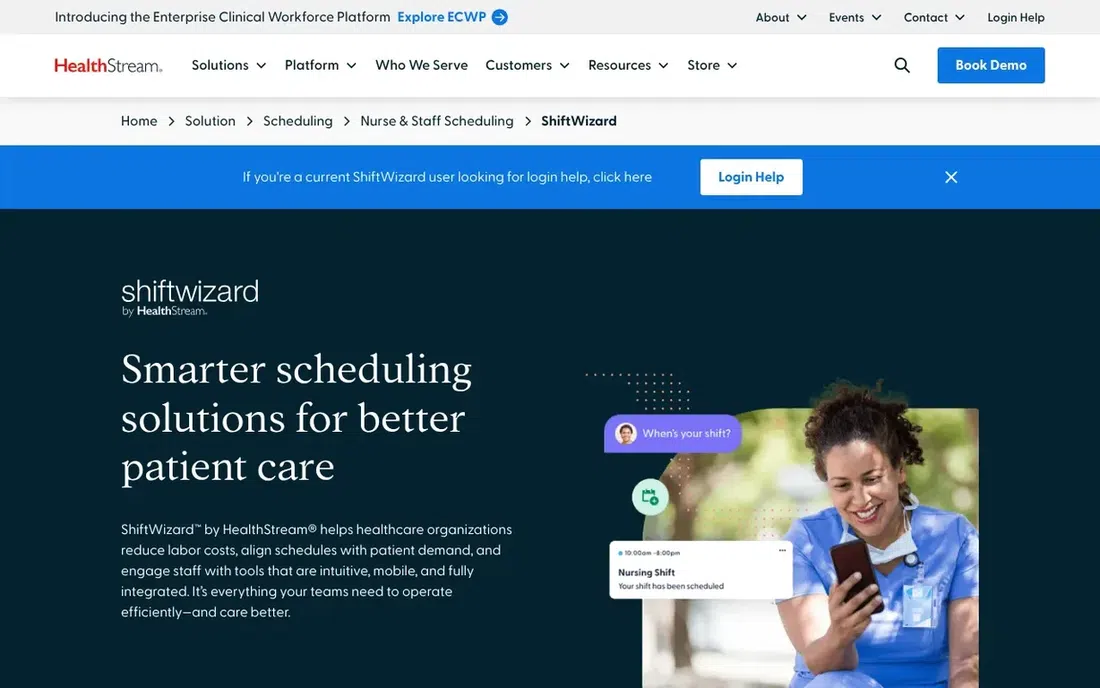
Choose ShiftWizard for aligning schedules with patient demand. Compare it with general scheduling apps if mobile shift management is the central need and clinical demand alignment is secondary. Since it sits within the HealthStream portfolio, the experience relies on which integrated tools a clinic adopts.
Points against: Details rely on vendor configuration.
As for the details, ShiftWizard, offered by HealthStream, is healthcare scheduling software that aims to cut labor costs, align schedules with patient demand, and engage staff through easy-to-learn, mobile and integrated tools. Nursing and clinical managers coordinating varied coverage are a natural fit. Check the vendor site for ShiftWizard pricing; none is listed in this comparison. Free plan details: Not stated.
- Mobile and integrated tools
- Scheduling aligned to patient demand
- Part of a bigger HealthStream suite
For straightforward shift scheduling and messaging, When I Work is a natural candidate. It is a general scheduling tool, so clinics with intricate clinical coverage rules or credential requirements may outgrow it.
Points against: Restricted healthcare-specific features.
Organizations wanting scheduling tied to patient demand should compare healthcare-specific products. When I Work cost at the entry level: $2.50 per user per month. Free options: Free trial.
- Schedule shifts in one app
- Track time and message the team
- General-purpose instead of clinical
Choose Homebase for small clinics managing hourly teams. Homebase is aimed at small companies broadly instead of healthcare specifically, so clinical scheduling nuances are not its focus.
What to check first: Pitched at small companies usually.
On top of that, bigger clinics with multi-department coverage may need a more specialized system. The starting price for Homebase: $30 per location per month. You can start on Homebase without paying.
Highlights: Designed for hourly teams.
- Hiring tools included
- Time clocks and payroll in one app
- Not tailored to clinical staffing
QGenda
Best for: Healthcare-specific workforce management
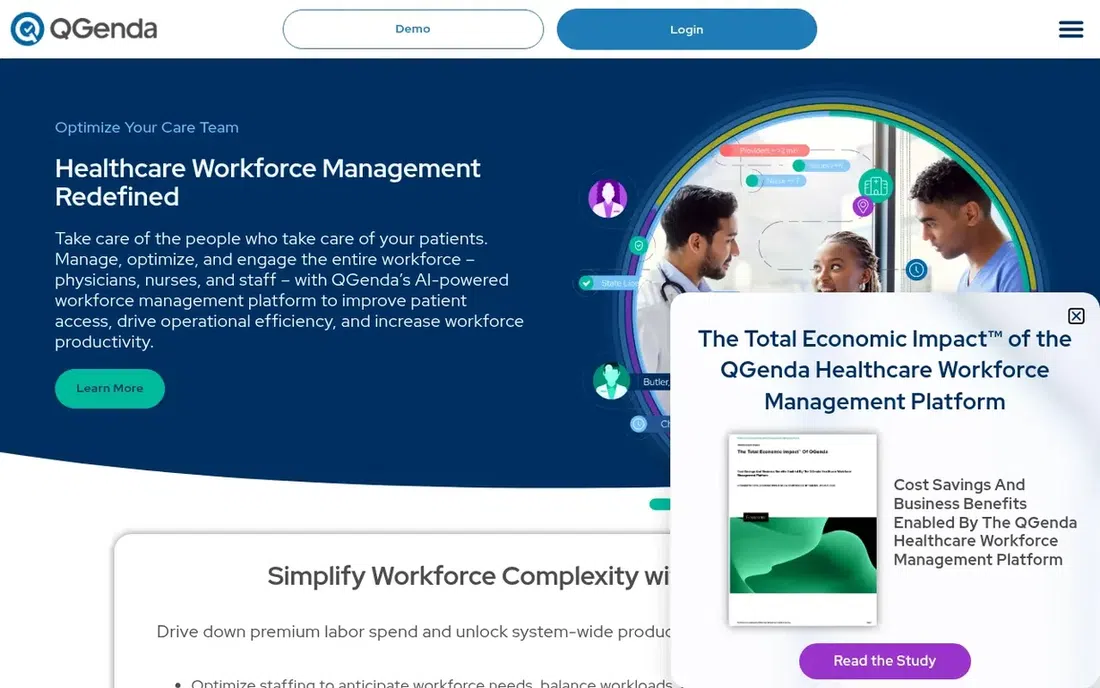
QGenda is a good fit for healthcare-specific workforce management. QGenda is a healthcare workforce management system pitched at optimizing staffing, supporting engagement and retention, and helping control labor costs.
Worth adding: clinics that chiefly want fast shift swaps and team messaging might prefer a lighter scheduling app. Practices with complicated coverage rules and several staff types are the clearest audience. QGenda does not show a starting price in this comparison, so check the vendor site for current pricing. Trial and free access: Not stated.
What to check first: Wide product may overwhelm small clinics.
- Labor cost reduction focus
- Staffing optimization features
- Healthcare focus narrows general HR use
Choose Deputy for scheduling plus HR and payroll. Front-desk and administrative teams with mixed hourly roles are a reasonable match. Deputy is employee scheduling, HR and payroll software with AI labor forecasting, presented as straightforward to use.
Where it falls short: Feature depth may exceed straightforward clinics.
Also, clinics needing patient-demand alignment or clinical credential tracking should look at healthcare-focused choices. It remains a solid choice when consolidated scheduling and payroll matter most. Beyond that, Deputy is a general workforce product instead of a healthcare-specific one, so clinical scheduling rules may need manual configuration. Starting cost for Deputy: $5 per user per month. Free options: Free trial.
- HR and payroll in one product
- AI labor forecasting
- Not healthcare-specific
How the list was put together
Each tool was reviewed on what its vendor publishes: price, plan limits, core features and stated drawbacks. We did not run hands-on tests. Treat prices as a snapshot: vendors change plans often, so check the vendor site for the figure that applies today. Tools are placed by general fit for software for health clinic staff scheduling, with price clarity and free access as tie-breakers. A different team can reasonably rank them differently.
Questions to settle before buying
- Confirm the entry price on the vendor page. For ShiftWizard and QGenda that means a quote rather than a fixed price.
- Check what the free option really includes: Sling and Homebase offer a free plan, and usage caps differ.
- Take the trial from When I Work and Deputy and push a live task through it before you pay.
- Read the limits listed for Sling first: general-purpose scheduling app.
- Involve the people who will use When I Work daily; a short pilot beats a long feature checklist.
- Add up seats, add-ons and usage charges for Homebase before comparing it with cheaper entries.
FAQ
Do these tools publish their prices?
Not all of them. ShiftWizard and QGenda publish no starting price, so expect a quote request for those. The rest, Sling included, show a starting price, though seats and billing terms still change the final cost. Each of the 6 options in this software for health clinic staff scheduling guide has its own card above with the price, free plan and limits.
What is the cheapest option for software for health clinic staff scheduling in this list?
On published monthly entry prices, Sling is the lowest here at $1.70 per user per month. Entry price is only part of the cost, because seats, add-ons and billing terms can change the total. All 6 picks in this software for health clinic staff scheduling comparison list a starting price, free plan details and the main limits on their cards above.
Which scheduling software is a good match for a small health clinic?
The first pick on this list is Sling, because it suits easy shift planning and communication. ShiftWizard is better for aligning schedules with patient demand, and When I Work for straightforward shift scheduling and messaging. Check price and limits against your own needs before choosing.
Which options for software for health clinic staff scheduling have a free plan?
Sling and Homebase offer a free plan in this list. Free plans usually cap users, projects or features, so check the limits on the vendor page. Several others offer a trial instead. For the full picture, the cards above cover all 6 entries of this software for health clinic staff scheduling list, including price, free plan and limits.
Is Sling the right pick for everyone comparing software for health clinic staff scheduling?
No single tool suits every team. Sling comes first because it fits easy shift planning and communication, while ShiftWizard suits aligning schedules with patient demand and When I Work suits simple shift scheduling and messaging. Match the tool to your own size, budget and workflow before deciding.
Sources
- https://getsling.com
- https://www.shiftwizard.com
- https://wheniwork.com
- https://www.joinhomebase.com
- https://www.qgenda.com
- https://www.deputy.com