5 Software for Construction Draw Requests Worth Shortlisting in 2026
Best software for construction draw requests: 5 contenders ranked by fit, with entry costs and free tiers. Clear notes on pricing gaps and limits. Facts only.
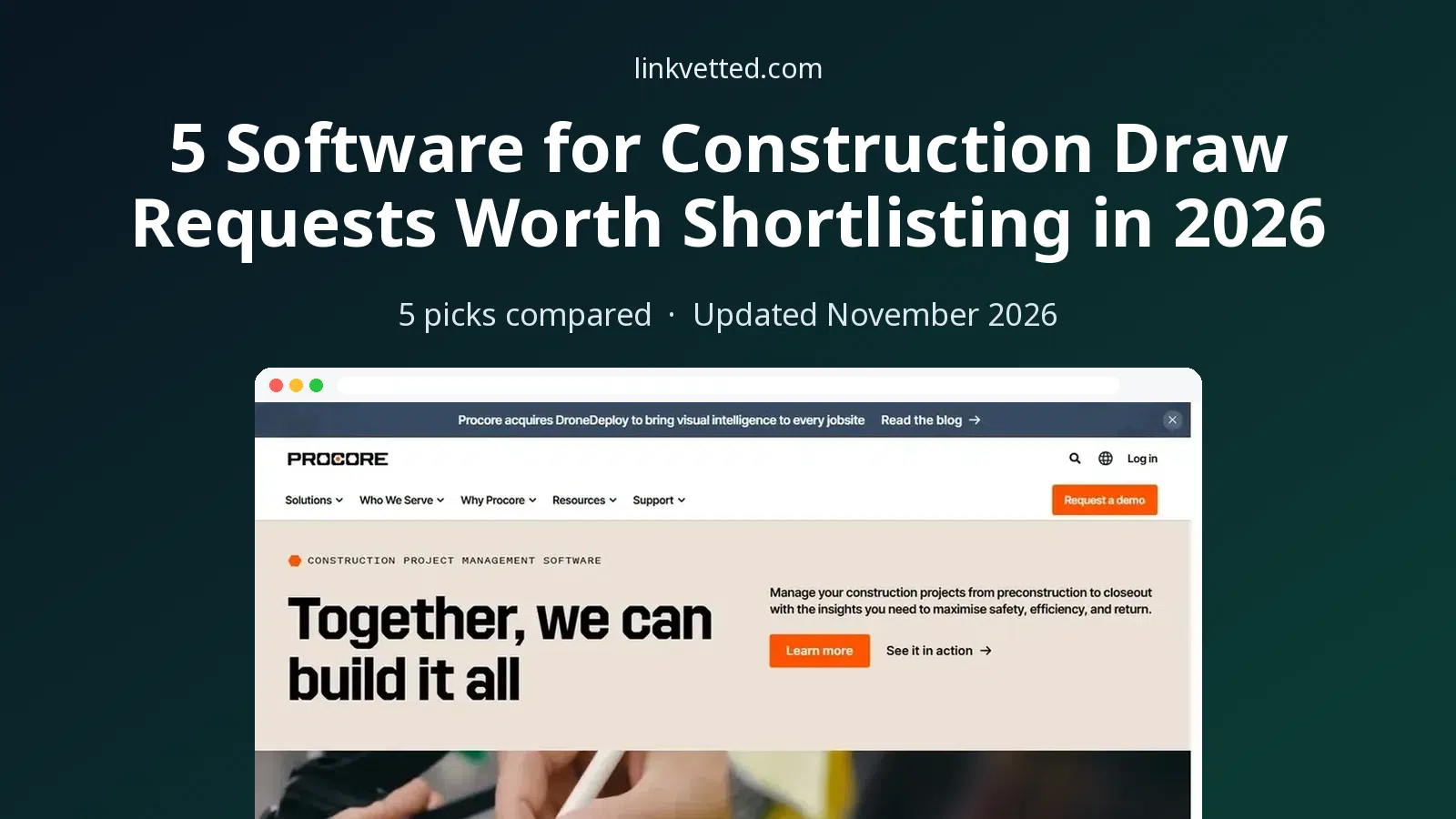
- Editor's choiceGCPay
Automating pay applications and lien waivers
Starts atPricing on requestVisit gcpay.comFull review - Great alternativeTextura Payment Management
Automating construction payment management and lien compliance
Starts atPricing on requestVisit texturacorp.comFull review - Also consider
 Procore
Thorough construction project and financial management
Starts atPricing on requestVisit procore.comFull review
Direct answer
Start with GCPay if you need automating pay applications and lien waivers. Textura Payment Management fits automating construction payment management and lien compliance; Procore fits full construction project and financial management. The full list of 5 tools follows, with free plan facts. None of these vendors publish plan prices, so pricing is on request for every option.
TL;DR:
- GCPay is the opening pick, best for automating pay applications and lien waivers.
- Autodesk Construction Cloud fits collaborative project management with draw tracking.
- GCPay, Autodesk Construction Cloud and the 3 others all need a premium plan or a trial, since no free plan is listed.
- Every tool from GCPay to Autodesk Construction Cloud works by quote, with no list price shown.
Last checked November 2026. Pricing on request: vendors did not publish plan prices when this guide was last checked (November 2026), so ask each vendor for a written quote.
Quick comparison
| Tool | Best for | Starts at | Free plan? | |
|---|---|---|---|---|
| GCPay | Automating pay applications and lien waivers | Pricing on request | Not stated | Visit |
| Textura Payment Management | Automating construction payment management and lien compliance | Pricing on request | Not stated | Visit |
| Procore | Thorough construction project and financial management | Pricing on request | Not stated | Visit |
| QuickBooks Desktop | Small contractors needing entry-level accounting and job costing | Pricing on request | Free trial | Visit |
 Autodesk Construction Cloud | Collaborative project management with draw tracking | Pricing on request | Not stated | Visit |
Our 5 software for construction draw requests
If you are comparing software for construction draw requests, this page covers 5 tools in one place: what each is best for, what it costs to start, whether it has a free plan, and the main limit to know about.
GCPay
Best for: Automating pay applications and lien waivers
GCPay is aimed squarely at automating pay applications and lien waivers. It is made for draw and payment workflows.
Honest limits: Restricted to payment workflows.
For dedicated payment efficiency, it is a solid choice. GCPay centres on payment automation and does not offer project management features. GCPay does not show a starting price in this comparison, so check the vendor site for current pricing. On free options: Not stated.
- Plugs into construction ERP for quicker payments
- Handles lien waivers and compliance
- Needs ERP integration for full benefit
Textura Payment Management
Best for: Automating construction payment management and lien compliance
In short, Textura Payment Management is for automating construction payment management and lien compliance. For payment-only needs, it is a solid choice. Also, Textura is specialized for payment management and does not handle broader project management tasks.
In daily use, Textura Payment Management (from Oracle) is cloud collaboration software that simplifies, automates, and standardizes construction payment management, including lien waiver collection and compliance. It straight supports draw request and pay application processes. This comparison lists no price for Textura Payment Management; ask the vendor. Trial and free access: Not stated.
Drawbacks to consider: May need integration with other systems.
- Cloud collaboration for all parties
- Simplifies and standardizes payment management
- Concentrated on payments
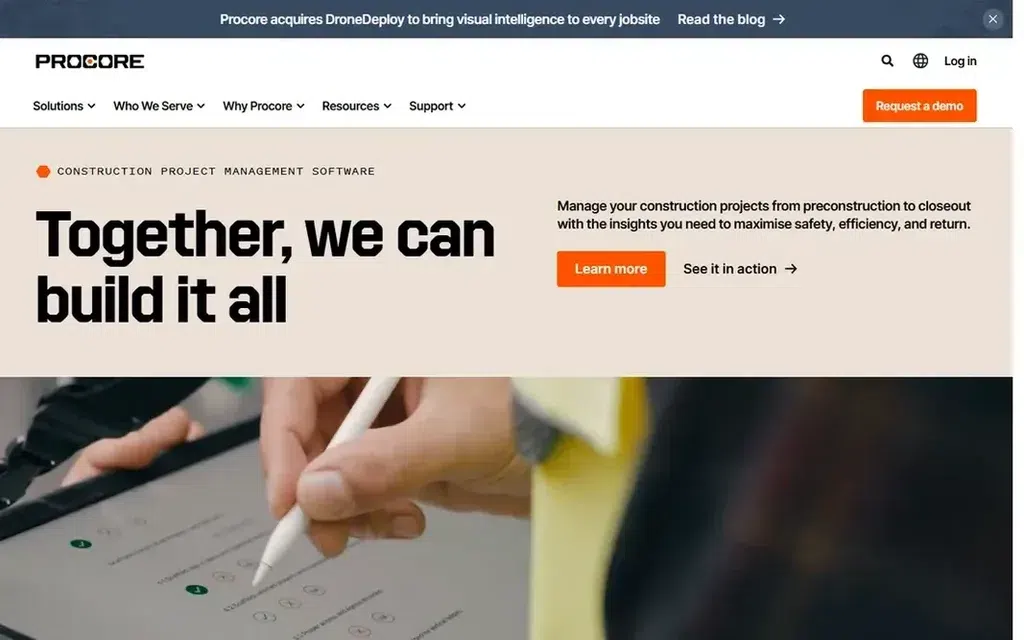
Choose Procore for thorough construction project and financial management. It contains financial tools that can support draw request processes alongside project management. If you only need payment application automation, a specialized tool like GCPay might be more focused.
As for the details, Procore may be overkill for small projects or teams without dedicated administrative support. Its breadth means a ramp-up time. Pricing for Procore is not stated here, so ask the vendor for current figures. On free options: Not stated.
Watch-outs: May be complicated for small teams.
- Scalable for several project sizes
- Links site and office for live visibility
- Needs training to completely utilize
QuickBooks Desktop
Best for: Small contractors needing entry-level accounting and job costing
Honest limits: May need extras for payment automation.
QuickBooks Desktop provides a product for accounting, payroll, inventory, multiple company management, cloud hosting, and industry editions. Worth adding: QuickBooks Desktop lacks built-in draw request or lien waiver automation, so it may not simplify payment processes. QuickBooks Desktop does not show a starting price in this comparison, so check the vendor site for current pricing. As for free access: Free trial.
- Supports job costing and several firms
- Familiar accounting interface
- Not construction-specific for draw requests QuickBooks Desktop if this describes you: small contractors needing entry-level accounting and job costing. For construction-specific payment management, consider GCPay or Textura.
Autodesk Construction Cloud
Best for: Collaborative project management with draw tracking
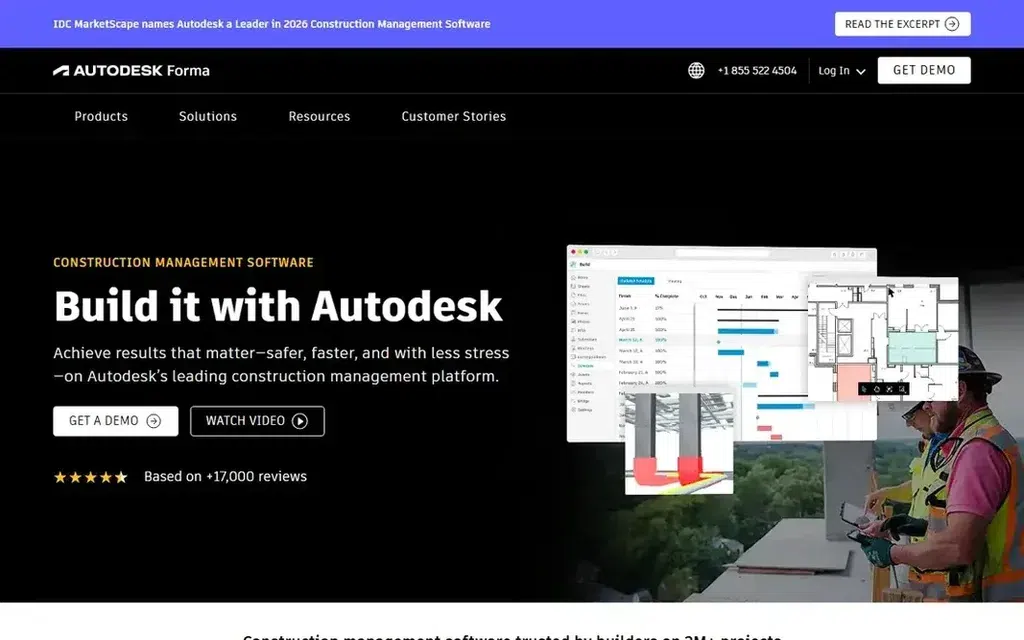
Where Autodesk Construction Cloud fits: collaborative project management with draw tracking. Autodesk Construction Cloud (now part of Autodesk Forma) is a construction management system that lets project teams collaborate securely and rapidly to deliver projects on time and on budget. It bundles tools for project financials that can support draw requests.
Trade-offs to know: Can be complex for non-design teams.
In practice, the product's draw request capabilities may not be as deep as specialized payment tools, and it may need extra modules. In daily use, for pure payment automation, consider Textura or GCPay. Autodesk Construction Cloud shows no starting price here, so confirm the cost on the vendor site. On free options: Not stated.
- Helps deliver projects on time and on budget
- Makes it possible for secure collaboration across project teams
- Draw request features may need extras
How we built this list
Before you commit
- Request quotes from GCPay, Autodesk Construction Cloud and the others; the list shows no fixed prices.
- Run a trial of QuickBooks Desktop with real work before paying for a year; your own workflow is the best test.
- Read the limits listed for GCPay first: restricted to payment workflows.
- Ask Autodesk Construction Cloud whether prices are locked for the first term and what happens at renewal.
- Verify that exporting from QuickBooks Desktop is possible on your plan and covers all your records.
FAQ
Does any tool for software for construction draw requests here have a free plan?
A permanent free plan is not offered by GCPay, Autodesk Construction Cloud or the other tools here. QuickBooks Desktop offer a trial. Plan a short evaluation period instead.
Do these tools publish their prices?
No. None of the tools, from GCPay to Autodesk Construction Cloud, shows a fixed starting price here, so budget time for quotes.
Can I try these tools before paying?
Often, yes. QuickBooks Desktop offers a free trial. Use your own data and a real task during the test, and check what the free tier or trial limits before you rely on it.
Is GCPay the right pick for everyone comparing software for construction draw requests?
No single tool suits every team. GCPay comes first because it fits automating pay applications and lien waivers, while Textura Payment Management suits automating construction payment management and lien compliance and Procore suits comprehensive construction project and financial management. Match the tool to your own size, budget and workflow before deciding.
What is the difference between Procore and GCPay?
Procore is a full construction management product that contains financial tools for draw requests alongside project management. GCPay is specialized in automating pay applications and lien waivers.
Sources
- https://www.gcpay.com
- https://www.texturacorp.com
- https://www.procore.com
- https://quickbooks.intuit.com/desktop
- https://construction.autodesk.com