The 5 Best Software for Concrete Contractors in 2026, Ranked
Best software for concrete contractors, compared. 5 tools with published prices, free plans and limits. Weak spots flagged for every entry. No filler.

- Editor's choice
 Fieldwire
Live jobsite task and drawing management
Starts at$39 per user a monthVisit fieldwire.comFull review - Great alternative
 Jobber
Quoting, scheduling, and invoicing for service work
Starts atSee websiteVisit getjobber.comFull review - Also consider
 Housecall Pro
Home service business management
Starts at$59 a monthVisit housecallpro.comFull review
Direct answer
This list puts Fieldwire first for real-time jobsite task and drawing management. Listed starting prices: Fieldwire from $39 per user a month and Housecall Pro from $59 a month. Alternatives: Jobber for quoting, scheduling, and invoicing for service work, and Housecall Pro for home service business management. All 5 tools are compared below on price, free plan and limits.
TL;DR:
- This list starts with Fieldwire, which is built for live jobsite task and drawing management.
- For construction management for custom builders and remodelers, CoConstruct is worth a look.
- Starting prices begin at $39 per user per month with Fieldwire.
- Jobber comes with a trade-off: less suited to complicated construction projects.
Last checked November 2026. Prices and plan details were read from the vendors' own pages in November 2026; vendors change plans often, so confirm the current price on the vendor site before you buy.
Quick comparison
| Tool | Best for | Starts at | Free plan? | |
|---|---|---|---|---|
| Fieldwire | Live jobsite task and drawing management | $39 per user a month | Yes | Visit |
| Jobber | Quoting, scheduling, and invoicing for service work | See website | Not stated | Visit |
| Housecall Pro | Home service business management | $59 a month | Free trial | Visit |
 ServiceTitan | All-in-one service and project management | See website | Free trial | Visit |
 CoConstruct | Construction management for custom builders and remodelers | See website | Not stated | Visit |
Every option for software for concrete contractors explained
This LinkVetted guide covers 5 software for concrete contractors. Each profile lists a starting price, free plan details, strengths and drawbacks, so you can drop poor fits quickly.
Fieldwire is built with live jobsite task and drawing management in mind. Concrete contractors who require to handle field activities, coordinate with other trades, and keep drawings current on the jobsite may find it valuable for improving communication and reducing errors.
Drawbacks to consider: Narrow focus on field management.
Fieldwire concentrates on field management instead of estimating, accounting, or service scheduling, so it is commonly paired with other software. Fieldwire starts at: $39 per user per month. Fieldwire offers a free plan.
- Track tasks and update drawings
- Used by owners, GCs, subcontractors
- May not include accounting or estimating
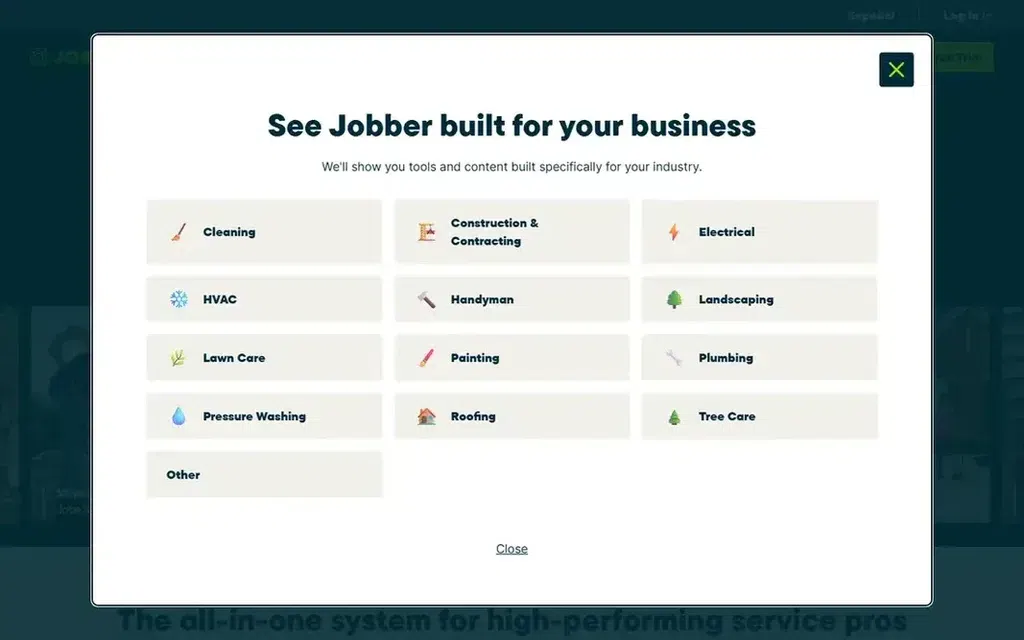
Jobber makes the most sense for quoting, scheduling, and invoicing for service work. Concrete contractors who focus on smaller service jobs and residential work may appreciate the straightforward workflow.
Points against: May lack deep job costing for large pours.
Jobber is aimed at service firms, so it may not include the in-depth project management or accounting needs of bigger concrete construction jobs. Pricing for Jobber is not stated here, so ask the vendor for current figures. On free options: Not stated.
What works well: Supports sales and operations.
- Invoice in one place
- Easy-to-use app for service firms
- Less suited to complicated construction projects
Housecall Pro is aimed squarely at home service business management. Housecall Pro is a software option for home service firms, and the company states that field service professionals use it.
Honest limits: Focus is on service calls.
Beyond that, since Housecall Pro concentrates on home service work, it may lack the depth needed for large commercial concrete projects or complicated job costing. Housecall Pro starts at: $59 per month. Free plan details: Free trial.
- Field service professionals use it
- Supports scheduling and invoicing
- May not deal with large construction projects

Pick ServiceTitan if this describes you: all-in-one service and project management. The breadth of features means a steeper ramp-up time, and very small concrete crews may not need the full suite.
Drawbacks to consider: Wide feature set may need training.
For everyday use, if your work is largely straightforward flatwork with minimal scheduling complexity, a lighter tool like Jobber could be a better fit. This comparison lists no price for ServiceTitan; ask the vendor. As for free access: Free trial.
- Combines service visits and construction projects
- Designed for home and commercial contractors
- Overkill for small crews
CoConstruct
Best for: Construction management for custom builders and remodelers
CoConstruct serves construction management for custom builders and remodelers. CoConstruct is construction management software, and the company notes that CoConstruct and Buildertrend are now a unified brand committed to a smooth experience. On top of that, CoConstruct is worth considering for project-based residential work with significant client interaction.
Drawbacks to consider: Less focus on service calls.
The product is built to help builders and remodelers keep projects organized. In practice, CoConstruct is oriented toward custom builders and remodelers. So it may not be the best fit for concrete contractors whose work is primarily service-based or centred on commercial flatwork. CoConstruct does not show a starting price in this comparison, so check the vendor site for current pricing. As for free access: Not stated.
- Unified brand with Buildertrend
- Supports project communication
- May be oriented to builders and remodelers
How we chose
Before you commit
- Get a written quote from Jobber, ServiceTitan and CoConstruct; the list shows no starting price for them.
- Test the free plan from Fieldwire against your real workload before relying on it.
- Run a trial of Housecall Pro and ServiceTitan with real work before paying for a year; your own workflow is the best test.
- Before choosing Fieldwire, weigh its main limit: narrow focus on field management.
- Compare total cost, not headline price: for Fieldwire, add extra seats, add-ons and any usage-based charges.
- Find out whether the entry plan of Housecall Pro covers your must-haves or only a trimmed-down version.
FAQ
How are the tools for software for concrete contractors ordered?
The order follows typical fit for software for concrete contractors, with Fieldwire first and CoConstruct last, then price clarity and free access. It is editorial judgement, not a score, so another team could rank the tools differently.
Is Fieldwire the right pick for everyone comparing software for concrete contractors?
No single tool suits every team. Fieldwire comes first because it fits real-time jobsite task and drawing management, while Jobber suits quoting, scheduling, and invoicing for service work and Housecall Pro suits home service business management. Match the tool to your own size, budget and workflow before deciding.
Do these tools publish their prices?
Not all of them. Jobber, ServiceTitan and CoConstruct publish no starting price, so expect a quote request for those. The rest, Fieldwire included, show a starting price, though seats and billing terms still change the final cost.
What is the cheapest option for software for concrete contractors in this list?
On published monthly entry prices, Fieldwire is the lowest here at $39 per user per month. Entry price is only part of the cost, because seats, add-ons and billing terms can change the total. All 5 picks in this software for concrete contractors comparison list a starting price, free plan details and the main limits on their cards above.
Sources
- https://www.fieldwire.com
- https://www.getjobber.com
- https://www.housecallpro.com
- https://www.servicetitan.com
- https://www.coconstruct.com