6 Software Architecture Course Worth Shortlisting in 2026
6 options for the best software architecture course, with entry costs, free tiers and the buyer each one serves. Short verdicts, no fluff. Start here.
- Editor's choiceFrontend Masters
JavaScript and full stack engineers
Starts at$24.50 per seat a monthVisit frontendmasters.comFull review - Great alternativePluralsight
Teams building architecture and cloud skills
Starts at$399 a month per userVisit pluralsight.comFull review - Also consider
 Coursera
Wide catalog with degrees and Specializations
Starts atSee websiteVisit coursera.orgFull review
Direct answer
Frontend Masters leads the list, best for JavaScript and full stack engineers. Listed starting prices: Frontend Masters from $24.50 per seat a month, Pluralsight from $399 a month per user and DataCamp from $5 a month billed yearly. Pluralsight is better for teams building architecture and cloud skills, and Coursera is better for wide catalog with degrees and Specializations. The remaining 3 options are covered below with prices and limits.
TL;DR:
- This list starts with Frontend Masters, which is built for JavaScript and full stack engineers.
- DataCamp has the lowest monthly starting price in this list: $5 per month billed annually.
- A fair warning about Pluralsight: team-oriented framing may feel heavy for solo learners.
- DataCamp stands alone as the one tool in this list with a free plan.
- DataCamp is the one to check for data and AI learning in the browser.
Last checked November 2026. Prices and plan details were read from the vendors' own pages in November 2026; vendors change plans often, so confirm the current price on the vendor site before you buy.
Quick comparison
| Tool | Best for | Starts at | Free plan? | |
|---|---|---|---|---|
| Frontend Masters | JavaScript and full stack engineers | $24.50 per seat a month | No | Visit |
| Pluralsight | Teams building architecture and cloud skills | $399 a month per user | Free trial | Visit |
| Coursera | Wide catalog with degrees and Specializations | See website | Not stated | Visit |
| Educative | Interactive, text-based developer courses | See website | Not stated | Visit |
 LinkedIn Learning | Career-focused courses tied to your profile | See website | Not stated | Visit |
 DataCamp | Data and AI learning in the browser | $5 a month billed yearly | Yes | Visit |
The full software architecture course list
Choosing software architecture course usually comes down to price, fit and limits. This LinkVetted guide sets 6 tools side by side on those three points, with the facts kept short and checkable.
Frontend Masters
Best for: JavaScript and full stack engineers
Frontend Masters is designed for JavaScript and full stack engineers. Frontend Masters offers full stack and AI engineering courses for developers, with instructors drawn from engineering teams at businesses for example Netflix, Google, and Anthropic. Its content sharpens JavaScript and full stack skills and presents how to apply AI to coding and shipping.
Honest limits: Best value for developers already in the field.
The catalog leans toward frontend and full stack work, so backend-heavy or enterprise architecture topics are restricted. Worth adding: beginners may find the pace demanding. What you pay to start with Frontend Masters: $24.50 per seat per month. Frontend Masters has no free plan.
- Contains AI in coding workflows
- Focus on JavaScript and full stack
- Narrower for non-frontend architecture roles
Pluralsight
Best for: Teams building architecture and cloud skills
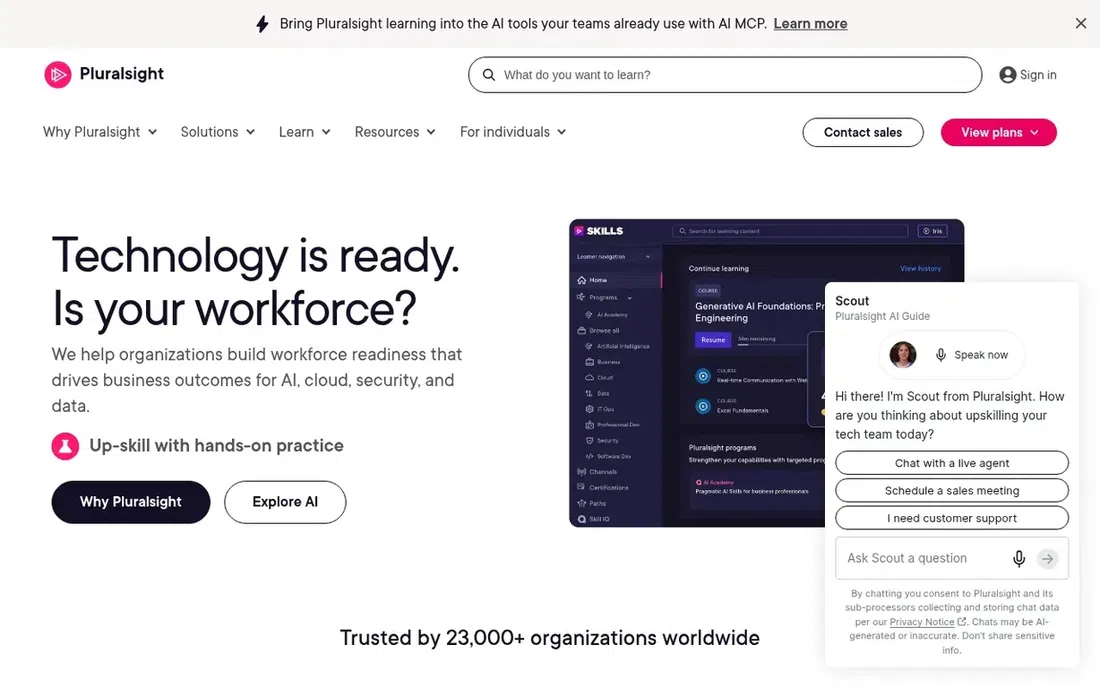
Pick Pluralsight if this describes you: teams building architecture and cloud skills. For software architecture, it suits engineering groups that want structured paths handling system design, cloud patterns, and related infrastructure topics in one subscription-style library. Also, solo learners may find the team orientation less relevant.
The main drawbacks: Team-oriented framing may feel heavy for solo learners.
Pluralsight is an online tech learning system geared toward building skills in AI, cloud, data, and security through courses and labs. Its team focus means administrators can assign learning paths and track progress across an organization. Price to start with Pluralsight: $399 per month per user. Free access: Free trial.
- Paths targeted at team skill building
- Practical labs alongside courses
- Architecture content is spread across numerous paths
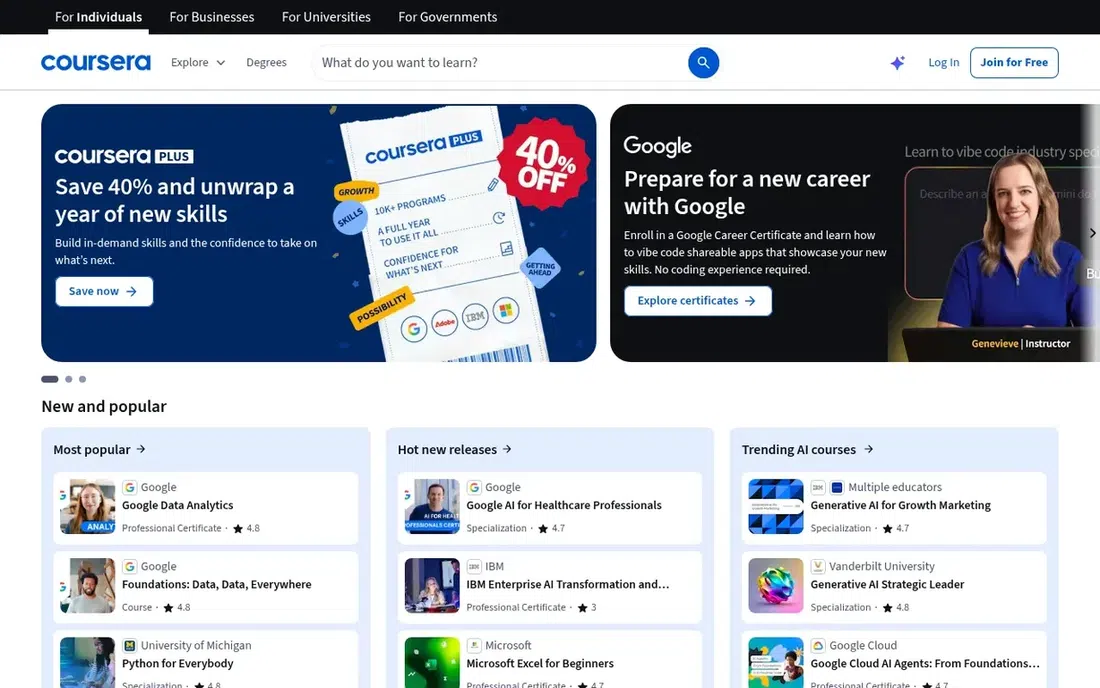
Choose Coursera for wide catalog with degrees and Specializations. Certificate tracks can feel wide instead of specialized.
Best features of Coursera: Courses, Specializations.
As for the details, Coursera is an online learning marketplace that brings together courses, Professional Certificates, Specializations, and degrees from universities and businesses for example Google, Meta, Stanford, and DeepLearning.AI. In daily use, since the catalog is large, course depth and teaching style differ widely, so read each syllabus carefully before committing. Coursera does not show a starting price in this comparison, so check the vendor site for current pricing. Free access: Not stated.
Where it falls short: Deep architecture tracks may need a full program.
- Degrees in one place
- Adaptable self-paced structure
- Quality varies by course and instructor
Educative
Best for: Interactive, text-based developer courses
Pick Educative if this describes you: interactive, text-based developer courses. Educative provides AI-powered interactive courses targeted at developers, from aspiring engineers to senior technical leaders.
Downsides: Architecture tracks are a subset of the catalog.
Educative does not show a starting price in this comparison, so check the vendor site for current pricing. On free options: Not stated.
- Text-first format fits fast reference
- Browser-based interactive lessons
- Less video instruction for visual learners
LinkedIn Learning is built with Career-focused courses tied to your profile in mind. Architecture coverage tends toward introductory and mid-level topics instead of deep specialization.
If you need advanced system design depth, pair it with a more technical product. More specifically, LinkedIn Learning is an online training library including business, AI, tech, and creative skills, with courses tied to your professional profile. No starting price is listed for LinkedIn Learning here; confirm pricing on the vendor site. Free plan details: Not stated.
Limits to weigh: Architecture depth is moderate.
- Spans business, AI, tech
- Courses connected to a professional profile
- Short courses may not cover advanced design
Choose DataCamp for data and AI learning in the browser. DataCamp teaches data science and AI in the browser at your own pace, with video tutorials and coding challenges including R, Python, statistics, and more. In daily use, the system centers on data science instead of software architecture, so classic design patterns and system structure get little coverage.
Downsides: Software architecture is not the core focus.
For software architecture, it is most handy when your work involves data pipelines, model serving, or analytics systems, where architecture decisions meet data engineering. A dedicated architecture system should carry the core of your learning plan. DataCamp cost at the entry level: $5 per month billed annually. A free plan is available with DataCamp.
- Spans Python, R, statistics
- Browser-based coding challenges
- Limited system design depth
How these tools were picked
For each of the 6 tools we noted price, free plan or trial, fit for software architecture course and the main limit, using vendor pages and documentation. Figures are shown as the vendors publish them. Billing terms, seat minimums and add-ons can change the real cost. Tools are placed by general fit for software architecture course, with price clarity and free access as tie-breakers. A different team can reasonably rank them differently.
A buyer's checklist
- Ask Coursera, Educative and LinkedIn Learning for a written quote, since no starting price is shown.
- Look at the free plan from DataCamp closely: its caps decide whether it is usable for real work.
- Take the trial from Pluralsight and push a live task through it before you pay.
- Read the limits listed for Frontend Masters first: narrower for non-frontend architecture roles.
- Pick one real project and run it in Frontend Masters first; a small pilot shows fit faster than a checklist.
- Compare total cost, not headline price: for Coursera, add extra seats, add-ons and any usage-based charges.
FAQ
How are the tools for software architecture course ordered?
Frontend Masters sits first and DataCamp last because the order follows typical fit for software architecture course, then price clarity and free access. It is a judgement call, so read each profile for fit and limits.
Can I try these tools before paying?
Often, yes. DataCamp has a free plan and Pluralsight offers a free trial. Use your own data and a real task during the test, and check what the free tier or trial limits before you rely on it. Each of the 6 options in this software architecture course guide has its own card above with the price, free plan and limits.
Do these tools publish their prices?
Not all of them. Coursera, Educative and LinkedIn Learning publish no starting price, so expect a quote request for those. The rest, Frontend Masters included, show a starting price, though seats and billing terms still change the final cost.
What is the cheapest option for software architecture course in this list?
On published monthly entry prices, DataCamp is the lowest here at $5 per month billed annually. Entry price is only part of the cost, because seats, add-ons and billing terms can change the total. All 6 picks in this software architecture course comparison list a starting price, free plan details and the main limits on their cards above.
Sources
- https://frontendmasters.com
- https://www.pluralsight.com
- https://www.coursera.org
- https://www.educative.io
- https://www.linkedin.com/learning
- https://www.datacamp.com