Best Shopify Designers Software for Remote Teams for 2026: Our 5 Vetted Picks
Best shopify designers software for remote teams in 2026: 5 tools with starting prices, free plans and limits. Compare costs and catches in one place.
- Editor's choice
 Canva
Fast graphics and template-based design
Starts atSee websiteVisit canva.comFull review - Great alternative
 Miro
Visual collaboration and ideation
Starts at$8 per member a monthVisit miro.comFull review - Also consider
 Webflow
Designing and launching custom storefronts
Starts at$15 per monthVisit webflow.comFull review
Direct answer
Our first pick is Canva, best for fast graphics and template-based design. Listed starting prices: Miro from $8 per member a month, Webflow from $15 per month and Sketch from $12 per editor a month. For a different need, Miro covers visual collaboration and ideation and Webflow covers designing and launching custom storefronts. The full list of 5 tools follows, with prices and free plan facts.
TL;DR:
- Number one here is Canva, a fit for fast graphics and template-based design.
- Figma is the one to check for collaborative interface design and prototyping.
- Miro, Webflow: these are the 2 tools out of 5 that offer a free plan.
- Check the limits for Miro before you commit: not a dedicated design tool.
- Starting prices begin at $3 per month with Figma.
Last checked November 2026. Prices and plan details were read from the vendors' own pages in November 2026; vendors change plans often, so confirm the current price on the vendor site before you buy.
Quick comparison
| Tool | Best for | Starts at | Free plan? | |
|---|---|---|---|---|
| Canva | Fast graphics and template-based design | See website | Not stated | Visit |
| Miro | Visual collaboration and ideation | $8 per member a month | Yes | Visit |
| Webflow | Designing and launching custom storefronts | $15 per month | Yes | Visit |
 Sketch | Mac-based UI design and prototyping | $12 per editor a month | Free trial | Visit |
 Figma | Collaborative interface design and prototyping | $3 a month | Not stated | Visit |
The full shopify designers software for remote teams list
If you are comparing shopify designers software for remote teams, this page covers 5 tools in one place: what each is best for, what it costs to start, whether it has a free plan, and the main limit to know about.
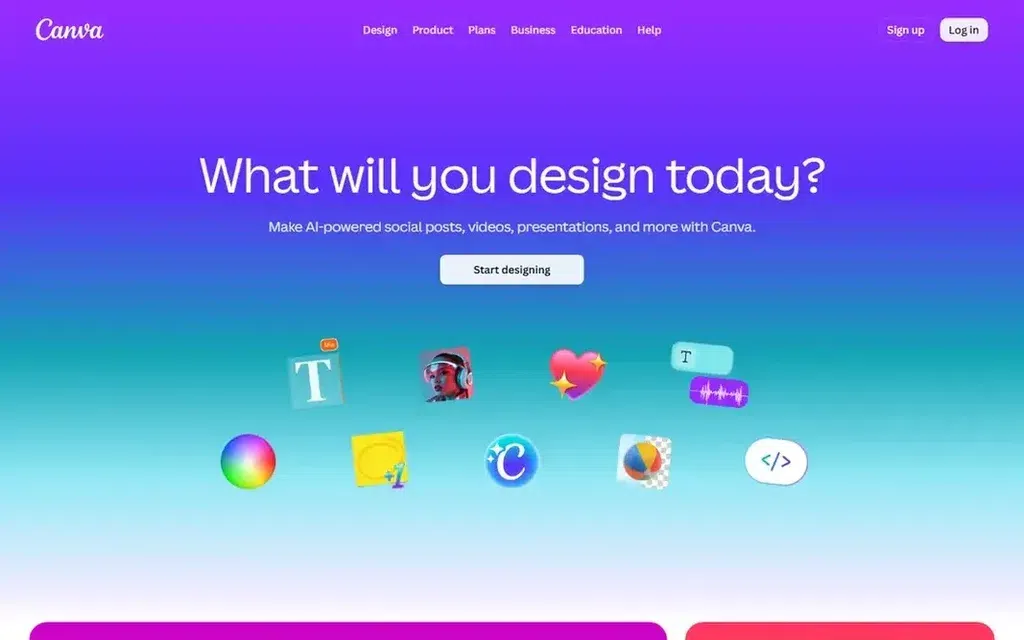
Canva is aimed squarely at quick graphics and template-based design. Canva fits best as a supplementary tool for rapid content creation instead of full-scale store design.
In practice, the system's brand kit feature helps maintain visual consistency across materials. Pricing for Canva is not stated here, so ask the vendor for current figures. Trial and free access: Not stated.
Watch-outs: Less precise control for complicated layouts.
- Straightforward drag-and-drop interface
- Built-in brand kit for consistency
- Restricted advanced customization
Miro serves visual collaboration and ideation. Teams seeking a single tool for both ideation and design execution may find Miro insufficient on its own.
The main drawbacks: Can become cluttered without clear structure.
It excels as a collaborative workspace for planning and strategy. Entry price for Miro: $8 per member per month. Miro has a free plan.
- Broad range of templates and frameworks
- Infinite canvas for brainstorming
- Not a dedicated design tool
Choose Webflow for designing and launching custom storefronts. The system supplies fine control over layout and interactions, making it a solid choice for unique brand experiences. It is well-suited for remote Shopify teams that want to build custom, responsive storefronts without writing code.
Honest limits: Steeper ramp-up time for non-developers.
Teams focused solely on asset creation or prototyping might find Figma or Canva more efficient. In practice, Webflow shines when the goal is to launch a completely functional, design-driven website. More specifically, Webflow's complexity can be daunting for teams without development experience, and it may be more than needed for entry-level design work. Starting cost for Webflow: $15 per month. You can start on Webflow without paying.
- Enterprise-grade security features
- Visual development with clean code output
- Can be overkill for straightforward design tasks
Sketch serves Mac-based UI design and prototyping. The product emphasizes a clean, distraction-free environment for focused work.
Drawbacks to consider: Collaboration features less solid than some rivals.
In daily use, Sketch's macOS exclusivity can be a barrier for cross-platform teams, and its live collaboration is not as smooth as Figma's. Teams with mixed operating systems or a need for broad multiplayer editing might choose Figma instead. The starting price for Sketch: $12 per editor per month. Free plan details: Free trial.
- Easy-to-learn interface for designers
- Light and quick on macOS
- Restricted to macOS for full functionality
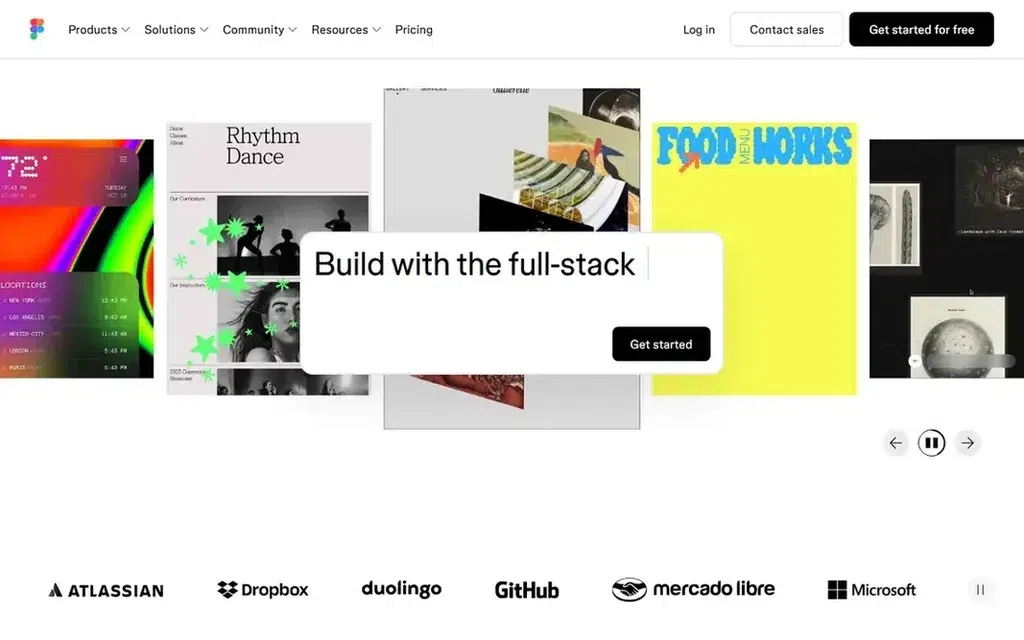
Figma is a good fit for collaborative interface design and prototyping. Figma is a browser-based design system that brings design, code, and AI together in one collaborative canvas. It supports interface design, prototyping, and design systems, making it well suited to remote teams that require to work simultaneously on Shopify store layouts and assets.
In daily use, the system's multiplayer features and commenting tools help simplify feedback and approvals across distributed teams. Figma's reliance on an internet connection can be a drawback for teams with unstable access, and very large files may experience performance lags. From a buyer's view, for most remote Shopify design workflows, Figma's collaboration strengths outweigh these limits. Figma starts at: $3 per month. Free plan details: Not stated.
Trade-offs to know: Needs internet connection for full functionality.
- Live multiplayer editing
- Built-in prototyping and developer handoff
- Complicated files can slow down performance
How we chose
LinkVetted used vendor pricing pages and product documentation as the base, then compared plans, free access and documented limits for 5 tools. Plan names, prices and limits change often. Treat the figures here as a starting point and verify them with the vendor. The order reflects how well each tool fits the most common buying scenario for shopify designers software for remote teams, then price clarity, then free plan access. It is a starting point, not a verdict.
Pre-purchase checklist
- Confirm the entry price on the vendor page. For Canva that means a quote rather than a fixed price.
- Read the fine print on the free plans from Miro and Webflow; seat, project and feature caps differ.
- Take the trial from Sketch and push a live task through it before you pay.
- Read the limits listed for Canva first: restricted advanced customization.
- Check the integration list for Figma against the tools you run today, and note which ones need a higher plan.
- Find out whether the entry plan of Miro covers your must-haves or only a trimmed-down version.
FAQ
Can I try these tools before paying?
Often, yes. Miro and Webflow have a free plan and Sketch offers a free trial. Use your own data and a real task during the test, and check what the free tier or trial limits before you rely on it.
How does Webflow compare to Figma for Shopify design?
Webflow is a website builder that lets you design and launch functional storefronts with hosting and CMS, whereas Figma is a design and prototyping tool.
How are the shopify designers software for remote teams ordered?
The order follows typical fit for shopify designers software for remote teams, with Canva first and Figma last, then price clarity and free access. It is editorial judgement, not a score, so another team could rank the tools differently.
Is Canva the right pick for everyone comparing shopify designers software for remote teams?
No single tool suits every team. Canva comes first because it fits quick graphics and template-based design, while Miro suits visual collaboration and ideation and Webflow suits designing and launching custom storefronts. Match the tool to your own size, budget and workflow before deciding.
Do these tools publish their prices?
Not all of them. Canva publishes no starting price, so expect a quote request for it. The rest, Miro included, show a starting price, though seats and billing terms still change the final cost. All 5 picks in this shopify designers software for remote teams comparison list a starting price, free plan details and the main limits on their cards above.
Sources
- https://www.canva.com
- https://miro.com
- https://webflow.com
- https://www.sketch.com
- https://www.figma.com