Best Shipping Software for Multi-Channel Sellers (2026): 6 Picks Checked on Vendor Pages
Searching for the best shipping software for Multi-Channel sellers? Here are 6 options with prices and free plans. The catches are listed up front. Start here.
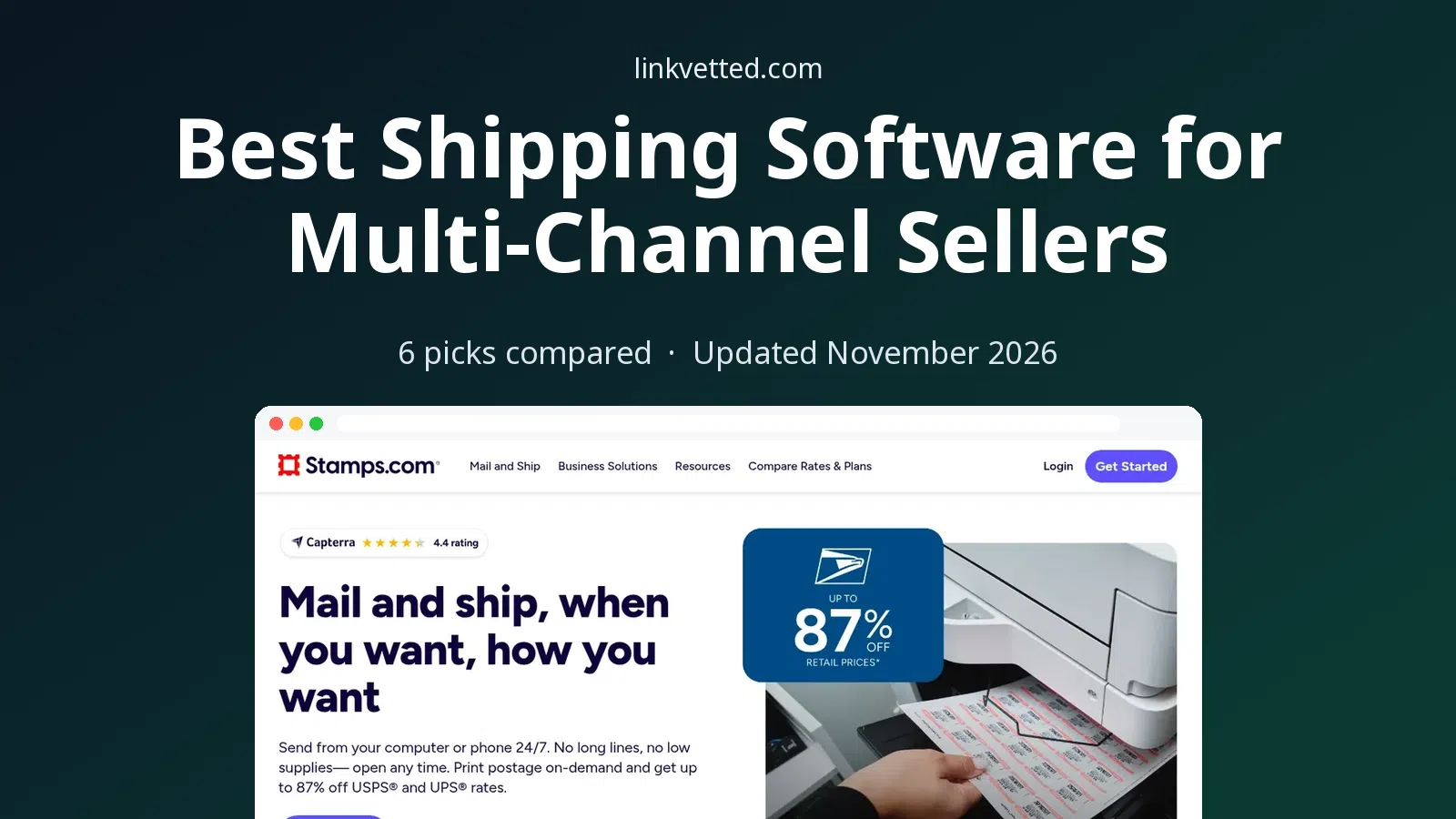
- Editor's choiceStamps.com
USPS postage and mail classes
Starts at$14.99 a monthVisit stamps.comFull review - Great alternative
 ShipBob
Outsourced multi-channel fulfillment
Starts atSee websiteVisit shipbob.comFull review - Also consider
 ShipStation
Centralized multi-channel order fulfillment
Starts at$14.99 a monthVisit shipstation.comFull review
Direct answer
Stamps.com is the first pick on this list for USPS postage and mail classes. Listed starting prices: Stamps.com from $14.99 a month, ShipStation from $14.99 a month and Shippo from $17 a month. For a different need, ShipBob covers Outsourced multi-channel fulfillment and ShipStation covers centralized multi-channel order fulfillment. Details, prices and limits for the rest of the 6 tools are below.
TL;DR:
- This list starts with Stamps.com, which is built for USPS postage and mail classes.
- ShippingEasy is the one to check for simple shipping automation and support.
- A free plan is available from 2 of the 6 tools: ShipBob, Shippo.
- A fair warning about ShipBob: service-based model may not suit those who ship in-house.
Last checked November 2026. Prices and plan details were read from the vendors' own pages in November 2026; vendors change plans often, so confirm the current price on the vendor site before you buy.
Quick comparison
| Tool | Best for | Starts at | Free plan? | |
|---|---|---|---|---|
| Stamps.com | USPS postage and mail classes | $14.99 a month | Free trial | Visit |
| ShipBob | Outsourced multi-channel fulfillment | See website | Yes | Visit |
| ShipStation | Centralized multi-channel order fulfillment | $14.99 a month | Free trial | Visit |
 Shippo | Multi-carrier rate comparison and labels | $17 a month | Yes | Visit |
| Pirate Ship | USPS and UPS shipping on a budget | See website | Not stated | Visit |
| ShippingEasy | Simple shipping automation and support | $19.99 a month | Free trial | Visit |
Shipping Software for Multi-Channel Sellers compared in detail
LinkVetted put together this guide to shipping software for Multi-Channel sellers for readers who want a clear shortlist without reading every vendor page. It compares 6 tools on starting price, free plans, who each one suits and where each one falls short.
Stamps.com
Best for: USPS postage and mail classes
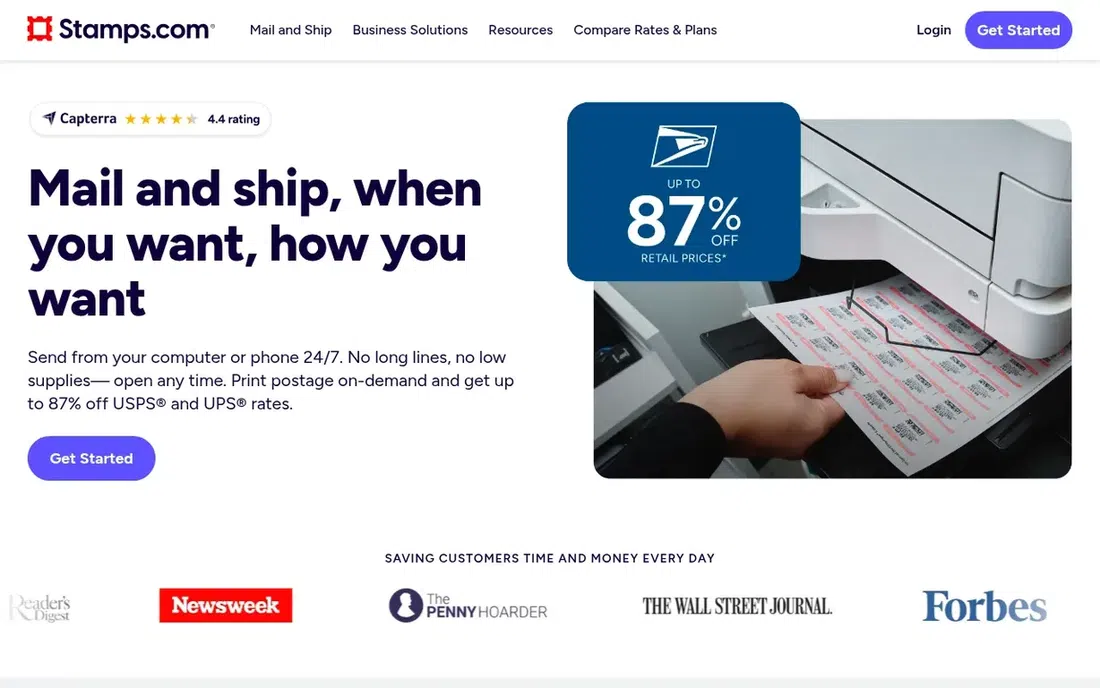
In short, Stamps.com is for USPS postage and mail classes. Stamps.com is an online postage service that lets you buy USPS postage, print stamps and shipping labels, and manage all USPS mail classes from your computer. The service is well known for USPS-focused mailing and shipping.
Beyond that, Stamps.com is built around USPS, so sellers who require to compare rates across several carriers may find it restricted. It also does not emphasize multi-channel order management, meaning you may have to combine it with another tool for order import. Starting cost for Stamps.com: $14.99 per month. Free plan details: Free trial.
The main drawbacks: Less concentrated on multi-channel order import.
- Supports all USPS mail classes
- Works from a PC for online postage
- Carrier choices are USPS-centric
In short, ShipBob is for Outsourced multi-channel fulfillment. This makes it a fit for sellers who want to outsource warehousing and fulfillment instead of print labels themselves, notably those with multi-channel operations and growth plans.
It also may not be the best fit for very small operations that only need entry-level label printing. Check the vendor site for ShipBob pricing; none is listed in this comparison. You can start on ShipBob without paying.
Points against: Service-based model may not suit those who ship in-house.
- Fulfillment across all channels
- Inventory and shipment management
- Less emphasis on self-service label printing
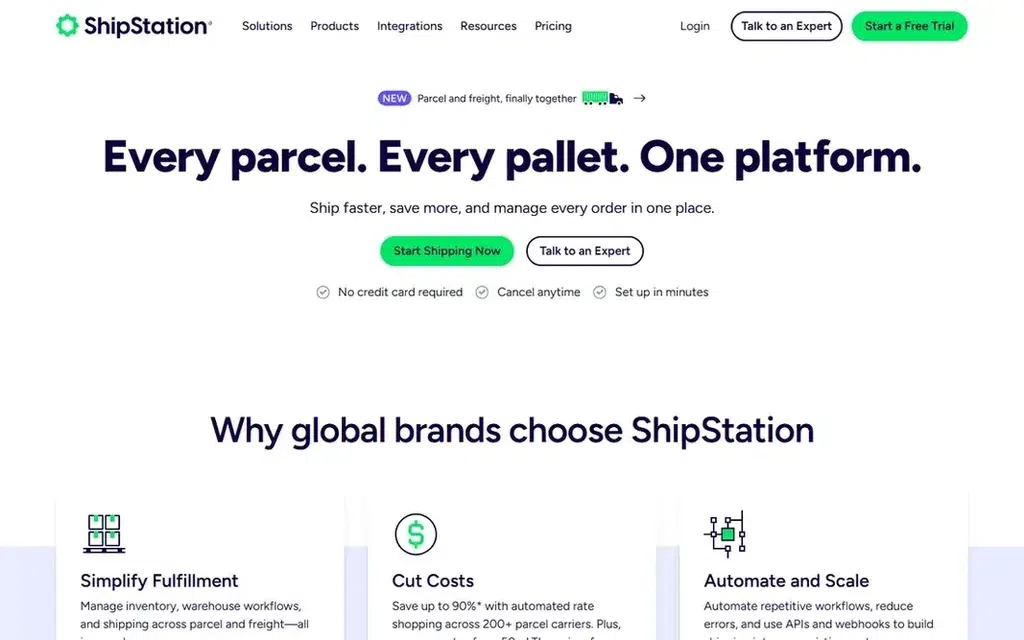
ShipStation works best for centralized multi-channel order fulfillment. The system is geared toward businesses that want to cut manual order handling and keep fulfillment organized as order volume grows. ShipStation is shipping software built for ecommerce fulfillment.
It lets you import, manage, and ship orders from several sales channels in one interface, which suits sellers who handle orders from multiple storefronts or marketplaces. Beyond that, if you only need entry-level label printing for one store, a more straightforward tool may be a better fit. On top of that, since ShipStation concentrates on multi-channel order management, sellers with a single sales channel may find it more complicated than necessary. Also, getting the most from it needs connecting your channels and configuring shipping rules. Price to start with ShipStation: $14.99 per month. Trial and free access: Free trial.
Points against: May be more than needed for single-channel sellers.
- Designed for ecommerce fulfillment workflows
- Helps organize shipping tasks in one place
- Needs setup to link sales channels
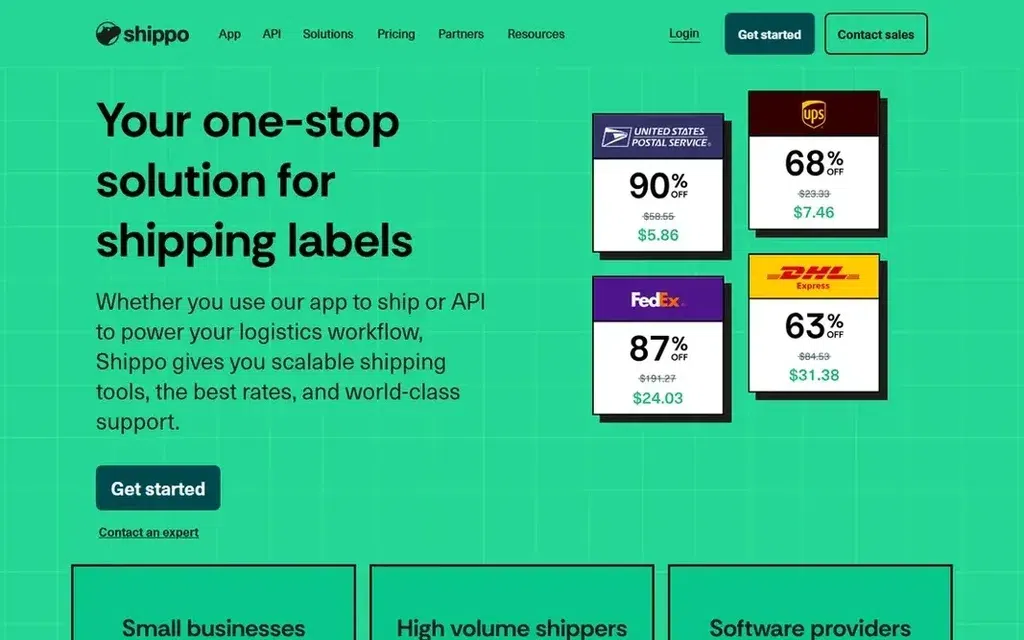
Shippo is designed for multi-carrier rate comparison and labels. Shippo is multi-carrier shipping software for ecommerce firms. It helps you find shipping rates, connect with ecommerce systems, print labels, track packages, and verify addresses.
The main drawbacks: Fulfillment services are not its primary focus.
This makes it a solid fit for sellers who want to compare carrier choices and handle labels from a single dashboard, particularly when shipping across several carriers. Advanced automation and rule setup can also take time to configure. If you primarily need USPS postage and nothing else, an USPS-focused tool might be more straightforward. In practice, Shippo is primarily a shipping and label system, so companies looking for full outsourced fulfillment may need a different service. On cost, Shippo starts like this: $17 per month. Free access exists with Shippo.
- Compares rates across several carriers
- Links up with ecommerce products
- May need setup for advanced automation
Pirate Ship
Best for: USPS and UPS shipping on a budget
Pirate Ship is aimed squarely at USPS and UPS shipping on a budget. If you need deep automation across plenty of marketplaces, a more solid system might be worth considering. Beyond that, the platform is widely used among small and mid-size sellers who ship primarily via USPS and UPS and want a straightforward interface.
It also gives you fewer advanced multi-channel order management features than some competitors. Pirate Ship supplies free UPS and USPS-certified shipping software with pre-negotiated discounts for less expensive rates. It is targeted at sellers who want a no-cost tool to print labels and access discounted shipping without a monthly fee. Pirate Ship does not show a starting price in this comparison, so check the vendor site for current pricing. On free options: Not stated.
Honest limits: Fewer advanced multi-channel features.
- Access to pre-negotiated discounts
- Free UPS and USPS-certified shipping software
- Restricted carrier selection beyond USPS and UPS
ShippingEasy
Best for: Simple shipping automation and support
Where ShippingEasy fits: simple shipping automation and support. It is positioned as straightforward to use and aims to ease shipping for ecommerce sellers. This makes it a fit for sellers who want a straightforward way to automate label printing and access discounted rates without a steep ramp-up time.
Drawbacks to consider: May lack advanced fulfillment services.
In daily use, if you need multi-carrier rate comparison beyond USPS and UPS, consider Shippo or ShipStation. ShippingEasy concentrates on USPS and UPS, so sellers needing a wider carrier mix may have to look elsewhere. It also does not supply the full outsourced fulfillment that a service like ShipBob provides. Price to start with ShippingEasy: $19.99 per month. Free access: Free trial.
- Automates shipping workflows
- Support is highlighted by the vendor
- Carrier focus is chiefly USPS and UPS
How we chose
We compared the tools on published pricing, free plan or trial availability, feature coverage for shipping software for Multi-Channel sellers, and the limits each vendor documents. Where a price is missing, the vendor does not list one publicly or ties it to a quote. Always confirm before budgeting. The sequence is a judgement call: typical use case first, then pricing transparency, then free access. Use the profiles to check fit.
Pre-purchase checklist
- Confirm the entry price on the vendor page. For ShipBob and Pirate Ship that means a quote rather than a fixed price.
- Look at free plan limits closely: ShipBob and Shippo have one, and the caps decide whether it is usable for real work.
- Run a trial of Stamps.com, ShipStation and ShippingEasy with real work before paying for a year; your own workflow is the best test.
- Before choosing Stamps.com, weigh its main limit: less concentrated on multi-channel order import.
- Test how quickly ShippingEasy answers a pre-sales question; it hints at how support will feel later.
- Check whether Shippo bills monthly or annually, and what cancelling early costs.
FAQ
How are the tools for shipping software for Multi-Channel sellers ordered?
Stamps.com sits first and ShippingEasy last because the order follows typical fit for shipping software for Multi-Channel sellers, then price clarity and free access. It is a judgement call, so read each profile for fit and limits.
Which options for shipping software for Multi-Channel sellers have a free plan?
ShipBob and Shippo offer a free plan in this list. Free plans usually cap users, projects or features, so check the limits on the vendor page. Several others offer a trial instead.
What is the difference between shipping software and postage software?
Shipping software usually runs orders from several channels, compares carrier rates, and automates label printing. Some tools blend both, so assess your need for order management compared with straightforward postage.
Do these tools publish their prices?
Not all of them. ShipBob and Pirate Ship publish no starting price, so expect a quote request for those. The rest, Stamps.com included, show a starting price, though seats and billing terms still change the final cost.
What should multi-channel sellers look for in shipping software?
Multi-channel sellers should prioritize order import from several sales channels, carrier adaptability, and automation of repetitive tasks. Integration with your specific marketplaces and storefronts is essential. Also consider whether you need inventory management or outsourced fulfillment.
What is the cheapest option for shipping software for Multi-Channel sellers in this list?
On published monthly entry prices, Stamps.com is the lowest here at $14.99 per month. Entry price is only part of the cost, because seats, add-ons and billing terms can change the total. For the full picture, the cards above cover all 6 entries of this shipping software for Multi-Channel sellers list, including price, free plan and limits.
Sources
- https://www.stamps.com
- https://www.shipbob.com
- https://www.shipstation.com
- https://goshippo.com
- https://www.pirateship.com
- https://www.shippingeasy.com