Top 5 Shared Hosting Platforms for Remote Teams for 2026 (Prices and Free Plans)
5 best shared hosting platforms for remote teams, with entry costs, free tiers and the buyer each one serves. Each tool gets a one-line verdict. See which fits.
- Editor's choice
 A2 Hosting
Quick, secure hosting with migration help
Starts atSee websiteVisit a2hosting.comFull review - Great alternative
 GreenGeeks
Eco-focused shared hosting
Starts at$1.95 per monthVisit greengeeks.comFull review - Also consider
 InMotion Hosting
Business hosting with human support
Starts atSee websiteVisit inmotionhosting.comFull review
Direct answer
If you need quick, secure hosting with migration help, A2 Hosting is the first tool to look at here. Listed starting prices: GreenGeeks from $1.95 per month and DreamHost from $1.49 per mailbox a month. GreenGeeks is the stronger choice for Eco-focused shared hosting, while InMotion Hosting suits business hosting with human support. The remaining 2 options are covered below with prices and limits.
TL;DR:
- The list opens with A2 Hosting, aimed at quick, secure hosting with migration help.
- A permanent free plan is missing from all 5 tools, A2 Hosting and Liquid Web included; plan for a trial or a premium start.
- For managed, compliant infrastructure needs, Liquid Web is worth a look.
- One limit worth knowing about A2 Hosting: homepage branding may differ from the product name.
- The cheapest monthly starting price in the list is $1.49 per mailbox per month, offered by DreamHost.
Last checked November 2026. Prices and plan details were read from the vendors' own pages in November 2026; vendors change plans often, so confirm the current price on the vendor site before you buy.
Quick comparison
| Tool | Best for | Starts at | Free plan? | |
|---|---|---|---|---|
| A2 Hosting | Quick, secure hosting with migration help | See website | Not stated | Visit |
| GreenGeeks | Eco-focused shared hosting | $1.95 per month | Not stated | Visit |
| InMotion Hosting | Business hosting with human support | See website | Not stated | Visit |
 DreamHost | All-in-one hosting with email and domains | $1.49 per mailbox a month | Not stated | Visit |
 Liquid Web | Managed, compliant infrastructure needs | See website | Not stated | Visit |
Our 5 shared hosting platforms for remote teams
LinkVetted put together this guide to shared hosting platforms for remote teams for readers who want a clear shortlist without reading every vendor page. It compares 5 tools on starting price, free plans, who each one suits and where each one falls short.
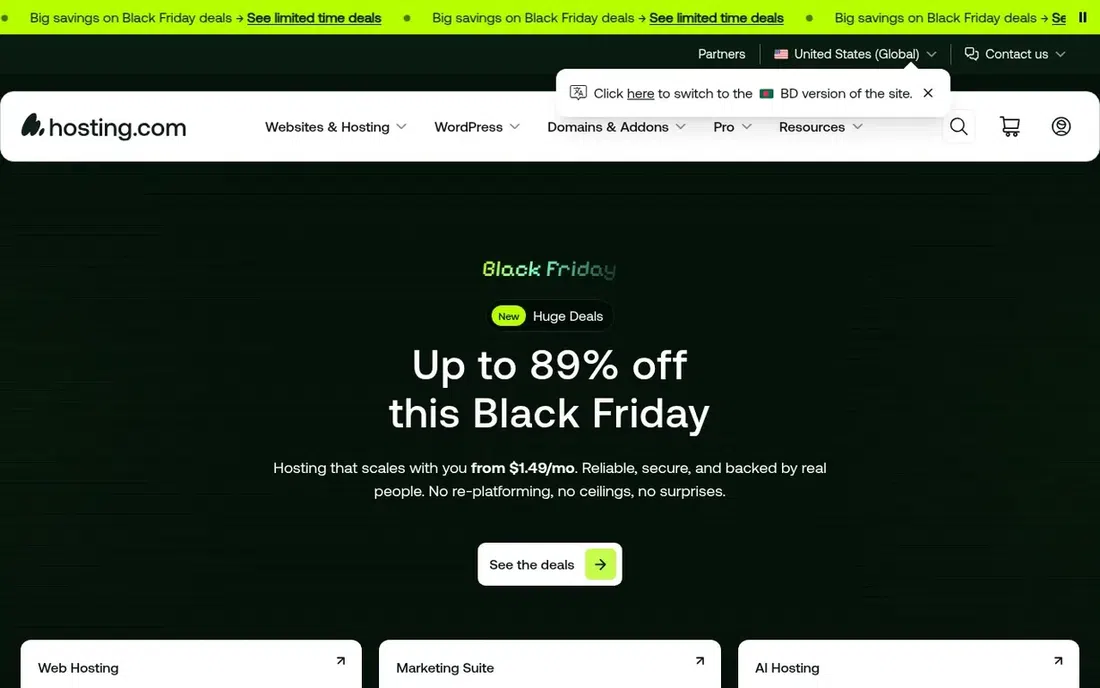
A2 Hosting serves quick, secure hosting with migration help. A2 Hosting markets web hosting that takes a team from idea to website to a lasting business, highlighting speed, security, free migration and real experts available around the clock, backed by a stated uptime service level. On top of that, the homepage title references a different brand name, so confirm which product line and support terms apply before signing up.
What to check first: Homepage branding may differ from the product name.
Teams with complicated application stacks may need more than shared resources. Beyond that, remote teams moving an existing site will find migration help appealing, and the support promise fits groups spread across time zones. Check the vendor site for A2 Hosting pricing; none is listed in this comparison. Free options: Not stated.
- Free migration assistance
- Stated uptime service level
- Plan details need checking on the vendor site
GreenGeeks is aimed squarely at Eco-focused shared hosting. Teams that care about environmental positioning alongside ordinary shared hosting needs may find the message relevant.
Limits to weigh: Green positioning is the primary differentiator.
The shared hosting focus keeps setup straightforward for small remote teams managing a company site or blog. Beyond that, groups needing managed infrastructure or dedicated servers should look elsewhere. What you pay to start with GreenGeeks: $1.95 per month. On free options: Not stated.
- Straightforward shared hosting focus
- Positions hosting as green energy based
- Advanced infrastructure needs may need another provider
Pick InMotion Hosting if this describes you: business hosting with human support. InMotion Hosting describes itself as a premier web host offering Linux servers, domains, email and WordPress options, backed by round-the-clock human support.
The product range is broad, which can make it harder to identify the right shared plan for a small team. InMotion Hosting does not show a starting price in this comparison, so check the vendor site for current pricing. Free plan details: Not stated.
Main advantages: email and WordPress.
Points against: Shared level details need vendor confirmation.
- Round-the-clock human support
- Business-oriented hosting lineup
- Wide lineup can complicate plan choice

In short, DreamHost is for all-in-one hosting with email and domains. Groups with heavy custom server needs may prefer a managed or dedicated provider. DreamHost presents itself as web hosting made for growth, offering domain names, web hosting, managed WordPress hosting and business email in one place.
Reasons to shortlist it: States an uptime guarantee with round-the-clock support.
Choose DreamHost when simplicity and bundled essentials matter more than deep infrastructure control. Beyond that, the stated uptime guarantee and round-the-clock support are handy for distributed groups working across time zones. DreamHost cost at the entry level: $1.49 per mailbox per month. Free plan details: Not stated. Where it falls short: Shared plans may suit smaller sites.
- Managed WordPress hosting available
- Hosting and business email
- Feature depth varies by product line
Liquid Web works best for managed, compliant infrastructure needs. Remote teams with sensitive workloads or strict compliance expectations may value that positioning, particularly when a site supports business-critical operations and the team cannot absorb downtime. For everyday use, Liquid Web leans toward managed and dedicated environments instead of budget shared hosting, so very small teams may find it more than they need.
Honest limits: Heavier focus than usual shared hosting.
Choose it when reliability and compliant infrastructure outweigh simplicity and low overhead. Compare the shared-style choices against your actual traffic and compliance requirements. No starting price is listed for Liquid Web here; confirm pricing on the vendor site. Free options: Not stated.
- Performance and security
- Managed hosting and dedicated servers
- Small teams may find it more than needed
Our selection method
We compared the tools on published pricing, free plan or trial availability, feature coverage for shared hosting platforms for remote teams, and the limits each vendor documents. Prices and plan limits come from vendor pages and can change, so confirm them on the vendor site before you buy. Tools are placed by general fit for shared hosting platforms for remote teams, with price clarity and free access as tie-breakers. A different team can reasonably rank them differently.
Things to verify first
- Get a written quote from A2 Hosting, InMotion Hosting and Liquid Web; the list shows no starting price for them.
- Read the limits listed for A2 Hosting first: homepage branding may differ from the product name.
- Look at the help docs and support options for GreenGeeks before you commit.
- Check whether InMotion Hosting bills monthly or annually, and what cancelling early costs.
- Pick one real project and run it in A2 Hosting first; a small pilot shows fit faster than a checklist.
FAQ
Is A2 Hosting the right pick for everyone comparing shared hosting platforms for remote teams?
No single tool suits every team. A2 Hosting comes first because it fits fast, secure hosting with migration help, while GreenGeeks suits Eco-focused shared hosting and InMotion Hosting suits business hosting with human support. Match the tool to your own size, budget and workflow before deciding.
Is shared hosting enough for a distributed team?
For a company site, blog or small storefront, shared hosting is frequently sufficient and more straightforward to run. If you run heavy applications or have compliance requirements, a managed or dedicated choice may fit better.
Does any tool for shared hosting platforms for remote teams here have a free plan?
No tool in this list, A2 Hosting and Liquid Web included, has a permanent free plan. Trials and quotes are the usual route, so plan a short evaluation period.
Can I try these tools before paying?
Not by default. None of the tools, from A2 Hosting to Liquid Web, lists a free plan or a free trial here, so ask each vendor for a demo before committing.
How are the tools for shared hosting platforms for remote teams ordered?
The order follows typical fit for shared hosting platforms for remote teams, with A2 Hosting first and Liquid Web last, then price clarity and free access. It is editorial judgement, not a score, so another team could rank the tools differently.
Sources
- https://www.a2hosting.com
- https://www.greengeeks.com
- https://www.inmotionhosting.com
- https://www.dreamhost.com
- https://www.liquidweb.com