Top 5 Screen Sharing Software for Enterprise for 2026 (Prices and Free Plans)
Best screen sharing software for enterprise in 2026: 5 contenders with entry costs and free tiers. Concise write-ups of every option. Reviewed this month.
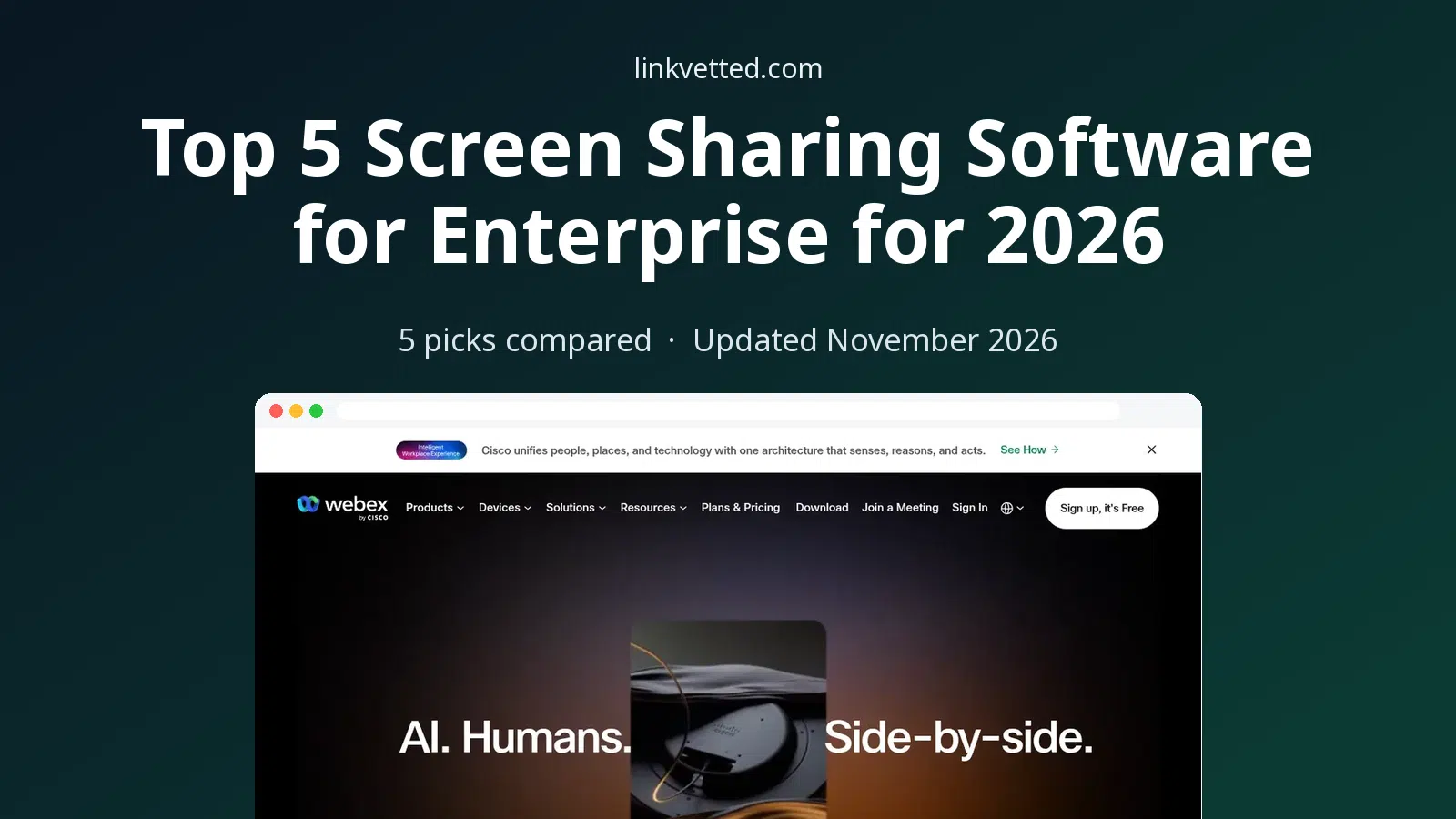
- Editor's choice
 Cisco Webex
AI-assisted collaboration with devices
Starts atPricing on requestVisit webex.comFull review - Great alternativeAdobe Connect
Training and webinar screen sharing
Starts atPricing on requestVisit adobe.comFull review - Also consider
 Zoom Workplace
All-in-one collaboration and meetings
Starts atPricing on requestVisit zoom.comFull review
Direct answer
For AI-assisted collaboration with devices, Cisco Webex is where this list starts. Adobe Connect fits training and webinar screen sharing; Zoom Workplace fits all-in-one collaboration and meetings. All 5 tools are compared below on fit, free plan and limits. None of these vendors publish plan prices, so pricing is on request for every option.
TL;DR:
- Cisco Webex is the opening pick, best for AI-assisted collaboration with devices.
- Cisco Webex, Microsoft Teams and the 3 others all sell by quote; expect sales conversations before you see a price.
- Check the limits for Cisco Webex before you commit: wide portfolio requires planning.
- Cisco Webex stands alone as the one tool in this list with a free plan.
Last checked November 2026. Pricing on request: vendors did not publish plan prices when this guide was last checked (November 2026), so ask each vendor for a written quote.
Quick comparison
| Tool | Best for | Starts at | Free plan? | |
|---|---|---|---|---|
| Cisco Webex | AI-assisted collaboration with devices | Pricing on request | Yes | Visit |
| Adobe Connect | Training and webinar screen sharing | Pricing on request | Not stated | Visit |
| Zoom Workplace | All-in-one collaboration and meetings | Pricing on request | Not stated | Visit |
| TeamViewer Remote | Remote access and support sharing | Pricing on request | Free trial | Visit |
 Microsoft Teams | Organizations standardized on Microsoft tools | Pricing on request | Not stated | Visit |
5 options for screen sharing software for enterprise in detail
LinkVetted put together this guide to screen sharing software for enterprise for readers who want a clear shortlist without reading every vendor page. It compares 5 tools on starting price, free plans, who each one suits and where each one falls short.

Pick Cisco Webex if this describes you: AI-assisted collaboration with devices. The wider portfolio means more decisions about which components you actually need, and administration can be involved.
Teams wanting a lean meeting tool may find it more than required. No starting price is listed for Cisco Webex here; confirm pricing on the vendor site. Cisco Webex includes a free tier.
Where it is weaker: Feature set can be complicated to administer.
- AI-powered collaboration features
- Pitched at global enterprise deployments
- Wide portfolio needs planning
Adobe Connect
Best for: Training and webinar screen sharing
Adobe Connect is a good fit for training and webinar screen sharing. Adobe Connect is built for training and webinars, with an emphasis on audience engagement, presenter productivity, and measurable business outcomes.
What to check first: Not positioned as a general meeting suite.
Screen sharing in that context supports structured sessions where presenters guide learners or large audiences through content. It is not positioned as a general-purpose meeting suite, so everyday internal calls may be better served elsewhere. Adobe Connect shows no starting price here, so confirm the cost on the vendor site. Free access: Not stated.
- Made for training and webinars
- Focus on audience engagement
- Less suited to everyday internal calls

Zoom Workplace is a good fit for all-in-one collaboration and meetings. Zoom Workplace is a collaboration product that merges video meetings with chat, VoIP phone, webinars, whiteboard, contact center, and events.
It suits enterprises that want a single vendor for everyday meetings and broader communication, particularly where teams already run plenty of external calls alongside internal ones. Pricing for Zoom Workplace is not stated here, so ask the vendor for current figures. Free access: Not stated.
Honest limits: Plenty of capabilities sit in separate modules.
- Capable fit for mixed internal and external meetings
- Comes with chat, phone, webinars, whiteboard
- Feature breadth can overwhelm new users
TeamViewer Remote
Best for: Remote access and support sharing
TeamViewer Remote is designed for Remote access and support sharing. TeamViewer Remote is a digital workplace product centered on remote desktop access, connecting to remote computers, offering remote support, and collaborating online.
Also, Meeting features are secondary to remote access. Choose TeamViewer Remote when support and remote desktop control are the central requirements, and pair it with a meeting system for presentations. TeamViewer Remote does not show a starting price in this comparison, so check the vendor site for current pricing. Free plan details: Free trial.
What to check first: Different primary purpose than meetings.
- Also handles online collaboration
- Supports remote support sessions
- Meeting features are secondary
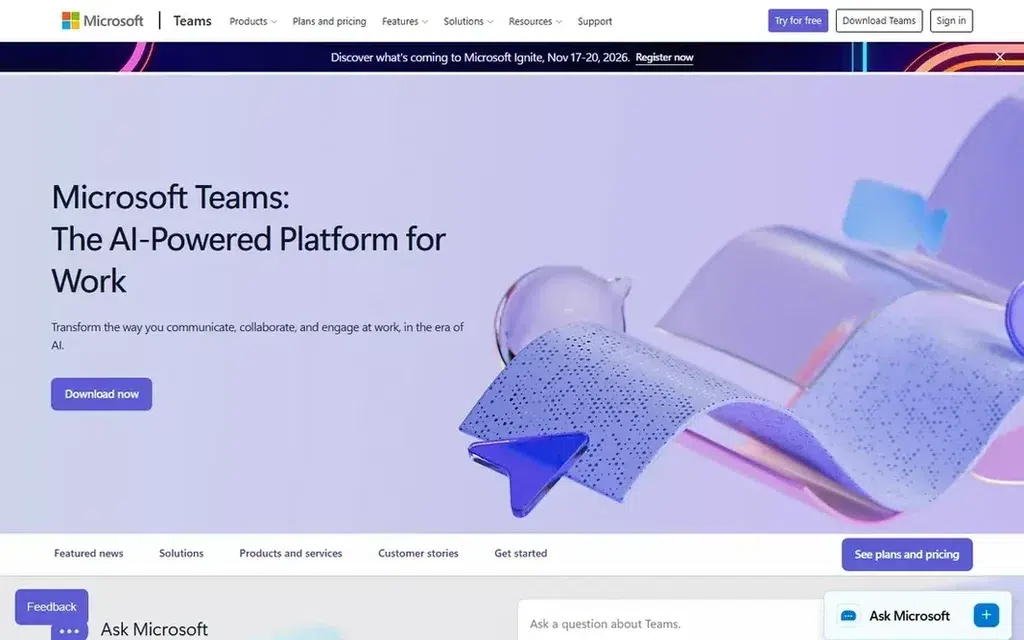
Microsoft Teams is designed for organizations standardized on Microsoft tools. Its screen sharing works inside that shared workspace, so presentations, documents, and follow-up discussion stay in one place.
Strengths: Keeps meeting context alongside content.
Points against: Best value inside the Microsoft ecosystem.
In practice, Teams is most compelling when the rest of your stack is Microsoft-centric; mixed environments may need additional integration work. For everyday use, new or occasional users at times find the interface busy. This comparison lists no price for Microsoft Teams; ask the vendor. Free options: Not stated.
- Designed for natural
- Shared files and chat in one workspace
- Interface can feel dense for occasional users
How these tools were picked
We compared the tools on published pricing, free plan or trial availability, feature coverage for screen sharing software for enterprise, and the limits each vendor documents. Seat minimums, billing terms and add-ons can move the real cost, so the starting prices here are a guide and not a quote. The sequence is a judgement call: typical use case first, then pricing transparency, then free access. Use the profiles to check fit.
Before you commit
- Ask each vendor, from Cisco Webex to Microsoft Teams, for a written quote; none of them publishes a starting price.
- Look at the free plan from Cisco Webex closely: its caps decide whether it is usable for real work.
- Use real work to test the free trial from TeamViewer Remote, rather than a demo project.
- Read the limits listed for Cisco Webex first: broad portfolio needs planning.
- Before rolling out Microsoft Teams, verify the integrations your workflow depends on.
- Look at which plan of TeamViewer Remote unlocks the features you need; entry tiers are often cut down.
FAQ
Do these tools publish their prices?
No. None of the tools, from Cisco Webex to Microsoft Teams, shows a fixed starting price here, so budget time for quotes. Prices, free plan details and limits for all 5 tools in this screen sharing software for enterprise roundup sit on the individual cards above.
Which tool is a good match for large enterprise meetings?
For most readers this guide would start with Cisco Webex, built for AI-assisted collaboration with devices. Adobe Connect is the alternative for training and webinar screen sharing, and Zoom Workplace for all-in-one collaboration and meetings. The right answer depends on budget and workflow.
Is Cisco Webex the right pick for everyone comparing screen sharing software for enterprise?
No single tool suits every team. Cisco Webex comes first because it fits AI-assisted collaboration with devices, while Adobe Connect suits training and webinar screen sharing and Zoom Workplace suits all-in-one collaboration and meetings. Match the tool to your own size, budget and workflow before deciding.
Can I try these tools before paying?
Often, yes. Cisco Webex has a free plan and TeamViewer Remote offers a free trial. Use your own data and a real task during the test, and check what the free tier or trial limits before you rely on it.
How are the tools for screen sharing software for enterprise ordered?
Cisco Webex sits first and Microsoft Teams last because the order follows typical fit for screen sharing software for enterprise, then price clarity and free access. It is a judgement call, so read each profile for fit and limits.
Sources
- https://www.webex.com
- https://www.adobe.com/products/adobeconnect.html
- https://www.zoom.com
- https://www.teamviewer.com
- https://www.microsoft.com/en-us/microsoft-teams/group-chat-software