Best Scheduling Software for Home Service Technicians (2026): 5 Picks Checked on Vendor Pages
Searching for the best scheduling software for home service technicians? Here are 5 options with prices and free plans. We note where every tool falls short.
- Editor's choice
 FieldEdge
Tracking customers, dispatches and service history
Starts atSee websiteVisit fieldedge.comFull review - Great alternative
 Housecall Pro
Home service firms managing field teams
Starts at$59 a monthVisit housecallpro.comFull review - Also consider
 ServiceM8
Trade contractors reducing paperwork
Starts at$29 a monthVisit servicem8.comFull review
Direct answer
For tracking customers, dispatches and service history, FieldEdge is where this list starts. Listed starting prices: Housecall Pro from $59 a month, ServiceM8 from $29 a month and Kickserv from $60 a month. If your case is different, Housecall Pro suits home service companies managing field teams and ServiceM8 suits trade contractors reducing paperwork. The full list of 5 tools follows, with prices and free plan facts.
TL;DR:
- FieldEdge takes the first slot, best suited to tracking customers, dispatches and service history.
- The lowest published monthly entry price here is $29 per month, from ServiceM8.
- ServiceM8 is the only tool of the 5 with a free plan.
- Kickserv is the one to check for straightforward job and customer management.
Last checked November 2026. Prices and plan details were read from the vendors' own pages in November 2026; vendors change plans often, so confirm the current price on the vendor site before you buy.
Quick comparison
| Tool | Best for | Starts at | Free plan? | |
|---|---|---|---|---|
| FieldEdge | Tracking customers, dispatches and service history | See website | No | Visit |
| Housecall Pro | Home service firms managing field teams | $59 a month | Free trial | Visit |
| ServiceM8 | Trade contractors reducing paperwork | $29 a month | Yes | Visit |
 ServiceTitan | Dispatch-heavy home and commercial trades | See website | Free trial | Visit |
 Kickserv | Straightforward job and customer management | $60 a month | Free trial | Visit |
Scheduling Software for Home Service Technicians profiles
Choosing scheduling software for home service technicians usually comes down to price, fit and limits. This LinkVetted guide sets 5 tools side by side on those three points, with the facts kept short and checkable.
FieldEdge is designed for tracking customers, dispatches and service history. Confirm how dispatch and history features align with your call types.
Where it falls short: Demo request needed to evaluate.
Beyond that, since evaluation starts with a demo request, expect to invest time in seeing how the workflow matches your own. Pricing for FieldEdge is not stated here, so ask the vendor for current figures. FieldEdge has no free tier.
- Field service app included
- Keeps service history accessible
- Feature set oriented to field service management

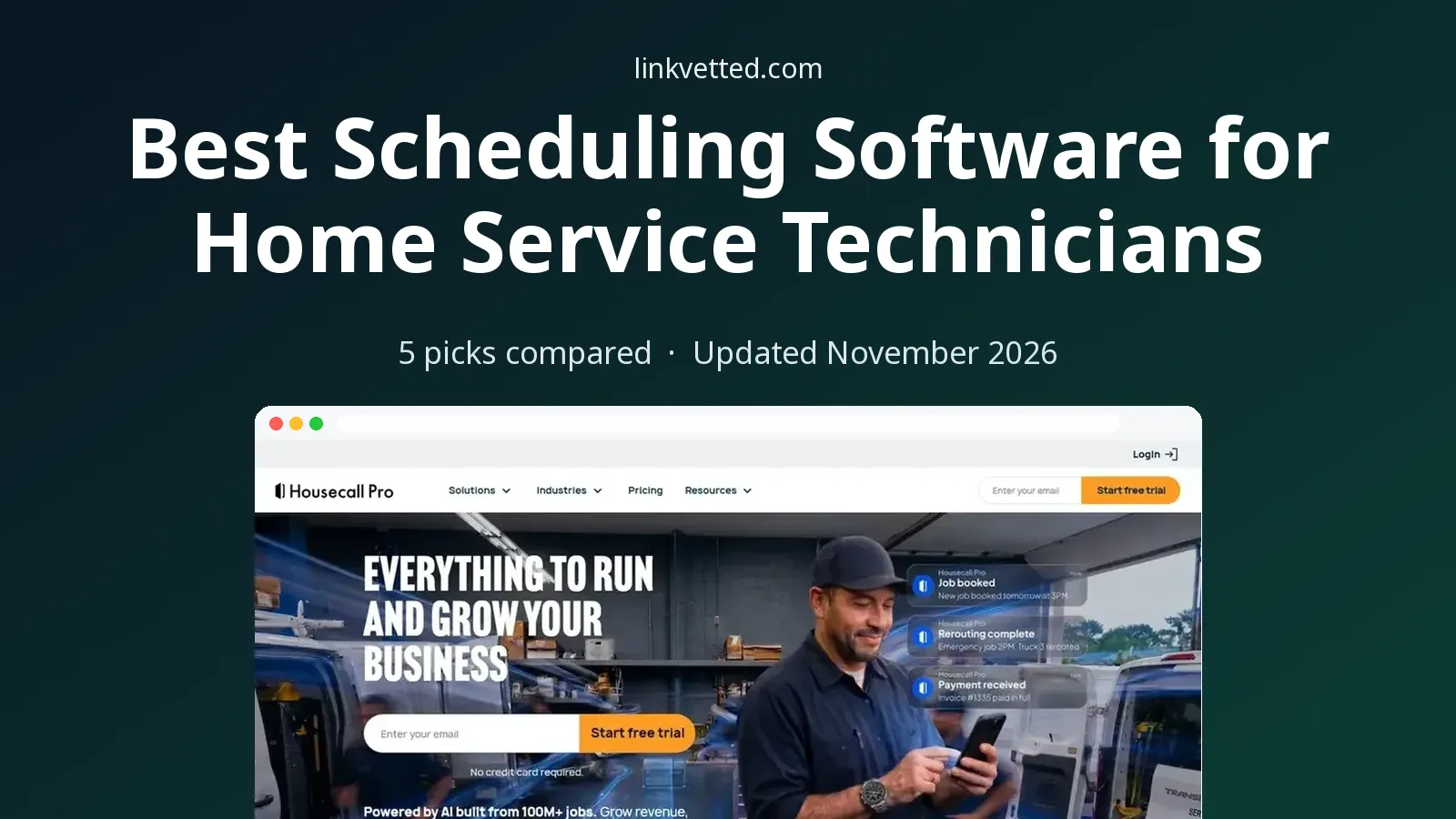
Housecall Pro is a good fit for home service firms managing field teams. Housecall Pro is described as a software option for home service firms, targeted at teams that schedule and run field work every day.
What to check first: Feature depth varies by business size.
Beyond that, home service firms of moderate size are the clearest audience. In practice, confirm the specific scheduling features you depend on before deciding. Price to start with Housecall Pro: $59 per month. Free options: Free trial.
- Designed for home service firms
- Field service management focus
- Confirm fit for complicated commercial work
ServiceM8 works best for trade contractors reducing paperwork. Operations with intricate multi-crew dispatch or heavy commercial project tracking should verify how far the system scales. Worth adding: if your work is primarily scheduled trade jobs, the paperwork-reduction focus is a solid fit.
Honest limits: Most solid fit for smaller trade teams.
ServiceM8 describes smart job management software with job tracking and CRM for trade contractors and home service firms, pitched at cutting paperwork and getting more jobs done. Smaller trade teams are the clearest match. Confirm the specific scheduling and job tracking features you need before adopting. ServiceM8 pricing: $29 per month. You can start on ServiceM8 without paying.
- Targeted at cutting paperwork
- Job tracking and CRM for trade contractors
- Confirm depth for complicated dispatch needs

ServiceTitan makes the most sense for dispatch-heavy home and commercial trades. ServiceTitan describes its all-in-one software as designed for home and commercial contractors, keeping service visits and construction projects running smoothly.
Points against: Wide system may feel heavy for small crews.
Beyond that, bigger operations with complicated dispatch are the more solid fit. In practice, since it is positioned as a full system for the trades, smaller shops with straightforward scheduling needs may find more capability than they use. ServiceTitan does not show a starting price in this comparison, so check the vendor site for current pricing. Trial and free access: Free trial.
- Made for both home and commercial work
- Includes service visits and construction projects
- Setup demands time and process planning
Kickserv is a good fit for straightforward job and customer management. Kickserv offers field service management software that spans jobs, customers, communication and payments for home service firms.
Downsides: Fewer advanced dispatch choices.
Also, technicians who require to see the day's jobs and follow up with customers will find the scope familiar. The starting price for Kickserv: $60 per month. Free plan details: Free trial.
- Runs jobs and customers
- Deals with communication and payments
- Confirm fit for expanding multi-crew teams
How we compared the tools
Things to verify first
- Get a written quote from FieldEdge and ServiceTitan; the list shows no starting price for them.
- Look at the free plan from ServiceM8 closely: its caps decide whether it is usable for real work.
- Run a trial of Housecall Pro, ServiceTitan and Kickserv with real work before paying for a year; your own workflow is the best test.
- Before choosing FieldEdge, weigh its main limit: demo request needed to evaluate.
- Price ServiceM8 for your actual team size; headline prices rarely include add-ons or overage.
- Look at which plan of FieldEdge unlocks the features you need; entry tiers are often cut down.
FAQ
What should home service technicians look for in scheduling software?
Prioritize a clear daily view of assigned jobs, fast access to customer and service history, and mobile access in the field. Dispatch tools and payment handling matter more as crews grow.
Which options for scheduling software for home service technicians have a free plan?
ServiceM8 is the only tool in this list with a free plan. Free plans usually cap users, projects or features, so check the limits on the vendor page. Several others offer a trial instead. Each of the 5 options in this scheduling software for home service technicians guide has its own card above with the price, free plan and limits.
Do these tools publish their prices?
Not all of them. FieldEdge and ServiceTitan publish no starting price, so expect a quote request for those. The rest, Housecall Pro included, show a starting price, though seats and billing terms still change the final cost.
What is the cheapest option for scheduling software for home service technicians in this list?
On published monthly entry prices, ServiceM8 is the lowest here at $29 per month. Entry price is only part of the cost, because seats, add-ons and billing terms can change the total. All 5 picks in this scheduling software for home service technicians comparison list a starting price, free plan details and the main limits on their cards above.
Is FieldEdge the right pick for everyone comparing scheduling software for home service technicians?
No single tool suits every team. FieldEdge comes first because it fits tracking customers, dispatches and service history, while Housecall Pro suits home service businesses managing field teams and ServiceM8 suits trade contractors reducing paperwork. Match the tool to your own size, budget and workflow before deciding.
Sources
- https://www.fieldedge.com
- https://www.housecallpro.com
- https://www.servicem8.com
- https://www.servicetitan.com
- https://www.kickserv.com