Best Sales Planning Software for Small Business in 2026: Prices, Free Plans and 5 Picks
Best sales planning software for small business: 5 tools compared on price, free plans and fit. Plain-spoken summaries throughout. Pricing and limits included.
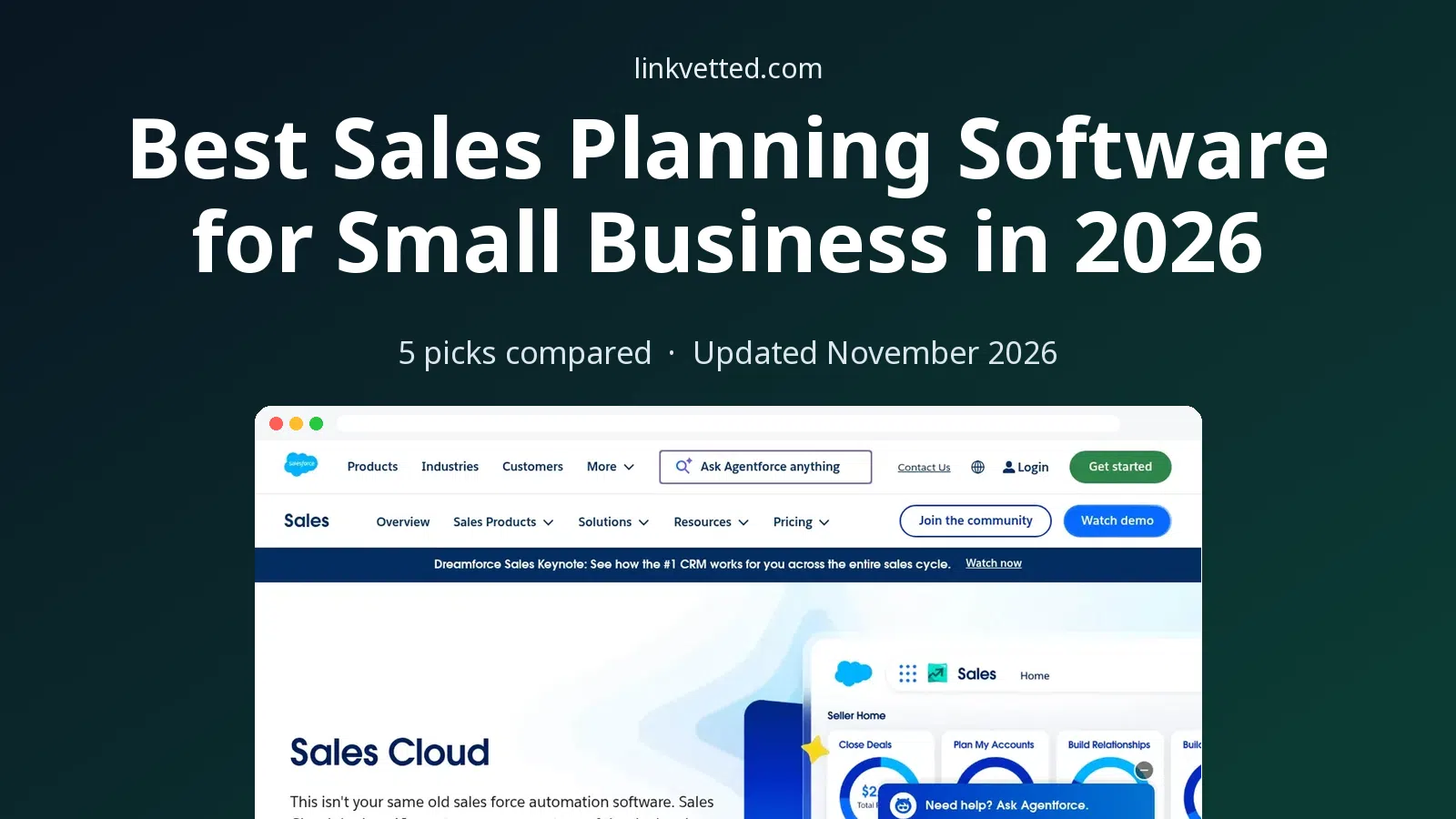
- Editor's choice
 Salesforce Sales Cloud
Thorough sales automation
Starts atSee websiteVisit salesforce.comFull review - Great alternativeCopper CRM
Google Workspace integration
Starts at$23 per seat a monthVisit copper.comFull review - Also consider
 Pipedrive
Simple pipeline management
Starts atSee websiteVisit pipedrive.comFull review
Direct answer
This list puts Salesforce Sales Cloud first for full sales automation. Listed starting prices: Copper CRM from $23 per seat a month. Copper CRM is better for Google Workspace integration, and Pipedrive is better for simple pipeline management. The full list of 5 tools follows, with prices and free plan facts.
TL;DR:
- The list opens with Salesforce Sales Cloud, aimed at thorough sales automation.
- HubSpot Sales Hub fits all-in-one AI sales product.
- None of the 5 tools, from Salesforce Sales Cloud to HubSpot Sales Hub, has a free plan, so budget for a subscription or use a trial.
- Copper CRM is the lowest-priced starter here at $23 per seat per month.
Last checked November 2026. Prices and plan details were read from the vendors' own pages in November 2026; vendors change plans often, so confirm the current price on the vendor site before you buy.
Quick comparison
| Tool | Best for | Starts at | Free plan? | |
|---|---|---|---|---|
| Salesforce Sales Cloud | Thorough sales automation | See website | Not stated | Visit |
| Copper CRM | Google Workspace integration | $23 per seat a month | Free trial | Visit |
| Pipedrive | Simple pipeline management | See website | Not stated | Visit |
 Freshsales | AI-powered sales efficiency | See website | Not stated | Visit |
 HubSpot Sales Hub | All-in-one AI sales product | See website | Not stated | Visit |
Sales Planning Software for Small Business compared in detail
If you are comparing sales planning software for small business, this page covers 5 tools in one place: what each is best for, what it costs to start, whether it has a free plan, and the main limit to know about.
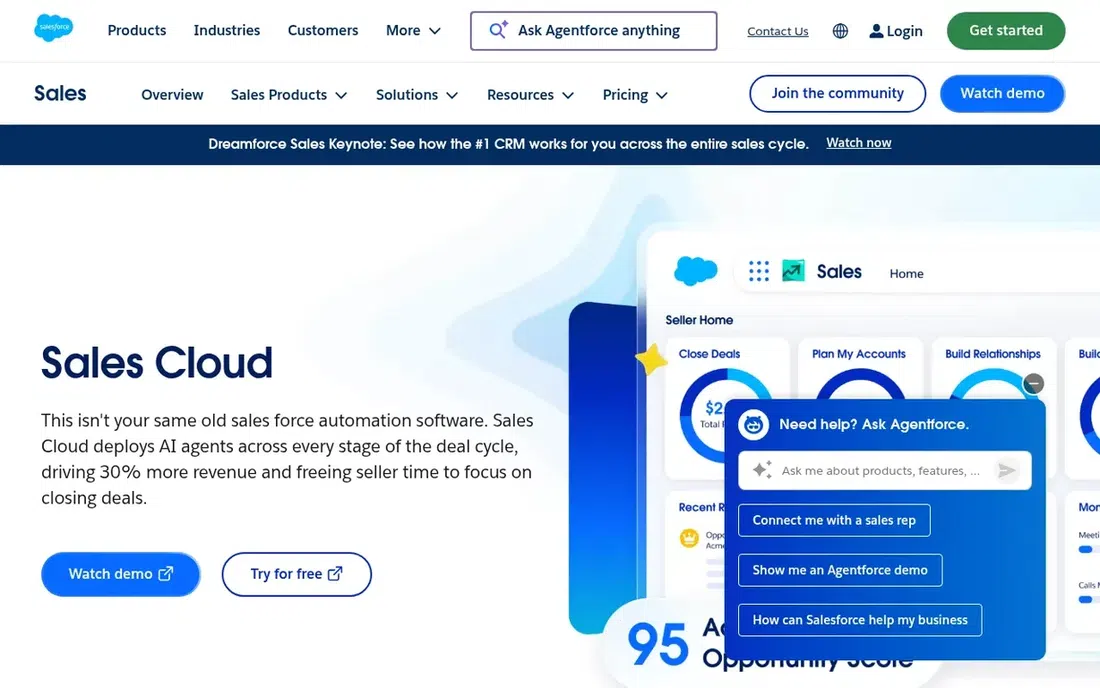
Salesforce Sales Cloud makes the most sense for thorough sales automation. It is well-suited for small companies with ambitious growth plans that require a scalable system to run increasingly complicated sales processes.
Even so, Salesforce Sales Cloud can be complicated to implement and may need dedicated administrative resources. No starting price is listed for Salesforce Sales Cloud here; confirm pricing on the vendor site. Free access: Not stated.
Limits to weigh: Can be complicated to set up.
- Grows accounts and finds new customers
- Closes deals quicker from anywhere
- May need dedicated admin support
Copper CRM
Best for: Google Workspace integration
Copper CRM is aimed squarely at Google Workspace integration. Companies not using Google Workspace might find it less beneficial. It is especially right for small companies that rely heavily on Google tools and want a CRM that integrates smoothly with their existing workflow.
For everyday use, Whereas Copper CRM excels for Google Workspace users, it may offer restricted functionality outside that ecosystem and lack some advanced sales features found in dedicated CRMs. On top of that, the product eases sales planning by keeping everything within the Google environment. On cost, Copper CRM starts like this: $23 per seat per month. On free options: Free trial.
Points against: Restricted outside Google ecosystem.
- Handles leads, deals, projects
- Built into Google Workspace
- May lack advanced sales features
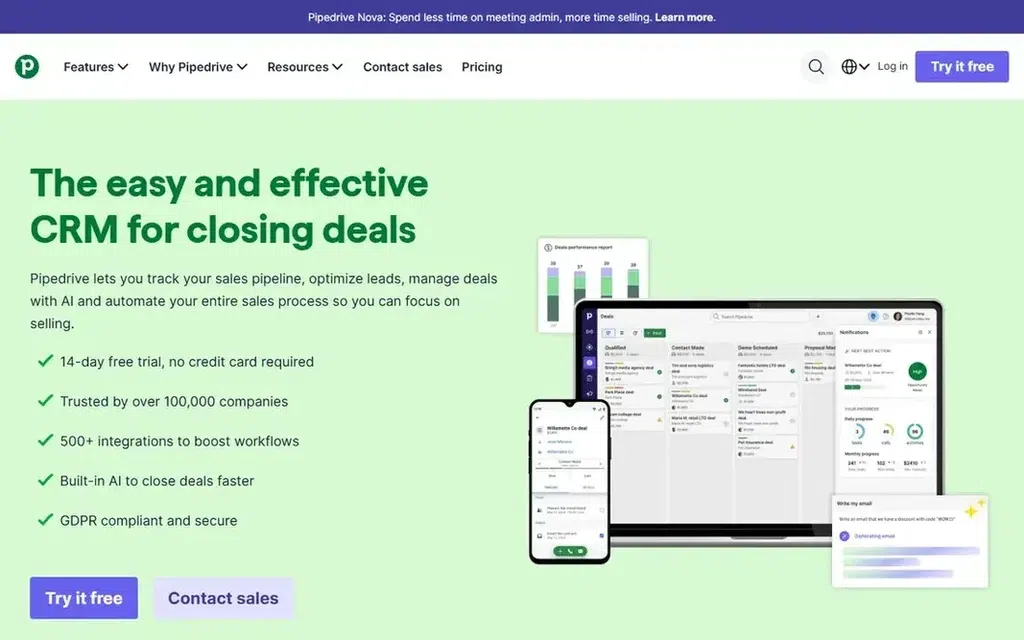
Pipedrive targets simple pipeline management. Companies needing advanced AI or broad integrations might outgrow it. More specifically, Pipedrive is an easy-to-use sales CRM and pipeline management software meant to help companies get more qualified leads and grow.
What to check first: Restricted advanced automation.
It is especially right for small companies that prioritize simplicity and visual pipeline management over deep feature sets. Consider HubSpot Sales Hub or Salesforce Sales Cloud for more advanced needs. Pipedrive does not show a starting price in this comparison, so check the vendor site for current pricing. As for free access: Not stated.
- Helps grow business
- Easy-to-use interface
- May lack some enterprise features
Where Freshsales fits: AI-powered sales efficiency. Freshsales is an AI-powered CRM meant to boost sales efficiency by easily capturing leads and closing deals quicker.
What to check first: Limited customization choices.
It is well-suited for small firms that want to use AI to automate routine sales tasks and boost team productivity. As for the details, the system concentrates on simplifying the sales process from lead capture to closure. Pricing for Freshsales is not stated here, so ask the vendor for current figures. Free plan details: Not stated.
- AI-powered CRM
- Records leads easily
- May lack advanced reporting
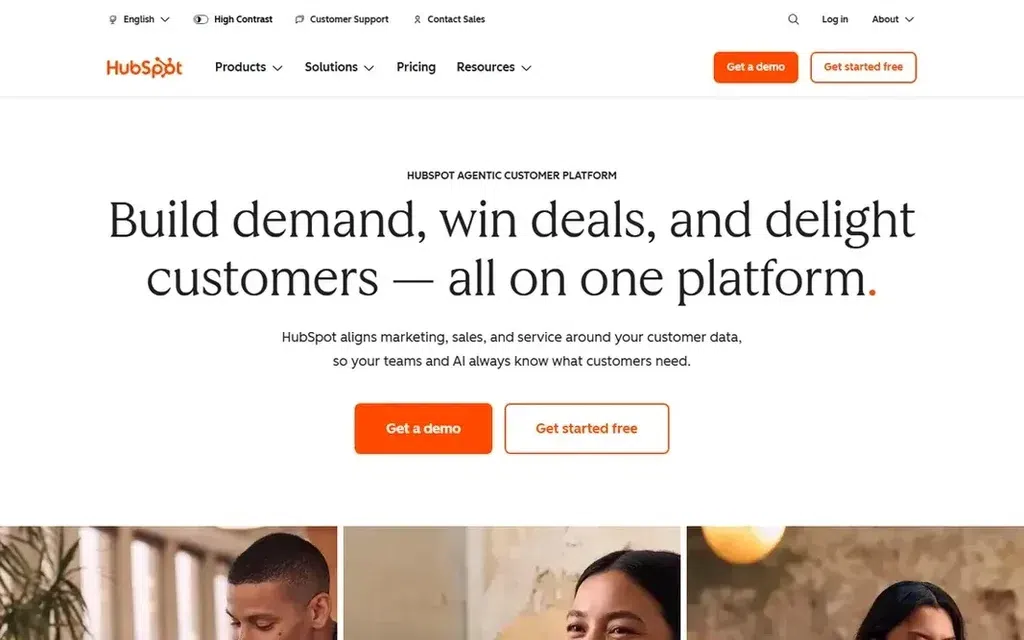
HubSpot Sales Hub is built with all-in-one AI sales system in mind. HubSpot Sales Hub is an AI sales software built to turn prospects into pipeline and conversations into closed deals. It operates on a single AI product built on your complete CRM data, making it a good match for small companies that want an integrated approach to sales planning and execution.
The main drawbacks: May need onboarding for full use.
Also, Whereas HubSpot Sales Hub provides solid features, its breadth can be overwhelming for companies with minimal sales processes. On top of that, teams looking to centralize customer data and automate outreach may find it a good fit. Check the vendor site for HubSpot Sales Hub pricing; none is listed in this comparison. On free options: Not stated.
- Turns prospects into closed deals
- Built on complete CRM data
- Can be complicated for very small teams
Our selection method
What to confirm before you sign up
- Confirm the entry price on the vendor page. For Salesforce Sales Cloud, Pipedrive, Freshsales and HubSpot Sales Hub that means a quote rather than a fixed price.
- Take the trial from Copper CRM and push a live task through it before you pay.
- Read the limits listed for Salesforce Sales Cloud first: can be complicated to set up.
- Read the plan comparison for Salesforce Sales Cloud carefully; key features often start on a higher tier.
- Involve the people who will use Freshsales daily; a short pilot beats a long feature checklist.
FAQ
Is Salesforce Sales Cloud the right pick for everyone comparing sales planning software for small business?
No single tool suits every team. Salesforce Sales Cloud comes first because it fits comprehensive sales automation, while Copper CRM suits Google Workspace integration and Pipedrive suits easy pipeline management. Match the tool to your own size, budget and workflow before deciding.
How are the tools for sales planning software for small business ordered?
Salesforce Sales Cloud sits first and HubSpot Sales Hub last because the order follows typical fit for sales planning software for small business, then price clarity and free access. It is a judgement call, so read each profile for fit and limits.
Can Copper CRM replace a standalone sales planning tool?
Copper CRM is built into Google Workspace and runs leads, deals, and projects. For companies heavily using Google tools, it can serve as a capable CRM.
How does HubSpot Sales Hub compare to Pipedrive for small businesses?
HubSpot Sales Hub provides a broader AI-powered system built on CRM data, whereas Pipedrive concentrates on simple pipeline management.
What features should small companies look for in sales planning software?
Key features contain pipeline management, contact management, task automation, and reporting. Integration with existing tools and simplicity are also important. Consider scalability to support future growth.
Does any tool for sales planning software for small business here have a free plan?
A permanent free plan is not offered by Salesforce Sales Cloud, HubSpot Sales Hub or the other tools here. Copper CRM offer a trial. Plan a short evaluation period instead.
Sources
- https://www.salesforce.com/sales/cloud
- https://www.copper.com
- https://www.pipedrive.com
- https://www.freshworks.com/crm/sales
- https://www.hubspot.com/products/sales