The 6 Best Sales Engagement Software for Medical Clinics in 2026, Ranked
Compare 6 best sales engagement software for medical clinics, with prices, free plans and who each fits. Where a tool struggles is spelled out. Details below.
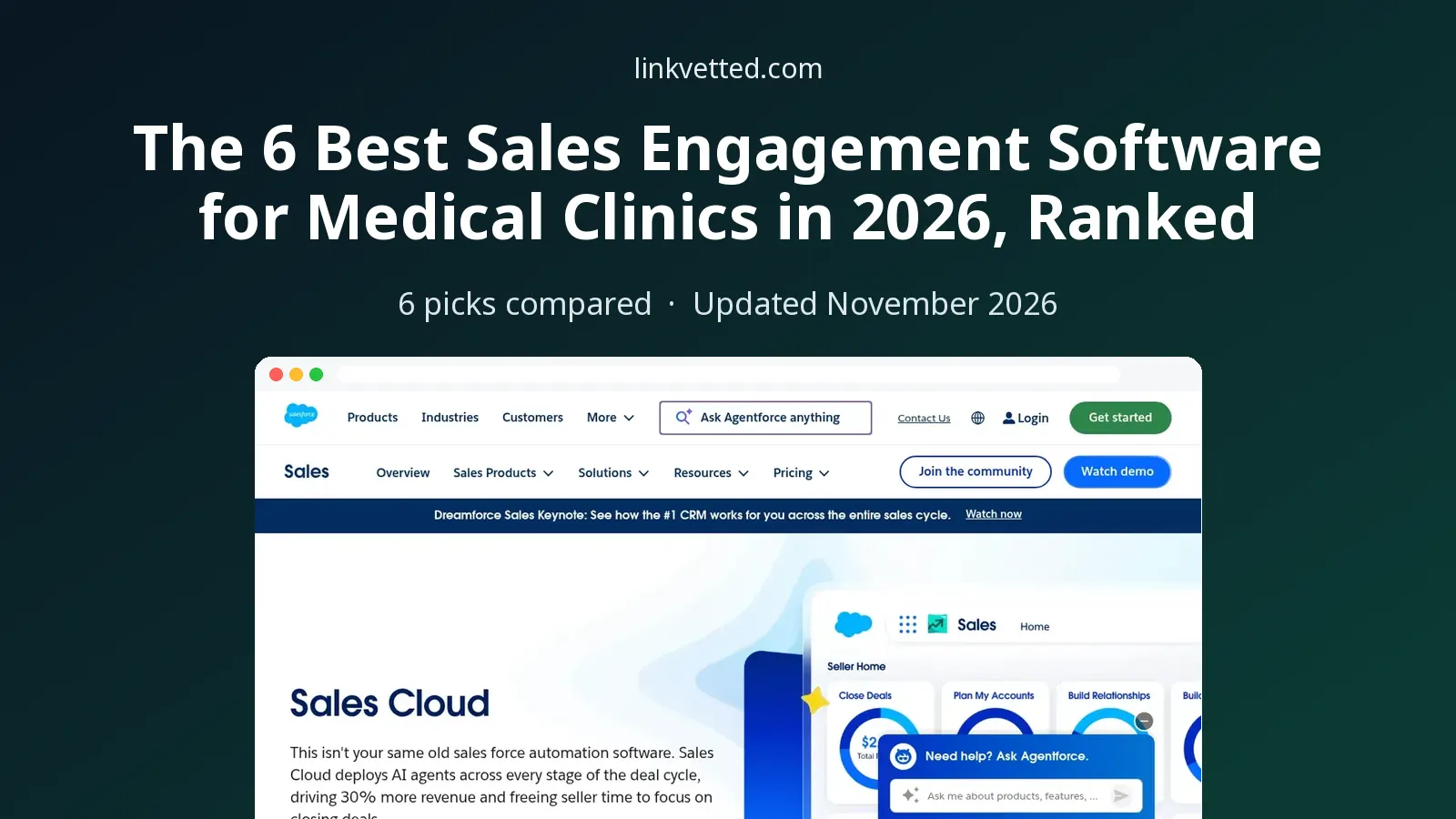
- Editor's choice
 Salesforce Sales Cloud
Bigger clinics with complicated sales operations
Starts atSee websiteVisit salesforce.comFull review - Great alternative
 Zoho CRM
Clinics wanting a wide agentic CRM
Starts atSee websiteVisit zoho.comFull review - Also consider
 Keap
Small clinics wanting straightforward automation
Starts at$24 a monthVisit keap.comFull review
Direct answer
Salesforce Sales Cloud comes first here, mainly for bigger clinics with complicated sales operations. Listed starting prices: Keap from $24 a month. Zoho CRM is the stronger choice for clinics wanting a wide agentic CRM, while Keap suits small clinics wanting straightforward automation. The other 3 tools in the list cover narrower or pricier cases.
TL;DR:
- Top of the list is Salesforce Sales Cloud, which targets bigger clinics with complicated sales operations.
- Neither Salesforce Sales Cloud nor HubSpot Sales Hub, nor any of the other 4 tools, has a permanent free plan; trials and quotes are the norm.
- HubSpot Sales Hub suits clinics wanting CRM plus pipeline.
- Keap has the lowest monthly starting price in this list: $24 per month.
Last checked November 2026. Prices and plan details were read from the vendors' own pages in November 2026; vendors change plans often, so confirm the current price on the vendor site before you buy.
Quick comparison
| Tool | Best for | Starts at | Free plan? | |
|---|---|---|---|---|
| Salesforce Sales Cloud | Bigger clinics with complicated sales operations | See website | Not stated | Visit |
| Zoho CRM | Clinics wanting a wide agentic CRM | See website | Not stated | Visit |
| Keap | Small clinics wanting straightforward automation | $24 a month | Free trial | Visit |
 Pipedrive | Straightforward visual pipeline management | See website | Not stated | Visit |
 ActiveCampaign | Automatic patient re-engagement outreach | See website | Free trial | Visit |
 HubSpot Sales Hub | Clinics wanting CRM plus pipeline | See website | Not stated | Visit |
Sales Engagement Software for Medical Clinics compared in detail
LinkVetted put together this guide to sales engagement software for medical clinics for readers who want a clear shortlist without reading every vendor page. It compares 6 tools on starting price, free plans, who each one suits and where each one falls short.
Salesforce Sales Cloud
Best for: Bigger clinics with complicated sales operations
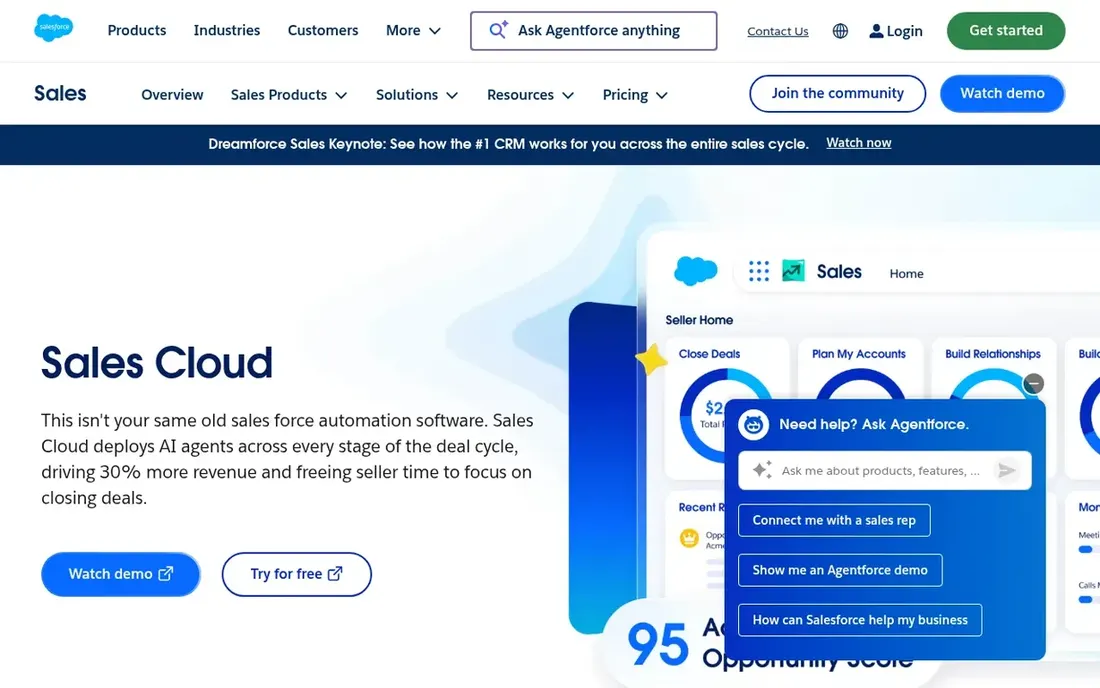
In short, Salesforce Sales Cloud is for larger clinics with complicated sales operations. More straightforward CRMs may handle routine follow-up with less configuration.
Clinics with several locations, service lines or outreach teams can use it to structure pipelines and account records. Salesforce Sales Cloud is a sales force automation system meant to help organizations grow accounts, find new customers and close deals quicker from anywhere. Pricing for Salesforce Sales Cloud is not stated here, so ask the vendor for current figures. Free options: Not stated.
Drawbacks to consider: May need specialist administration.
- Accessible from anywhere
- Deep sales force automation
- Configuration can be complicated
Zoho CRM was built for clinics wanting a wide agentic CRM. Zoho CRM is an agentic CRM product targeted at helping teams run sales operations and close more deals. It offers a wide set of modules, which provides clinics room to structure contacts, pipelines and workflows as outreach grows.
Consider Zoho CRM when adaptability and room to expand matter more than out-of-the-box simplicity. Beyond that, the breadth of features can slow down teams that just want entry-level pipeline tracking, and setup benefits from advance planning. No starting price is listed for Zoho CRM here; confirm pricing on the vendor site. Free options: Not stated.
Trade-offs to know: Feature breadth can overwhelm new users.
- Broad feature coverage
- Fits varied business sizes
- Setup may need planning across modules
Choose Keap for small clinics wanting straightforward automation. Keap is a small business CRM and automation system meant to help small teams save time and grow without chaos. Worth adding: a single-location clinic or small practice can use it to keep contact records organized and automate routine follow-up.
Its small business orientation may not suit multi-location clinics with complicated reporting needs. Also, teams needing advanced sales force automation should look elsewhere. On cost, Keap starts like this: $24 per month. Free options: Free trial.
Points against: Small business focus may limit bigger clinics.
- Designed for small business use
- CRM with automation in one product
- Automation depth is moderate
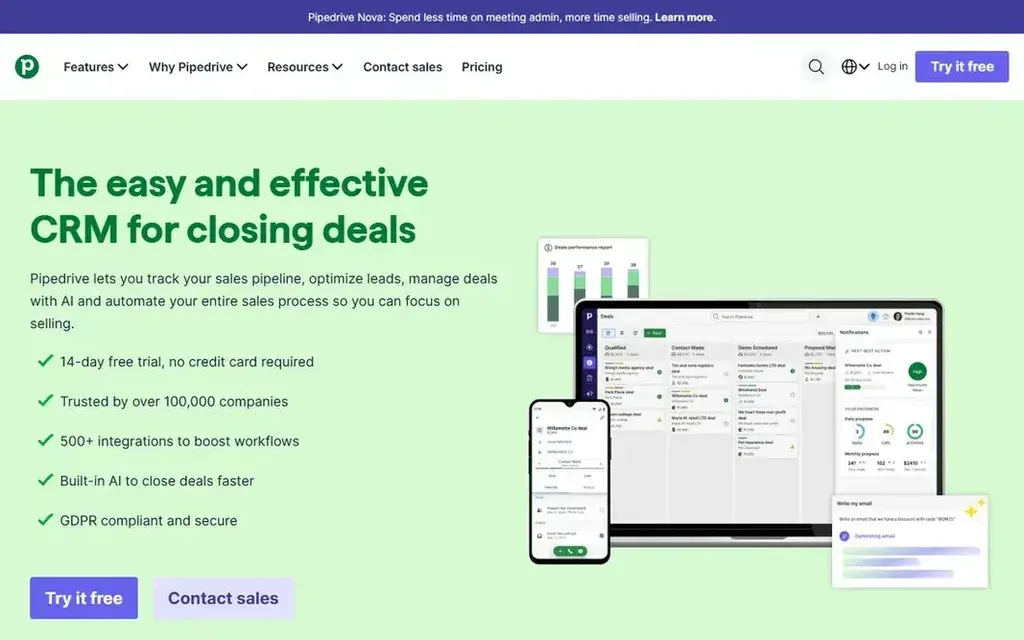
Pipedrive works best for straightforward visual pipeline management. For a clinic running outreach for services, screenings or membership programs, the clear stage-by-stage view keeps follow-up from slipping.
What to check first: May need extras for broader outreach.
Beyond that, Pipedrive is a sales CRM centered on pipeline management, presenting deals in a visual flow that helps teams move qualified leads toward closing. Teams with complicated multi-department workflows may outgrow it. Pipedrive shows no starting price here, so confirm the cost on the vendor site. On free options: Not stated.
- Straightforward sales CRM scope
- Focused on lead qualification and deal progress
- Narrower scope beyond sales pipeline
ActiveCampaign serves automatic patient re-engagement outreach. Building automations takes planning and review. For clinics, this makes it handy for re-engagement campaigns, appointment reminders and nurture sequences that keep patients connected between visits.
Reasons to shortlist it: Automation across email.
It is not primarily a sales pipeline CRM, so clinics needing structured deal management may pair it with another system. More specifically, ActiveCampaign is an automation system that goes beyond marketing, with AI agents handling email, SMS, WhatsApp and other channels. Check the vendor site for ActiveCampaign pricing; none is listed in this comparison. As for free access: Free trial.
Honest limits: Not a dedicated sales pipeline CRM.
- SMS and messaging
- AI agents manage routine outreach
- Automation design needs planning
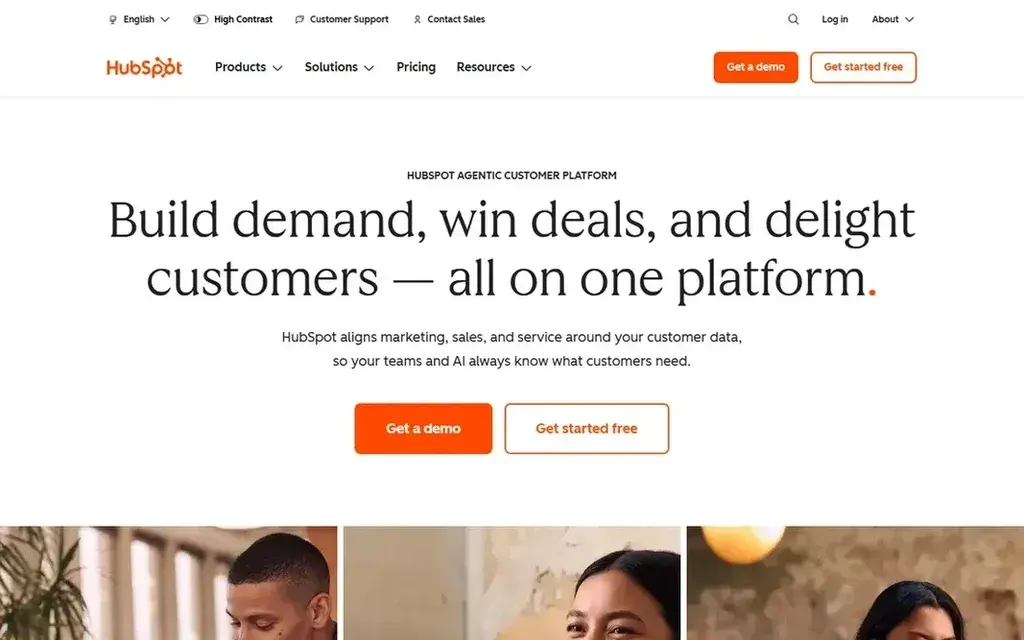
HubSpot Sales Hub works best for clinics wanting CRM plus pipeline. Teams that only want a light visual pipeline may prefer a more straightforward tool. Consider HubSpot when connected CRM data and follow-up automation matter more than minimal setup.
Points against: Wide system can feel heavy for small teams.
For a medical clinic, that means front-office and outreach staff can track inquiries, follow-ups and conversions in one place. Also, the system is wide, and smaller clinics may find the range of features more than they need for simple follow-up. No starting price is listed for HubSpot Sales Hub here; confirm pricing on the vendor site. On free options: Not stated.
- AI features for outreach and follow-up
- Deal and pipeline tracking in one product
- Advanced setup may need dedicated admin time
How the list was put together
Before you commit
- Confirm the entry price on the vendor page. For Salesforce Sales Cloud, Zoho CRM, Pipedrive and others that means a quote rather than a fixed price.
- Take the trial from Keap and ActiveCampaign and push a live task through it before you pay.
- Read the limits listed for Salesforce Sales Cloud first: configuration can be complicated.
- Get the contract term, renewal terms and any onboarding fees from Zoho CRM in writing.
- Read the plan comparison for HubSpot Sales Hub carefully; key features often start on a higher tier.
FAQ
What is the cheapest option for sales engagement software for medical clinics in this list?
On published monthly entry prices, Keap is the lowest here at $24 per month. Entry price is only part of the cost, because seats, add-ons and billing terms can change the total. All 6 picks in this sales engagement software for medical clinics comparison list a starting price, free plan details and the main limits on their cards above.
Does any tool for sales engagement software for medical clinics here have a free plan?
A permanent free plan is not offered by Salesforce Sales Cloud, HubSpot Sales Hub or the other tools here. Keap, ActiveCampaign offer a trial. Plan a short evaluation period instead.
How are the tools for sales engagement software for medical clinics ordered?
Salesforce Sales Cloud sits first and HubSpot Sales Hub last because the order follows typical fit for sales engagement software for medical clinics, then price clarity and free access. It is a judgement call, so read each profile for fit and limits.
Do these tools publish their prices?
Not all of them. Salesforce Sales Cloud, Zoho CRM, Pipedrive and others publish no starting price, so expect a quote request for those. The rest, Keap included, show a starting price, though seats and billing terms still change the final cost.
When should a clinic choose Salesforce Sales Cloud?
Salesforce Sales Cloud makes sense for bigger or multi-location organizations that require deep sales force automation and configurability. Compare it against more straightforward CRMs if speed of adoption matters most.
Sources
- https://www.salesforce.com/sales/cloud
- https://www.zoho.com/crm
- https://keap.com
- https://www.pipedrive.com
- https://www.activecampaign.com
- https://www.hubspot.com/products/sales