Best Sales Demo Software for Remote Teams for 2026: Our 5 Vetted Picks
Best sales demo software for remote teams in 2026: 5 tools with starting prices, free plans and limits. Each pick comes with its main catch. See the full list.

- Editor's choice
 Cisco Webex
AI-assisted collaboration with device choices
Starts atSee websiteVisit webex.comFull review - Great alternative
 Reprise
No-code interactive product demos
Starts at$125 per seat a monthVisit reprise.comFull review - Also consider
 Zoom
All-around remote meeting and webinar hosting
Starts atSee websiteVisit zoom.usFull review
Direct answer
Cisco Webex leads the list, best for AI-assisted collaboration with device choices. Listed starting prices: Reprise from $125 per seat a month. If your case is different, Reprise suits no-code interactive product demos and Zoom suits all-around remote meeting and webinar hosting. The remaining 2 options are covered below with prices and limits.
TL;DR:
- The list opens with Cisco Webex, aimed at AI-assisted collaboration with device choices.
- A fair warning about Zoom: advanced features sit across separate products.
- Microsoft Teams suits Teams already living in Microsoft 365.
- Starting prices begin at $125 per seat per month with Reprise.
Last checked November 2026. Prices and plan details were read from the vendors' own pages in November 2026; vendors change plans often, so confirm the current price on the vendor site before you buy.
Quick comparison
| Tool | Best for | Starts at | Free plan? | |
|---|---|---|---|---|
| Cisco Webex | AI-assisted collaboration with device choices | See website | Yes | Visit |
| Reprise | No-code interactive product demos | $125 per seat a month | Yes | Visit |
| Zoom | All-around remote meeting and webinar hosting | See website | Not stated | Visit |
| Demodesk | AI call recording and CRM updates | See website | Free trial | Visit |
 Microsoft Teams | Teams already living in Microsoft 365 | See website | Not stated | Visit |
Every option for sales demo software for remote teams explained
If you are comparing sales demo software for remote teams, this page covers 5 tools in one place: what each is best for, what it costs to start, whether it has a free plan, and the main limit to know about.

Cisco Webex serves AI-assisted collaboration with device choices. Webex spans plenty of products, which can make choosing the right combination less straightforward for a small sales team.
Drawbacks to consider: Sales demo workflows need separate setup.
In practice, Cisco Webex presents AI-powered collaboration alongside customer experience, devices and product options. Check the vendor site for Cisco Webex pricing; none is listed in this comparison. Cisco Webex offers a free plan.
- AI-powered collaboration features
- Enterprise-oriented system
- Wide product set can complicate selection
Reprise was built for no-code interactive product demos. Reprise is an enterprise demo creation system that sales and marketing teams use to build no-code, interactive product demos. Also, pick Reprise when interactive, reusable demos are central to how your sales and marketing teams present the product.
Points against: Enterprise orientation may suit bigger teams best.
For everyday use, remote teams can produce guided walkthroughs that buyers explore on their own, which helps when live scheduling is hard or when prospects want to revisit a flow. On top of that, Reprise is about demo creation, so live meeting hosting and call recording come from other tools. From a buyer's view, smaller teams with straightforward products may find a lighter approach sufficient. Starting cost for Reprise: $125 per seat per month. Reprise includes a free tier.
- Builds interactive demos without code
- Supports reusable demo assets
- Centred on demo creation, not live meetings
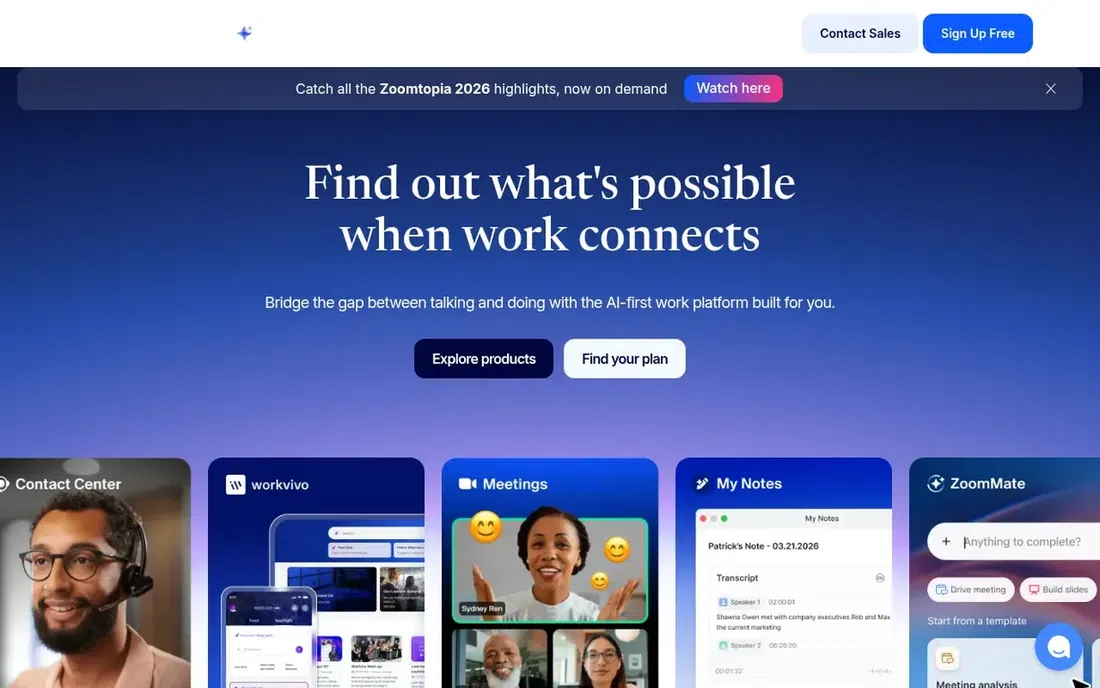
Zoom was built for all-around remote meeting and webinar hosting. Zoom is a collaboration product built around video meetings, with chat, VoIP phone, webinars, whiteboard, contact center and events included in its product line. Choose Zoom when dependable, familiar meeting infrastructure matters most.
Reasons to shortlist it: Widely familiar to buyers.
Where it falls short: Advanced features sit across separate products.
Beyond that, if your priority is coaching reps or building self-guided product demos, a dedicated sales system may fit better. More specifically, for remote sales teams, it works as the everyday stage for live demos, discovery calls and bigger webinar-style presentations. Zoom is general-purpose instead of sales-specific, so call recording insights, CRM syncing and interactive demo creation normally need add-ons or separate tools. Check the vendor site for Zoom pricing; none is listed in this comparison. Free plan details: Not stated.
- Whiteboard and events support
- Phone and webinars in one platform
- Demo-specific sales tooling is restricted
Demodesk
Best for: AI call recording and CRM updates
Demodesk works best for AI call recording and CRM updates. It is positioned as GDPR-native and built in Germany, which may appeal to teams with European data expectations.
Beyond that, Demodesk concentrates on the sales call workflow instead of replacing a full collaboration suite, so numerous teams will still need a separate meeting or phone system. Demodesk shows no starting price here, so confirm the cost on the vendor site. On free options: Free trial.
Limits to weigh: Best value for sales-focused teams.
- Coaching support for reps
- Records every sales call
- Narrower scope than general meeting suites
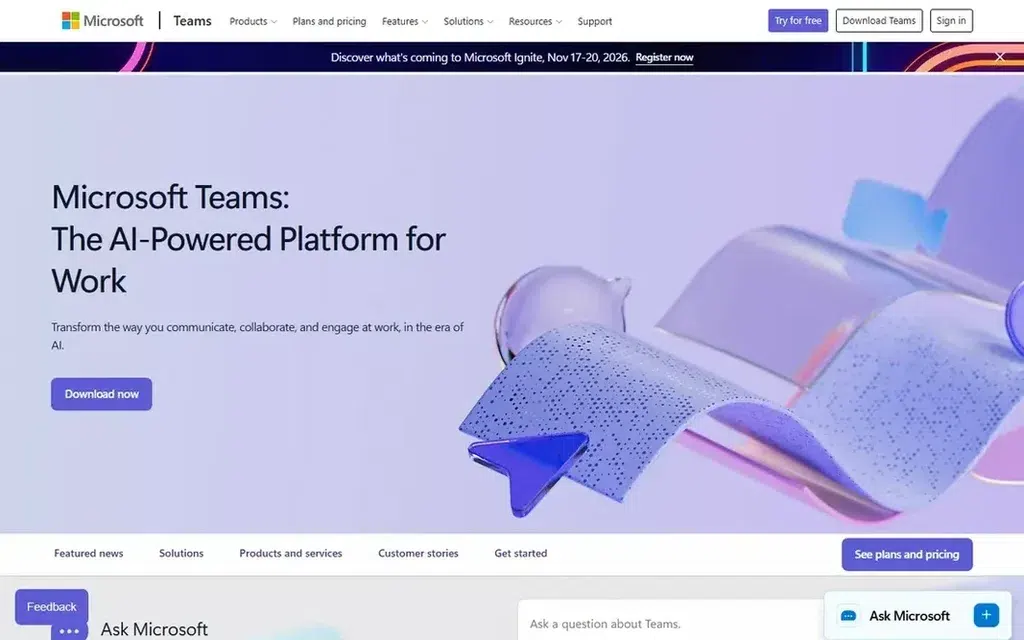
Think of Microsoft Teams for Teams already living in Microsoft 365. Teams is aimed at wide workplace collaboration, so dedicated demo recording, buyer analytics and interactive demo building are not its focus.
Where it falls short: Interface can feel heavy for fast demos.
Check the vendor site for Microsoft Teams pricing; none is listed in this comparison. Trial and free access: Not stated.
- Chat
- Continuing collaboration
- Sales-specific demo features are absent
Selection criteria
For each of the 5 tools we noted price, free plan or trial, fit for sales demo software for remote teams and the main limit, using vendor pages and documentation. Treat prices as a snapshot: vendors change plans often, so check the vendor site for the figure that applies today. We ordered the tools by general fit, then by how clearly pricing is shown, then by free access. A buyer with unusual needs may reorder them.
What to confirm before you sign up
- Get a written quote from Cisco Webex, Zoom, Demodesk and Microsoft Teams; the list shows no starting price for them.
- Check what the free option really includes: Cisco Webex and Reprise offer a free plan, and usage caps differ.
- Use real work to test the free trial from Demodesk, rather than a demo project.
- Before choosing Cisco Webex, weigh its main limit: broad product set can complicate selection.
- Compare total cost, not headline price: for Demodesk, add extra seats, add-ons and any usage-based charges.
- Check the integration list for Cisco Webex against the tools you run today, and note which ones need a higher plan.
FAQ
Which options for sales demo software for remote teams have a free plan?
Cisco Webex and Reprise offer a free plan in this list. Free plans usually cap users, projects or features, so check the limits on the vendor page. One other tool offers a trial instead.
Do these tools publish their prices?
Not all of them. Cisco Webex, Zoom, Demodesk and Microsoft Teams publish no starting price, so expect a quote request for those. The rest, Reprise included, show a starting price, though seats and billing terms still change the final cost.
Can I try these tools before paying?
Often, yes. Cisco Webex and Reprise have a free plan and Demodesk offers a free trial. Use your own data and a real task during the test, and check what the free tier or trial limits before you rely on it.
What should remote sales teams look for in demo software?
Start with steady video meetings and screen sharing, then decide whether you also need call recording, CRM updates or self-guided interactive demos.
What is the cheapest option for sales demo software for remote teams in this list?
On published monthly entry prices, Reprise is the lowest here at $125 per seat per month. Entry price is only part of the cost, because seats, add-ons and billing terms can change the total.
Sources
- https://www.webex.com
- https://www.reprise.com
- https://zoom.us
- https://demodesk.com
- https://www.microsoft.com/en-us/microsoft-teams/group-chat-software