Best Demo Software for Sales Teams in 2026: 9 Tools Compared
Compare the best demo software for sales teams in 2026, with nine interactive, video, and live demo tools for sharing, personalizing, and tracking demos.

- Editor's choice
 Storylane
Fast no code interactive demos
Starts at$40 per monthVisit storylane.ioFull review - Great alternative
 Navattic
HTML demos at scale
Starts atSee websiteVisit navattic.comFull review - Also consider
 Arcade
Polished visual demo stories
Starts atFreeVisit arcade.softwareFull review
TL;DR:
- Storylane and Supademo are the easiest starts for a sales team that needs interactive demos fast.
- Navattic and Walnut suit teams that need deeper HTML demos and personalization for larger deals.
- Arcade is best for polished, marketing led demo stories, while Consensus fits buying groups.
- Reprise, Saleo, and Demostack serve enterprise presales, but pricing is usually by quote.
- Demo analytics matter: pick a tool that shows who viewed a demo, for how long, and what they clicked.
Quick comparison
| Tool | Best for | Starts at | Free plan? | |
|---|---|---|---|---|
| Storylane | Fast no code interactive demos | $40 per month | Yes | Visit |
| Navattic | HTML demos at scale | See website | Yes | Visit |
| Arcade | Polished visual demo stories | Free | Yes | Visit |
 Supademo | Budget friendly quick demos | $38 per month | Yes | Visit |
 Walnut | Personalized enterprise demos | See website | No | Visit |
 Guideflow | Broad demo formats on a budget | Free | Yes | Visit |
 Demoboost | Mid market revenue teams | $375 per month | No | Visit |
 Consensus | Video demos for buying groups | See website | No | Visit |
 Reprise | Enterprise sandbox demos | See website | No | Visit |
The best demo software for sales teams
Demo software lets buyers try a product on their own, without waiting for a live call or a shared screen. We compared tools on demo types, ease of creation, personalization, CRM and analytics, and pricing transparency. The best choice depends on whether you need a quick click through tour, a faithful HTML copy, or a live demo in your real product.
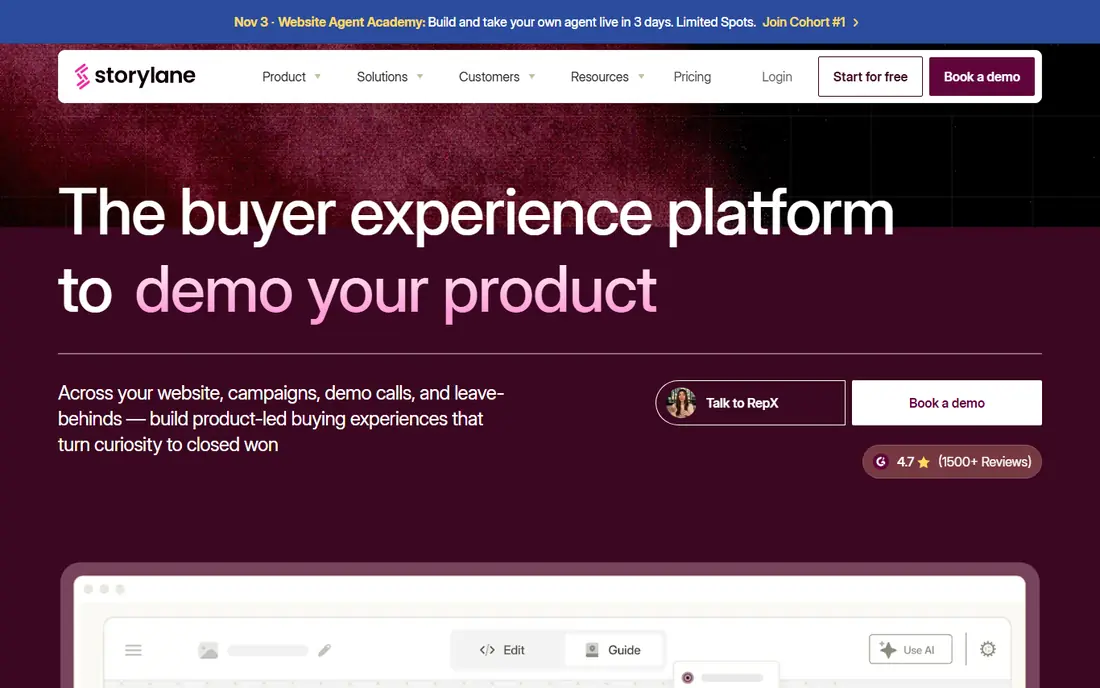
Storylane is our pick for a sales team that wants to publish interactive demos without engineering help. You can capture screens, build guided flows, add lead forms, and share a demo link after a call or embed it on a website. Presenter mode helps a rep guide a live conversation using the same demo a buyer can later explore alone.
Pricing is clearer than many rivals, with a free plan and Starter from $40 per month billed yearly in 2026 guides. Growth and Premium tiers add more demos and features. For most mid size sales teams, Storylane balances speed, price, and analytics well.
- Screenshot, video, and HTML demos
- Lead capture and analytics
- Presenter mode for live calls
- Sandbox demos are enterprise only
- No data injection into a live product on lower tiers

Navattic is built for teams that want demos that feel like the real product, not just screenshots. Its HTML capture copies the look and flow of your app, so a buyer can click through realistic screens. A free Starter plan with one demo lets a team test the approach before committing.
The main drawback is pricing opacity. Base and Growth plans are billed annually with pricing on request in several 2026 comparisons, so a sales led quote is needed. Navattic fits marketing and sales teams that will publish many demos and need account level engagement data from them.
- Mature HTML capture
- AI assisted demo building
- Launchpad for sales teams
- Paid plan prices are not public in many guides
- Enterprise features need a higher tier

Arcade suits teams that care about how a demo looks as much as what it shows. Recording is fast, editing is visual, and AI voiceovers can turn a walkthrough into a narrated story. Marketing teams use it for website tours, product launches, and onboarding, while sales teams share the same demos after calls.
A free plan lets you start, with Growth around $42.50 per seat per month billed yearly in some 2026 guides. HTML capture sits on higher tiers, so check that detail if you need a faithful product copy rather than a guided visual tour. For polished storytelling, Arcade is hard to beat.
- Fast recording to publish flow
- AI voiceovers
- Clean, visual demo output
- HTML capture is enterprise only on some plans
- Growth pricing varies by guide
Supademo is the budget pick in this list for a team that needs good demos without an enterprise contract. It supports screenshot, HTML, video, and Figma based demos, with a free plan offering a small number of demos. Paid plans start around $38 per user per month, which is lower than many mid market rivals.
It is not as deep as enterprise sandbox tools for complex products, and some advanced features need higher tiers. For early stage teams, customer education, and sales teams that need many simple tours fast, Supademo offers strong value.
- Screenshot, HTML, video, and Figma demos
- Low starting price
- Quick setup
- HTML features vary by tier
- Smaller enterprise depth than Reprise or Walnut
Walnut is built for sales led organizations that personalize demos for each prospect. Reps can edit data inside a demo, tailor screens to an account, and use AI tools to draft a demo faster. That personalization helps in longer, consultative sales cycles where a generic tour will not convince a buying group.
Pricing in 2026 guides puts Ignite around $575 per month and Accelerate around $1,550 per month billed annually, with no free plan. That puts Walnut out of reach for a small team, but for an enterprise sales team, the personalization and deal room features can justify the cost.
- In demo data editing
- AI assisted demo drafting
- Strong personalization for sales
- No self serve free plan
- Pricing is high for small teams
Guideflow covers more demo formats than most tools at its price. A team can build screenshot tours, HTML demos, sandbox environments, mobile demos, and live demo aids in one place. The free tier and Solo plan at $35 per month make it easy to start, with Growth at $499 per month and higher tiers for larger programs.
The catch is that HTML capture, a key feature for many buyers, starts at Growth. Teams that only need screenshot tours can stay cheap, while teams that need HTML fidelity must budget for that tier. Guideflow fits a team that wants format flexibility without an enterprise only price tag.
- Screenshot, HTML, sandbox, mobile, and live formats
- Free tier
- Clear tier pricing
- HTML capture starts at the $499 per month Growth plan
Demoboost targets mid market revenue teams that want demo engagement tied to pipeline. It supports several demo formats, with analytics that show how buyers interact with a demo and which accounts show buying intent. CRM integrations help sales teams follow up based on demo behavior, not just on a form fill.
Pricing starts around $375 per month for Start Up, rising to $600 for Essentials and $1,200 for Growth billed annually. There is no self serve free trial in some guides, so a demo with the vendor is the usual first step. For a team that measures demos by pipeline impact, Demoboost is a serious option.
- HTML, screenshot, video, sandbox, and mobile demos
- Intent analytics
- CRM links
- No self serve free trial in some guides
- Starting price is high for small teams
Consensus takes a different approach: video based demos that a champion can share inside their company. Its BuyerBoard tracks which stakeholders watched, what they engaged with, and where questions remain. That visibility helps a sales team in a complex sale with many decision makers.
Pricing is by quote, and the platform is built for that use case, not for a quick product tour on a marketing site. If your deals involve a buying group and a long evaluation, Consensus fits well. If you mainly need a self serve tour, a tool such as Storylane or Supademo will be simpler.
- Video demo automation
- BuyerBoard for stakeholder engagement
- Strong for complex sales
- Quote based pricing
- Less suited to simple click through tours alone
Reprise is the enterprise presales choice in this list. It can clone product environments, inject demo data, and build product tours that feel close to the real application. Large software vendors use it to give prospects a sandbox they can explore, without risking live data or needing engineering for each demo.
Pricing is an annual platform fee plus per user licences, quoted by sales, and annual costs in buyer guides run into tens of thousands of dollars. That is only sensible for a team with a dedicated presales function and high value deals. For smaller teams, the tools above will deliver demos faster and cheaper.
- Cloned product environments
- Data injection
- Product tours for enterprise presales
- Quote based enterprise pricing
- Needs presales resources to get full value
How we picked these
We compared 2026 interactive demo guides and vendor pricing pages, keeping tools that let a sales team create, share, and measure demos without constant engineering help. We included screenshot, HTML, video, sandbox, and live demo types, and we noted where pricing is public and where it is by quote. We did not claim hands on testing, and prices should be confirmed on vendor pages, since demo vendors reprice tiers often.
How to choose demo software for your sales team
Start with the demo your buyer actually needs. A simple product with a clear flow works well as a screenshot tour. A complex product with many screens needs HTML capture or a sandbox, or buyers will not trust the tour. A live demo in your real product needs a tool such as a live overlay, not just a recorded tour.
Next, check personalization and analytics together. Can a rep tailor a demo to an account in minutes, and can you see who viewed it, which steps they completed, and whether they shared it internally. Demos that cannot be measured will not improve, and demos that cannot be personalized will feel generic in a competitive deal.
Finally, test creation speed with your own product. Ask a rep and a marketer to build the same demo in two tools and time them. A tool that looks powerful in a vendor demo but takes a week to publish a simple tour will not be used. Pick the tool your team will actually publish in, week after week.
FAQ
What is interactive demo software?
It is software that lets you build clickable, guided product demos that buyers can explore on their own, without a live call. Demos can be built from screenshots, HTML captures of your product, video, or sandbox environments, and shared by link or embedded on a website.
Do I need engineering help to build demos?
Not for most tools here. Storylane, Supademo, Arcade, and Guideflow are built for no code creation by sales and marketing teams. Enterprise sandbox tools such as Reprise may need presales or engineering help for the most faithful environments.
How much does demo software cost?
Free tiers exist for Storylane, Navattic, Arcade, Supademo, and Guideflow. Paid plans range from about $35 to $40 per month for starter tiers to $375 to $1,550 per month for mid market and enterprise tiers, with some enterprise tools priced by quote.
What is the difference between a screenshot demo and an HTML demo?
A screenshot demo guides a buyer through captured images with hotspots and text. An HTML demo captures the actual product interface, so clicks, menus, and flows behave more like the real app. HTML demos feel more faithful but usually cost more and need more setup.
Can demo software replace live demos?
It can reduce them, but not always replace them. Self serve demos help buyers evaluate early and help champions share the product internally. Live demos still matter for complex questions, custom workflows, and closing conversations.
How do I measure whether a demo works?
Track views, completion rate, time spent, steps completed, shares inside an account, and follow up meetings or pipeline created. Connect demo analytics to your CRM so you can see whether demo engagement leads to deals, not just views.