6 Best Sales Analytics Software for Remote Teams for 2026, Vetted and Compared
Best sales analytics software for remote teams: 6 contenders ranked by fit, with entry costs and free tiers. The catches are listed up front. Compare quickly.
- Editor's choice
 Pipedrive
Straightforward pipeline management for remote sales
Starts atSee websiteVisit pipedrive.comFull review - Great alternative
 SugarCRM
Precision selling with actionable CRM insights
Starts at$68 per user a monthVisit sugarcrm.comFull review - Also consider
 Microsoft Dynamics 365 Sales
Enterprises needing agentic CRM and collaboration
Starts atSee websiteVisit microsoft.comFull review
Direct answer
If you need straightforward pipeline management for remote sales, Pipedrive is the first tool to look at here. Listed starting prices: SugarCRM from $68 per user a month. Alternatives: SugarCRM for precision selling with actionable CRM insights, and Microsoft Dynamics 365 Sales for enterprises needing agentic CRM and collaboration. All 6 tools are compared below on price, free plan and limits.
TL;DR:
- Number one here is Pipedrive, a fit for straightforward pipeline management for remote sales.
- A fair warning about Pipedrive: analytics may be less deep than enterprise CRMs.
- For remote teams wanting CRM-connected AI insights, HubSpot Sales Hub is worth a look.
- A permanent free plan is missing from all 6 tools, Pipedrive and HubSpot Sales Hub included; plan for a trial or a premium start.
Last checked November 2026. Prices and plan details were read from the vendors' own pages in November 2026; vendors change plans often, so confirm the current price on the vendor site before you buy.
Quick comparison
| Tool | Best for | Starts at | Free plan? | |
|---|---|---|---|---|
| Pipedrive | Straightforward pipeline management for remote sales | See website | Not stated | Visit |
| SugarCRM | Precision selling with actionable CRM insights | $68 per user a month | Not stated | Visit |
| Microsoft Dynamics 365 Sales | Enterprises needing agentic CRM and collaboration | See website | Not stated | Visit |
 Zoho CRM | Remote teams seeking an agentic CRM system | See website | Not stated | Visit |
 Oracle CX Sales | Large revenue teams needing AI-driven selling | See website | Not stated | Visit |
 HubSpot Sales Hub | Remote teams wanting CRM-connected AI insights | See website | Not stated | Visit |
The best sales analytics software for remote teams
If you are comparing sales analytics software for remote teams, this page covers 6 tools in one place: what each is best for, what it costs to start, whether it has a free plan, and the main limit to know about.
Pipedrive works best for straightforward pipeline management for remote sales. Pipedrive is a sales CRM and pipeline management tool known for being simple to use. For remote teams that require everyone on the same page rapidly, Pipedrive provides a practical starting point.
On top of that, choose Pipedrive when pipeline clarity and quick adoption matter more than deep analytical customization for your remote team. Worth adding: Pipedrive's simplicity means its analytics are less deep than those in enterprise-focused CRMs like Dynamics 365 Sales or Oracle CX Sales. Worth adding: if you need advanced forecasting or custom dashboards across numerous data sources, you may outgrow it. No starting price is listed for Pipedrive here; confirm pricing on the vendor site. On free options: Not stated.
Honest limits: Analytics may be less deep than enterprise CRMs.
- User-rated for simplicity
- Focus on qualified leads and growth
- Customization choices are more restricted
SugarCRM makes the most sense for precision selling with actionable CRM insights. By combining CRM and ERP context, SugarAI aims to provide distributed sellers a more complete picture of each account, which can be valuable when remote teams lack simple access to colleagues for context.
Drawbacks to consider: Less centred on straightforward pipeline views.
The starting price for SugarCRM: $68 per user per month. As for free access: Not stated.
- Spots issues and opportunities in CRM data
- Merges CRM and ERP data for context
- May need integration effort for ERP data
Microsoft Dynamics 365 Sales
Best for: Enterprises needing agentic CRM and collaboration
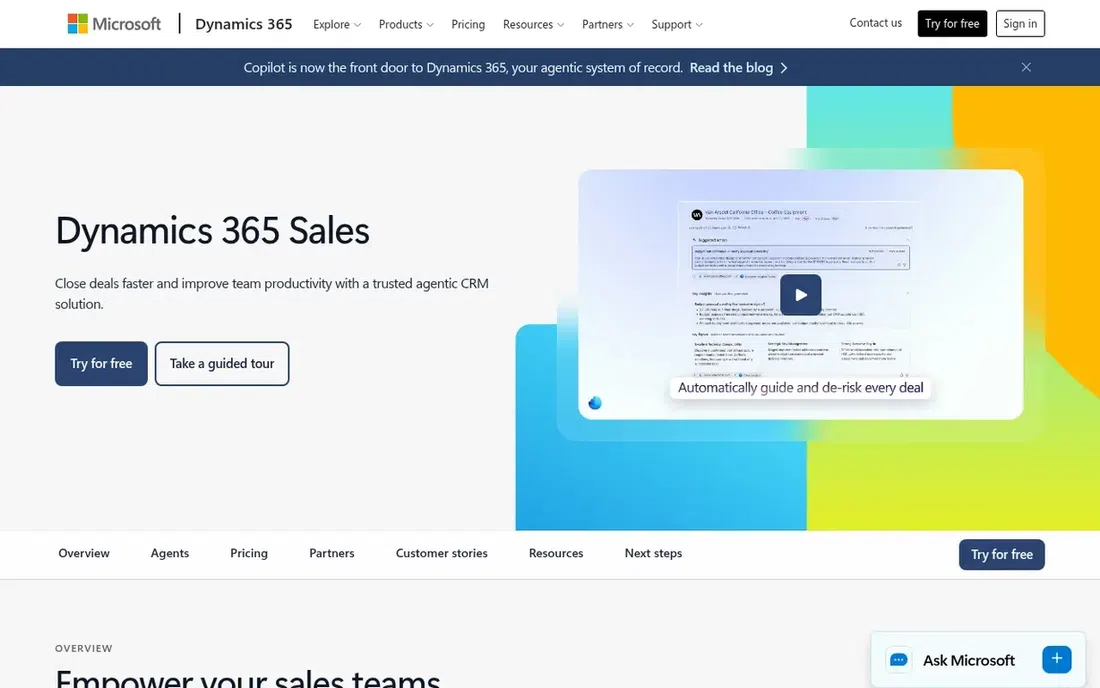
Microsoft Dynamics 365 Sales is aimed squarely at enterprises needing agentic CRM and collaboration. Choose Dynamics 365 when your team can invest in configuration and wants analytics tightly integrated with Microsoft collaboration tools.
It suits remote sales organizations that already rely on Microsoft services and want analytics embedded in a broader business system. No starting price is listed for Microsoft Dynamics 365 Sales here; confirm pricing on the vendor site. Free access: Not stated.
Downsides: May be overkill for small remote teams.
- Collaboration tools for closing deals quicker
- Deep integration with Microsoft ecosystem
- Can need significant setup and admin
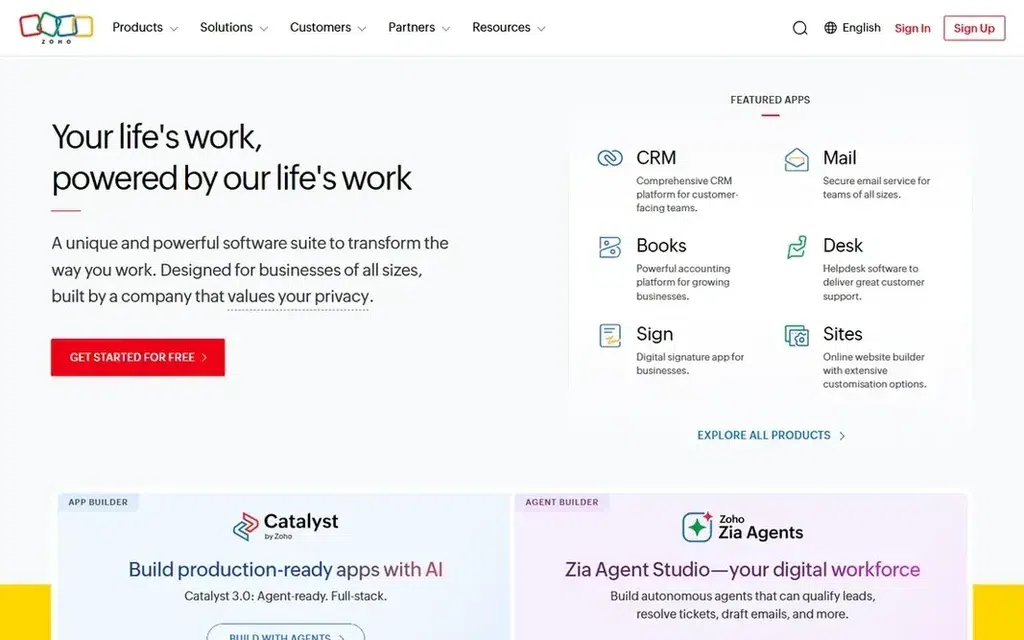
Zoho CRM works best for remote teams seeking an agentic CRM system. Pick Zoho CRM when you value adaptability and are willing to invest in configuration to get the analytics you need.
Where it is weaker: Interface can feel dense for new users.
The depth of Zoho CRM means remote teams may need time to configure reports and dashboards that match their process. From a buyer's view, Zoho CRM is an agentic CRM system that helps you manage sales operations and close more deals. No starting price is listed for Zoho CRM here; confirm pricing on the vendor site. On free options: Not stated.
- Part of a wide Zoho application suite
- Aims to help close more deals
- Advanced analytics may need configuration
Oracle CX Sales is aimed squarely at large revenue teams needing AI-driven selling. Oracle CX Sales is usually a substantial deployment that may need dedicated resources and a clear enterprise data strategy.
Choose Oracle CX Sales when you need enterprise-grade AI-driven selling and can invest in the setup and administration it needs. The emphasis on agentic applications means the system can help sellers take action based on insights instead of just reviewing reports. Oracle CX Sales shows no starting price here, so confirm the cost on the vendor site. As for free access: Not stated.
Downsides: Can be complicated and resource-intensive to deploy.
- Agentic applications for sales execution
- AI-powered insights and guided actions
- May not suit small remote teams

HubSpot Sales Hub was built for remote teams wanting CRM-connected AI insights. HubSpot Sales Hub is an AI sales software meant to turn prospects into pipeline and conversations into closed deals. It runs on a single AI product built on your complete CRM data, making it a solid fit for remote teams that want analytics and automation tied to a shared customer record.
Since HubSpot Sales Hub is built around complete CRM data, its analytics are only as decent as the data your team maintains. Remote teams without consistent logging habits may see gaps in pipeline visibility. Teams already using HubSpot CRM will find the analytics naturally connected to their contact and deal data, which helps distributed sellers stay aligned without constant manual updates. No starting price is listed for HubSpot Sales Hub here; confirm pricing on the vendor site. Trial and free access: Not stated.
Trade-offs to know: Needs CRM data discipline to maximize value.
- AI system built on complete CRM data
- Turns prospects into pipeline and closed deals
- May be complicated for very small teams
How we built this list
What to confirm before you sign up
- Ask Pipedrive, Microsoft Dynamics 365 Sales, Zoho CRM and others for a written quote, since no starting price is shown.
- Read the limits listed for Pipedrive first: analytics may be less deep than enterprise CRMs.
- Ask HubSpot Sales Hub how an export works before you move any records in; an easy exit lowers the risk.
- Look at which plan of Pipedrive unlocks the features you need; entry tiers are often cut down.
- Compare total cost, not headline price: for Microsoft Dynamics 365 Sales, add extra seats, add-ons and any usage-based charges.
FAQ
Can I try these tools before paying?
Not by default. None of the tools, from Pipedrive to HubSpot Sales Hub, lists a free plan or a free trial here, so ask each vendor for a demo before committing.
How do I ensure accurate sales analytics for a remote team?
Accurate analytics rely on consistent data entry and clear processes. Choose a tool that makes logging activities simple for remote sellers and offers dashboards that match your sales stages. Regular reviews and training help maintain data quality across distributed teams.
How are the tools for sales analytics software for remote teams ordered?
Pipedrive sits first and HubSpot Sales Hub last because the order follows typical fit for sales analytics software for remote teams, then price clarity and free access. It is a judgement call, so read each profile for fit and limits.
Is Pipedrive the right pick for everyone comparing sales analytics software for remote teams?
No single tool suits every team. Pipedrive comes first because it fits simple pipeline management for remote sales, while SugarCRM suits precision selling with actionable CRM insights and Microsoft Dynamics 365 Sales suits enterprises needing agentic CRM and collaboration. Match the tool to your own size, budget and workflow before deciding.
Do these tools publish their prices?
Not all of them. Pipedrive, Microsoft Dynamics 365 Sales, Zoho CRM and others publish no starting price, so expect a quote request for those. The rest, SugarCRM included, show a starting price, though seats and billing terms still change the final cost.
Sources
- https://www.pipedrive.com
- https://www.sugarcrm.com
- https://www.microsoft.com/en-us/dynamics-365/products/sales
- https://www.zoho.com/crm
- https://www.oracle.com/cx/sales
- https://www.hubspot.com/products/sales