Choosing Safety Management Software for Education in 2026: 6 Options Compared
Best safety management software for education in 2026: 6 tools with starting prices, free plans and limits. Short verdicts, no fluff. Read the profiles.
- Editor's choiceVector Solutions
Training and compliance in education
Starts atPricing on requestVisit vectorsolutions.comFull review - Great alternativeCENTEGIX
Rapid incident response in education
Starts atPricing on requestVisit centegix.comFull review - Also considerCrisisGo
Unified safety communication
Starts atPricing on requestVisit crisisgo.comFull review
Direct answer
Vector Solutions is the first pick on this list for training and compliance in education. Look at CENTEGIX for rapid incident response in education, and at CrisisGo for unified safety communication. Details, prices and limits for the rest of the 6 tools are below. None of these vendors publish plan prices, so pricing is on request for every option.
TL;DR:
- Vector Solutions takes the first slot, best suited to training and compliance in education.
- Pricing across the list, from Vector Solutions to Everbridge, is by quote only.
- A permanent free plan is missing from all 6 tools, Vector Solutions and Everbridge included; plan for a trial or a premium start.
- The main caution on Vector Solutions: training emphasis may overshadow other features.
- Everbridge is the one to check for critical event management at scale.
Last checked November 2026. Pricing on request: vendors did not publish plan prices when this guide was last checked (November 2026), so ask each vendor for a written quote.
Quick comparison
| Tool | Best for | Starts at | Free plan? | |
|---|---|---|---|---|
| Vector Solutions | Training and compliance in education | Pricing on request | Not stated | Visit |
| CENTEGIX | Rapid incident response in education | Pricing on request | Not stated | Visit |
| CrisisGo | Unified safety communication | Pricing on request | Not stated | Visit |
| Alertus Technologies | Mass notification and emergency alerting | Pricing on request | Not stated | Visit |
| Navigate360 | Full K12 safety and well-being | Pricing on request | Not stated | Visit |
| Everbridge | Critical event management at scale | Pricing on request | Not stated | Visit |
Safety Management Software for Education compared in detail
If you are comparing safety management software for education, this page covers 6 tools in one place: what each is best for, what it costs to start, whether it has a free plan, and the main limit to know about.
Vector Solutions
Best for: Training and compliance in education
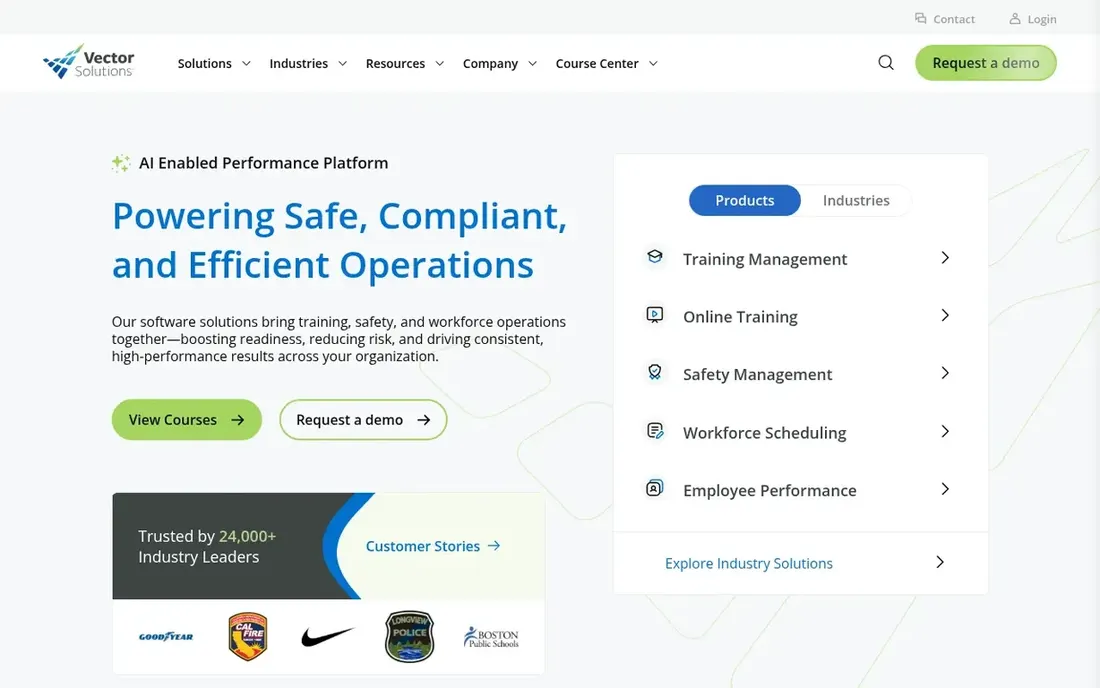
Vector Solutions targets training and compliance in education. Schools seeking to build a culture of preparedness through training may find it a solid match.
Watch-outs: Needs content review for fit.
The platform leans heavily toward training and workforce management, so districts needing advanced incident communication may have to pair it with another tool. Beyond that, buyers should verify that the education-specific content aligns with their policies. Pricing for Vector Solutions is not stated here, so ask the vendor for current figures. Trial and free access: Not stated.
- Industry-specific training content
- Operational readiness focus
- Training emphasis may overshadow other features
CENTEGIX
Best for: Rapid incident response in education
CENTEGIX is a good fit for rapid incident response in education. CENTEGIX supplies safety options that enable rapid incident response to ensure the best outcome in an emergency.
Education buyers should confirm that its response tools connect with existing protocols. For everyday use, schools seeking to boost emergency response times may find it a capable candidate. CENTEGIX does not show a starting price in this comparison, so check the vendor site for current pricing. Free access: Not stated.
Where it falls short: Needs workflow alignment.
- Safety options for emergencies
- Serves education and other sectors
- Response-centric may limit broader management
CrisisGo
Best for: Unified safety communication
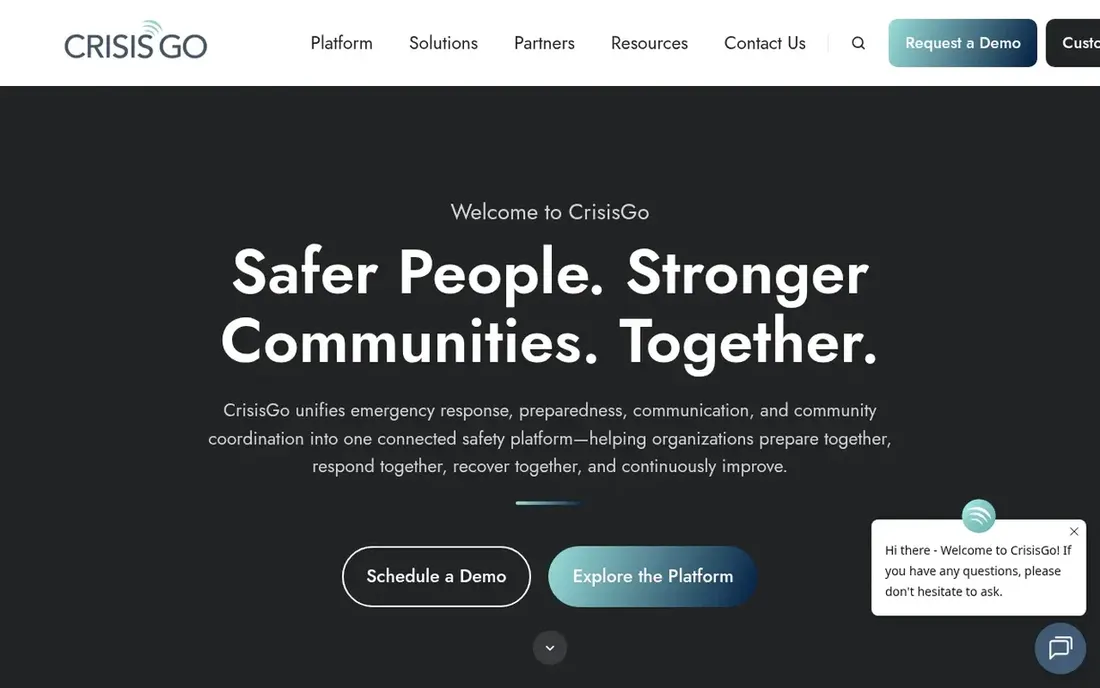
CrisisGo is aimed squarely at unified safety communication. CrisisGo supplies a unified safety communication product intended to protect people and strengthen communities. It is made for schools, companies, and communities, with an emphasis on responding with confidence during incidents.
Education users who require to coordinate alerts and communication across stakeholders may find it a practical choice. In practice, as a communication-focused product, CrisisGo may not handle every safety management function, for example training or visitor management. Check the vendor site for CrisisGo pricing; none is listed in this comparison. Trial and free access: Not stated.
Where it is weaker: Communication-centric approach.
- Unified communication system
- Built for schools and communities
- May need setup for full coverage
Alertus Technologies
Best for: Mass notification and emergency alerting
Alertus Technologies is aimed squarely at mass notification and emergency alerting. Alertus Technologies concentrates on emergency mass notification systems, aiming to achieve optimal readiness with options for critical alerting layers.
Worth adding: if alerting is the primary requirement, Alertus is a relevant choice to evaluate. Schools that require to rapidly disseminate alerts across a campus may find its notification focus valuable. Alertus Technologies shows no starting price here, so confirm the cost on the vendor site. Free access: Not stated.
Watch-outs: Notification-centric scope.
- Readiness-oriented
- Emergency mass notification systems
- May need integration for full safety management
Navigate360
Best for: Full K12 safety and well-being
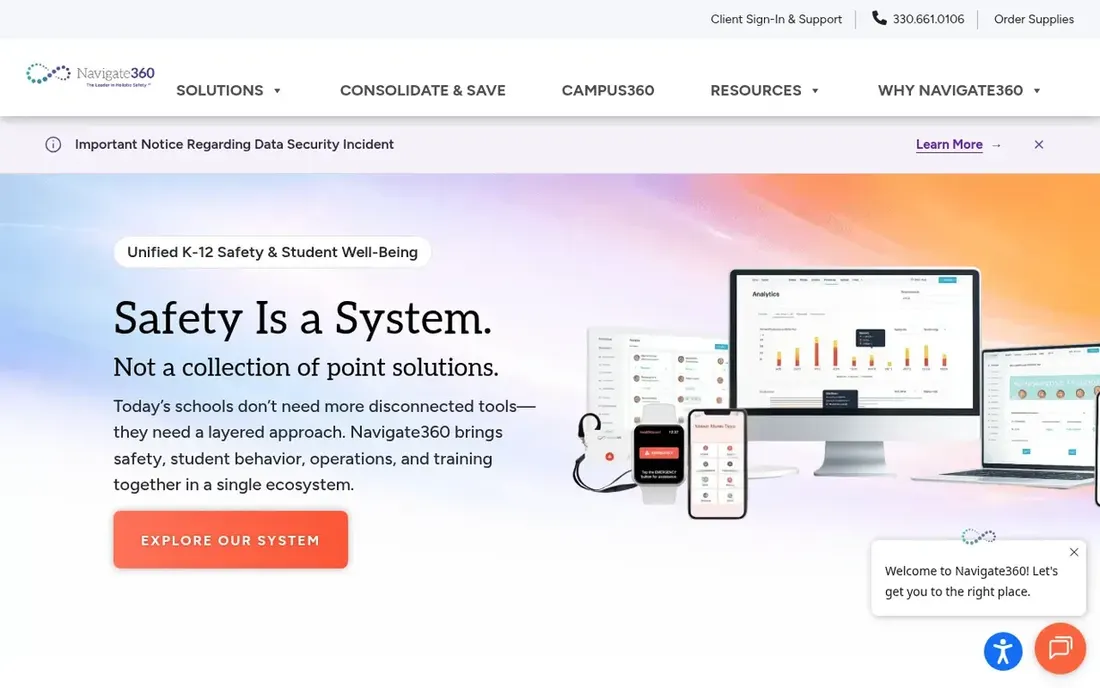
Navigate360 is designed for thorough K12 safety and well-being. Since Navigate360 serves several sectors, education buyers should confirm that the specific modules they need are tailored to schools. In daily use, the range of offerings may need careful selection to avoid overlap.
Drawbacks to consider: Wide focus may need module selection.
In daily use, Navigate360 presents itself as a provider of safety and well-being options, offering a mix of products, training, and guidance. It is pitched at K12 schools, healthcare systems, and workplaces, making it a fit for districts that want an integrated approach to safety planning and student well-being. Schools looking for a single vendor to handle several safety needs may find it appealing. Check the vendor site for Navigate360 pricing; none is listed in this comparison. Free options: Not stated.
- Also serves healthcare and workplaces
- Guidance for K12 schools
- Not exclusively for education
Everbridge
Best for: Critical event management at scale
For critical event management at scale, Everbridge is a natural candidate. Whereas it serves plenty of sectors, education institutions with complicated safety needs may benefit from its incident response capabilities. On top of that, if simplicity and education-specific workflows are priorities, a more focused tool could be a better fit.
Districts seeking a solid, enterprise-grade system frequently consider it. Beyond that, the product's breadth can need dedicated staff to run effectively. In daily use, Everbridge is designed for large-scale critical event management, which may be more than smaller schools need. Pricing for Everbridge is not stated here, so ask the vendor for current figures. Free options: Not stated.
Downsides: Enterprise orientation may suit bigger districts.
- AI-driven system
- Wide organizational use
- Complicated feature set
How we chose
Selection started from tools commonly considered for safety management software for education, then narrowed to 6 that have clear pricing information or a clear quote process. Plan names, prices and limits change often. Treat the figures here as a starting point and verify them with the vendor. Order on the page follows fit for the typical buyer first, then price transparency and free access. Your own requirements should decide the final pick.
Pre-purchase checklist
- Confirm the entry price with every vendor: no tool from Vector Solutions to Everbridge shows a fixed starting price.
- Before choosing Vector Solutions, weigh its main limit: training emphasis may overshadow other features.
- Check the support hours and onboarding help Alertus Technologies offers; smaller vendors vary a lot here.
- Confirm minimum seats and billing terms with Vector Solutions before you commit to an annual plan.
- Confirm the exact CENTEGIX plan that includes your must-have features.
FAQ
How does Navigate360 differ from CrisisGo?
Navigate360 gives you a broader mix of products, training, and guidance for K12 safety, whereas CrisisGo centres on unified safety communication. Navigate360 may suit districts wanting an integrated approach, whereas CrisisGo is well suited to communication-centric needs.
How are the tools for safety management software for education ordered?
The order follows typical fit for safety management software for education, with Vector Solutions first and Everbridge last, then price clarity and free access. It is editorial judgement, not a score, so another team could rank the tools differently.
Do these tools publish their prices?
No. None of the tools, from Vector Solutions to Everbridge, shows a fixed starting price here, so budget time for quotes.
Can I try these tools before paying?
Not by default. None of the tools, from Vector Solutions to Everbridge, lists a free plan or a free trial here, so ask each vendor for a demo before committing.
Is Vector Solutions the right pick for everyone comparing safety management software for education?
No single tool suits every team. Vector Solutions comes first because it fits training and compliance in education, while CENTEGIX suits rapid incident response in education and CrisisGo suits unified safety communication. Match the tool to your own size, budget and workflow before deciding.
Can these tools plug into existing school systems?
Numerous safety management systems are meant to plug into typical school systems, but integration capabilities vary. Buyers should confirm compatibility with their current communication and student information systems. More specifically, vendor documentation and references are handy for verification.
Sources
- https://www.vectorsolutions.com
- https://www.centegix.com
- https://www.crisisgo.com
- https://www.alertus.com
- https://www.navigate360.com
- https://www.everbridge.com