SaaS Revenue Analytics Tools in 2026: The 5 Best Options Side by Side
5 best SaaS revenue analytics tools, with entry costs, free tiers and the buyer each one serves. Every pick includes one clear drawback. Details below.
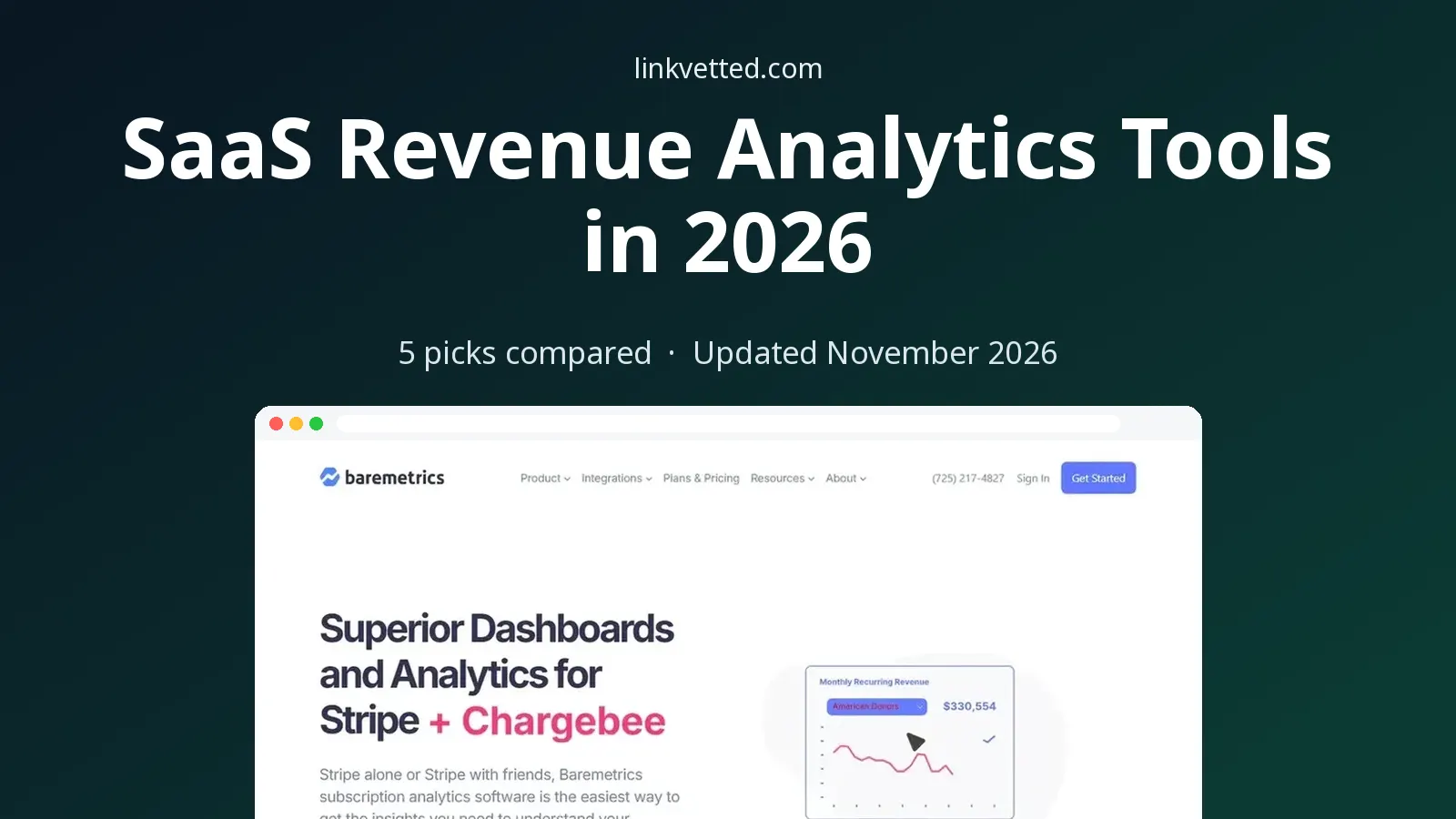
- Editor's choiceBaremetrics
Fast subscription metrics and insights
Starts at$49 per monthVisit baremetrics.comFull review - Great alternative
 Recurly
Billing and churn reporting
Starts at$249 a monthVisit recurly.comFull review - Also consider
 Maxio
B2B SaaS billing and financial reporting
Starts at$599 a monthVisit maxio.comFull review
Direct answer
This list puts Baremetrics first for fast subscription metrics and insights. Listed starting prices: Baremetrics from $49 per month, Recurly from $249 a month and Maxio from $599 a month. Alternatives: Recurly for billing and churn reporting, and Maxio for B2B SaaS billing and financial reporting. The full list of 5 tools follows, with prices and free plan facts.
TL;DR:
- Baremetrics takes the first slot, best suited to fast subscription metrics and insights.
- The cheapest monthly starting price in the list is $49 per month, offered by Baremetrics.
- Just one of the 5 tools, ChartMogul, has a free plan.
- Before buying Baremetrics, weigh this: restricted to subscription analytics scope.
- ChartMogul suits subscription intelligence and benchmarks.
Last checked November 2026. Prices and plan details were read from the vendors' own pages in November 2026; vendors change plans often, so confirm the current price on the vendor site before you buy.
Quick comparison
| Tool | Best for | Starts at | Free plan? | |
|---|---|---|---|---|
| Baremetrics | Fast subscription metrics and insights | $49 per month | Free trial | Visit |
| Recurly | Billing and churn reporting | $249 a month | Free trial | Visit |
| Maxio | B2B SaaS billing and financial reporting | $599 a month | Not stated | Visit |
 Chargebee | Billing and revenue operations | $99 per month | Free trial | Visit |
| ChartMogul | Subscription intelligence and benchmarks | $57 per month | Yes | Visit |
SaaS Revenue Analytics Tools compared in detail
Short on time? The summary and table above give the quick view of 5 SaaS revenue analytics tools, and the profiles that follow give the detail behind each entry.
Baremetrics
Best for: Fast subscription metrics and insights
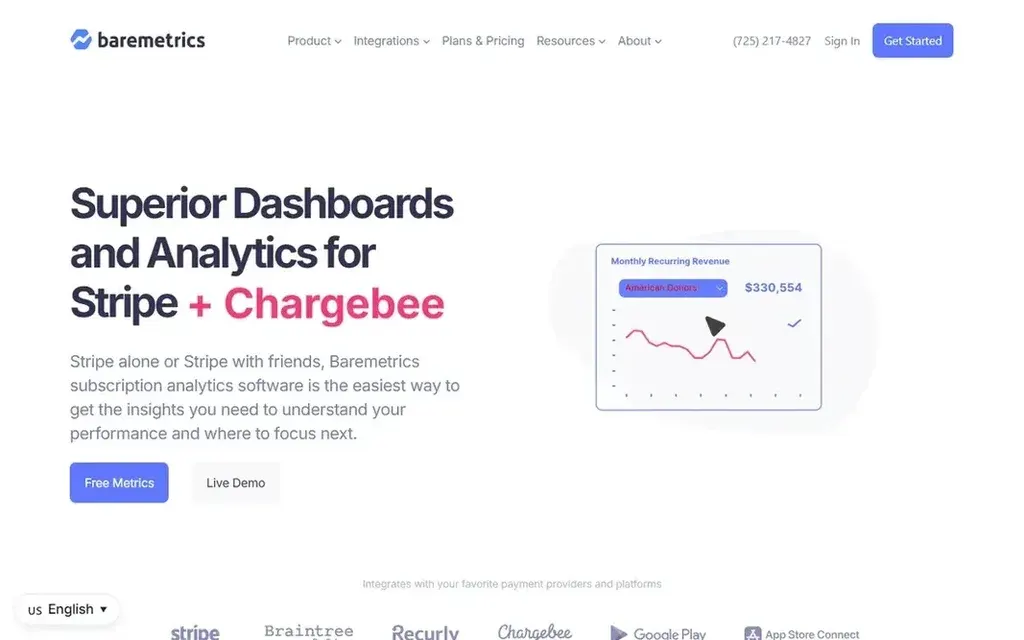
Baremetrics targets fast subscription metrics and insights. Choose something else if you need broad customization or SQL-based exploration.
It suits teams that want quick visibility into subscription performance without building custom reports, notably those looking for an analytics layer that surfaces key numbers rapidly. The starting price for Baremetrics: $49 per month. Free access: Free trial.
Where it falls short: Restricted to subscription analytics scope.
- Business insights alongside analytics
- One-click access to hundreds of metrics
- May not include billing operations

Recurly serves billing and churn reporting. It suits teams that want billing and revenue reporting combined, particularly those needing to deal with payment recovery and churn analysis within the same system.
Honest limits: Analytics tied to billing system.
On top of that, as a billing-centric system, its analytics are closely tied to its billing functions, which may not satisfy teams seeking standalone subscription intelligence or custom SQL analysis. Starting cost for Recurly: $249 per month. Free access: Free trial.
- Failed-payment recovery features
- Churn reporting included
- May be complicated for straightforward needs
Maxio makes the most sense for B2B SaaS billing and financial reporting. As a billing-centric product, its analytics may be less adaptable than dedicated subscription intelligence tools for custom exploration.
What you pay to start with Maxio: $599 per month. Free options: Not stated.
Drawbacks to consider: May suit B2B more than B2C.
- Simplified billing for SaaS
- Revenue recognition support
- Analytics tied to billing product
Chargebee is designed for billing and revenue operations. Whereas it spans revenue operations, teams seeking deep subscription analytics or benchmarks may need complementary tools.
Where it falls short: Broad system can be complicated.
It suits organizations that require to run diverse revenue models and want billing and revenue operations unified, especially those with complicated pricing structures. Starting cost for Chargebee: $99 per month. As for free access: Free trial.
- Powers billing and pricing
- Revenue operations focus
- Analytics may need extras
ChartMogul
Best for: Subscription intelligence and benchmarks
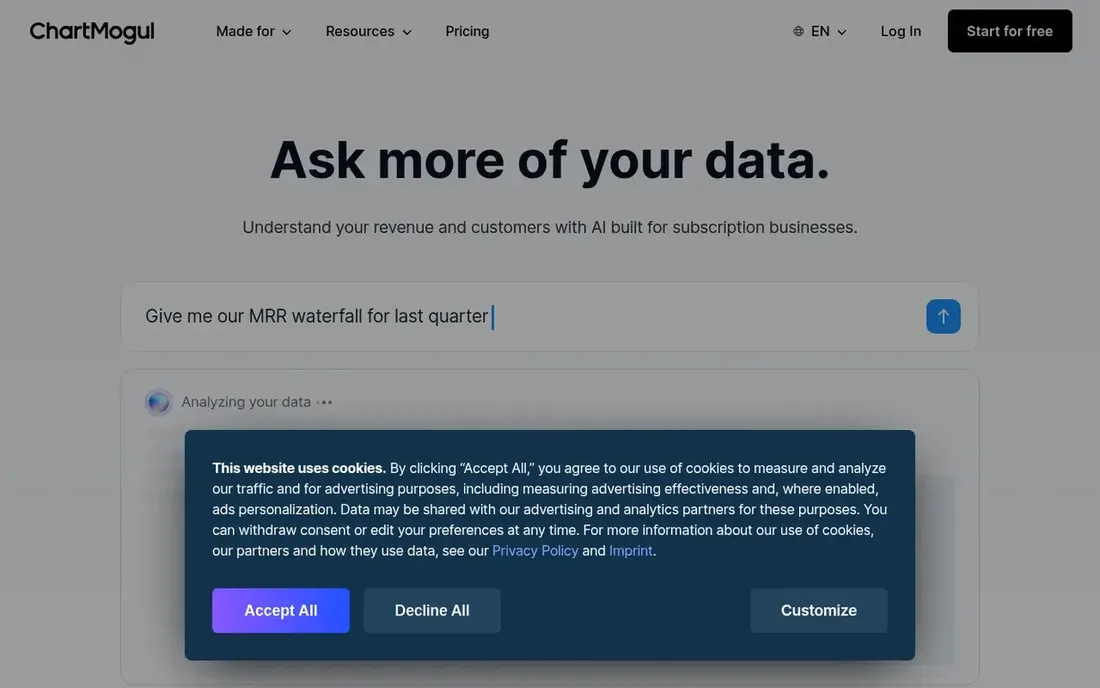
Pick ChartMogul if this describes you: subscription intelligence and benchmarks. ChartMogul positions itself as an AI-native stack for subscription intelligence, bringing analytics, engagement, and benchmarks into one live view. It is pitched at teams that want to understand current performance and shape future growth, especially those with subscription-based revenue models who require a consolidated picture of metrics and benchmarks.
Watch-outs: Centred on subscriptions, not general BI.
Consider alternatives if your priority is billing management or ad hoc data exploration instead of subscription analytics. For everyday use, since it centers on subscription intelligence, teams needing deep custom SQL analysis or billing operations may have to pair it with other tools. ChartMogul pricing: $57 per month. You can start on ChartMogul without paying.
- AI-native stack for subscription intelligence
- Live view of subscription performance
- May need setup for data sources
How these tools were picked
LinkVetted looked at what each vendor publishes: pricing, plan limits, feature coverage for SaaS revenue analytics tools and stated drawbacks. No hands-on testing is claimed. Figures are shown as the vendors publish them. Billing terms, seat minimums and add-ons can change the real cost. Position on the page reflects fit for a typical buyer first, with price clarity and free access breaking ties. Treat it as a guide, not a ruling.
What to check before you buy
- Prices are a starting point; Baremetrics shows $49 per month to start, so verify what your seat count would cost.
- Look at the free plan from ChartMogul closely: its caps decide whether it is usable for real work.
- Take the trial from Baremetrics, Recurly and Chargebee and push a live task through it before you pay.
- Before choosing Baremetrics, weigh its main limit: restricted to subscription analytics scope.
- See whether ChartMogul offers onboarding or training, and whether it is included in the price.
- The entry price of Chargebee is only the starting point; model the full cost with seats and extras.
FAQ
Can I try these options before paying?
Often, yes. ChartMogul has a free plan and Baremetrics, Recurly and Chargebee offer a free trial. Use your own data and a real task during the test, and check what the free tier or trial limits before you rely on it.
Is Baremetrics the right pick for everyone comparing SaaS revenue analytics tools?
No single tool suits every team. Baremetrics comes first because it fits quick subscription metrics and insights, while Recurly suits billing and churn reporting and Maxio suits B2B SaaS billing and financial reporting. Match the tool to your own size, budget and workflow before deciding.
What is the cheapest option for SaaS revenue analytics tools in this list?
On published monthly entry prices, Baremetrics is the lowest here at $49 per month. Entry price is only part of the cost, because seats, add-ons and billing terms can change the total. Each of the 5 options in this SaaS revenue analytics tools guide has its own card above with the price, free plan and limits.
What should I look for in a SaaS revenue analytics tool?
Focus on the metrics you need, for example recurring revenue, churn, and expansion, and whether the tool links up with your billing and payment systems. On top of that, consider if you need prebuilt dashboards, custom SQL analysis, or benchmarks to compare performance.
Which options for SaaS revenue analytics tools have a free plan?
ChartMogul is the only tool in this list with a free plan. Free plans usually cap users, projects or features, so check the limits on the vendor page. Several others offer a trial instead. All 5 picks in this SaaS revenue analytics tools comparison list a starting price, free plan details and the main limits on their cards above.
Sources
- https://baremetrics.com
- https://recurly.com
- https://www.maxio.com
- https://www.chargebee.com
- https://chartmogul.com