SaaS Operations Management Software in 2026: The 5 Best Options Side by Side
Shortlisting the best SaaS operations management software? 5 products compared on cost, free access and ideal buyer. Each entry gets a plain verdict. No filler.
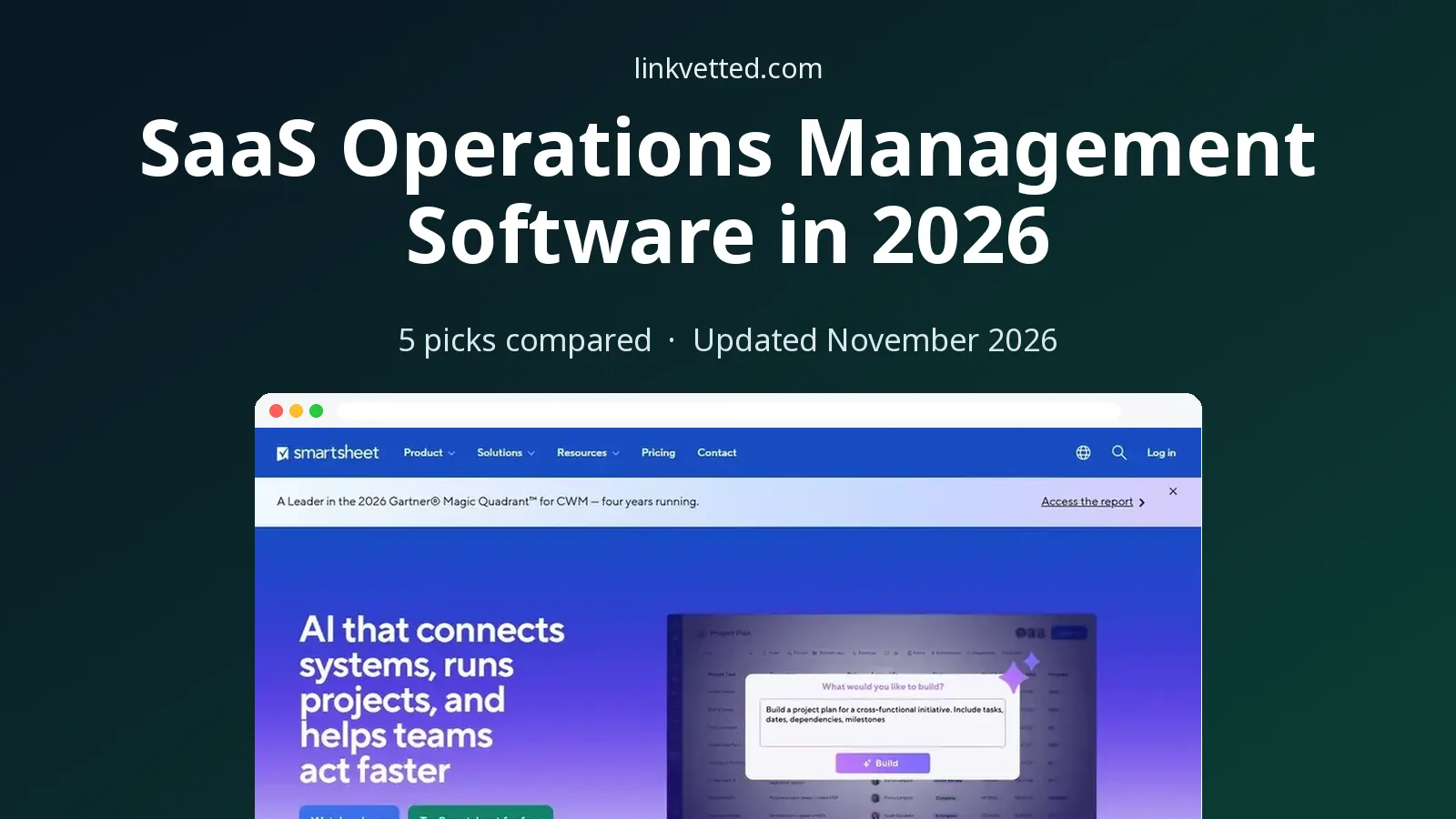
- Editor's choice
 ClickUp
Consolidating numerous work tools into one
Starts at$9 per user a monthVisit clickup.comFull review - Great alternative
 Airtable
Database-driven operations and custom apps
Starts at$20 per user a monthVisit airtable.comFull review - Also consider
 Smartsheet
Governed enterprise execution at scale
Starts at$12 per Member/monthVisit smartsheet.comFull review
Direct answer
ClickUp is the first pick on this list for consolidating numerous work tools into one. Listed starting prices: ClickUp from $9 per user a month, Airtable from $20 per user a month and Smartsheet from $12 per Member/month. Airtable fits database-driven operations and custom apps; Smartsheet fits governed enterprise execution at scale. The full list of 5 tools follows, with prices and free plan facts.
TL;DR:
- This list starts with ClickUp, which is built for consolidating numerous work tools into one.
- ClickUp, Airtable, Asana, Monday.com: these are the 4 tools out of 5 that offer a free plan.
- Starting prices begin at $9 per user per month with ClickUp.
- Smartsheet comes with a trade-off: interface feels more traditional.
Last checked November 2026. Prices and plan details were read from the vendors' own pages in November 2026; vendors change plans often, so confirm the current price on the vendor site before you buy.
Quick comparison
| Tool | Best for | Starts at | Free plan? | |
|---|---|---|---|---|
| ClickUp | Consolidating numerous work tools into one | $9 per user a month | Yes | Visit |
| Airtable | Database-driven operations and custom apps | $20 per user a month | Yes | Visit |
| Smartsheet | Governed enterprise execution at scale | $12 per Member/month | Not stated | Visit |
 Asana | Planning and executing critical workflows | $10.99 per user per month | Yes | Visit |
 Monday.com | Adaptable cross-team operations workspaces | $9 per seat per month | Yes | Visit |
5 options for SaaS operations management software in detail
Choosing SaaS operations management software usually comes down to price, fit and limits. This LinkVetted guide sets 5 tools side by side on those three points, with the facts kept short and checkable.
ClickUp is aimed squarely at consolidating plenty of work tools into one. Teams wanting a more straightforward, more opinionated structure may prefer Asana or Monday.com.
Where it is weaker: Feature density can overwhelm.
The breadth of features can feel overwhelming for new users, and inconsistent configuration across teams produces clutter. ClickUp starts at: $9 per user per month. ClickUp has a free plan.
- Wide feature coverage
- Goals and chat together
- Configuration discipline required
Airtable serves database-driven operations and custom apps. If you chiefly need standardized project execution instead of custom data workflows, a dedicated work management tool may be more straightforward.
Points against: Less concentrated on formal project governance.
On top of that, teams that require a light internal app instead of a rigid project tracker frequently find it a good fit. Airtable starts at: $20 per user per month. Airtable has a free plan.
- Custom app building
- Relational data structure
- Can need design decisions upfront
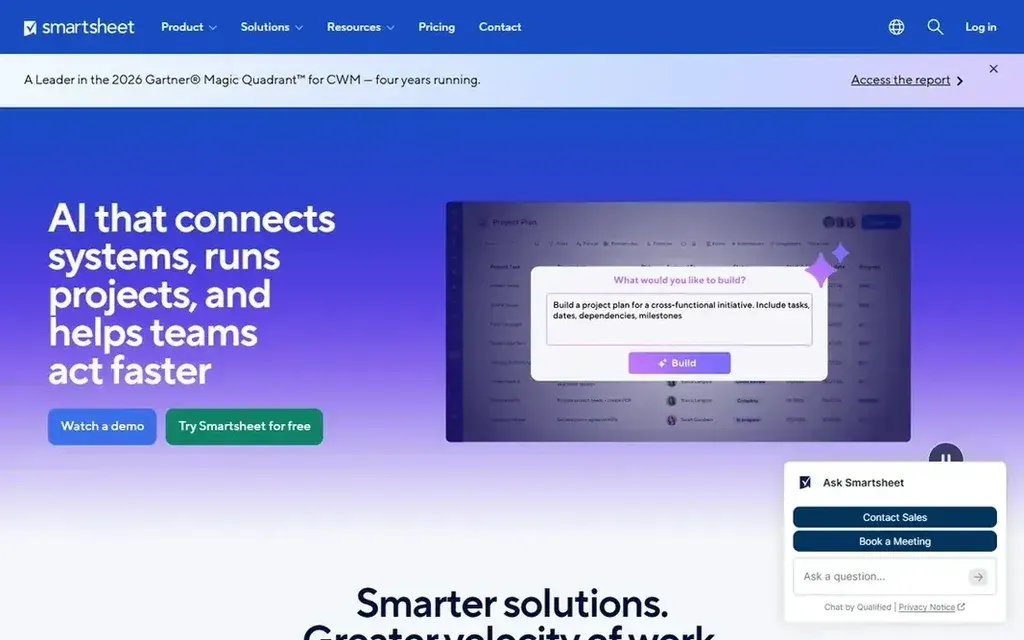
Where Smartsheet fits: governed enterprise execution at scale. Operations teams that already think in rows, sheets and structured trackers will find the model familiar.
Downsides: Interface feels more traditional.
As for the details, administrative setup can take real effort. From a buyer's view, the spreadsheet-derived approach is capable but less at once easy-to-learn for teams expecting modern board-first interfaces. Entry price for Smartsheet: $12 per Member/month. Free access: Not stated.
- Spreadsheet-style familiarity
- Governance and visibility focus
- Setup can need admin effort
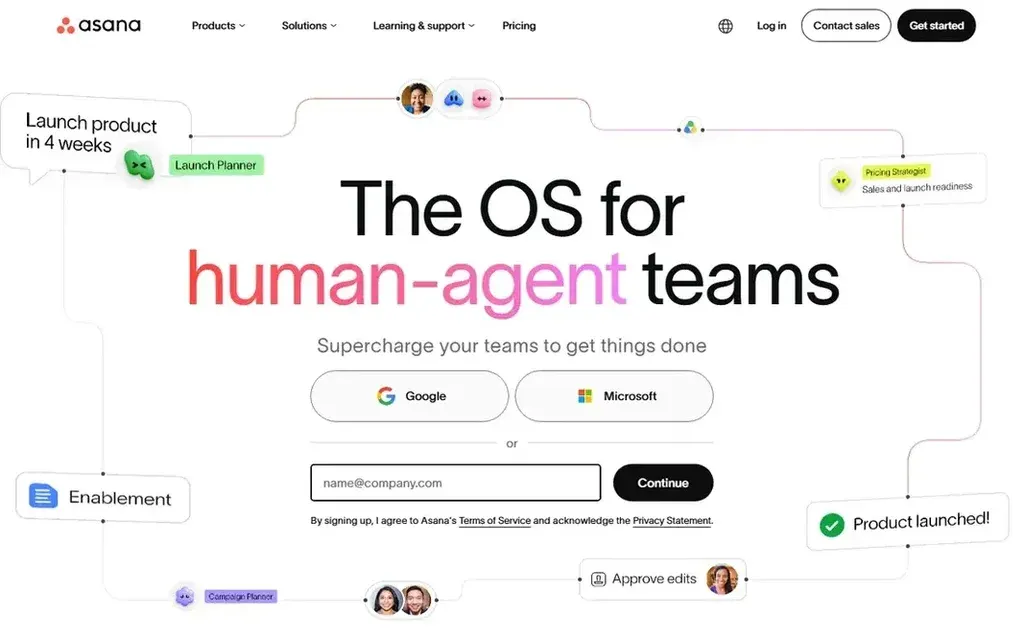
Think of Asana for planning and executing critical workflows. The structure is approachable for non-technical staff, which helps operations teams roll it out across departments without deep training.
Points against: Less suited to data-heavy operations.
In practice, some reporting depth relies on the plan you choose. For everyday use, Asana is project-centric, so operations that revolve around large datasets or relational records may feel constrained. Starting cost for Asana: $10.99 per user per month. A free plan is available with Asana.
- Automation for recurring work
- Clear project and task structure
- Advanced reporting tied to higher levels
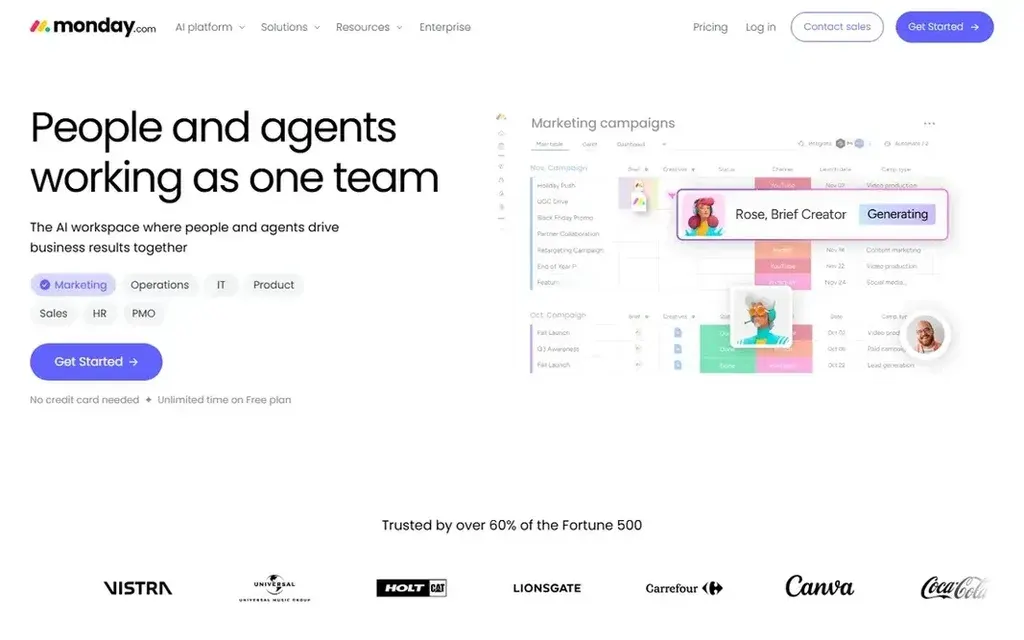
Pick Monday.com if this describes you: adaptable cross-team operations workspaces. It suits teams that want a visual, adaptable system without heavy configuration from day one, and it scales reasonably well across departments that require a typical operating view.
Watch-outs: Deep customization takes time.
Starting cost for Monday.com: $9 per seat per month. Monday.com offers a free plan.
- Visual boards and workflows
- AI agents alongside people
- Complicated setups need planning
How these tools were picked
Selection started from tools commonly considered for SaaS operations management software, then narrowed to 5 that have clear pricing information or a clear quote process. Where a vendor does not publish a price, the entry says quote. Where a price depends on seats or billing term, the entry says so. The order reflects how well each tool fits the most common buying scenario for SaaS operations management software, then price clarity, then free plan access. It is a starting point, not a verdict.
What to confirm before you sign up
- Check the vendor page for the current price: ClickUp starts at $9 per user per month here, and seats or billing terms can move it.
- Look at free plan limits closely: ClickUp, Airtable, Asana and Monday.com have one, and the caps decide whether it is usable for real work.
- Read the limits listed for ClickUp first: feature density can overwhelm.
- Ask Airtable which support channels and response times come with the plan you would buy.
- A short pilot of Smartsheet with your real workflow tells you more than a feature table.
FAQ
How are the tools for SaaS operations management software ordered?
ClickUp sits first and Monday.com last because the order follows typical fit for SaaS operations management software, then price clarity and free access. It is a judgement call, so read each profile for fit and limits.
What should SaaS operations teams look for in management software?
Prioritize workflow adaptability, clear ownership and visibility across teams, plus automation for repetitive handoffs. Governance and permissions matter as you scale, and integration with your existing SaaS stack avoids duplicate work.
Is ClickUp the right pick for everyone comparing SaaS operations management software?
No single tool suits every team. ClickUp comes first because it fits consolidating many work tools into one, while Airtable suits database-driven operations and custom apps and Smartsheet suits governed enterprise execution at scale. Match the tool to your own size, budget and workflow before deciding.
Do these tools publish their prices?
Yes. Every tool from ClickUp to Monday.com shows a starting price, though seats, add-ons and billing terms still change the final cost.
Can I try these options before paying?
Often, yes. ClickUp, Airtable, Asana and Monday.com have a free plan. Use your own data and a real task during the test, and check what the free tier or trial limits before you rely on it.
Sources
- https://clickup.com
- https://www.airtable.com
- https://www.smartsheet.com
- https://asana.com
- https://monday.com