Best Demo Software for SaaS Products in 2026: 8 Tools Compared
Compare the best demo software for saas products, with interactive tours, HTML demos, pricing, free plans, and tips for sales and marketing teams in 2026.
- Editor's choice
 Storylane
One demo library for sales, marketing, and presales
Starts at$40 per monthVisit storylane.ioFull review - Great alternative
 Navattic
Teams that want HTML demos as the core format
Starts atSee websiteVisit navattic.comFull review - Also consider
 Walnut
Sales teams personalizing demos per deal
Starts at$575 per monthVisit walnut.ioFull review
TL;DR:
- Screenshot tours are the cheapest way to start, while HTML demos cost more but let buyers click through a near-live product.
- Storylane is the broadest starting point for teams that want screenshot, HTML, and video demos in one library.
- Navattic and Walnut suit teams that treat the demo as a sales asset, with deeper personalization and higher prices to match.
- Supademo, Guideflow, and HowdyGo give smaller teams usable demos without enterprise pricing.
- Analytics matter as much as capture: a demo that shows where buyers drop off is worth more than a prettier tour.
Quick comparison
| Tool | Best for | Starts at | Free plan? | |
|---|---|---|---|---|
| Storylane | One demo library for sales, marketing, and presales | $40 per month | Yes | Visit |
| Navattic | Teams that want HTML demos as the core format | See website | Yes | Visit |
| Walnut | Sales teams personalizing demos per deal | $575 per month | No | Visit |
 Supademo | Cross-team demos on a startup budget | $38 per month | Yes | Visit |
 Guideflow | Teams that want granular price steps | $35 per month | Yes | Visit |
 HowdyGo | Small teams that want HTML demos with unlimited users | $159 per month | Free trial | Visit |
 Arcade | Marketing teams making fast, visual demos | See website | Yes | Visit |
 Reprise | Enterprise presales and complex product demos | See website | No | Visit |
The best demo software for saas products
A good demo lets a buyer try the product before a sales call, or helps a rep personalize a walkthrough for a specific deal. The tools below differ in format, price, and depth, so the right pick depends on whether marketing, sales, or presales owns the demo.
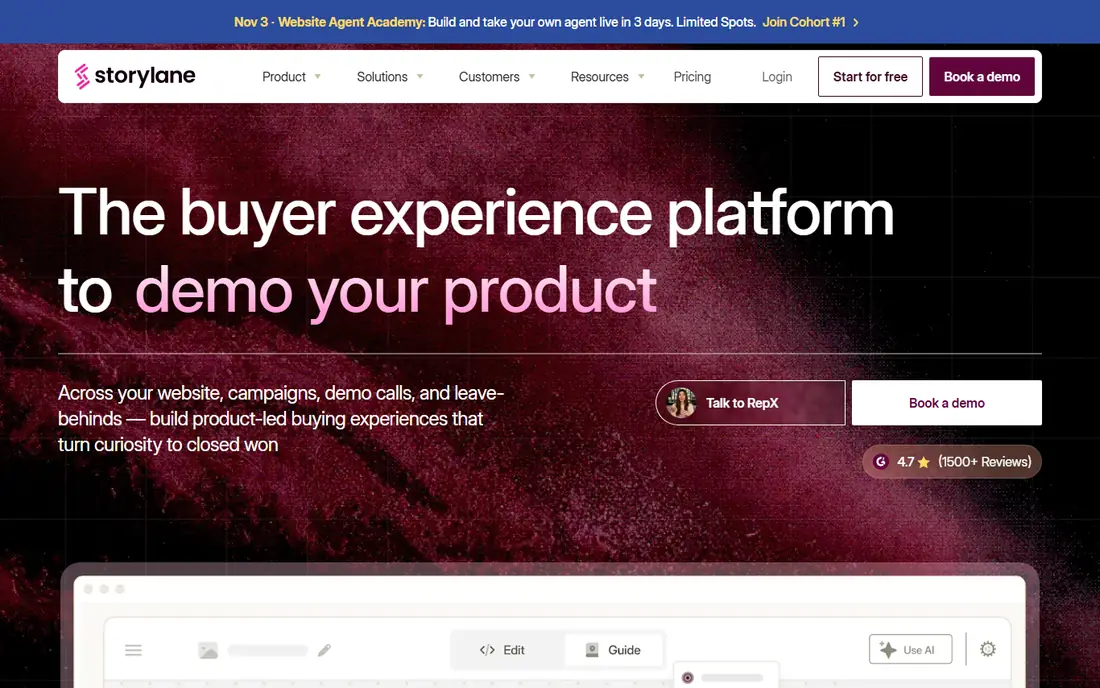
Storylane is the safest first evaluation for most SaaS teams because it covers the common formats in one place. Marketing can publish a screenshot tour on the website, sales can share a personalized demo after a call, and presales can group demos into hubs for a buying team. Analytics show which steps buyers complete and where they stop, which helps a team improve a tour instead of guessing.
The pricing catch is format tiering. Starter at $40 per month on annual billing covers screenshot demos, while HTML editing starts at Growth for $500 per month. A team that needs HTML as the core format should budget for Growth from the start. The free plan is useful for testing tour building, though advanced features stay behind paid tiers.
- Screenshot, HTML, and video demos in one editor
- Demo hubs for buyers
- Strong analytics
- HTML editing sits on the $500 Growth tier
- Per-seat pricing grows with larger teams
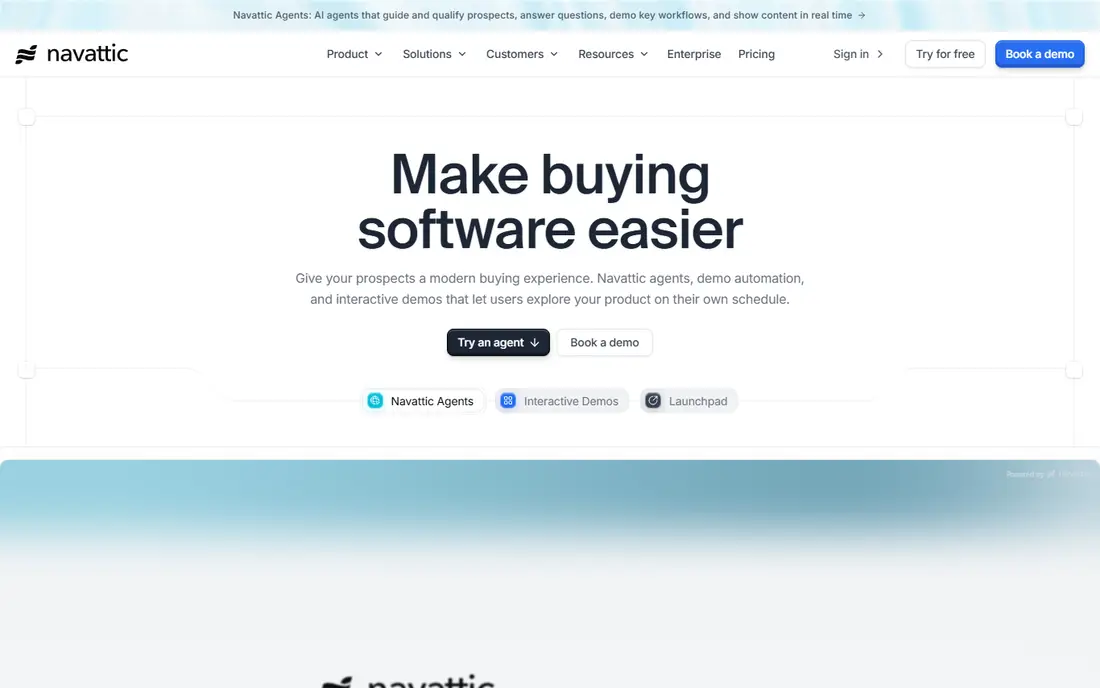
Navattic is built around HTML demos, which capture the real product interface rather than a set of screenshots. Buyers can click through flows, open menus, and get a feel for the product that a static tour cannot match. Launchpad helps sales teams share and track those demos after a call, which makes Navattic a sales asset as well as a marketing asset.
Pricing is the main frustration. The free Starter plan allows one demo, but paid Base and Growth plans are billed annually with prices on request. A team should ask for the full quote, including seat counts and sandbox access, before comparing Navattic to Storylane's published tiers. If HTML quality is the top priority, Navattic is worth that extra step.
- Mature HTML capture
- Launchpad for sales follow-up
- Free Starter with one demo
- Paid plan prices are not public
- Sandbox features sit on higher tiers
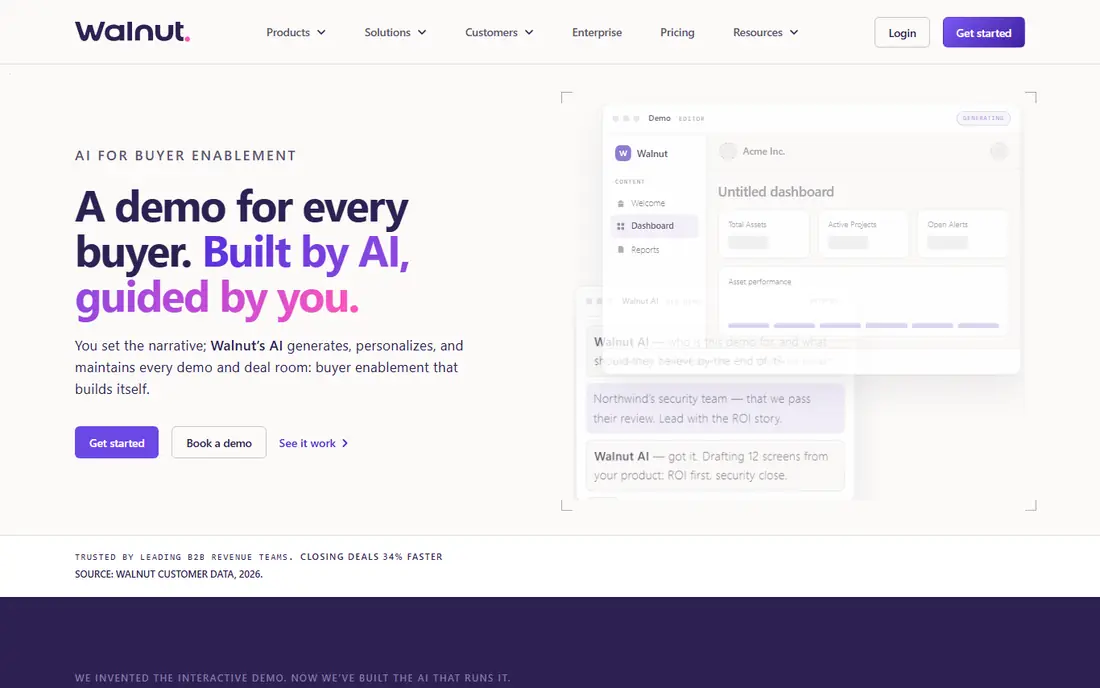
Walnut suits a sales-led team that tailors every demo to the prospect. Reps can edit data inside the demo so it shows the buyer's company name, metrics, or use case, rather than generic sample data. Playlists and presenter tools help a rep run a live walkthrough without switching tools, and AI drafting speeds up the first version of a new demo.
The price reflects that sales focus, starting at $575 per month on annual billing for the Ignite plan, with Accelerate at $1,550 per month. There is no self-serve free plan, so evaluation runs through sales. Walnut fits a team with a clear sales motion and deal sizes that justify the cost, not a startup that just needs a website tour.
- In-demo data editing
- AI-assisted demo drafting
- Presenter and playlist features
- No self-serve free plan
- Entry price is high for a small team
Supademo is a strong budget pick for a team that needs demos across sales, onboarding, and support without enterprise pricing. The free plan allows five demos, and the paid Scale plan starts at $38 per user per month. That makes it easy for a small team to publish a website tour, share a sales demo, and build onboarding guides in one tool.
The trade-off is depth. Supademo covers many formats, but a team that needs deep HTML editing, sandbox environments, or complex presales workflows may find Navattic or Reprise stronger. For most early-stage SaaS teams, Supademo's breadth and price beat that extra depth. Test the capture flow on your own product before committing.
- Screenshot, HTML, video, and Figma demos
- Free plan with five demos
- Low entry price
- HTML depth trails dedicated HTML tools
- Advanced features need higher tiers
Guideflow gives a team a clear ladder to climb. The free plan and $35 Solo plan cover basic tours, while Growth at $499 per month adds HTML capture, and Advanced at $1,499 per month adds sandbox and offline demos. That ladder helps a team start cheap and pay more only when a format or feature becomes necessary.
The catch is the same ladder. A team that needs HTML from day one should budget for Growth, not Solo, or it will hit a format wall early. Guideflow suits a team that wants to test demo-led marketing cheaply, then expand into sales and presales use cases as the demo library grows.
- Broad format coverage
- Five pricing tiers
- Free plan for testing
- HTML capture starts at the $499 Growth plan
- Sandbox sits on higher tiers
HowdyGo solves a common pricing pain: per-seat costs that grow as the team grows. Every plan allows unlimited users and unlimited demos, starting at $159 per month for Starter and $399 per month for Pro. That flat model suits a small team where marketing, sales, and product all need access to the demo tool.
The Starter plan is limited, with no analytics or integrations, so a team that needs to track buyer behavior should price Pro instead. HowdyGo fits a team that values HTML demos and flat pricing over deep analytics or enterprise controls. The 14-day trial is a good chance to test capture on a real product flow.
- Flat pricing with unlimited users
- HTML demos on every plan
- 14-day trial
- No analytics or integrations on Starter
- Single sign-on only on Enterprise
Arcade is built for speed. A marketer can record a flow, add AI voiceover, and publish a polished demo quickly, without the setup that heavier presales tools require. That speed suits website tours, launch announcements, and social content, where the goal is a clear visual story rather than a deep product sandbox.
The limit is depth. HTML capture sits on Enterprise, and Arcade's presales features are lighter than Storylane, Navattic, or Walnut. A marketing-led team that mainly needs visual demos will like Arcade. A presales team that needs personalized, data-rich demos for large deals should look at the enterprise options on this list.
- Fast recording-to-publish flow
- AI voiceovers
- Free plan for testing
- HTML capture is Enterprise-only
- Presales workflow is lighter than rivals
Reprise is the enterprise end of this list. It combines guided tours, data injection, and cloned product environments, so a presales team can show a near-live product with realistic data, without risking the live system. That depth matters for complex products where a screenshot tour cannot show the real workflow.
Pricing is quote-based, with an annual platform fee plus per-user licenses, and onboarding takes longer than a simple tour tool. Reprise fits a mid-market or enterprise team with a dedicated presales function and deal sizes that justify the investment. A small team should start with Storylane or Supademo and revisit Reprise when demo complexity becomes a sales bottleneck.
- Tours, data injection, and cloned environments in one vendor
- Strong presales depth
- Quote-based pricing
- Longer onboarding than guided-tour tools
How we picked these
We compared official pricing pages, feature pages, and current demo software comparisons for tools that build interactive product demos for SaaS teams. We favored tools with published or verifiable pricing, a free plan or trial where offered, and a clear format story: screenshot, HTML, video, or sandbox. We left out pure video recording tools that do not offer click-through demos, since a SaaS demo should let the buyer interact, not just watch.
How to choose the right demo format
Start with where the demo will live. A website tour needs to be short, clear, and fast to load, which favors screenshot or light HTML demos. A sales follow-up demo can be longer and more personalized, which favors HTML or data-edited demos. A presales evaluation may need a sandbox, where the buyer can try realistic data in a safe copy of the product.
Match the tool to the owner
If marketing owns the demo, pick a tool with fast publishing, hubs, and analytics, such as Storylane or Arcade. If sales owns it, pick a tool with personalization and presenter features, such as Walnut or Navattic. If presales owns it, pick a tool with data injection and cloned environments, such as Reprise. One tool can serve several owners, but the primary owner should drive the choice.
Measure what buyers actually do
Publish a demo, then watch the analytics. If buyers drop off at the same step, that step is either confusing or unnecessary, and the tour should change. If buyers finish the tour but never book a call, the call to action or the demo length needs work. A demo tool without analytics is a publishing tool, not a sales tool, so confirm analytics are included on the plan you buy.
FAQ
What is interactive demo software?
It is software that builds click-through product tours, HTML demos, or sandbox environments that buyers can explore on their own. Unlike a video, an interactive demo lets the buyer click buttons, open menus, and follow a guided flow. That hands-on feel helps buyers understand the product faster than a slide deck or a recorded walkthrough.
How much does demo software cost for a SaaS product?
Prices range from $35 to $40 per month for entry plans from Guideflow, Supademo, and Storylane, to $575 per month for Walnut and quote-based enterprise pricing for Reprise and Navattic paid plans. The right budget depends on format: screenshot tours are cheapest, while HTML and sandbox demos cost more.
Do I need HTML demos or are screenshot tours enough?
Screenshot tours are enough for a simple website tour or a short onboarding guide. HTML demos are better when buyers need to click through real flows, open menus, or see how the product handles their data. If your product has complex workflows, HTML demos will usually convert better, but they cost more to build and maintain.
Can demo software replace a live sales demo?
Not fully. Interactive demos work best before and after a live demo: before, to qualify interest, and after, to let the buying team explore on their own. Live demos still matter for complex questions, custom workflows, and building trust. The best teams use both, with the interactive demo doing the repeatable work.
Which demo tool is best for a small SaaS team?
Storylane and Supademo are strong starting points, since both offer free plans and entry prices near $38 to $40 per month. HowdyGo is worth a look if the team wants flat-priced HTML demos with unlimited users. Test capture on your own product, since ease of capture varies widely by product interface.
How do I measure demo success?
Track completion rate, drop-off steps, time spent, and downstream actions such as demo requests or trial signups. A high completion rate with no downstream action suggests the demo is clear but the call to action is weak. A sharp drop-off at one step suggests that step needs rewriting or removing.