The 6 Best Retail POS Systems for Startups in 2026, Ranked
Best retail POS systems for startups in 2026: 6 tools with starting prices, free plans and limits. Each profile ends with a plain caveat. Costs up front.
- Editor's choiceClover POS
Startups wanting an all-in-one POS
Starts atSee websiteVisit clover.comFull review - Great alternative
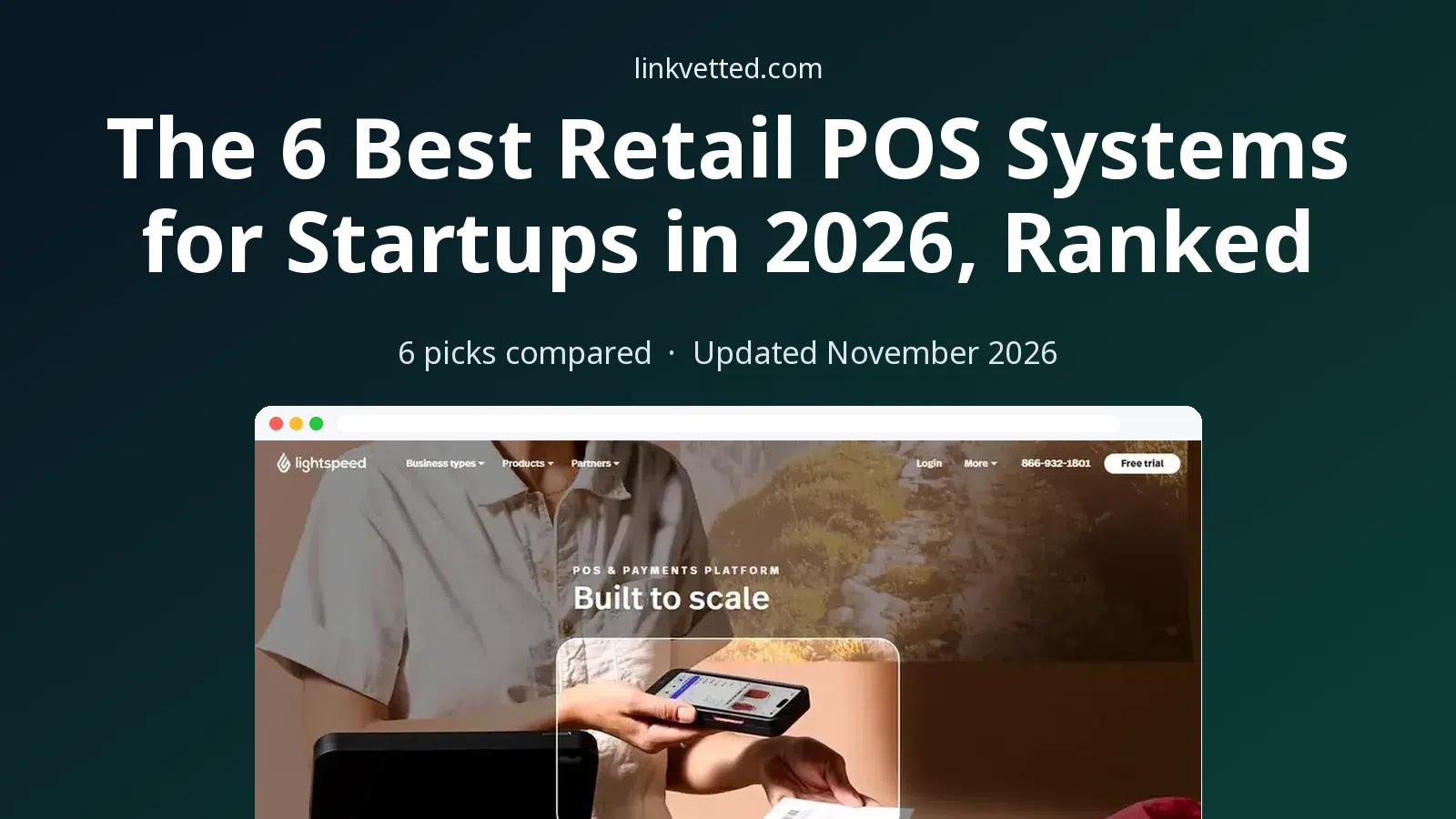
 Lightspeed Retail
Inventory-heavy retail startups
Starts atSee websiteVisit lightspeedhq.comFull review - Also considerSquare Point of Sale
Startups wanting adaptable retail POS
Starts atSee websiteVisit squareup.comFull review
Direct answer
If you need startups wanting an all-in-one POS, Clover POS is the first tool to look at here. Listed starting prices: Hike POS from $59 USD a month and Loyverse POS from $5 per store a month. Alternatives: Lightspeed Retail for inventory-heavy retail startups, and Square Point of Sale for startups wanting adaptable retail POS. The full list of 6 tools follows, with prices and free plan facts.
TL;DR:
- Clover POS takes the first slot, best suited to startups wanting an all-in-one POS.
- Only Loyverse POS offers a free plan among these 6 tools.
- Loyverse POS is the one to check for small retail startups needing mobile POS.
- The main caution on Lightspeed Retail: may be more than simple shops need.
- Loyverse POS has the lowest monthly starting price in this list: $5 per store per month.
Last checked November 2026. Prices and plan details were read from the vendors' own pages in November 2026; vendors change plans often, so confirm the current price on the vendor site before you buy.
Quick comparison
| Tool | Best for | Starts at | Free plan? | |
|---|---|---|---|---|
| Clover POS | Startups wanting an all-in-one POS | See website | Not stated | Visit |
| Lightspeed Retail | Inventory-heavy retail startups | See website | Not stated | Visit |
| Square Point of Sale | Startups wanting adaptable retail POS | See website | Not stated | Visit |
 Shopify POS | Retail startups selling online too | See website | Not stated | Visit |
| Hike POS | Startups wanting POS with built-in ecommerce | $59 USD a month | Free trial | Visit |
| Loyverse POS | Small retail startups needing mobile POS | $5 per store a month | Yes | Visit |
Every option for retail POS systems for startups explained
Choosing retail POS systems for startups usually comes down to price, fit and limits. This LinkVetted guide sets 6 tools side by side on those three points, with the facts kept short and checkable.
Clover POS
Best for: Startups wanting an all-in-one POS
In short, Clover POS is for startups wanting an all-in-one POS. Clover POS offers point-of-sale systems and credit card readers, presenting a combined hardware and software choice for retail checkout.
Drawbacks to consider: Hardware choices can affect adaptability.
Startups needing deep inventory or wholesale tools might look at specialized retail systems instead. In practice, the homepage frames Clover around POS systems and card readers, so it is a practical consideration for new shops that value a packaged setup and straightforward payment acceptance. Clover POS does not show a starting price in this comparison, so check the vendor site for current pricing. On free options: Not stated.
- Suited to small retail and service companies
- Hardware and software in one package
- Feature set varies by setup
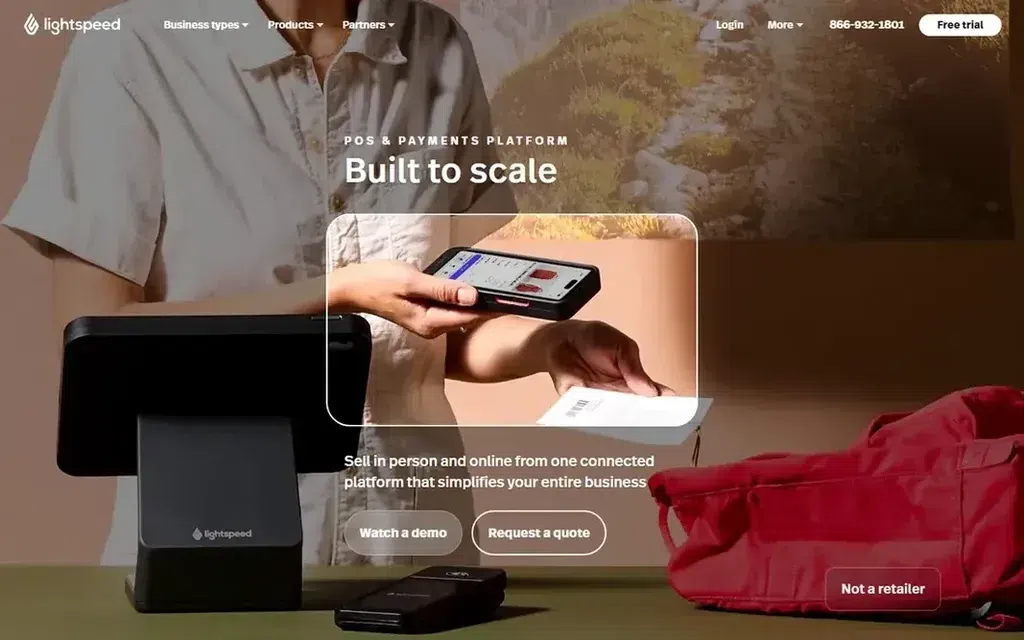
Lightspeed Retail was built for inventory-heavy retail startups. Startups with minimal inventory or purely online sales might prefer a more straightforward system.
Watch-outs: Setup can need more planning.
As for the details, Lightspeed Retail is a POS system designed for in-person retail, combining wholesale buying, inventory management, and selling in one place. Lightspeed Retail shows no starting price here, so confirm the cost on the vendor site. Trial and free access: Not stated.
- Wholesale buying and selling in one place
- Solid inventory management focus
- May be more than straightforward shops need
Square Point of Sale
Best for: Startups wanting adaptable retail POS
Square Point of Sale was built for startups wanting adaptable retail POS. Square's wide feature set can mean extras for specialized needs, and payment processing is tied to Square. Choose Square when you want a straightforward retail POS with room to add tools as you grow.
As for the details, Square Point of Sale is a retail POS system that includes checkout, appointments, invoices, and online keeps, with hardware available for in-person selling. It adapts to restaurants and service companies plus retail shops. From a buyer's view, startups with complicated inventory or wholesale requirements may find deeper retail systems a better fit. The homepage positions it as suitable for all firms, which makes it a practical starting point for new retailers testing their operations. Pricing for Square Point of Sale is not stated here, so ask the vendor for current figures. As for free access: Not stated.
The main drawbacks: Advanced features may need extras.
- Supports invoices and online keeps
- Suits restaurants and service companies too
- Payment processing tied to Square
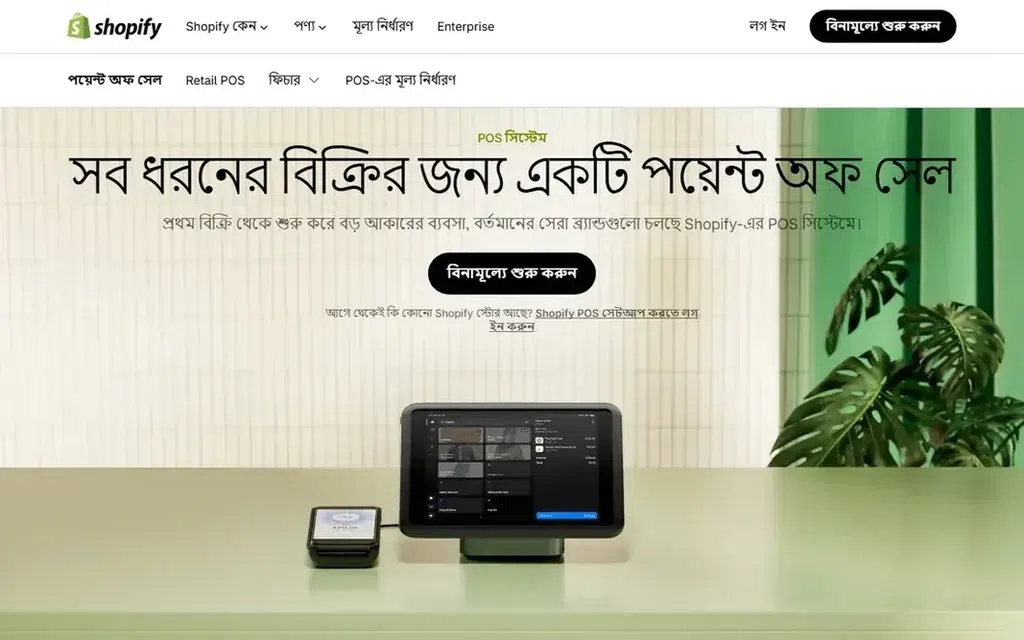
Shopify POS makes the most sense for Retail startups selling online too. The homepage emphasizes running the entire retail operation, making it a natural choice for new merchants already building an ecommerce presence.
In daily use, startups that only sell in person might find more straightforward standalone POS systems easier to adopt. No starting price is listed for Shopify POS here; confirm pricing on the vendor site. On free options: Not stated.
Points against: May need extras for advanced retail.
- Plugs into online store tools
- Comes with inventory management
- Best value within Shopify ecosystem
Hike POS
Best for: Startups wanting POS with built-in ecommerce
For startups wanting POS with built-in ecommerce, Hike POS is a natural candidate. Startups with very specialized inventory needs might prefer a system with deeper retail-specific tools. Beyond that, Hike POS may be less familiar than bigger POS brands, and feature depth can vary by retail type.
Where it falls short: Feature depth varies by retail type.
In daily use, Hike POS supplies quick point-of-sale software with integrated payments and built-in ecommerce built to scale. More specifically, the homepage emphasizes running the entire business, making it a candidate for new retailers who prefer an integrated software and payments approach from the start. Entry price for Hike POS: $59 USD per month. Trial and free access: Free trial.
- Quick POS software
- Built-in ecommerce meant to scale
- May be less known than bigger brands
Loyverse POS
Best for: Small retail startups needing mobile POS
In short, Loyverse POS is for small retail startups needing mobile POS. Startups planning complicated inventory or multi-channel selling might outgrow it rapidly.
The main drawbacks: Hardware ecosystem is narrower.
Worth adding: the homepage flags sales, inventory, and employee management, making it a practical choice for new retailers concentrated on essential POS functions. Price to start with Loyverse POS: $5 per store per month. Loyverse POS includes a free tier.
- Bundles employee management
- Simplifies sales and inventory
- May lack advanced retail features
What went into this list
LinkVetted looked at what each vendor publishes: pricing, plan limits, feature coverage for retail POS systems for startups and stated drawbacks. No hands-on testing is claimed. Treat prices as a snapshot: vendors change plans often, so check the vendor site for the figure that applies today. Tools are placed by general fit for retail POS systems for startups, with price clarity and free access as tie-breakers. A different team can reasonably rank them differently.
Things to verify first
- Ask Clover POS, Lightspeed Retail, Square Point of Sale and Shopify POS for a written quote, since no starting price is shown.
- Test the free plan from Loyverse POS against your real workload before relying on it.
- Take the trial from Hike POS and push a live task through it before you pay.
- Before choosing Clover POS, weigh its main limit: hardware choices can affect adaptability.
- Verify that exporting from Clover POS is possible on your plan and covers all your records.
- Look at the renewal terms for Square Point of Sale: auto-renewal, notice periods and price changes can matter more than the first-year price.
FAQ
Which options for retail POS systems for startups have a free plan?
Loyverse POS is the only tool in this list with a free plan. Free plans usually cap users, projects or features, so check the limits on the vendor page. One other tool offers a trial instead. For the full picture, the cards above cover all 6 entries of this retail POS systems for startups list, including price, free plan and limits.
How are the tools for retail POS systems for startups ordered?
Clover POS sits first and Loyverse POS last because the order follows typical fit for retail POS systems for startups, then price clarity and free access. It is a judgement call, so read each profile for fit and limits.
Is Clover POS the right pick for everyone comparing retail POS systems for startups?
No single tool suits every team. Clover POS comes first because it fits startups wanting an all-in-one POS, while Lightspeed Retail suits inventory-heavy retail startups and Square Point of Sale suits startups wanting flexible retail POS. Match the tool to your own size, budget and workflow before deciding.
Can I try these tools before paying?
Often, yes. Loyverse POS has a free plan and Hike POS offers a free trial. Use your own data and a real task during the test, and check what the free tier or trial limits before you rely on it. Prices, free plan details and limits for all 6 tools in this retail POS systems for startups roundup sit on the individual cards above.
How do I compare retail POS systems without practical testing?
Compare documented features, vendor pages, and stated limits for each system, focusing on retail workflows, payments, and integrations. Always confirm specifics on vendor sites before making a decision.
Sources
- https://www.clover.com/pos-systems
- https://www.lightspeedhq.com/pos/retail
- https://squareup.com/us/en/point-of-sale
- https://www.shopify.com/pos
- https://www.hikeup.com
- https://loyverse.com