6 Best POS Software for Startups for 2026, Vetted and Compared
Best POS software for startups, compared. 6 tools with published prices, free plans and limits. Trade-offs are spelled out for each entry. Choose faster.
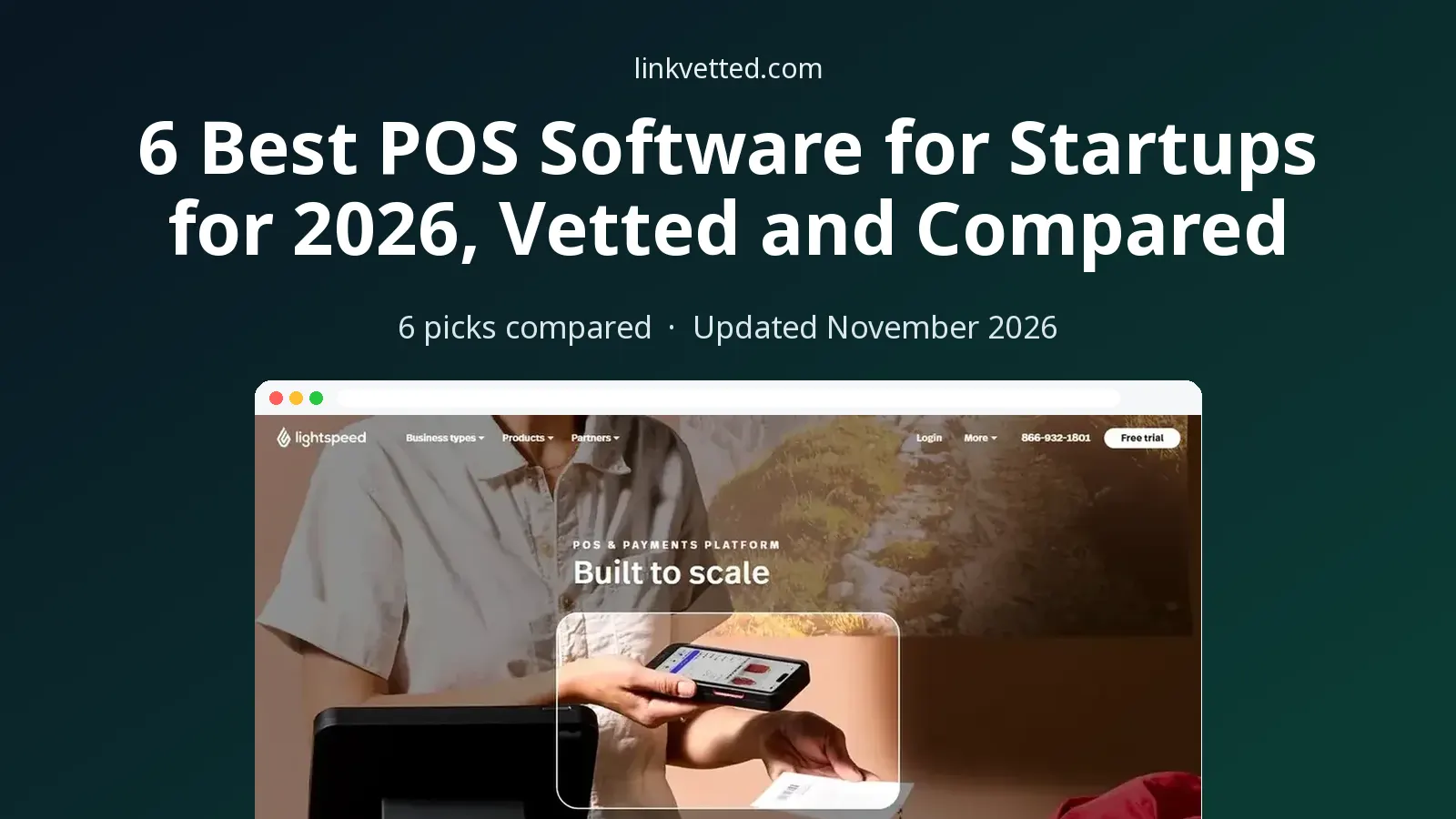
- Editor's choiceClover POS
Startups wanting an all-in-one POS setup
Starts atSee websiteVisit clover.comFull review - Great alternativeLoyverse POS
Small teams wanting mobile checkout
Starts at$5 per store per monthVisit loyverse.comFull review - Also considerVend
Retailers expanding across channels
Starts atSee websiteVisit vendhq.comFull review
Direct answer
Start with Clover POS if you need startups wanting an all-in-one POS setup. Listed starting prices: Loyverse POS from $5 per store per month. For a different need, Loyverse POS covers small teams wanting mobile checkout and Vend covers retailers expanding across channels. The remaining 3 options are covered below with prices and limits.
TL;DR:
- Clover POS sits first on this list: startups wanting an all-in-one POS setup.
- Loyverse POS is the only tool of the 6 with a free plan.
- Starting prices begin at $5 per store per month with Loyverse POS.
- Shopify POS suits startups already selling online.
- One limit worth knowing about Clover POS: hardware and software are closely tied.
Last checked November 2026. Prices and plan details were read from the vendors' own pages in November 2026; vendors change plans often, so confirm the current price on the vendor site before you buy.
Quick comparison
| Tool | Best for | Starts at | Free plan? | |
|---|---|---|---|---|
| Clover POS | Startups wanting an all-in-one POS setup | See website | Not stated | Visit |
| Loyverse POS | Small teams wanting mobile checkout | $5 per store per month | Yes | Visit |
| Vend | Retailers expanding across channels | See website | Not stated | Visit |
 Lightspeed Retail | Inventory-heavy retail startups | See website | Not stated | Visit |
| Square Point of Sale | Startups across retail, food and services | See website | Not stated | Visit |
 Shopify POS | Startups already selling online | See website | Not stated | Visit |
The 6 tools in detail
LinkVetted put together this guide to POS software for startups for readers who want a clear shortlist without reading every vendor page. It compares 6 tools on starting price, free plans, who each one suits and where each one falls short.
Clover POS
Best for: Startups wanting an all-in-one POS setup
Clover POS is built with startups wanting an all-in-one POS setup in mind. Clover POS is presented as a point of sale system paired with credit card readers, giving startups a combined hardware and software path to taking payments. As for the details, choose Clover when a tidy all-in-one terminal matters and your operations stay within its standard feature set.
Companies with complicated inventory, wholesale or multi-channel needs may prefer a software-first product. From a buyer's view, companies that want a ready-made terminal setup instead of assembling components separately frequently look here first. Clover POS does not show a starting price in this comparison, so check the vendor site for current pricing. Free plan details: Not stated.
Where it falls short: Hardware and software are closely tied.
- Positioned as a complete system
- Fits small business checkout
- Evaluate add-on needs carefully
Loyverse POS
Best for: Small teams wanting mobile checkout
Loyverse POS is designed for small teams wanting mobile checkout. Loyverse POS is a mobile point of sale system that simplifies sales, inventory and employee management for small companies, per its homepage. That adaptability keeps early setup straightforward whereas still tracking stock and staff activity.
Beyond that, as a small-business tool, it is not aimed at the deepest inventory or multi-location complexity. For everyday use, startups expecting rapid catalog growth or wholesale operations should compare a fuller retail product. The starting price for Loyverse POS: $5 per store per month. Loyverse POS has a free plan.
Downsides: Lighter depth for complex retail. Highlights: Mobile point of sale approach.
- Handles sales
- Geared toward small firms
- Best for more straightforward operations
Vend
Best for: Retailers expanding across channels
Choose Vend for retailers expanding across channels. Vend, now Lightspeed Retail (X-Series), helps inventory-based retailers simplify operations and grow across all channels, based on its homepage.
Trade-offs to know: Now part of Lightspeed Retail.
For everyday use, Vend remains relevant for retailers who value its established retail workflow and channel focus. No starting price is listed for Vend here; confirm pricing on the vendor site. On free options: Not stated.
- Aimed at inventory-based retailers
- Focus on simplifying operations
- New buyers should confirm current direction
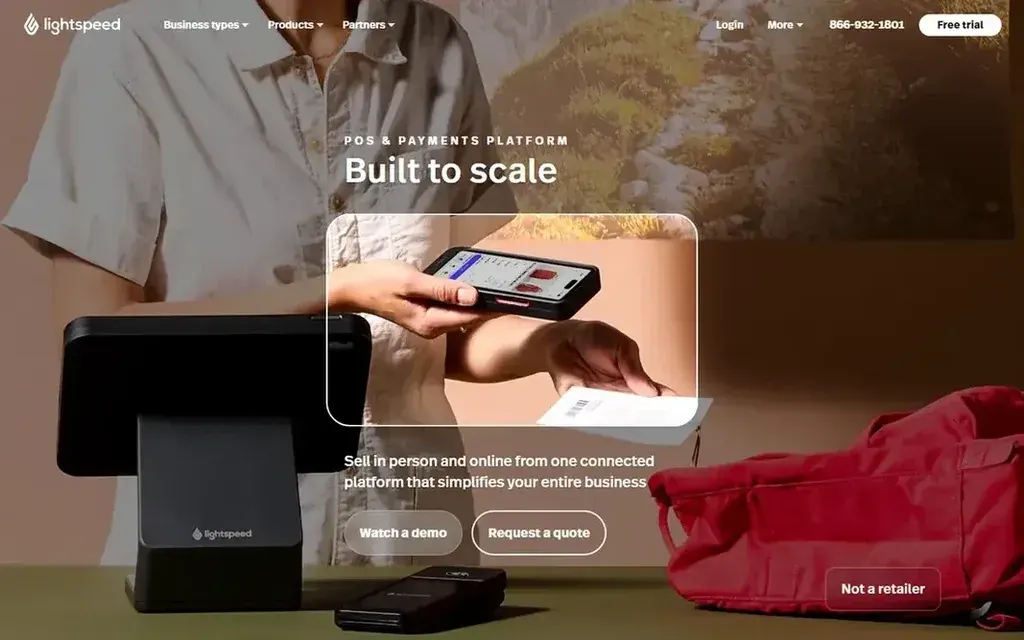
Pick Lightspeed Retail if this describes you: Inventory-heavy retail startups. Lightspeed Retail is a POS system made for in-person retail, with wholesale buying, inventory management and selling handled in one place based on its homepage. In daily use, startups with real stock to track, like a shop with plenty of variants or a business buying wholesale, get inventory logic at the center instead of as an afterthought.
Points against: Targeted at retail rather than services.
The feature set can feel like more than a very small operation needs at the start. For everyday use, consider it when inventory accuracy and wholesale workflows are core to your model instead of a later add-on. Pricing for Lightspeed Retail is not stated here, so ask the vendor for current figures. Free access: Not stated.
- Wholesale buying and inventory in one place
- Supports selling across channels
- Setup may suit established catalogs better
Square Point of Sale
Best for: Startups across retail, food and services
Pick Square Point of Sale if this describes you: startups across retail, food and services. Choose Square when you want one familiar foundation and can add specialized tools later as requirements become clearer. The trade-off is that a general-purpose system may not go as deep as niche software for complicated inventory or specialized restaurant workflows.
Upsides: Spans retail.
Square Point of Sale is a wide POS system positioned for restaurants, retail and other business types. Its homepage flags appointments, invoices, online keeps and hardware alongside core checkout. Check the vendor site for Square Point of Sale pricing; none is listed in this comparison. Free options: Not stated.
Honest limits: Feature depth varies by business type.
- Hardware choices from the same vendor
- Comes with invoices and online store features
- Advanced needs may need add-on tools
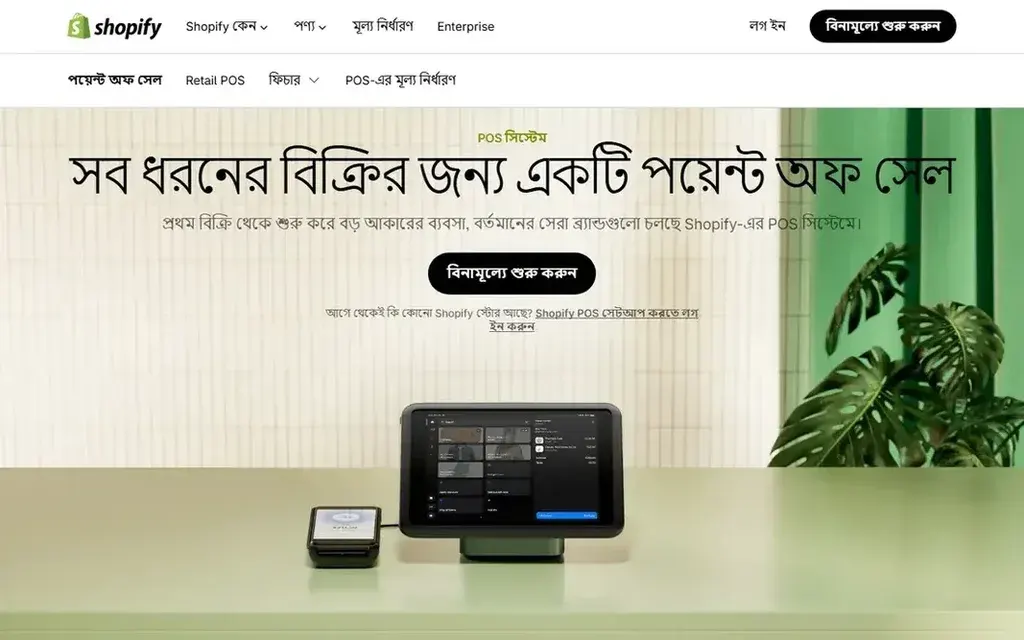
Shopify POS was built for startups already selling online. A business that sells only in person, or that needs deep wholesale or specialized retail workflows, may find a standalone POS more straightforward to run. From a buyer's view, Shopify POS brings in-store checkout together with inventory management and the rest of the Shopify retail stack.
Its homepage describes integrating everything needed to run a retail business, from inventory to checkout. Pick Shopify POS when channel consistency matters more than standalone simplicity. Shopify POS does not show a starting price in this comparison, so check the vendor site for current pricing. Free access: Not stated.
Where it is weaker: Best value if you use Shopify already.
- Suits retail companies of plenty of sizes
- Links in-store checkout to online selling
- Retail focus may not fit every model
How we chose
Selection started from tools commonly considered for POS software for startups, then narrowed to 6 that have clear pricing information or a clear quote process. Seat minimums, billing terms and add-ons can move the real cost, so the starting prices here are a guide and not a quote. We ordered the tools by general fit, then by how clearly pricing is shown, then by free access. A buyer with unusual needs may reorder them.
Things to verify first
- Ask Clover POS, Vend, Lightspeed Retail and others for a written quote, since no starting price is shown.
- Test the free plan from Loyverse POS against your real workload before relying on it.
- Read the limits listed for Clover POS first: hardware and software are closely tied.
- Confirm the exact Clover POS plan that includes your must-have features.
- Look at the help docs and support options for Vend before you commit.
FAQ
What should a startup look for in POS software first?
A startup selling only in person has different requirements from one already selling online. Also, confirm hardware compatibility and integrations before committing.
Can I try these tools before paying?
Often, yes. Loyverse POS has a free plan. Use your own data and a real task during the test, and check what the free tier or trial limits before you rely on it. For the full picture, the cards above cover all 6 entries of this POS software for startups list, including price, free plan and limits.
What is the cheapest option for POS software for startups in this list?
On published monthly entry prices, Loyverse POS is the lowest here at $5 per store per month. Entry price is only part of the cost, because seats, add-ons and billing terms can change the total. Prices, free plan details and limits for all 6 tools in this POS software for startups roundup sit on the individual cards above.
How are the tools for POS software for startups ordered?
Clover POS sits first and Shopify POS last because the order follows typical fit for POS software for startups, then price clarity and free access. It is a judgement call, so read each profile for fit and limits.
Is Clover POS the right pick for everyone comparing POS software for startups?
No single tool suits every team. Clover POS comes first because it fits startups wanting an all-in-one POS setup, while Loyverse POS suits small teams wanting mobile checkout and Vend suits retailers growing across channels. Match the tool to your own size, budget and workflow before deciding.
Sources
- https://www.clover.com/pos-systems
- https://loyverse.com
- https://www.vendhq.com
- https://www.lightspeedhq.com/pos/retail
- https://squareup.com/us/en/point-of-sale
- https://www.shopify.com/pos