Best Retail POS Systems for Remote Teams (2026): 5 Picks Checked on Vendor Pages
Need the best retail POS systems for remote teams? We compare 5 tools on cost, free access and who each suits. Each pick lists its main limit. Straight answers.
- Editor's choice
 ERPNext
Open source ERP with retail modules
Starts at$5 onwards a monthVisit erpnext.comFull review - Great alternative
 Clover
Adaptable POS with card readers
Starts atSee websiteVisit clover.comFull review - Also consider
 Shopify POS
Unified commerce across online and in-store
Starts atSee websiteVisit shopify.comFull review
Direct answer
ERPNext is the first pick on this list for open source ERP with retail modules. Listed starting prices: ERPNext from $5 onwards a month and Loyverse POS from $5 per store a month. Look at Clover for adaptable POS with card readers, and at Shopify POS for unified commerce across online and in-store. The other 2 tools in the list cover narrower or pricier cases.
TL;DR:
- Top of the list is ERPNext, which targets open source ERP with retail modules.
- Just one of the 5 tools, Loyverse POS, has a free plan.
- Starting prices begin at $5 onwards per month with ERPNext.
- For small businesses needing mobile POS, Loyverse POS is worth a look.
Last checked November 2026. Prices and plan details were read from the vendors' own pages in November 2026; vendors change plans often, so confirm the current price on the vendor site before you buy.
Quick comparison
| Tool | Best for | Starts at | Free plan? | |
|---|---|---|---|---|
| ERPNext | Open source ERP with retail modules | $5 onwards a month | Free trial | Visit |
| Clover | Adaptable POS with card readers | See website | Not stated | Visit |
| Shopify POS | Unified commerce across online and in-store | See website | Not stated | Visit |
 Square for Retail | All-in-one retail operations | See website | Not stated | Visit |
| Loyverse POS | Small firms needing mobile POS | $5 per store a month | Yes | Visit |
5 retail POS systems for remote teams in detail
Short on time? The summary and table above give the quick view of 5 retail POS systems for remote teams, and the profiles that follow give the detail behind each entry.
ERPNext was built for open source ERP with retail modules. ERPNext is not a dedicated POS system first, so teams wanting a ready-to-use retail POS may face more setup and technical overhead.
On top of that, consider ERPNext when deep customization and open source adaptability outweigh out-of-the-box retail simplicity. ERPNext starts at: $5 onwards per month. Free access: Free trial.
Points against: Needs technical setup.
- Open source and configurable
- Integrates wide business functions
- Not a dedicated POS first
Clover is a good fit for adaptable POS with card readers. The depth of inventory and remote management features can vary based on the specific setup and extras chosen. For everyday use, Clover gives you POS systems and credit card readers for retail firms.
It is widely known for adaptable hardware configurations that can suit different store layouts and team sizes. As for the details, Retail teams looking for a practical in-store payment and sales setup may find Clover a reasonable choice, notably when remote staff have to monitor transactions and inventory from a distance. This comparison lists no price for Clover; ask the vendor. On free options: Not stated.
The main drawbacks: Feature depth varies by setup.
- Integrated card readers
- Modular hardware choices
- Remote management may need extras
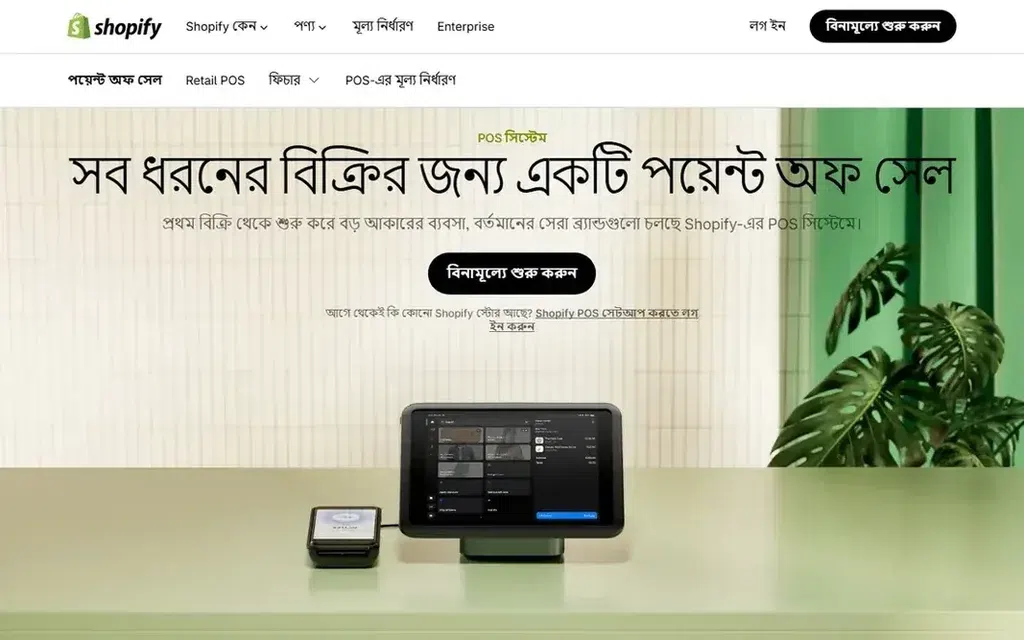
Think of Shopify POS for unified commerce across online and in-store. Shopify POS is a point-of-sale system that integrates everything to run your retail business, from inventory management to checkout.
In daily use, the system is most cohesive when used with Shopify's broader commerce tools, so teams outside that ecosystem may find some features redundant. Pricing for Shopify POS is not stated here, so ask the vendor for current figures. Free plan details: Not stated.
What to check first: Best value within Shopify ecosystem.
- Integrates inventory and checkout
- Links to Shopify's commerce product
- May need extras for advanced needs
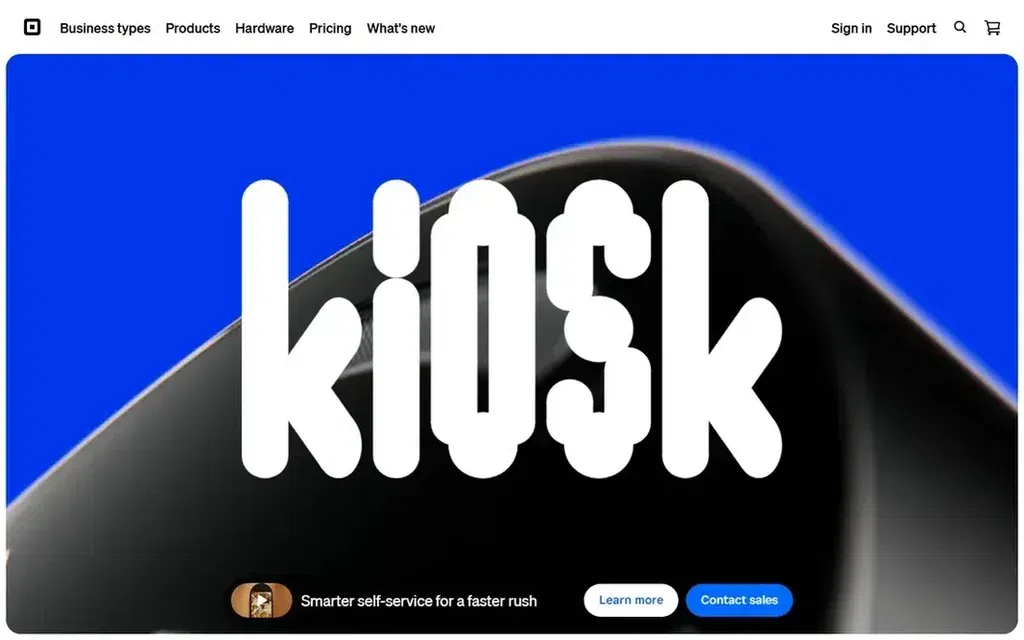
Square for Retail is aimed squarely at all-in-one retail operations. It fits retail teams that want a single system for daily operations and remote visibility into stock and transactions.
Worth adding: otherwise, consider a system made for deeper customization. This comparison lists no price for Square for Retail; ask the vendor. Free options: Not stated.
Watch-outs: Advanced features may need extras.
What Square for Retail does well: Runs inventory, sales.
- Customer data
- Built as an all-in-one system
- Hardware ecosystem is proprietary
Loyverse POS
Best for: Small firms needing mobile POS
Loyverse POS works best for small companies needing mobile POS. For bigger retailers with advanced inventory, wholesale, or multi-location needs, Loyverse POS may not offer the depth required.
In daily use, choose Loyverse POS when simplicity and mobile access are more important than broad feature sets. The starting price for Loyverse POS: $5 per store per month. You can start on Loyverse POS without paying.
Where it falls short: Best for smaller operations.
- Mobile point-of-sale system
- Simplifies sales and inventory
- May lack advanced retail features
How these tools were picked
The comparison looks at four things: starting price, free access, how well the feature set matches retail POS systems for remote teams, and the main limit of each tool. Figures are shown as the vendors publish them. Billing terms, seat minimums and add-ons can change the real cost. Tools are placed by general fit for retail POS systems for remote teams, with price clarity and free access as tie-breakers. A different team can reasonably rank them differently.
A buyer's checklist
- Get a written quote from Clover, Shopify POS and Square for Retail; the list shows no starting price for them.
- Look at the free plan from Loyverse POS closely: its caps decide whether it is usable for real work.
- Use real work to test the free trial from ERPNext, rather than a demo project.
- Before choosing ERPNext, weigh its main limit: needs technical setup.
- Confirm the exact ERPNext plan that includes your must-have features.
- Verify that exporting from Square for Retail is possible on your plan and covers all your records.
FAQ
Which options for retail POS systems for remote teams have a free plan?
Loyverse POS is the only tool in this list with a free plan. Free plans usually cap users, projects or features, so check the limits on the vendor page. One other tool offers a trial instead. Prices, free plan details and limits for all 5 tools in this retail POS systems for remote teams roundup sit on the individual cards above.
What should remote teams look for in a retail POS system?
Remote teams should prioritize cloud-based access, live inventory visibility, and user permissions that allow staff to handle sales and stock from different locations.
Can I try these tools before paying?
Often, yes. Loyverse POS has a free plan and ERPNext offers a free trial. Use your own data and a real task during the test, and check what the free tier or trial limits before you rely on it. Each of the 5 options in this retail POS systems for remote teams guide has its own card above with the price, free plan and limits.
What is the cheapest option for retail POS systems for remote teams in this list?
On published monthly entry prices, ERPNext is the lowest here at $5 onwards per month. Entry price is only part of the cost, because seats, add-ons and billing terms can change the total.
How does ERPNext compare to dedicated retail POS systems?
It supplies customization and wide business integration, which can suit teams with technical resources. Dedicated POS systems like Shopify POS or Square for Retail may be more straightforward to deploy for pure retail needs.
How are the tools for retail POS systems for remote teams ordered?
ERPNext sits first and Loyverse POS last because the order follows typical fit for retail POS systems for remote teams, then price clarity and free access. It is a judgement call, so read each profile for fit and limits.
Sources
- https://erpnext.com
- https://www.clover.com
- https://www.shopify.com/pos
- https://squareup.com/us/en/point-of-sale/retail
- https://loyverse.com