Top 6 Retail Analytics Software for Enterprise for 2026 (Prices and Free Plans)
Best retail analytics software for enterprise: 6 tools compared on price, free plans and fit. Hidden costs and gaps are flagged. Updated November 2026.
- Editor's choice
 Domo
Connecting and moving data from numerous sources
Starts atSee websiteVisit domo.comFull review - Great alternativeMicroStrategy
Universal semantic layer for governed AI
Starts at$13 per user a monthVisit microstrategy.comFull review - Also consider
 Adobe Analytics
Digital experience and marketing analytics
Starts atSee websiteVisit business.adobe.comFull review
Direct answer
Start with Domo if you need connecting and moving data from plenty of sources. Listed starting prices: MicroStrategy from $13 per user a month. Alternatives: MicroStrategy for universal semantic layer for governed AI, and Adobe Analytics for digital experience and marketing analytics. The full list of 6 tools follows, with prices and free plan facts.
TL;DR:
- This list starts with Domo, which is built for connecting and moving data from numerous sources.
- None of the 6 tools, from Domo to SAP Analytics Cloud, has a free plan, so budget for a subscription or use a trial.
- A fair warning about Domo: wide scope can need governance planning.
- The lowest published monthly entry price here is $13 per user per month, from MicroStrategy.
- For enterprises combining BI, planning and prediction, SAP Analytics Cloud is worth a look.
Last checked November 2026. Prices and plan details were read from the vendors' own pages in November 2026; vendors change plans often, so confirm the current price on the vendor site before you buy.
Quick comparison
| Tool | Best for | Starts at | Free plan? | |
|---|---|---|---|---|
| Domo | Connecting and moving data from numerous sources | See website | Free trial | Visit |
| MicroStrategy | Universal semantic layer for governed AI | $13 per user a month | Free trial | Visit |
| Adobe Analytics | Digital experience and marketing analytics | See website | Not stated | Visit |
| SAS Retail Analytics | Retail-specific analytics across the customer journey | See website | Not stated | Visit |
| Google Cloud Looker | Governed metrics and embedded analytics | See website | Not stated | Visit |
| SAP Analytics Cloud | Enterprises combining BI, planning and prediction | See website | Not stated | Visit |
Every option for retail analytics software for enterprise explained
LinkVetted compared 6 tools for retail analytics software for enterprise. The goal is a practical shortlist: published prices, free plan facts, best-fit use cases and honest limits for every entry.
Domo is a good fit for connecting and moving data from plenty of sources. It suits enterprises that require to consolidate fragmented retail data and provide business users quicker paths to insight without heavy engineering.
What to check first: Value relies on source data quality.
- Accelerates business-critical insights
- Links data from numerous sources
- Wide scope can need governance planning
MicroStrategy
Best for: Universal semantic layer for governed AI
MicroStrategy targets universal semantic layer for governed AI. It suits large retailers that require consistent metric definitions across plenty of teams and tools, and that treat governed data as a prerequisite for AI initiatives.
For everyday use, teams wanting fast retail-specific dashboards may prefer a purpose-built retail analytics product. Price to start with MicroStrategy: $13 per user per month. Free options: Free trial.
Where it is weaker: Semantic modeling needs dedicated effort.
- Universal semantic layer brings together enterprise data
- Provides trusted AI and analytics broadly
- Governance setup can slow early rollout
Where Adobe Analytics fits: digital experience and marketing analytics. It suits retailers with large e-commerce and marketing operations that require to link campaign performance to on-site behavior and customer journeys.
Where it is weaker: Most solid for digital instead of store data.
Its center of gravity is digital experience data, so store operations and supply chain analysis may need other tools. Adobe Analytics does not show a starting price in this comparison, so check the vendor site for current pricing. On free options: Not stated.
- Brings together customer data across channels
- Measures digital marketing performance
- Needs clean data integration to deliver
SAS Retail Analytics
Best for: Retail-specific analytics across the customer journey
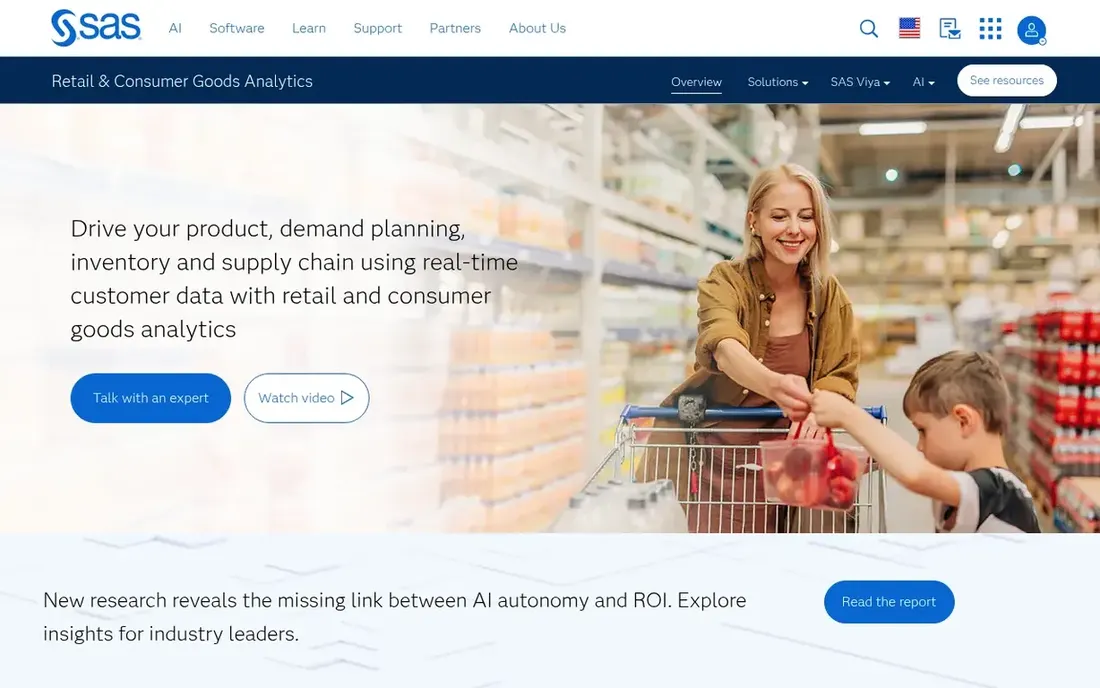
In short, SAS Retail Analytics is for Retail-specific analytics across the customer journey. SAS Retail Analytics is positioned around retail and consumer goods, applying analytics to each step of the customer journey to support better connections and deeper insights.
Honest limits: Specialized setup may need skilled analysts.
The system is wide and specialized, so teams without analytics resources may find it heavy for straightforward reporting. For everyday use, if you primarily need self-service dashboards with a governed semantic layer, a general business intelligence system may be a more straightforward starting point. SAS Retail Analytics does not show a starting price in this comparison, so check the vendor site for current pricing. Free access: Not stated.
- Supports deeper customer insights
- Built around retail and consumer goods use cases
- Wide product can feel complicated for straightforward needs
Google Cloud Looker
Best for: Governed metrics and embedded analytics
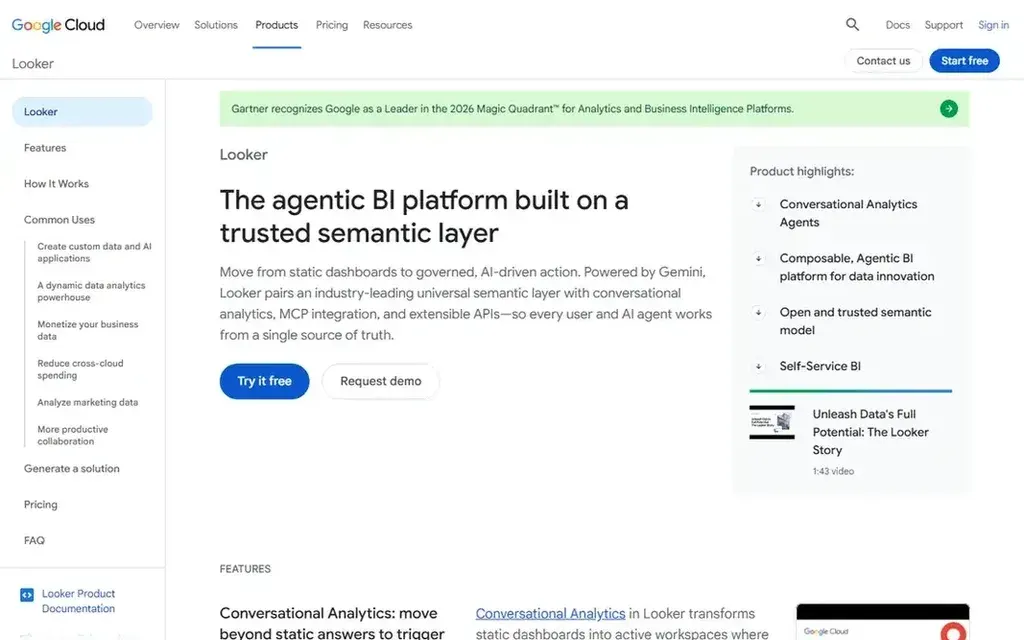
Google Cloud Looker is designed for governed metrics and embedded analytics. It suits enterprises that want consistent definitions across teams and the capacity to embed analytics into their own applications, especially those already building on Google Cloud data services.
Worth adding: organizations without cloud data infrastructure or embedded analytics goals may find a more straightforward visualization tool quicker to adopt. This comparison lists no price for Google Cloud Looker; ask the vendor. Free plan details: Not stated.
What to check first: Semantic modeling needs upfront effort.
- Trusted semantic layer brings together metrics
- AI agents support business intelligence
- Best fit assumes cloud data investment
SAP Analytics Cloud
Best for: Enterprises combining BI, planning and prediction
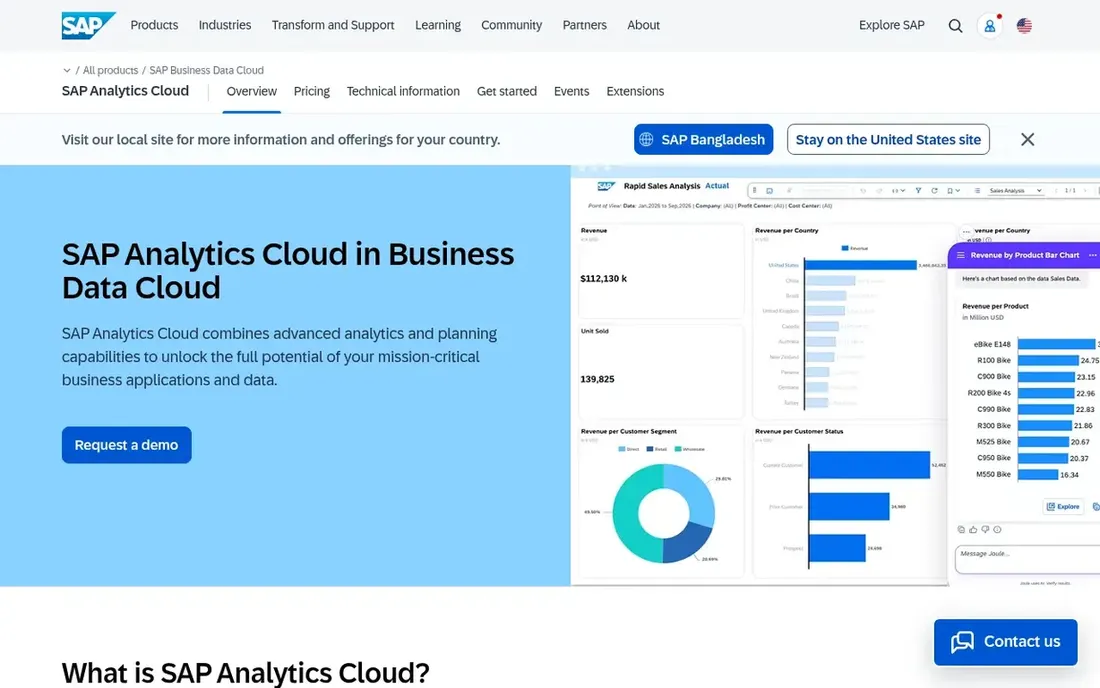
SAP Analytics Cloud works best for enterprises combining BI, planning and prediction. If your priority is embedded analytics inside a product or a light semantic layer, a dedicated BI product may fit better than a combined planning suite.
SAP Analytics Cloud brings business intelligence, planning and predictive analysis together in a cloud product, with data visualization and improved business intelligence as core themes. The planning and prediction strengths add complexity that smaller analytics teams may not need. Check the vendor site for SAP Analytics Cloud pricing; none is listed in this comparison. Free plan details: Not stated.
Honest limits: Full value relies on data readiness.
- Cloud-based visualization and business intelligence
- Planning and predictive analysis
- Planning focus may exceed straightforward reporting needs
Our selection method
What to confirm before you sign up
- Confirm the entry price on the vendor page. For Domo, Adobe Analytics, SAS Retail Analytics and others that means a quote rather than a fixed price.
- Take the trial from Domo and MicroStrategy and push a live task through it before you pay.
- Before choosing Domo, weigh its main limit: wide scope can need governance planning.
- The entry price of Adobe Analytics is only the starting point; model the full cost with seats and extras.
- Verify that exporting from SAP Analytics Cloud is possible on your plan and covers all your records.
FAQ
Can Adobe Analytics replace a full retail analytics suite?
Adobe Analytics is most solid for digital experience and marketing analytics, unifying customer data and measuring digital performance. Retailers with significant store and supply chain analysis typically pair it with a broader system instead of relying on it alone.
What should enterprises check before choosing a product?
Confirm data source coverage, governance and semantic modeling needs, planning or predictive requirements, and the effort required for administration. Also verify integration with your cloud data stack, since fit with existing systems commonly determines how rapidly teams see value.
What is the cheapest option for retail analytics software for enterprise in this list?
On published monthly entry prices, MicroStrategy is the lowest here at $13 per user per month. Entry price is only part of the cost, because seats, add-ons and billing terms can change the total.
Do these tools publish their prices?
Not all of them. Domo, Adobe Analytics, SAS Retail Analytics and others publish no starting price, so expect a quote request for those. The rest, MicroStrategy included, show a starting price, though seats and billing terms still change the final cost.
Can I try these tools before paying?
Often, yes. Domo and MicroStrategy offer a free trial. Use your own data and a real task during the test, and check what the free tier or trial limits before you rely on it.
Which retail analytics system is a good match for a large enterprise?
Start with Domo if you need connecting and moving data from numerous sources. MicroStrategy is the better match for universal semantic layer for governed AI, and Adobe Analytics for digital experience and marketing analytics. The best choice depends on budget, team size and workflow.
Sources
- https://www.domo.com
- https://www.microstrategy.com
- https://business.adobe.com/products/analytics/adobe-analytics.html
- https://www.sas.com/en_us/industry/retail.html
- https://cloud.google.com/looker
- https://www.sap.com/products/technology-platform/cloud-analytics.html