Best Resource Planning Software with QuickBooks Integration for 2026: Our 6 Vetted Picks
Shortlisting the best resource planning software with QuickBooks integration? 6 products compared on cost, free access and ideal buyer. Full profiles inside.
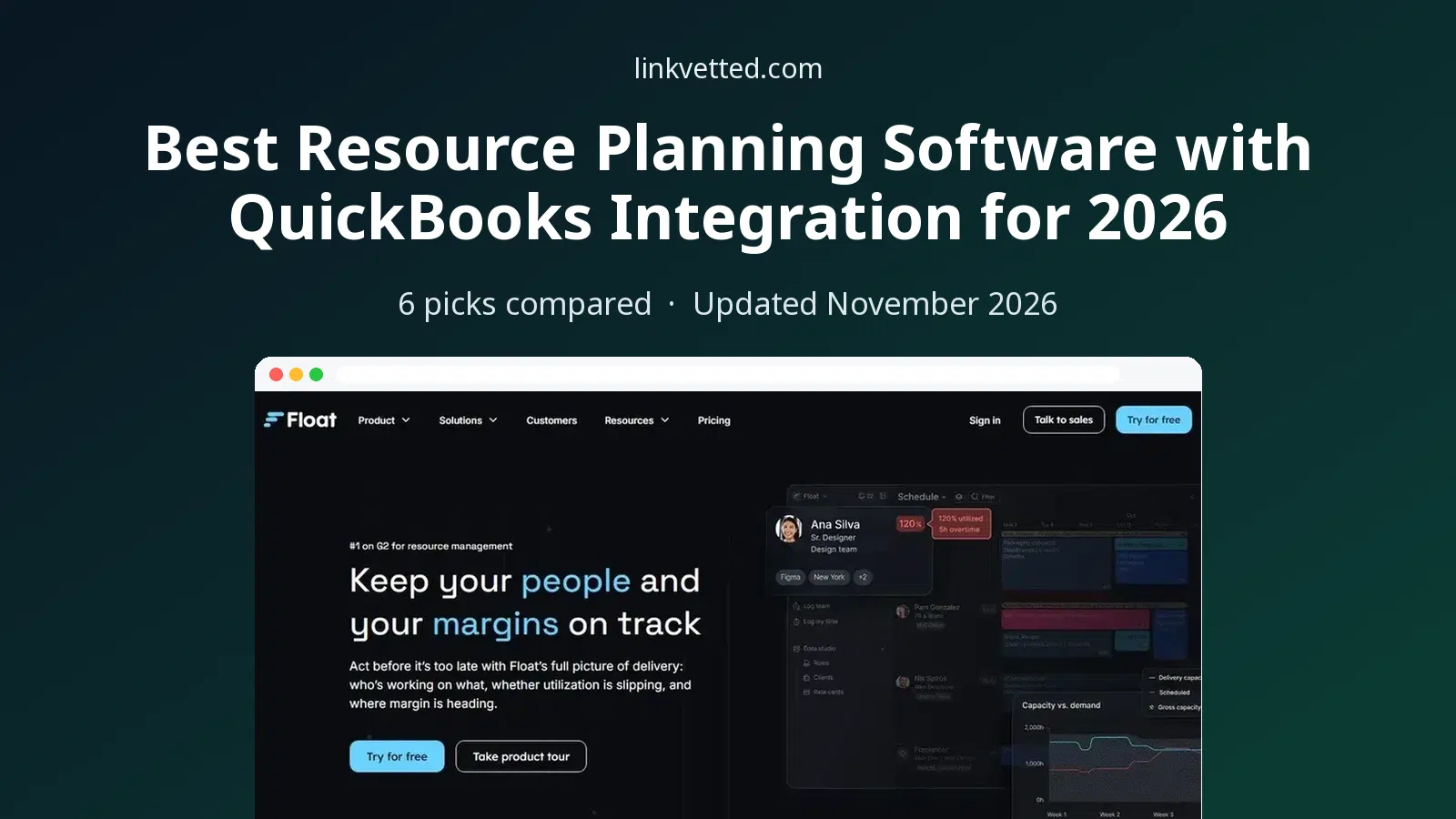
- Editor's choice
 Harvest
Time tracking with invoicing and QuickBooks
Starts at$9 per seat a monthVisit getharvest.comFull review - Great alternativeMavenlink
Professional services automation at scale
Starts atSee websiteVisit mavenlink.comFull review - Also consider
 Float
Visual team scheduling and capacity planning
Starts atSee websiteVisit float.comFull review
Direct answer
For time tracking with invoicing and QuickBooks, Harvest is where this list starts. Listed starting prices: Harvest from $9 per seat a month, QuickBooks Online from $11.40 a month and Resource Guru from $5 per person a month. Alternatives: Mavenlink for professional services automation at scale, and Float for visual team scheduling and capacity planning. All 6 tools are compared below on price, free plan and limits.
TL;DR:
- Harvest is the opening pick, best for time tracking with invoicing and QuickBooks.
- BigTime is the one to check for professional services resourcing and finance.
- The main caution on QuickBooks Online: Resource planning is not its core focus.
- Harvest stands alone as the one tool in this list with a free plan.
Last checked November 2026. Prices and plan details were read from the vendors' own pages in November 2026; vendors change plans often, so confirm the current price on the vendor site before you buy.
Quick comparison
| Tool | Best for | Starts at | Free plan? | |
|---|---|---|---|---|
| Harvest | Time tracking with invoicing and QuickBooks | $9 per seat a month | Yes | Visit |
| Mavenlink | Professional services automation at scale | See website | Not stated | Visit |
| Float | Visual team scheduling and capacity planning | See website | Free trial | Visit |
 QuickBooks Online | Teams wanting planning and accounting together | $11.40 a month | Free trial | Visit |
 Resource Guru | Straightforward, accurate resource booking | $5 per person a month | Free trial | Visit |
 BigTime | Professional services resourcing and finance | $20 per user per month | Not stated | Visit |
Our 6 picks for resource planning software with QuickBooks integration
If you are comparing resource planning software with QuickBooks integration, this page covers 6 tools in one place: what each is best for, what it costs to start, whether it has a free plan, and the main limit to know about.
Where Harvest fits: time tracking with invoicing and QuickBooks. For resource planning with QuickBooks, it suits teams that want to capture time against projects and turn it into invoices, then sync financial data with QuickBooks.
Limits to weigh: Not a full resource planner.
It is a practical choice for service firms that plan lightly and bill accurately. Harvest starts at: $9 per seat per month. Harvest has a free plan.
- Straightforward time tracking
- Reporting and online invoicing
- Planning views are restricted
Mavenlink
Best for: Professional services automation at scale
Mavenlink works best for professional services automation at scale. Mavenlink is now Kantata Professional Services Automation, following a merger with Kimble Applications.
For everyday use, teams evaluating QuickBooks integration should look at the current Kantata documentation for the combined product. Mavenlink does not show a starting price in this comparison, so check the vendor site for current pricing. As for free access: Not stated.
Trade-offs to know: Brand change complicates research.
- Now part of Kantata
- Solid PSA heritage
- Enterprise orientation
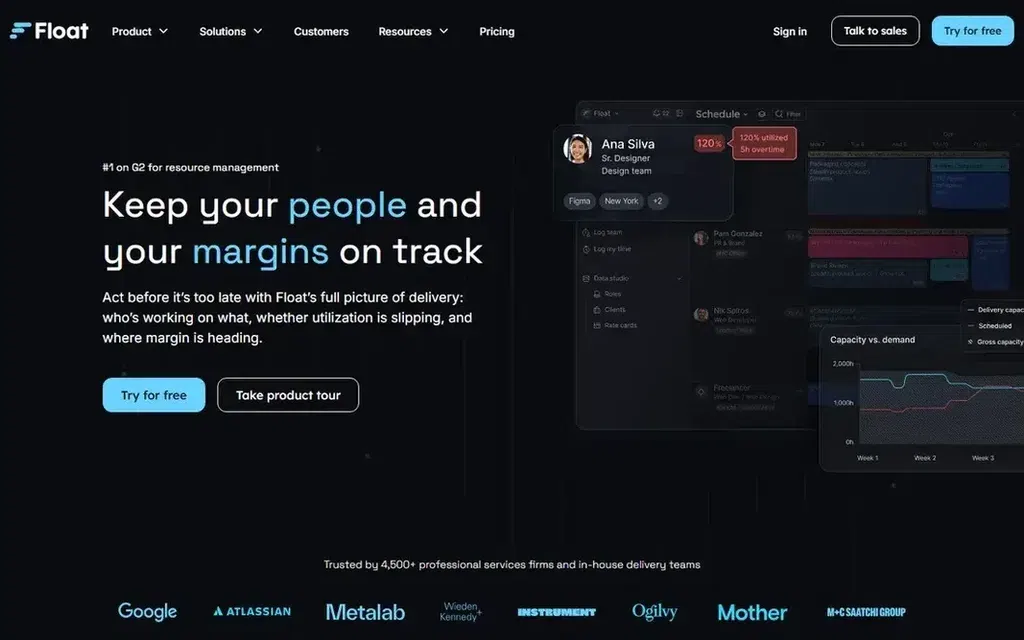
Float is aimed squarely at visual team scheduling and capacity planning. It helps managers see whether work is on track and how to take on what comes next, making it a solid fit for agencies and project teams that plan by person and by day.
The main drawbacks: Needs setup to match your workflow.
It complements QuickBooks by handling the scheduling side whereas accounting stays in QuickBooks. Float does not show a starting price in this comparison, so check the vendor site for current pricing. Free access: Free trial.
- Clear who-is-working-on-what view
- Supports forward planning
- Not an accounting system
QuickBooks Online
Best for: Teams wanting planning and accounting together

QuickBooks Online was built for teams wanting planning and accounting together. QuickBooks Online is the accounting system numerous small companies already use for invoicing, expenses and reporting.
In practice, for resource planning, it performs best as the financial backbone that specialized scheduling tools link to, or for very small teams that require only light planning alongside their books. The starting price for QuickBooks Online: $11.40 per month. As for free access: Free trial.
Where it falls short: Resource planning is not its core focus.
- Familiar accounting foundation
- Wide ecosystem of connected apps
- Scheduling views are restricted
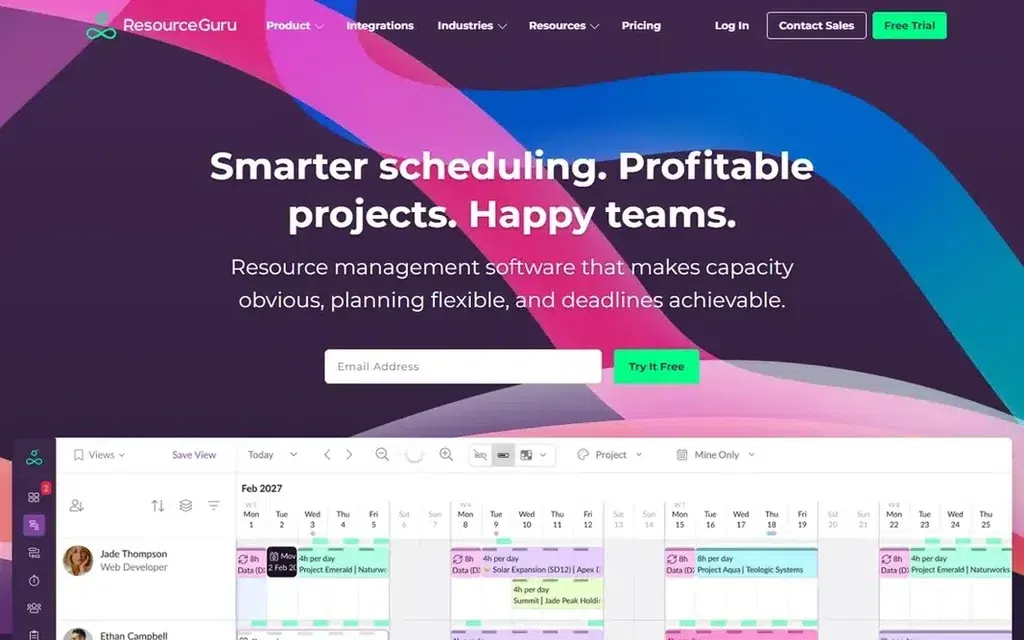
Resource Guru is a good fit for straightforward, accurate resource booking. It fits teams that want a clear picture of who is available and when, without the complexity of a full professional services product.
Points against: Restricted financial features.
It is not a finance or invoicing tool, so you will still depend on QuickBooks for billing and reporting. Entry price for Resource Guru: $5 per person per month. Free access: Free trial.
- Adaptable scheduling model
- Focus on availability and bookings
- Integration setup required
In short, BigTime is for professional services resourcing and finance. Pick BigTime when resourcing and financial management must work together for a services business, and verify the specific QuickBooks sync behavior you need before committing.
QuickBooks integration is a typical consideration for businesses using it as their operational hub. Its breadth means a learning curve, and very small teams may find it heavier than needed. Starting cost for BigTime: $20 per user per month. Free access: Not stated.
Watch-outs: Wide feature set takes time to learn.
- Project portfolio view
- Merges resourcing with finance
- May be more than small teams need
Our selection method
LinkVetted used vendor pricing pages and product documentation as the base, then compared plans, free access and documented limits for 6 tools. Treat prices as a snapshot: vendors change plans often, so check the vendor site for the figure that applies today. The order reflects how well each tool fits the most common buying scenario for resource planning software with QuickBooks integration, then price clarity, then free plan access. It is a starting point, not a verdict.
What to check before you buy
- Get a written quote from Mavenlink and Float; the list shows no starting price for them.
- Look at the free plan from Harvest closely: its caps decide whether it is usable for real work.
- Run a trial of Float, QuickBooks Online and Resource Guru with real work before paying for a year; your own workflow is the best test.
- Before choosing Harvest, weigh its main limit: not a full resource planner.
- Price Harvest for your actual team size; headline prices rarely include add-ons or overage.
- Run a one or two week pilot of BigTime with the people who will use it every day.
FAQ
Which tool is best if I want planning inside QuickBooks itself?
For most readers this guide would start with Harvest, built for time tracking with invoicing and QuickBooks. Mavenlink is the alternative for professional services automation at scale, and Float for visual team scheduling and capacity planning. The right answer depends on budget and workflow.
What should I check before connecting a planning tool to QuickBooks?
Confirm what data syncs, in which direction, and how commonly, using the vendor's current documentation. Also check how errors and duplicates are handled, since financial data accuracy matters.
Do these tools replace QuickBooks?
Most do not. Float, Resource Guru and Harvest focus on scheduling or time tracking, whereas BigTime and the Accelo and Kantata systems combine more operational features. QuickBooks usually remains the accounting system of record.
Is Harvest the right pick for everyone comparing resource planning software with QuickBooks integration?
No single tool suits every team. Harvest comes first because it fits time tracking with invoicing and QuickBooks, while Mavenlink suits professional services automation at scale and Float suits visual team scheduling and capacity planning. Match the tool to your own size, budget and workflow before deciding.
Can I try these tools before paying?
Often, yes. Harvest has a free plan and Float, QuickBooks Online and Resource Guru offer a free trial. Use your own data and a real task during the test, and check what the free tier or trial limits before you rely on it.
Do these tools publish their prices?
Not all of them. Mavenlink and Float publish no starting price, so expect a quote request for those. The rest, Harvest included, show a starting price, though seats and billing terms still change the final cost.
Sources
- https://www.getharvest.com
- https://www.mavenlink.com
- https://www.float.com
- https://quickbooks.intuit.com
- https://resourceguruapp.com
- https://www.bigtime.net