Best Alternatives to QuickBooks Desktop in 2026: 8 Tools Compared
Looking for alternatives to QuickBooks Desktop? We compare 8 accounting tools, from free plans to full double-entry software, to help you switch well.

- Editor's choice
 Xero
Growing small businesses
Starts at$27 per monthVisit xero.comFull review - Great alternative
 FreshBooks
Freelancers and service firms
Starts at$23 per monthVisit freshbooks.comFull review - Also consider
 Wave
Very small businesses on a budget
Starts atFreeVisit waveapps.comFull review
TL;DR:
- Most desktop buyers in 2026 are really choosing between cloud accounting and a smaller desktop tool, since new perpetual desktop licences are hard to find.
- Xero and QuickBooks Online suit businesses that need an accountant-friendly system with bank feeds and payroll add-ons.
- Wave and Zoho Books are the cheapest starting points, with free tiers that cover invoicing and basic bookkeeping for small operations.
- AccountEdge is the closest pick here for owners who still want software that runs on their own computer.
- Check invoice limits, payroll availability, and export options before you move years of history.
Quick comparison
| Tool | Best for | Starts at | Free plan? | |
|---|---|---|---|---|
| Xero | Growing small businesses | $27 per month | No | Visit |
| FreshBooks | Freelancers and service firms | $23 per month | No | Visit |
| Wave | Very small businesses on a budget | Free | Yes | Visit |
 Zoho Books | Low-cost bookkeeping under $50,000 revenue | Free | Yes | Visit |
 QuickBooks Online | The easiest switch from Desktop | $38 per month | No | Visit |
 Sage Accounting | Established firms wanting a familiar brand | See website | Free trial | Visit |
 FreeAgent | UK and US freelancers with simple books | See website | Free trial | Visit |
 AccountEdge | Desktop-style accounting on Mac or Windows | $20 per month | Free trial | Visit |
The best alternatives to QuickBooks Desktop
These desktop alternatives to QuickBooks cover cloud tools, one desktop option, and a range of prices, so you can match the tool to how your business actually bills and pays.
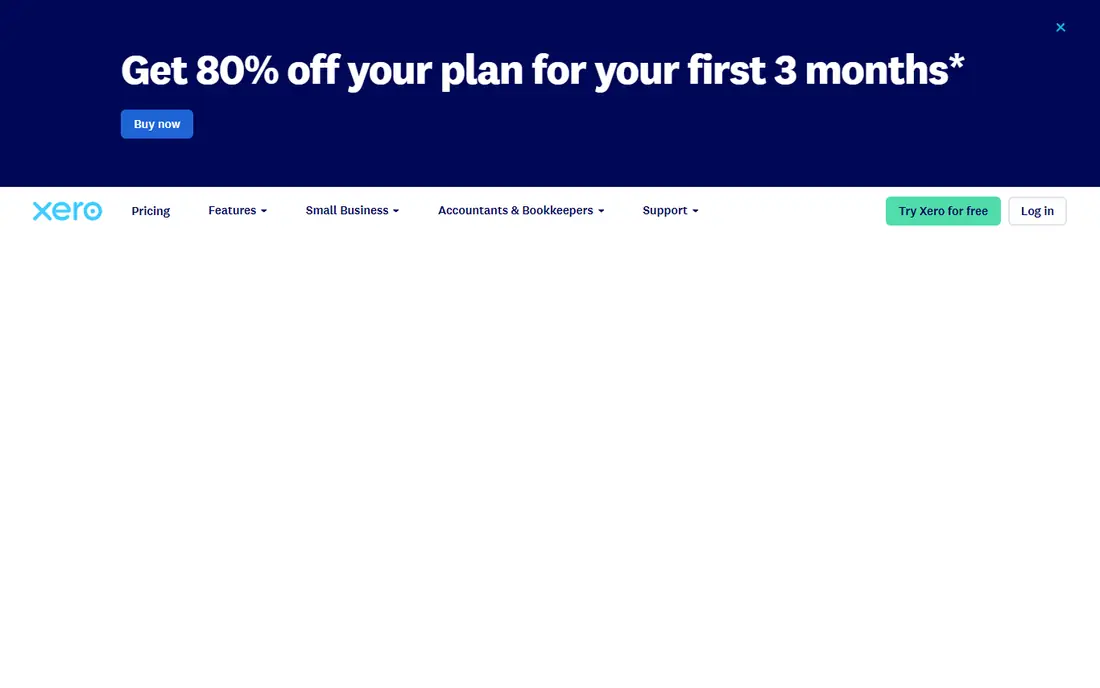
Xero is our pick for most people leaving QuickBooks Desktop for the cloud. It handles double-entry accounting, bank reconciliation, invoicing, and expense claims in one place, and your accountant can log in without swapping files back and forth. The interface is calm and consistent, which matters when bookkeeping is one job among many.
The catch is the entry plan. At $27 per month, the Early plan limits you to 20 invoices and 5 bills a month, so busy firms will need the Growing plan. Payroll also costs extra in the US. If you send more than a handful of invoices a month, price the middle plan from the start and compare that total with QuickBooks Online.
- Unlimited users on every plan
- Strong bank feeds and invoicing
- Large app marketplace
- Entry plan caps invoices and bills
- Payroll is an add-on in the US
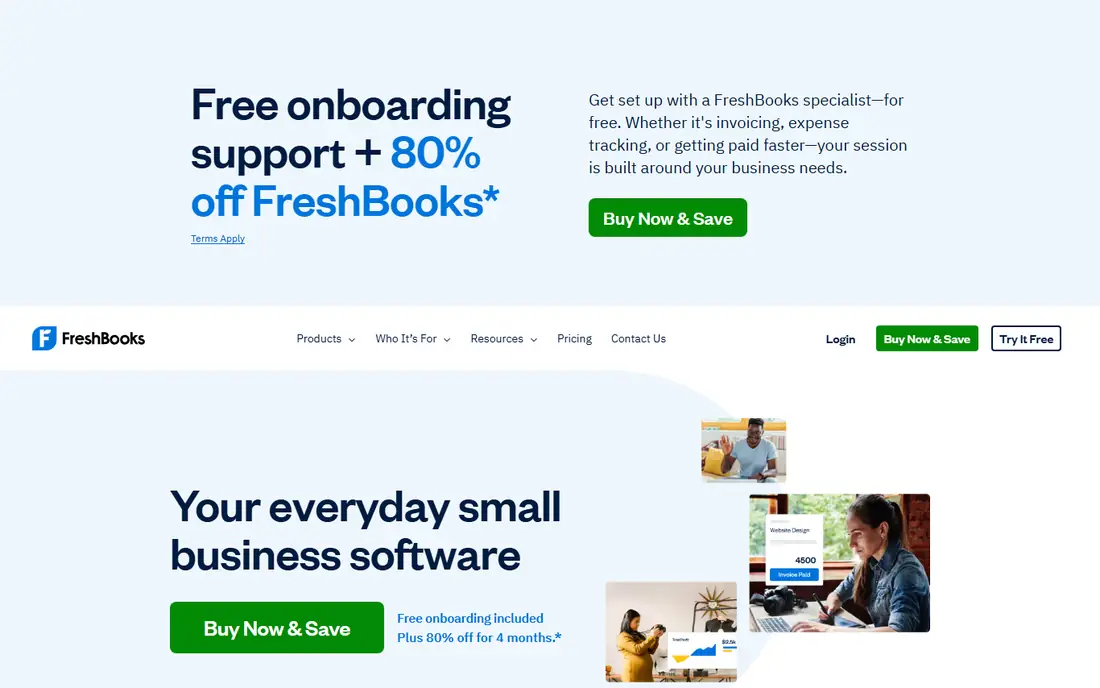
FreshBooks suits service businesses that live or die by invoices. You can track time, turn hours into an invoice, send payment reminders, and let clients pay online without a separate tool. For a solo consultant or a small agency, that workflow is faster than a general ledger built for a larger firm.
The trade-off is accounting depth. FreshBooks Lite does not offer bank reconciliation or double-entry reports in the way Xero or QuickBooks Online do, so accountants may ask for extra records at tax time. If you need full books, inventory, or complex reporting, look at Xero or QuickBooks Online instead.
- Clean invoicing and time tracking
- Easy client payments
- Simple setup
- Not full double-entry accounting at the low end
- No bank reconciliation on Lite
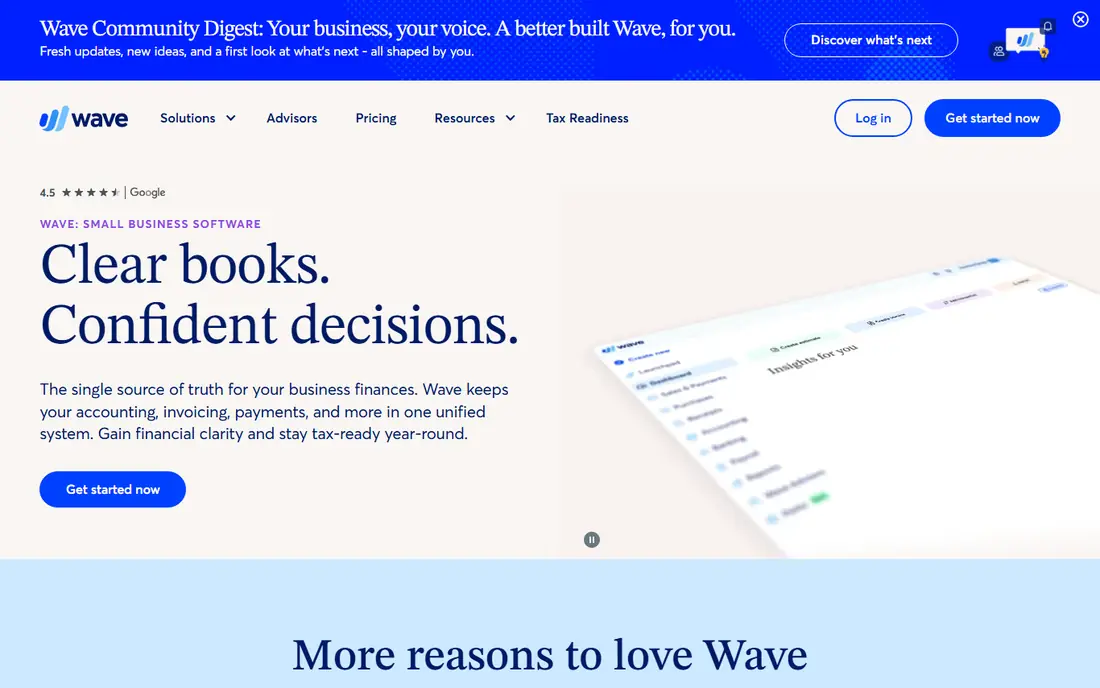
Wave is the best free starting point in this list. The Starter plan covers unlimited invoicing and income and expense tracking at no monthly cost, which is enough for a side business or a new firm that is still finding its feet. You pay transaction fees only when you accept card or bank payments through Wave.
The free plan has real limits. Automatic bank import sits behind the paid Pro plan, so free users enter or upload transactions by hand. Wave also lacks the depth of Xero for inventory or multi-entity reporting. Still, for a one-person business that needs tidy invoices and a clear view of cash, it is hard to beat at the price.
- Free invoicing and accounting
- No user cap on the free plan
- Simple dashboard
- No automatic bank import on Starter
- Payroll and payments cost extra
Zoho Books is a strong low-cost QuickBooks Desktop alternative, especially if you already use Zoho CRM, Zoho Inventory, or Zoho Mail. The free plan covers businesses with annual revenue under $50,000, with invoicing, expenses, and bank feeds that go beyond what most free tools offer. Paid plans start low and add automation, approvals, and more users.
Watch the free tier limits. You get up to 1,000 invoices a year on the free plan, which sounds generous until a busy shop hits it in autumn. Payroll in the US is handled through a separate Zoho product rather than inside Books. If you plan to grow past the revenue cap soon, compare a paid plan now rather than after you outgrow the free tier.
- Free tier for businesses under $50,000 in annual revenue
- Good invoicing and expense tools
- Strong Zoho integrations
- Free tier caps invoices at 1,000 a year
- Support and payroll vary by plan
QuickBooks Online is the least disruptive move for many Desktop users. Your chart of accounts, customers, and vendors carry over in a familiar shape, and most US accountants already know the system. Payroll, payments, and time tracking can be added without leaving the Intuit family, which keeps support in one place.
The price deserves a close look. Simple Start starts at $38 per month for one user, and Plus, which many small firms actually need for inventory and project tracking, costs far more. If you liked Desktop partly because you paid once and kept it for years, a monthly cloud bill will feel different. Run a full-year cost comparison before you commit.
- Familiar reports and chart of accounts
- Widest accountant support in the US
- Payroll and payments built in
- Only one user on Simple Start
- Price rises steeply at higher tiers
Sage Accounting appeals to owners who want a known accounting brand without Intuit. It covers invoicing, expenses, bank reconciliation, and cash flow forecasting, and it fits firms that already work with a Sage-friendly accountant. The product has been sold to small businesses for decades, so its reports and workflows feel settled rather than experimental.
The main drawback is pricing clarity. Sage lists different plans and prices by country, and the plan you need for payroll or inventory may not be the entry plan. Check the US pricing page for the exact plan, and ask what happens to your data if you cancel. Sage is a solid pick, but it rewards a careful plan comparison.
- Long track record in small business accounting
- Invoicing and cash flow tools
- Accountant access
- Pricing varies by region and plan
- Some features sit behind higher tiers
FreeAgent is built for freelancers and tiny firms rather than for finance teams. It shows cash flow, upcoming tax bills, and overdue invoices in plain language, and it turns expenses into categories with little effort. If Desktop felt heavy for a one-person business, FreeAgent will feel light in a good way.
That simplicity is also its limit. FreeAgent does not try to match QuickBooks Online on inventory, job costing, or multi-company reporting. US users should also check current payroll support, since FreeAgent began as a UK product. It is a good fit for simple books, and a poor fit for a growing firm with stock and staff.
- Simple dashboard for freelancers
- Invoicing, expenses, and tax timelines
- Bank feeds
- Less suited to inventory or complex multi-entity books
- US payroll is limited
AccountEdge is the pick for owners who still want desktop software. It runs on your own computer, handles invoicing, payroll, inventory, and job tracking, and does not force your books into a browser tab. For a shop with steady routines and a dislike of monthly cloud tools, that control is the point.
The cost is a smaller ecosystem. AccountEdge has fewer third-party integrations than Xero or QuickBooks Online, and the base Pro plan covers a single user. If you need several staff members in the books at once, or deep app integrations, a cloud tool will serve you better. If you want a desktop home for your accounts, AccountEdge is the most direct answer here.
- Desktop software for Mac and Windows
- Payroll and inventory included in higher plans
- One-time feel with local data
- Single user on the base plan
- Smaller integration marketplace than cloud leaders
How we picked these
We compared official pricing pages, feature lists, and app store listings for accounting tools that serve US small businesses in October 2026, and we checked which tools offer invoicing, bank feeds, payroll options, and export paths. We favoured tools with a clear free tier or trial, published prices, and a track record with small firms, and we kept one desktop option for readers who do not want a cloud-only move. We did not claim hands-on testing, and we treated vendor pages as the source for prices and limits.
What to check before you switch
Start with your Desktop data. List your open invoices, unpaid bills, payroll history, inventory counts, and any custom reports you rely on each month. Then ask each candidate how it imports that data, whether history comes across as live transactions or as opening balances, and what export format you get if you leave later.
Next, match the plan to your volume, not to the headline price. Count invoices and bills per month, users who need access, and whether you need payroll, inventory, or project tracking. A cheap entry plan that caps invoices will cost more in time and upgrades than a mid-tier plan that fits from day one.
Finally, run both systems for one month if you can. Enter the same invoices and payments in Desktop and in the new tool, reconcile the bank in both, and compare the profit and loss report. That single parallel month catches import errors, missing categories, and payroll gaps before they become tax-season problems.
FAQ
What is the best alternative to QuickBooks Desktop?
For most small businesses, Xero or QuickBooks Online are the best starting points, because both offer full double-entry books, bank feeds, and wide accountant support. Wave or Zoho Books suit tighter budgets, while AccountEdge suits owners who still want desktop software.
Are there free desktop alternatives to QuickBooks?
Wave and Zoho Books offer free tiers, but both are cloud tools rather than desktop software. True desktop accounting with no monthly cost is now rare, so most free options trade local software for a free cloud plan with limits.
Can I move my QuickBooks Desktop data to a new tool?
Most tools in this list offer import from QuickBooks Desktop files or CSV exports, but the detail varies. Customer lists and opening balances usually transfer cleanly, while payroll history and custom reports may need manual entry, so test the import with a copy of your file first.
Is QuickBooks Online the same as QuickBooks Desktop?
No. QuickBooks Online is a cloud product with its own plans, limits, and interface, even though many reports and terms feel familiar. Desktop users should expect a learning curve, a monthly bill, and different rules for users, inventory, and payroll.
Do I need payroll in my accounting software?
Not always. If you have no staff, you can run payroll through a separate service and keep accounting simple. If you pay employees, check whether payroll is built in, an add-on, or a separate product, since that changes the total monthly cost.
What should I do before cancelling QuickBooks Desktop?
Export your full company file, reports, and payroll records, and keep a readable copy outside the software. Confirm your new tool has your opening balances right, then keep Desktop access until after your next tax filing if your licence allows it.
Sources
- https://www.xero.com/us/pricing-plans/
- https://www.freshbooks.com/pricing
- https://www.waveapps.com/pricing
- https://www.zoho.com/us/books/pricing/
- https://quickbooks.intuit.com/pricing/
- https://www.sage.com/en-us/products/sage-accounting/
- https://www.freeagent.com/pricing/
- https://www.accountedge.com/pricing/