Best Alternatives to PayPal in 2026: 8 Options Compared
We compared the best alternatives to paypal for business and personal use, covering card fees, international transfers, payouts, and checkout tools today.
- Editor's choice
 Stripe
Online checkout and subscriptions
Starts at2.9% + $0.30 per transactionVisit stripe.comFull review - Great alternative
 Square
In-person and online sales
Starts atFreeVisit squareup.comFull review - Also consider
 Wise
International transfers
Starts atSee websiteVisit wise.comFull review
TL;DR:
- Stripe is our pick for online businesses that need checkout and subscriptions, while Square suits in-person and mixed sales.
- Wise is the best choice for low-cost international transfers at real exchange rates, and Payoneer suits cross-border freelancers.
- No single PayPal alternative fits every use: checkout, payouts, and personal transfers are different jobs.
- Fees depend on currency, country, and payment method, so test a typical payment before you switch fully.
Quick comparison
| Tool | Best for | Starts at | Free plan? | |
|---|---|---|---|---|
| Stripe | Online checkout and subscriptions | 2.9% + $0.30 per transaction | Yes | Visit |
| Square | In-person and online sales | Free | Yes | Visit |
| Wise | International transfers | See website | Yes | Visit |
 Payoneer | Cross-border freelancer payouts | Free | Yes | Visit |
 Skrill | Digital wallet transfers | Free | Yes | Visit |
 Revolut | Multi-currency personal use | Free | Yes | Visit |
 Cash App | Simple US personal payments | Free | Yes | Visit |
 Venmo | Social personal payments in the US | Free | Yes | Visit |
The best alternatives to paypal
We compared official pricing, checkout tools, payout options, and currency support for alternatives to paypal, and we favored services that are active in the US and suited to business or personal use.
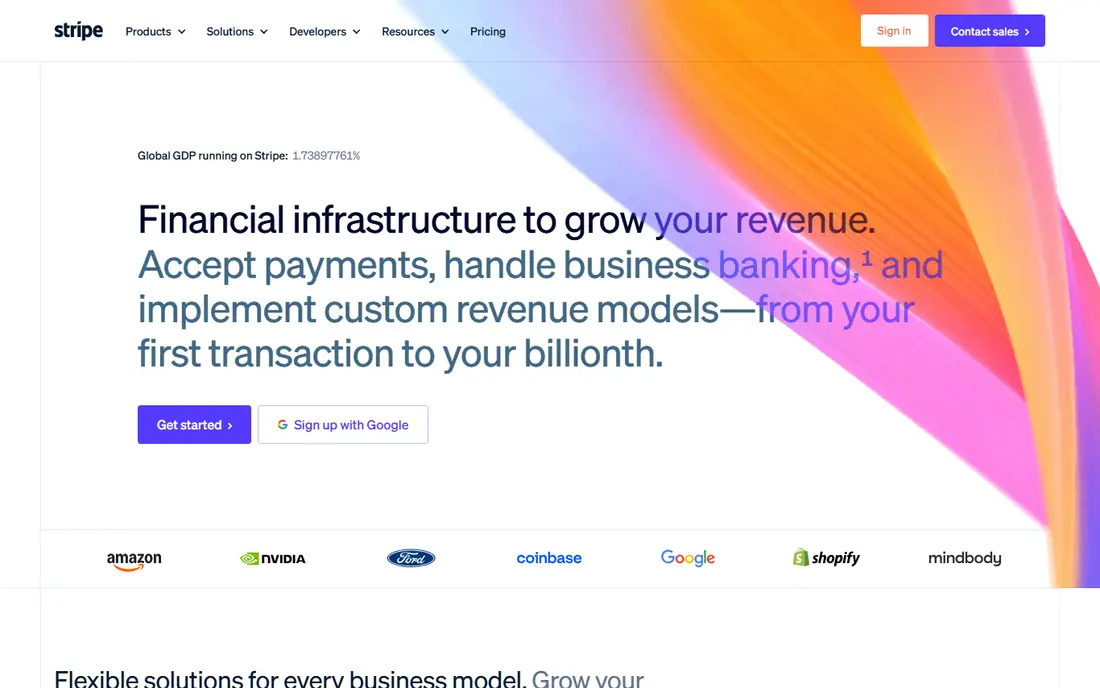
Stripe is our pick for online businesses that want a flexible checkout, subscription billing, and invoicing in one system. Its standard US online card rate is widely listed as 2.9 percent plus 30 cents, with no monthly fee for basic use, and its integrations cover major store platforms. For SaaS, e-commerce, and service businesses, Stripe offers depth that a simple wallet cannot match.
The trade-off is setup effort. Simple checkout links and invoices are easy, but custom payment flows need developer time. New businesses should also expect identity checks and possible payout holds during review. If you sell mainly online and you want control over checkout, Stripe is the strongest PayPal alternative here.
- Strong checkout, subscriptions, and invoicing
- Broad integrations
- No monthly fee for standard online payments
- Needs developer help for custom setups
- Account reviews can hold payouts for new businesses
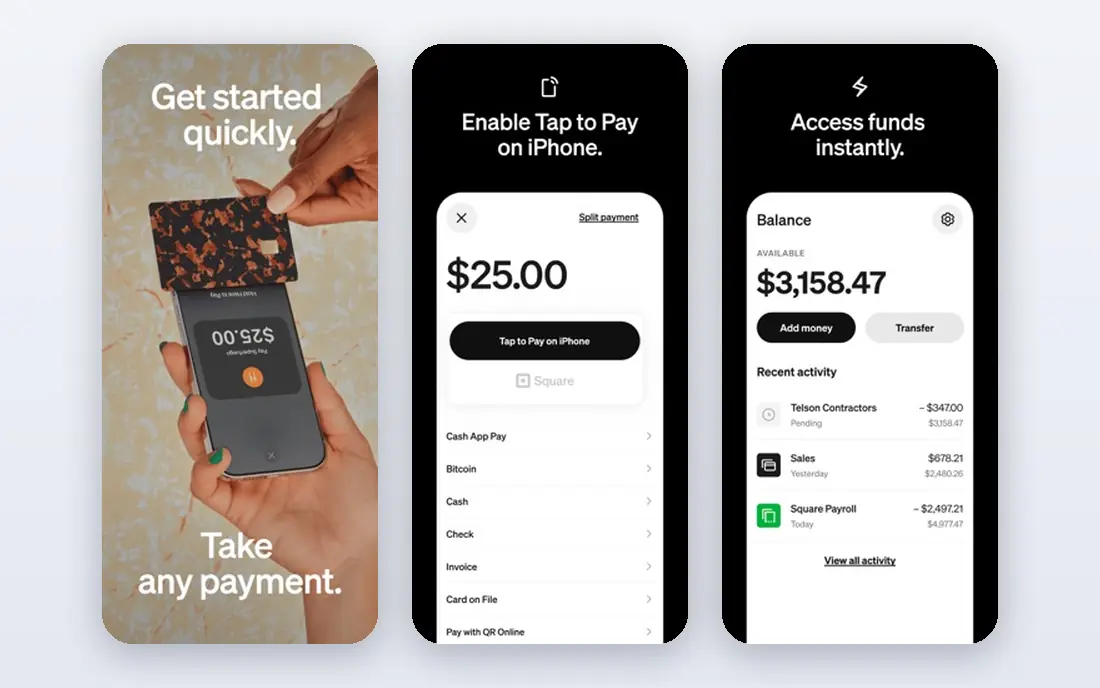
Square suits small businesses that sell in person, online, or both. Its point-of-sale app, card readers, online store, and invoicing tools work together without a complex setup, and basic accounts carry no monthly fee. For cafes, salons, shops, and service providers, Square covers the daily payment workflow in one place.
Square charges per transaction, with in-person rates commonly lower than online rates, so check the current fee page for your sales mix. Larger businesses with complex checkout needs may prefer Stripe, and some advanced Square features need paid plans. For a simple, unified system for physical and online sales, Square is hard to beat.
- Easy POS and online tools
- No monthly fee for basic use
- Invoices, appointments, and hardware options
- Online card fees apply per sale
- Advanced features need paid plans
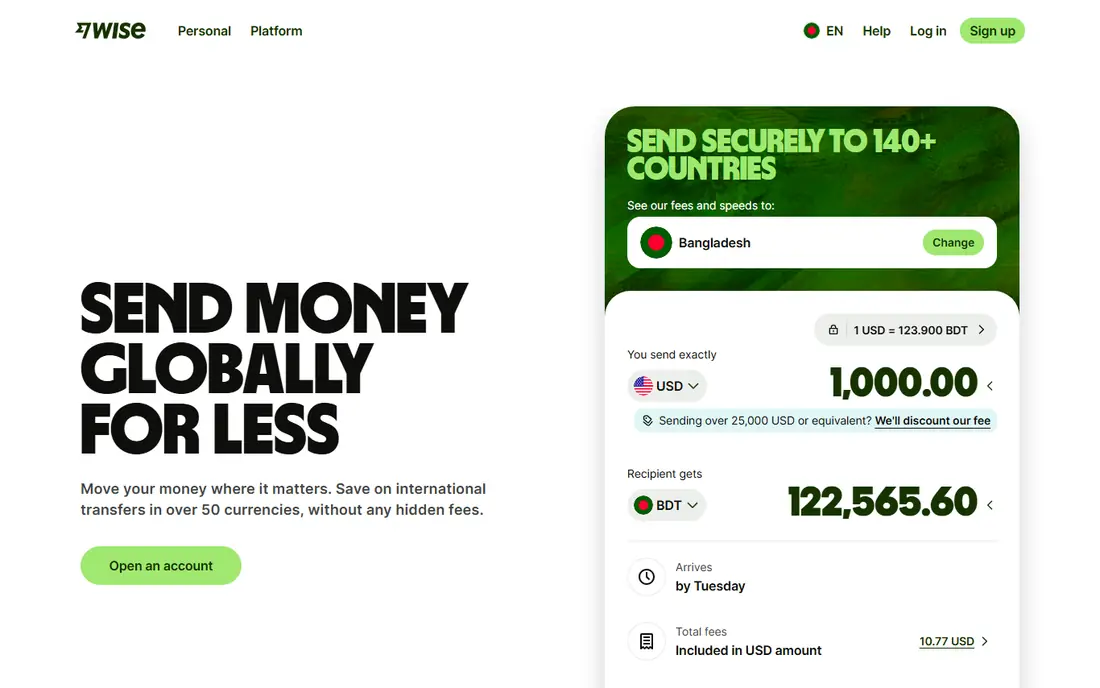
Wise is our pick for international transfers, since it converts at the real exchange rate and shows the fee before you send. Its multi-currency account lets users hold, receive, and spend in several currencies, which helps freelancers, remote workers, and small businesses with global clients. For cross-border payments, Wise often costs less than PayPal once exchange markups are counted.
Wise is not a replacement for a store checkout system, since it focuses on transfers and accounts rather than card processing. Fees vary by currency, amount, and payment method, so check the quote for your route. If your main pain is expensive international payments, Wise should be your first alternative to test.
- Real exchange rates with transparent fees
- Multi-currency account
- Useful for freelancers and global businesses
- Not a full checkout system
- Transfer fees vary by currency and route
Payoneer suits freelancers, marketplace sellers, and small businesses that get paid from clients and platforms abroad. Its receiving accounts let users collect payments in several currencies, then withdraw to a local bank, which helps when clients pay through marketplaces or global platforms. For cross-border work, Payoneer is a practical PayPal alternative.
Fees for withdrawal, currency conversion, and card use vary, so read the current fee page for your payout route. Account verification also takes time, so set up Payoneer before you need an urgent payout. If you earn from international clients or marketplaces, Payoneer offers a focused, business-ready option.
- Multi-currency receiving accounts
- Marketplace payouts
- Useful for freelancers and global sellers
- Withdrawal and currency fees vary
- Account setup needs verification
Skrill is a digital wallet that lets users send and receive money by email, hold balances, and pay online in many countries. It suits international users and businesses that need wallet transfers outside the PayPal system, and its prepaid card options help in regions where they are offered. For personal transfers and some online payments, Skrill is a flexible alternative.
Skrill fees vary by funding method, currency, and transaction type, so the total cost is harder to predict than a flat card rate. It is also less common as a checkout option for US stores than Stripe or Square. If wallet transfers and international reach matter more than store checkout, Skrill is worth considering.
- Wallet transfers by email
- Broad country coverage
- Prepaid card options in some regions
- Fees vary by transaction type and currency
- Less common as a US store checkout
Revolut suits individuals and small teams who want a multi-currency account, card, and app in one place. Its free plan covers basic accounts and transfers, while paid plans add higher limits, travel perks, and business tools. For travelers, remote workers, and people who spend in several currencies, Revolut is a modern PayPal alternative for personal use.
Revolut is not a direct replacement for a full store checkout system, and business pricing and availability vary by region. Currency exchange limits and fees also differ by plan, so check the current terms for your usage. For personal multi-currency use, Revolut offers a polished, flexible account.
- Multi-currency accounts and cards
- App-based budgeting and transfers
- Useful for travel and global spending
- Business features vary by plan and region
- Some premium features need a paid plan
Cash App is a simple choice for US personal payments, bill splits, and casual transfers between friends. Its app is easy to use, its Cash Card lets users spend a balance, and standard transfers are free in many cases. For everyday peer-to-peer use, Cash App is one of the easiest PayPal alternatives to adopt.
Cash App is US-focused and less suited to full business checkout or international payouts. Instant transfers carry a fee, and business use is more limited than Stripe or Square. If your need is personal payments in the US, Cash App is a strong, low-friction pick.
- Simple peer-to-peer payments
- Cash Card for spending
- Useful for splitting bills in the US
- US-focused
- Business features are more limited than Stripe or Square
- Instant transfer fees apply
Venmo suits US users who want a social, simple way to pay friends, split rent, or settle shared costs. Its feed and request features make group payments easy, and its card options let users spend a balance. For personal transfers among US friends, Venmo is one of the most familiar PayPal alternatives.
Venmo is US-focused and not a full business payment system, though business profiles exist for some sellers. Instant transfers carry a fee, and international use is limited. If your main need is personal payments in the US, Venmo is a practical, widely accepted choice.
- Widely used for US peer payments
- Simple splits and requests
- Card options for spending
- US-focused
- Business checkout is limited
- Instant transfer fees apply
How we picked these
We compared official pricing, checkout and payout features, currency support, and US availability, and we favored services that cover a clear PayPal use case. We included online checkout, in-person sales, international transfers, freelancer payouts, wallets, and personal payments, since PayPal serves all of those jobs. We also noted where fees vary by route, since a single rate rarely tells the full story.
How to choose the best paypal alternative for you
Name the job first
Checkout for a store, payouts for freelancers, and payments between friends need different tools. Stripe and Square suit selling, Wise and Payoneer suit cross-border payouts, and Cash App and Venmo suit personal US payments. Picking by job avoids paying for features you will not use.
Test a real payment before you switch
Run a typical sale or transfer, including currency conversion, withdrawal, and any payout timing, before you move your main income. Check fees, settlement time, and support response during that test. A small test payment can reveal holds, limits, or conversion costs that a pricing page hides.
Keep a backup for a transition period
Run the new service alongside PayPal for a few weeks, update payment links gradually, and tell regular clients where to pay. That overlap reduces missed payments if a new account needs verification or a payout is delayed. Once the new flow is stable, you can phase PayPal out or keep it as a secondary option.
FAQ
What is the best alternative to paypal for business?
Stripe is our pick for online businesses, while Square suits businesses with in-person sales. Wise and Payoneer suit international payouts, and both can run alongside a checkout tool. Choose by sales channel first, then compare fees for your typical payment size and currency.
What are the best paypal alternatives for international transfers?
Wise is our pick for international transfers at real exchange rates with transparent fees. Payoneer suits freelancers and marketplace sellers, while Revolut and Skrill suit personal multi-currency use. Compare the total cost, including conversion, for your exact route before you send.
Is Stripe cheaper than PayPal?
For standard US online card payments, Stripe and PayPal list similar headline rates, so the difference often comes from currency conversion, payout timing, and extra features. Wise is often cheaper for international transfers, while Square can be cheaper for in-person sales. Test your typical payment on each service for a fair comparison.
Can I use a paypal alternative for personal payments?
Yes. Cash App and Venmo are strong US personal payment options, while Wise, Revolut, and Skrill suit international personal transfers. Personal accounts are usually free to open, though instant transfers and currency conversion may carry fees. Check limits and fees for your use before you send a large amount.
Do I need to close PayPal to use an alternative?
No. Many businesses and individuals run PayPal alongside a new service during a transition, then keep it as a backup. That approach avoids missed payments while new accounts are verified. Update invoices, store checkout, and client instructions gradually once the new flow works well.