Best Accounting Software for App Integration in 2026: 9 Tools Compared
Find the best accounting software for app integration for payments, payroll, inventory and CRM, with QuickBooks, Xero and more compared on real connections.
- Editor's choice
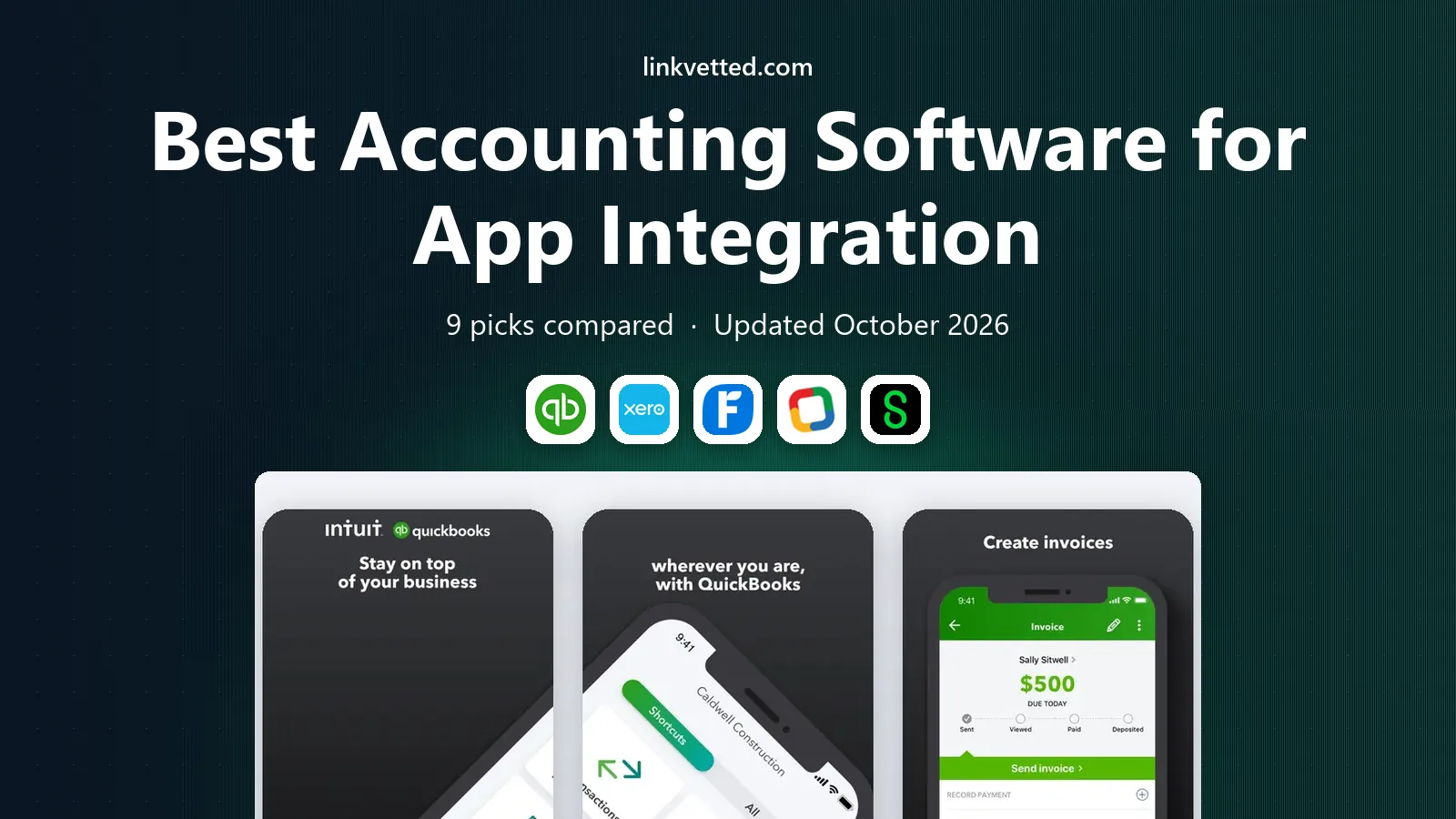
 QuickBooks Online
Largest app marketplace for small firms
Starts atSee websiteVisit quickbooks.intuit.comFull review - Great alternative
 Xero
Clean integrations and app marketplace
Starts atSee websiteVisit xero.comFull review - Also consider
 FreshBooks
Service firms that integrate payments and time
Starts atSee websiteVisit freshbooks.comFull review
TL;DR:
- Integration value comes from live, two way sync, not from a logo list. Check what fields sync, how often, and what breaks.
- QuickBooks Online and Xero have the largest app marketplaces, while Zoho Books suits firms inside the Zoho suite.
- Payment, payroll, expense and inventory integrations save the most time for small firms, so rank those first.
- Test one critical integration in a trial with real data, and check support ownership when a sync fails.
Quick comparison
| Tool | Best for | Starts at | Free plan? | |
|---|---|---|---|---|
| QuickBooks Online | Largest app marketplace for small firms | See website | Free trial | Visit |
| Xero | Clean integrations and app marketplace | See website | Free trial | Visit |
| FreshBooks | Service firms that integrate payments and time | See website | Free trial | Visit |
 Zoho Books | Firms inside the Zoho ecosystem | See website | Free trial | Visit |
 Sage Business Cloud Accounting | Mid sized firms that need connected finance | See website | Free trial | Visit |
 Wave | Freelancers who want free core accounting | See website | Free trial | Visit |
 FreeAgent | UK small firms that integrate banking and tax | See website | Free trial | Visit |
 Odoo Accounting | Firms that want accounting inside one suite | See website | Free trial | Visit |
 Akaunting | Small firms that want open integrations | See website | Free trial | Visit |
The best accounting software integrations
We compared accounting systems on marketplace size, payment and payroll links, CRM and inventory sync, API quality and support. A long app list means little if the integrations you need sync poorly, so we focus on practical connections.

QuickBooks Online leads on app integration for most small firms because its marketplace covers payments, payroll, inventory, time tracking, expenses and CRM tools. Stripe, PayPal, Shopify and many payroll providers connect directly, so sales, payments and books stay closer together. Its API also lets developers build custom links where needed.
Not every marketplace app syncs equally well. Some need higher QuickBooks tiers, and sync timing, duplicate handling and support ownership vary by app maker. Firms should test their top two integrations in a trial and read sync docs before committing. For breadth, QuickBooks is hard to beat.
- Huge app marketplace
- Strong payment and payroll links
- Good API and accountant tools
- Some integrations need higher tiers
- Sync quality varies by app
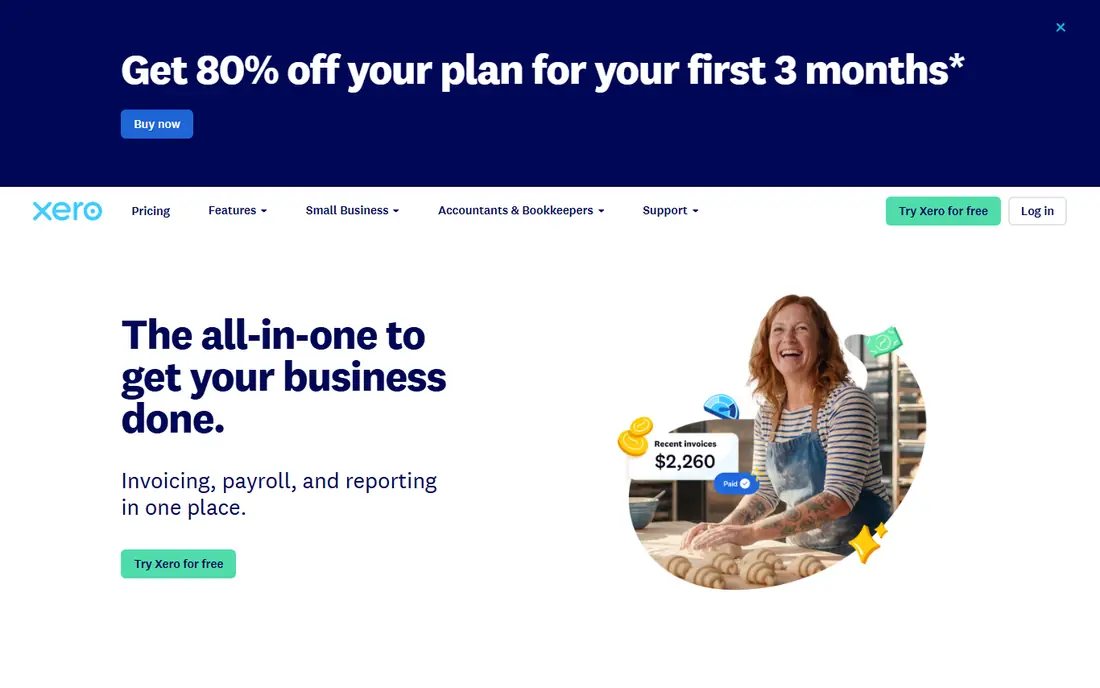
Xero offers a large, well organised marketplace with certified apps for payments, expenses, inventory, payroll and reporting. Its API and app partner program help firms connect tools such as Stripe, Shopify, HubSpot and expense apps with clear sync rules. For small firms that value tidy integrations, that structure helps.
Payroll coverage varies by region, and some advanced inventory or reporting links need paid add ons. Sync quality still depends on the third party app, so test with real transactions. Xero is a strong choice when clean, certified integrations matter most.
- Large marketplace with certified apps
- Strong payment and expense links
- Good API
- Payroll varies by region
- Some advanced links need add ons

FreshBooks suits service firms that integrate payments, time tracking and project tools with accounting. Stripe and PayPal links speed up client payment, while integrations for proposals, time and expenses keep service workflows connected. Setup is simple, which suits small teams without IT help.
The marketplace is smaller than QuickBooks or Xero, and deep inventory or ERP integrations are limited. Firms with complex stock or manufacturing needs should choose a larger system. For service billing, FreshBooks integrations cover the daily essentials well.
- Strong payment, time and project integrations
- Easy setup
- Good Stripe and PayPal links
- Marketplace is smaller than QuickBooks or Xero
- Deep ERP links are limited
Zoho Books shines inside the Zoho ecosystem, where CRM, inventory, payroll and support apps share data with accounting. A sale in Zoho CRM can flow to an invoice in Zoho Books, and inventory updates can follow without manual entry. That native sync is smoother than many third party links.
Outside Zoho, the marketplace is smaller than QuickBooks or Xero, so firms using Salesforce or HubSpot may prefer a neutral system. For Zoho users, though, the integration value is high and the price is friendly. Test the exact Zoho apps you use before deciding.
- Deep Zoho CRM, inventory and payroll links
- Good third party integrations
- Strong value
- Best inside Zoho
- Smaller marketplace than QuickBooks or Xero
Sage Business Cloud Accounting suits mid sized firms that need payment, payroll, bank and inventory links in a scalable system. Its integrations cover core finance workflows, and bank feeds keep daily books current. As firms grow, Sage offers paths to larger Sage products without a full rebuild.
The marketplace is smaller than QuickBooks or Xero, so niche app needs may require custom work. Setup also needs planning for chart design and permissions. It is best for firms that want connected finance with room to grow, rather than the largest app store.
- Good payment, payroll and inventory links
- Strong bank feeds
- Scalable for growth
- Marketplace is smaller than QuickBooks
- Setup needs planning
Wave appeals to freelancers and very small firms because core invoicing and accounting are free, with payment processing and payroll as paid add ons. Its integrations cover payments, bank feeds and basic tools that sole traders need daily, without a monthly subscription for the core books.
The marketplace is limited beside QuickBooks and Xero, and advanced integrations may need manual exports or third party connectors. Firms that rely on many apps will outgrow it. For simple freelance books with payment links, Wave offers strong value.
- Free invoicing and accounting
- Payment and payroll links
- Simple integrations
- Marketplace is limited
- Advanced integrations need workarounds
FreeAgent suits UK small firms that want bank feeds, payment links and tax tools connected to accounting. Its integrations cover UK banks, payment providers and payroll partners, which helps sole traders and small companies keep books current. The dashboard stays simple for owners who do their own accounts.
Its focus is UK centric and its marketplace is smaller than QuickBooks or Xero, so firms outside the UK or with niche apps may need another system. For UK small firms with standard integrations, FreeAgent is a clean, practical choice.
- Good UK bank feeds
- Payment and tax integrations
- Simple third party links
- Best for UK users
- Marketplace is smaller than rivals
Odoo Accounting offers integration by design, because CRM, sales, inventory, projects and accounting share one database. A sales order can become an invoice, inventory can update, and project time can bill, without third party sync tools. Its app store adds many modules for niche needs.
Setup complexity is the catch. Modules need configuration, and quality varies by app maker, so firms need an experienced partner for larger rollouts. It is best for firms that will use several Odoo modules together, where native integration beats a patchwork of sync tools.
- Native CRM, sales, inventory and project modules
- Large app store
- Flexible API
- Setup is complex
- Integration quality varies by module
Akaunting suits small firms that want open source accounting with an app store for payments, invoicing and reporting extensions. Its API and apps let technical users extend the system without a large subscription, which appeals to cost sensitive firms with simple needs.
Support is mainly community led, and enterprise integrations for payroll, CRM and inventory are thinner than QuickBooks or Xero. Firms without technical help should weigh that limit. For simple, extendable books at low cost, Akaunting is a useful option.
- Open source with app store
- Invoicing, payment and reporting apps
- Low cost
- Support is community led
- Enterprise integrations are limited
How we picked these
We compared official marketplace listings, integration docs, API pages and pricing for each system. We weighted live sync quality, payment and payroll links, CRM and inventory connections, and support for custom integrations. We favoured systems where the vendor publishes clear sync docs and where the top integrations are actively maintained.
How to judge accounting integrations
A good integration should remove manual entry, reduce errors and keep data current without daily babysitting. Judge integrations by sync behaviour, not by marketplace size alone.
Test sync with real transactions
In a trial, create a sale, a payment and a refund in the connected app, then check what appears in accounting, how fast, and whether duplicates occur. Check tax, fees and refunds specifically, because those fields break most often. If a sync needs manual fixes, count that time.
Check who supports a broken sync
Ask whether the accounting vendor or the app maker owns support when a sync fails, and how quickly they respond. A critical payment or payroll link needs a clear support path. Keep a manual fallback, such as a CSV import, for month end if a sync stops.
Rank integrations by time saved
List the integrations that save hours weekly, such as payments, payroll, expenses and inventory, and rank those above nice to have links. A system with five excellent core integrations beats one with fifty weak ones. Revisit the list yearly as your stack changes.
FAQ
What is the best accounting software for integrations?
QuickBooks Online and Xero offer the largest, most mature app marketplaces for small firms, with strong payment, payroll and CRM links. Zoho Books suits firms inside Zoho, while Odoo suits firms that want one suite. The best choice depends on your top three integrations.
What accounting software has the best app integrations for payments?
QuickBooks Online, Xero and FreshBooks all offer strong Stripe and PayPal links, with automatic payment recording and fee handling. Check how each system records payment fees, refunds and payouts, because those details affect reconciliation.
How do accounting integrations work?
Most integrations sync data through an API or a marketplace app, on a schedule or in real time. Sales, payments and expenses flow into accounting, while invoices or customer data may flow back. Sync rules, timing and duplicate handling vary by app, so test them first.
Should I choose accounting software based on one integration?
Yes, if that integration is critical to daily work, such as Shopify, Stripe or a payroll tool. A perfect accounting fit that breaks your main sales workflow will cost more time than a good fit with a strong link. Test that one integration thoroughly.
Can I build a custom accounting integration?
Yes, QuickBooks, Xero, Zoho and Odoo all offer APIs for custom integrations, but building and maintaining one needs developer time. For most firms, a certified marketplace app is safer and cheaper than a custom build, unless the workflow is truly unique.