Best Financial Planning Software for Individuals in 2026: 8 Tools Compared
Compare the best financial planning software for individuals, from free net worth tracking to retirement planning, budgeting and goal tools for 2026 today.

- Editor's choice
 Empower Personal Dashboard
Free net worth and retirement tracking
Starts atFreeVisit empower.comFull review - Great alternative
 Monarch Money
Households wanting budgeting and goals
Starts atSee websiteVisit monarchmoney.comFull review - Also consider
 Simplifi by Quicken
Simple budgeting and spending insights
Starts atSee websiteVisit quicken.comFull review
TL;DR:
- Empower Personal Dashboard is our pick for free net worth and retirement tracking, with no monthly fee for the dashboard itself.
- Monarch Money and Simplifi suit households that want budgeting, account sync and goal tracking in one place.
- YNAB fits people who want a strict, hands-on budgeting method rather than passive tracking.
- Boldin and ProjectionLab are stronger for retirement scenarios, while Kubera suits people with varied assets to track.
- This is not financial advice. Use these tools to model plans, and speak to a qualified adviser for decisions that affect taxes or retirement income.
Quick comparison
| Tool | Best for | Starts at | Free plan? | |
|---|---|---|---|---|
| Empower Personal Dashboard | Free net worth and retirement tracking | Free | Yes | Visit |
| Monarch Money | Households wanting budgeting and goals | See website | No | Visit |
| Simplifi by Quicken | Simple budgeting and spending insights | See website | No | Visit |
 YNAB | Hands-on zero-based budgeting | $14 per month | No | Visit |
 Kubera | Tracking varied and global assets | See website | No | Visit |
 PocketGuard | Simple safe-to-spend guidance | See website | Yes | Visit |
 Boldin | Retirement planning scenarios | See website | Yes | Visit |
 ProjectionLab | Detailed retirement projections | See website | No | Visit |
The best financial planning software for individuals
Financial planning for individuals is less about one perfect app and more about the question you need answered. Some people need to see net worth. Others need a budget that holds, or a retirement plan they can stress-test. These eight tools cover those needs without requiring an adviser relationship.
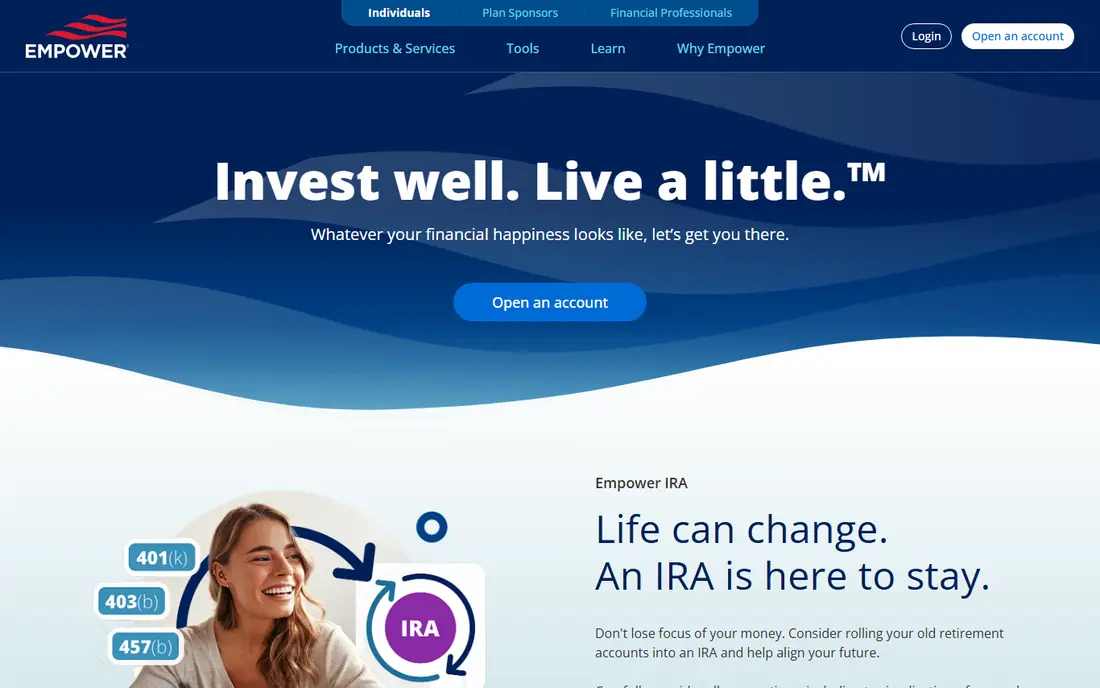
Empower Personal Dashboard, formerly Personal Capital, gives individuals a free view across bank, investment and loan accounts. Net worth updates as accounts sync, cash flow shows income against spending, and the retirement planner models whether savings are on track. A fee analyzer also flags what funds and retirement accounts may be costing over time.
Budgeting is the weak spot. You can set a spending target, but you cannot run strict category envelopes with rollover rules. That makes Empower better for observing the whole picture than for policing daily spending. For a free starting point that covers net worth and retirement in one place, it remains hard to beat.
- Free dashboard
- Net worth, cash flow and retirement planner
- Investment fee check
- Budgeting is basic, not envelope-based
- Paid advisory is separate and costly
- Account linking needed for full value

Monarch Money is designed for households that want budgeting, investing and goals together. Accounts sync into one view, transactions can be categorized, and goals track progress toward savings, debt payoff or a large purchase. Partners can share access, which helps when two people manage money together.
The price is a subscription, and the first weeks require work to clean up categories and rules. Once that setup is done, daily use is mostly review rather than entry. If you want one home for budgeting and net worth, and you are willing to pay for a polished app, Monarch is a strong choice.
- Account aggregation and budgeting in one place
- Goal tracking
- Collaborative household access
- Subscription only
- Setup takes time to categorize
- No free plan

Simplifi by Quicken focuses on clarity. It tracks spending, flags upcoming bills and subscriptions, and shows a simple view of income, spending and savings. Watchlists help you follow specific categories or merchants without building a complex budget. For people who find full budgeting apps heavy, Simplifi feels lighter and easier to keep up with.
Retirement planning is not its strength. You will get spending and cash flow insight, but not the detailed scenario modeling of Boldin or ProjectionLab. Pair Simplifi with a retirement tool if you need both, or choose it alone if daily money management is the main job.
- Clean spending insights
- Watchlists for bills and subscriptions
- Simple goal tracking
- Less depth for retirement modeling
- Subscription only
- Some users want more customization
YNAB, short for You Need A Budget, is built around giving every dollar a job before you spend it. That method forces a plan for bills, savings and debt, and it helps many users break a paycheck-to-paycheck cycle. Education, workshops and a large user community support the habit, which is part of why the app keeps users engaged.
YNAB is not a passive tracker. You must engage with it regularly, and the method takes a few weeks to feel natural. Investment and net worth views are present but secondary. If you want discipline and a budget you actively manage, YNAB is the best fit here. If you want automatic tracking with little input, look elsewhere.
- Clear zero-based method
- Strong education and community
- Helps users assign every dollar a job
- Monthly cost
- Learning curve at first
- Less focused on investment tracking
Kubera is a net worth tracker for people whose wealth does not fit a simple bank and brokerage view. It supports traditional accounts, crypto, real estate, precious metals, domain names and other alternative assets, with multi-currency support for global holders. The result is one balance sheet that reflects a varied portfolio.
Budgeting is not the point here. Kubera deliberately focuses on assets rather than daily spending control. Some alternative assets also need manual values rather than automatic sync. For investors and globally diversified holders who want a complete net worth picture, Kubera fills a gap that simpler trackers leave open.
- Tracks many asset types including crypto and alternatives
- Multi-currency support
- Clean net worth view
- No budgeting depth
- Subscription only
- Manual entry for some alternative assets
PocketGuard answers a simple daily question: after bills, goals and savings, what can I safely spend. That single figure helps people avoid overspending without studying a full budget. Bill tracking and subscription views add useful context, and the free tier lets you test the core idea before paying.
Long-term planning is thinner than in Boldin or ProjectionLab, and the most useful automation sits on the paid tier. PocketGuard is best as a spending guardrail, not as a retirement planner. Pair it with a planning tool if you need both daily control and long-range projections.
- Clear safe-to-spend figure
- Bill and subscription tracking
- Simple setup
- Less depth for long-term planning
- Some features need Plus
- Account sync limits vary
Boldin, formerly NewRetirement, is a planning tool for people who want to test retirement choices. You can model spending, Social Security timing, Roth conversions, housing moves and long-term care costs, then see how each choice changes the plan. That scenario depth goes far beyond a simple retirement calculator.
Setup requires real data entry, and the interface rewards patience. The free tier covers basic planning, while paid tiers add more modeling and support. For someone within ten to fifteen years of retirement, or already retired, Boldin gives a clearer picture than a general budgeting app can.
- Detailed retirement scenarios
- Roth conversion and tax modeling tools
- Free tier for basic planning
- Interface takes learning
- Some advanced tools need paid plan
- Data entry takes time
ProjectionLab is another detail-friendly retirement planner, with flexible scenarios for income, spending, taxes, accounts and withdrawal order. Visual projections show how a plan holds up over decades, and users can compare what-if cases side by side. That control appeals to people who enjoy modeling and want to test many paths.
New users should expect a learning curve. ProjectionLab assumes comfort with financial terms and a willingness to enter detailed inputs. If you want a quick retirement estimate, Empower or Boldin free tier may be faster. If you want to model a complex plan in depth, ProjectionLab is a strong specialist choice.
- Flexible scenario modeling
- Tax and withdrawal planning
- Visual long-range projections
- No free plan
- Learning curve for new users
- Best for planners who like detail
How we picked these
We compared official pricing pages, feature pages and public documentation for personal financial planning tools in October 2026, focusing on products individuals can buy directly rather than adviser-only platforms. We favored tools with clear account tracking, budgeting or retirement modeling, and we mixed free, low-cost and specialist options. We did not test these tools hands-on, and this article is not financial advice. Prices and features can change, so confirm them on the vendor site before you buy.
How to choose a planning tool for your stage of life
Start with your main question. If you do not know your net worth, start with Empower or Kubera. If spending keeps slipping, start with YNAB, Monarch or PocketGuard. If retirement is the worry, start with Boldin or ProjectionLab. One tool rarely answers all three questions well, and using two focused tools is often better than forcing one app to do everything.
Next, test account sync with your actual banks and brokerages, because a planner is only useful if data stays current. Set a monthly review habit, even a short one, and write down one decision from each review. A plan you never revisit will not change outcomes. Finally, remember that projections depend on assumptions about returns, inflation and taxes. Treat them as guides for planning, not as promises about future results.
FAQ
What is the best free financial planning software for individuals?
Empower Personal Dashboard is the strongest free option for net worth, cash flow and retirement tracking. Boldin also offers a free tier for basic retirement planning. Free tools cover tracking and basic projections well, but paid tools add deeper budgeting or scenario features.
What is the best financial planning software for retirement?
Boldin and ProjectionLab offer the deepest retirement scenario modeling in this list, including tax and withdrawal choices. Empower gives a simpler retirement planner inside a free dashboard. Choose Boldin or ProjectionLab if you want to test many what-if cases in detail.
Is financial planning software the same as a budgeting app?
No. Budgeting apps focus on monthly income and spending control. Financial planning software adds net worth, goals, investment views and long-range projections such as retirement. Many people use both, with a budgeting app for daily control and a planner for long-term decisions.
Do I need to link my bank accounts?
Linking accounts gives the fullest picture, with automatic balances and transactions. Most tools here support linking, but you can also enter data manually in some cases. Review each vendor's security and privacy practices, and disconnect accounts you no longer want included.
Should I use planning software instead of a financial adviser?
Software helps you model plans and track progress, but it does not replace personal advice for complex tax, estate or retirement income decisions. Use the tools to prepare questions and test scenarios, then speak to a qualified adviser where the stakes are high. This article is not financial advice.