Best Financial Planning Software Integrations in 2026: Prices, Free Plans and 6 Picks
Need the best financial planning software integrations? We compare 6 tools on cost, free access and who each suits. The catches are listed up front. No filler.
- Editor's choice
 Workday Financial Management
Transactional efficiency and control
Starts atSee websiteVisit workday.comFull review - Great alternative
 Oracle Fusion Cloud ERP
Large enterprise financial planning
Starts atSee websiteVisit oracle.comFull review - Also consider
 SAP S/4HANA Cloud
Fast-growth businesses scaling ERP
Starts atSee websiteVisit sap.comFull review
Direct answer
Start with Workday Financial Management if you need transactional efficiency and control. Listed starting prices: Xero from $7 a month and QuickBooks Online from $11.40 per month. Oracle Fusion Cloud ERP fits large enterprise financial planning; SAP S/4HANA Cloud fits fast-growth businesses scaling ERP. Details, prices and limits for the rest of the 6 tools are below.
TL;DR:
- Top of the list is Workday Financial Management, which targets transactional efficiency and control.
- The cheapest monthly starting price in the list is $7 per month, offered by Xero.
- QuickBooks Online fits small business app ecosystem.
- The main caution on Xero: planning depth relies on extras.
- Workday Financial Management, QuickBooks Online and the 4 others all need a premium plan or a trial, since no free plan is listed.
Last checked November 2026. Prices and plan details were read from the vendors' own pages in November 2026; vendors change plans often, so confirm the current price on the vendor site before you buy.
Quick comparison
| Tool | Best for | Starts at | Free plan? | |
|---|---|---|---|---|
| Workday Financial Management | Transactional efficiency and control | See website | Not stated | Visit |
| Oracle Fusion Cloud ERP | Large enterprise financial planning | See website | Not stated | Visit |
| SAP S/4HANA Cloud | Fast-growth businesses scaling ERP | See website | Not stated | Visit |
 Xero | Bank and accountant connections | $7 a month | Free trial | Visit |
 NetSuite | Scaling businesses needing unified ERP | See website | Not stated | Visit |
 QuickBooks Online | Small business app ecosystem | $11.40 per month | Free trial | Visit |
The 6 tools in detail
LinkVetted compared 6 financial planning software integrations. The goal is a practical shortlist: published prices, free plan facts, best-fit use cases and honest limits for every entry.
Pick Workday Financial Management if this describes you: transactional efficiency and control. Like other enterprise systems here, it is oriented toward sizeable finance organizations instead of small teams, and deployment takes planning.
Check the vendor site for Workday Financial Management pricing; none is listed in this comparison. Free options: Not stated.
What to check first: Less suited to very small teams.
- Insight into financial data
- Capable control focus
- Enterprise-oriented deployment
Oracle Fusion Cloud ERP is built with large enterprise financial planning in mind. Oracle Fusion Cloud ERP is enterprise resource planning software targeted at helping organizations gain resilience and agility and adapt business models and processes rapidly.
In daily use, teams seeking a quicker start should consider QuickBooks Online, Xero or NetSuite first. As for the details, enterprise scope brings long implementation cycles and specialist requirements that most small and mid-size firms do not need. Oracle Fusion Cloud ERP shows no starting price here, so confirm the cost on the vendor site. Free plan details: Not stated.
Trade-offs to know: Overkill for small companies.
- Made for agility and adaptation
- Supports complicated business models
- Heavy implementation footprint
SAP S/4HANA Cloud is aimed squarely at fast-growth companies scaling ERP. It suits fast-growth and bigger organizations that want financial planning integrated with core enterprise processes and are prepared to invest in a structured rollout.
Limits to weigh: Needs dedicated implementation partners.
The modular design still demands careful scoping and experienced implementation support, which can slow time to value. Check the vendor site for SAP S/4HANA Cloud pricing; none is listed in this comparison. As for free access: Not stated.
- Built-in AI for core processes
- Modular cloud ERP design
- Complicated to configure

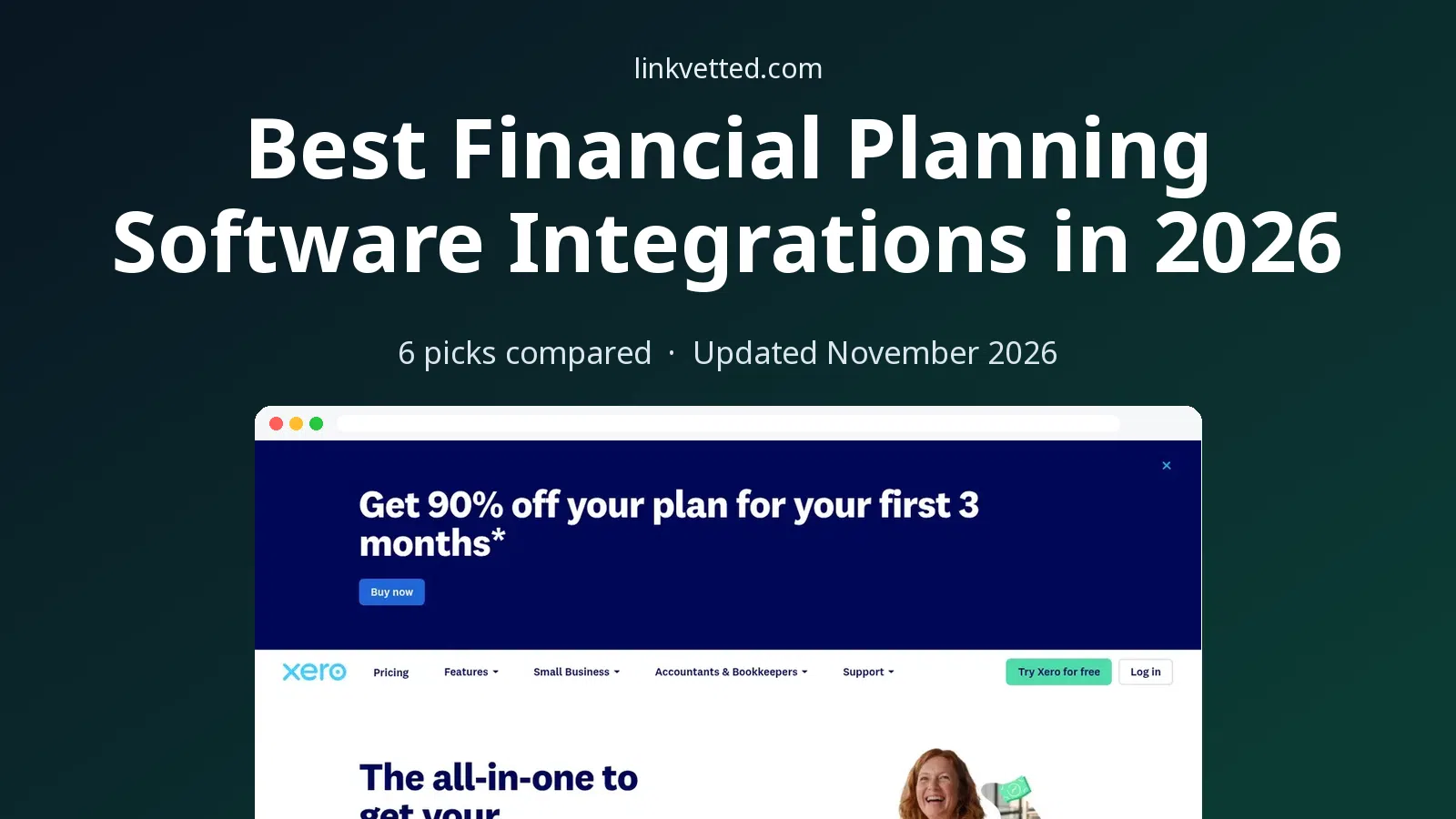
Xero works best for bank and accountant connections. Xero is cloud accounting software for small firms that emphasizes connecting you to your bank, accountant, bookkeeper and other business apps.
Beyond that, Xero's native financial planning features are lighter than dedicated planning suites, so budgeting and forecasting depth commonly comes through connected apps. Also, firms with complicated consolidation or inventory-heavy operations should look at ERP choices instead. On cost, Xero starts like this: $7 per month. As for free access: Free trial.
Limits to weigh: Planning depth relies on extras.
Reasons to shortlist it: Capable bank feed connectivity.
- Open app marketplace
- Collaboration with accountants and bookkeepers
- Less suited to large enterprises
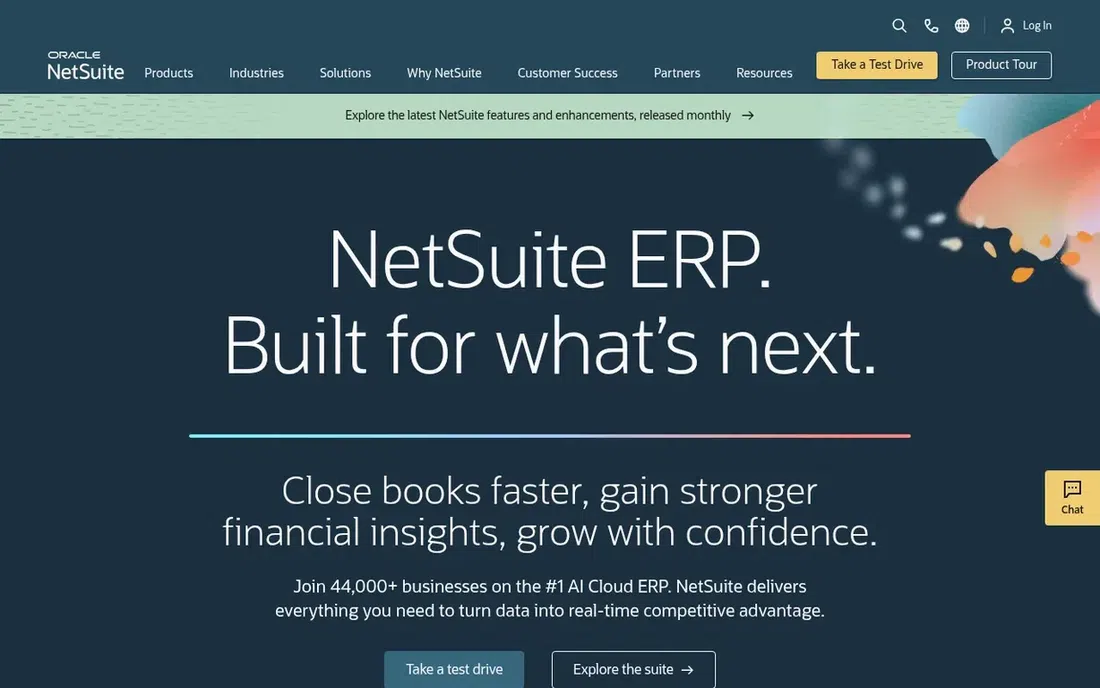
NetSuite is built with scaling firms needing unified ERP in mind. NetSuite is a cloud ERP that merges financials, CRM, accounting and inventory management with built-in AI.
It suits mid-market and fast-growing businesses that want planning and reporting connected to operational data in a single product, reducing the patchwork of separate accounting and planning tools as the business scales. No starting price is listed for NetSuite here; confirm pricing on the vendor site. Trial and free access: Not stated.
Reasons to shortlist it: Built-in AI for data analysis.
What to check first: Implementation can be involved.
- Financials
- Suited to expanding mid-market businesses
- More than small teams usually need

QuickBooks Online makes the most sense for small business app ecosystem. The product is built around core accounting instead of deep enterprise financial planning, so multi-entity consolidation and advanced forecasting typically rely on connected extras.
Teams that want a familiar ledger at the center of their planning stack and plenty of ready-made connectors tend to fit well here, particularly when the finance team is small and setup speed matters. On cost, QuickBooks Online starts like this: $11.40 per month. On free options: Free trial.
What to check first: Advanced planning needs extras.
- Large external app marketplace
- Quick setup for small teams
- Less suited to complicated multi-entity finance
How we compared the tools
LinkVetted looked at what each vendor publishes: pricing, plan limits, feature coverage for financial planning software integrations and stated drawbacks. No hands-on testing is claimed. Where a price is missing, the vendor does not list one publicly or ties it to a quote. Always confirm before budgeting. Tools are placed by general fit for financial planning software integrations, with price clarity and free access as tie-breakers. A different team can reasonably rank them differently.
What to confirm before you sign up
- Confirm the entry price on the vendor page. For Workday Financial Management, Oracle Fusion Cloud ERP, SAP S/4HANA Cloud and NetSuite that means a quote rather than a fixed price.
- Run a trial of Xero and QuickBooks Online with real work before paying for a year; your own workflow is the best test.
- Read the limits listed for Workday Financial Management first: enterprise-oriented deployment.
- Check the support hours and onboarding help QuickBooks Online offers; smaller vendors vary a lot here.
- List the apps you already depend on and check that Workday Financial Management supports each one on the plan you would buy.
FAQ
Does any tool for financial planning software integrations here have a free plan?
No tool in this list, Workday Financial Management and QuickBooks Online included, has a permanent free plan. Xero, QuickBooks Online offer a trial. Trials and quotes are the usual route, so plan a short evaluation period.
What should I check before committing to an integration-heavy setup?
Confirm that the connectors you depend on are supported, understand how data syncs and reconciles between systems, and review access controls for financial data.
How are the tools for financial planning software integrations ordered?
Workday Financial Management sits first and QuickBooks Online last because the order follows typical fit for financial planning software integrations, then price clarity and free access. It is a judgement call, so read each profile for fit and limits.
What is the cheapest option for financial planning software integrations in this list?
On published monthly entry prices, Xero is the lowest here at $7 per month. Entry price is only part of the cost, because seats, add-ons and billing terms can change the total. Each of the 6 options in this financial planning software integrations guide has its own card above with the price, free plan and limits.
Is Workday Financial Management the right pick for everyone comparing financial planning software integrations?
No single tool suits every team. Workday Financial Management comes first because it fits transactional efficiency and control, while Oracle Fusion Cloud ERP suits large enterprise financial planning and SAP S/4HANA Cloud suits fast-growth companies scaling ERP. Match the tool to your own size, budget and workflow before deciding.
Sources
- https://www.workday.com/en-us/products/financial-management/overview.html
- https://www.oracle.com/erp
- https://www.sap.com/products/erp/s4hana.html
- https://www.xero.com
- https://www.netsuite.com
- https://quickbooks.intuit.com
Related guides
- Best Financial Planning Software for Financial Advisors in 2026: 8 Platforms Compared
- Best Financial Planning Software for Individuals in 2026: 8 Tools Compared
- Best Software for Accounting Automation and Integrations in 2026: 8 Tools Compared
- Best AI Tools for Financial Advisors in 2026: 8 Tools Compared