Best Software for Accounting Automation and Integrations in 2026: 8 Tools Compared
Compare the best software for accounting automation and integrations, with bank feeds, rules, invoicing and app connections for small businesses in 2026.
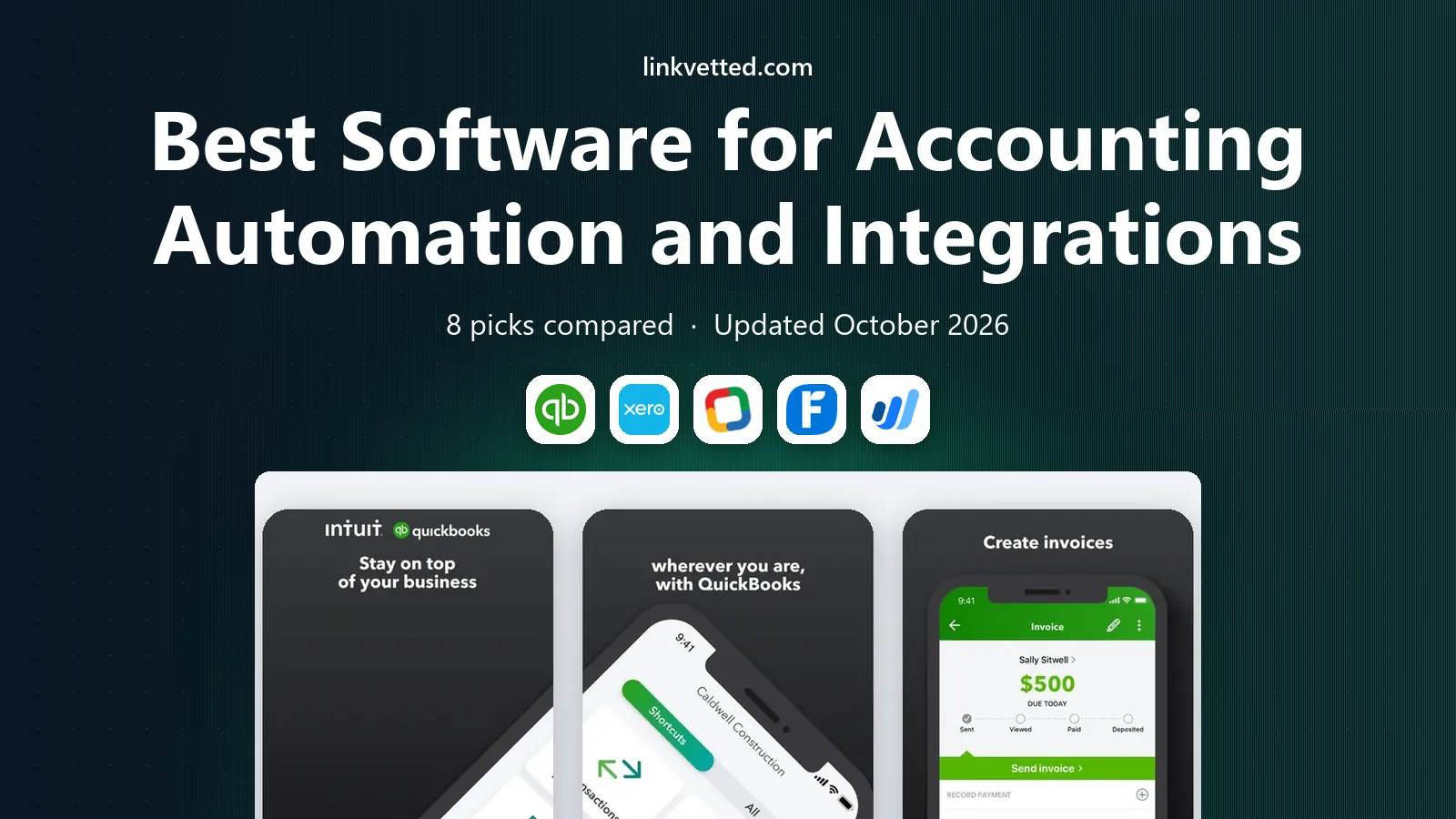
- Editor's choice
 QuickBooks Online
Most small businesses
Starts at$38 per monthVisit quickbooks.intuit.comFull review - Great alternative
 Xero
Growing small businesses
Starts atSee websiteVisit xero.comFull review - Also consider
 Zoho Books
Low-cost automation
Starts atFreeVisit zoho.comFull review
TL;DR:
- QuickBooks Online is our pick for most small businesses, thanks to its bank feeds, rules, invoicing and huge integration catalog.
- Xero and Zoho Books suit businesses that want strong automation at a lower entry price, with free plans or low-cost tiers.
- Wave is the best free starting point for freelancers and very small businesses that mainly need invoicing and expense tracking.
- BILL and Dext add automation on top of an accounting system, for bills, approvals and receipt capture.
- Sage Intacct fits larger, growing companies that need multi-entity accounting and deeper controls.
Quick comparison
| Tool | Best for | Starts at | Free plan? | |
|---|---|---|---|---|
| QuickBooks Online | Most small businesses | $38 per month | Free trial | Visit |
| Xero | Growing small businesses | See website | Free trial | Visit |
| Zoho Books | Low-cost automation | Free | Yes | Visit |
 FreshBooks | Service businesses and invoicing | See website | Free trial | Visit |
 Wave | Free invoicing for freelancers | Free | Yes | Visit |
 Sage Intacct | Larger growing companies | See website | No | Visit |
 BILL | Bill pay and approvals | See website | Free trial | Visit |
 Dext | Receipt and document capture | See website | Free trial | Visit |
The best software for accounting automation and integrations
Good accounting software should do more than store numbers. It should pull bank transactions in on its own, match them to invoices and bills, chase late payments, and pass data to payroll, sales and expense tools without manual retyping. We compared official pricing pages, feature pages, app directories and public reviews to find tools that automate reliably and connect widely.

QuickBooks Online is the default choice for many US small businesses, and its automation is a big reason why. Bank feeds import transactions, rules sort repeat items, invoices can go out on a schedule, and reminders chase overdue payments. Its app catalog connects to payroll, point-of-sale, e-commerce, expense and time tools, so data flows between systems instead of being retyped.
Pricing starts at $38 per month for Simple Start, rising to $85 for Essentials, $140 for Plus and $340 for Advanced, with a free tier also listed by some reviewers. Advanced adds workflow automation, custom roles and deeper reporting. The honest catch is price growth and plan gating, so check which automation features sit on your tier before you buy.
- Automated bank feeds and matching rules
- Huge integration catalog
- Strong reporting and invoicing
- Prices have risen sharply in recent years
- Advanced automation sits on higher plans

Xero is a cloud accounting platform with bank feeds, invoicing, expense claims, bill pay and a large app marketplace. Its reconciliation view is clear, and rules can automate how repeat transactions are coded. Businesses that sell abroad will like its multi-currency handling, and accountants widely support it.
Xero pricing varies by region and plan, so we list it as See website rather than quote a figure that may not match your location. US businesses should check payroll coverage, since Xero leans on partners for payroll in the US. If you want tidy automation and a broad integration catalog without QuickBooks pricing, Xero is a strong alternative.
- Clean bank reconciliation
- Wide app marketplace
- Good multi-currency support
- US payroll is more limited than QuickBooks
- Some features need add-ons

Zoho Books offers invoicing, expense tracking, bank feeds, project billing and automation workflows, with a free plan for businesses under set revenue and user limits. It connects to other Zoho apps for CRM, inventory and payroll, plus outside tools through its marketplace. That makes it a good fit for a small business already using Zoho, or one that wants low costs.
The trade-off is ecosystem familiarity. Fewer US accountants work in Zoho Books daily than in QuickBooks, so ask your accountant before switching. Still, for a cost-conscious business that wants automation rules, recurring invoices and client portals, Zoho Books delivers a lot for little or no monthly fee.
- Free plan for small businesses
- Automation rules and workflows
- Part of the wider Zoho suite
- Fewer US accountant firms use it than QuickBooks
- Some advanced features need higher plans
FreshBooks is built for service businesses, freelancers and agencies that live on invoices and billable time. It automates recurring invoices, late-payment reminders, expense capture and online payments, and clients get a clean portal to view and pay bills. Time tracking links directly to invoices, which cuts admin for project work.
FreshBooks is less suited to inventory-heavy retail or complex multi-entity accounting, where QuickBooks or Sage Intacct fit better. Pricing is plan-based and changes with client count, so check the current plan page. If invoicing speed and a simple client experience matter most, FreshBooks is a pleasant, focused choice.
- Easy invoicing and time tracking
- Automatic payment reminders
- Clean client experience
- Weaker inventory and full double-entry depth than QuickBooks
- Pricing varies by plan
Wave offers free accounting, invoicing and receipt scanning for small businesses, with paid options for payroll and payment processing. It suits freelancers, sole traders and micro-businesses that need clean books and professional invoices without a monthly subscription. Setup is fast, and the interface stays simple.
Wave automation is thinner than paid tools. Bank connections, rules and integrations are more limited, and growing businesses may outgrow it. Even so, as a free starting point, Wave is genuinely useful, and it beats a spreadsheet for tracking income, expenses and unpaid invoices.
- Free accounting and invoicing
- Simple setup
- Good for freelancers and micro-businesses
- Limited automation and integrations next to paid rivals
- Payroll and payments are paid add-ons
Sage Intacct is a cloud financial management system for growing and mid-sized companies. It handles multi-entity consolidation, dimensional reporting, approvals, revenue recognition and automation across accounts payable, receivable and general ledger. Integrations cover payroll, CRM, expense and banking tools through its marketplace and API.
Pricing is quote-based and setup takes longer than QuickBooks or Xero, so it is not a casual pick for a freelancer. For a company outgrowing small-business accounting, with several entities or complex reporting needs, Sage Intacct gives controls and automation that smaller tools cannot match.
- Multi-entity and multi-dimensional accounting
- Strong approvals and controls
- Wide integration options
- Quote-based pricing
- Longer setup than small-business tools
BILL, formerly Bill.com, automates accounts payable and receivable. It captures bills, routes them for approval, schedules payments and syncs the results to QuickBooks, Xero, Sage Intacct and other systems. That removes manual data entry and gives finance teams a clear audit trail for who approved what and when.
BILL does not replace your accounting system, so budget for both. Pricing is subscription-based with transaction elements, so check the current plan page for your volume. For businesses drowning in supplier bills and approval emails, BILL is one of the most effective automation add-ons available.
- Automates bill capture, approvals and payments
- Syncs with QuickBooks, Xero and Sage
- Audit trail for payments
- It is an add-on, not a full accounting system
- Per-transaction costs can add up
Dext captures receipts, invoices and bank statements by photo, email or upload, extracts the key data, and publishes it to QuickBooks, Xero and other accounting systems. It cuts the pile of paper receipts and the manual typing that slows month-end close. Rules and supplier matching help automate repeat documents.
Dext is an add-on cost, and extracted data still needs review, especially for unusual suppliers or handwritten items. Used well, though, it saves bookkeepers and business owners hours each month. Pair it with a strong accounting system and clear approval rules for the best result.
- Fast receipt and invoice capture
- Extracts data and posts to accounting tools
- Mobile app for on-the-go capture
- Another subscription on top of accounting software
- Accuracy still needs human review
How we picked these
We compared official pricing and feature pages, integration directories, app store listings and public reviews for accounting tools available in the US in October 2026. We favored tools with live bank feeds, matching or coding rules, recurring invoicing, and a real integration catalog or API, rather than tools that only store transactions. We left out discontinued products and tools with no working official homepage.
How to choose accounting automation that fits your business
Start with your transaction volume and your accountant. A freelancer with a few invoices a month needs different automation than a company processing hundreds of bills. Ask your accountant which systems they support, since a tool they know will save fees and errors at tax time.
Next, test the integrations you actually use. Connect your bank, payroll, sales channel and expense tool during a trial, and run a real week of transactions through it. Check whether bank rules, approval flows and invoice reminders work on your plan, or only on higher tiers. Finally, add up the total cost, including your accounting system, payroll, payment processing and add-ons such as BILL or Dext. The cheapest headline price is not always the cheapest total system.
FAQ
What is accounting automation?
Accounting automation means software pulls in bank transactions, codes repeat items, sends invoices, chases payments and posts bills with less manual typing. Rules, bank feeds and integrations do the repeat work, while humans review exceptions. It cuts errors and speeds month-end close.
Do these tools replace an accountant?
No. Automation handles data entry and routine tasks, but an accountant still matters for tax planning, complex transactions, compliance and year-end review. Many tools include accountant access, so your accountant can review the same books. This article is general information, not tax or financial advice.
Which accounting software has the most integrations?
QuickBooks Online has one of the largest integration catalogs for US small businesses, covering payroll, point-of-sale, e-commerce and expenses. Xero, Zoho Books and Sage Intacct also offer wide marketplaces. Check the specific tools you use, since catalog size matters less than the three or four connections you rely on daily.
Can I automate accounts payable?
Yes. Tools such as BILL capture bills, route approvals and schedule payments, then sync to your accounting system. Dext captures receipts and invoices and posts extracted data to your books. Pair either with approval rules and a clear audit trail for control.
Is free accounting software safe to use?
Reputable free tools such as Wave and Zoho Books use bank-level encryption and standard security practices, but you should still check their security pages, use two-factor authentication and review bank connections regularly. Free plans often limit automation and support, so growing businesses may need a paid tier.
How do I switch accounting software?
Export your chart of accounts, customers, vendors, open invoices and historical transactions from your old system, then import them into the new one during a quiet period. Reconcile bank accounts after import, reconnect bank feeds and integrations, and run one month in parallel if you can. Many vendors offer migration help or accountant support.